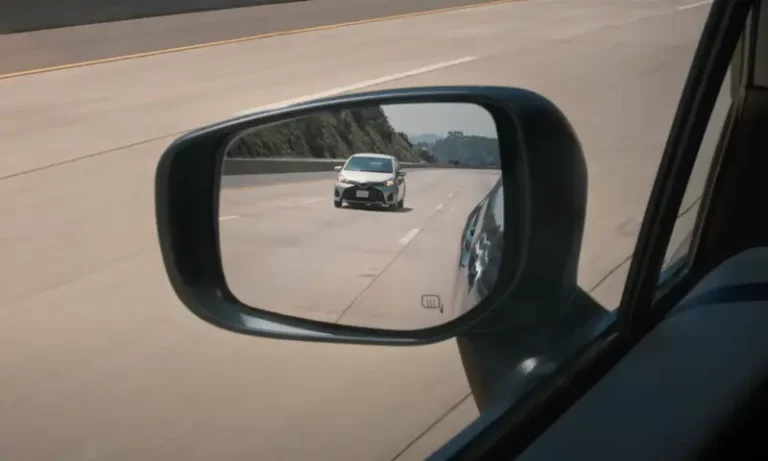
Your Subaru’s blind spot detection just switched off mid-drive, and now you’re staring at a warning light you didn’t ask for. It’s frustrating, but it’s usually fixable — sometimes in under 10 minutes. This guide walks you through every reset method, from a simple drive cycle to a full battery discharge, plus tells you when only a dealer’s scan tool will do the job.
What Is Subaru Blind Spot Detection (And Why Does It Quit)?
Subaru’s Rear/Side Vehicle Detection (SRVD) system covers three safety functions that work together:
- Blind Spot Detection (BSD) — monitors a 20-foot zone beside your car and lights up the side mirror indicator
- Lane Change Assist (LCA) — flashes the mirror if a fast-approaching car is in your neighboring lane when you signal
- Rear Cross-Traffic Alert (RCTA) — warns you about pedestrians and cars crossing behind you while reversing
Unlike EyeSight, which uses stereo cameras at the top of your windshield, SRVD relies on twin 76–77 GHz radar sensors tucked behind the rear bumper corners. You can’t see them from outside unless the bumper cover is removed.
Here’s the thing: the system doesn’t just fail randomly. It shuts itself down for a reason. Understanding that reason tells you exactly which reset to try first.
Common Reasons the System Disables Itself
| Trigger | What Happens |
|---|---|
| Mud, snow, or ice on bumper corners | “Sensor Blocked” message; clears after cleaning |
| Heavy rain or thick fog | Temporary deactivation until conditions improve |
| Trailer hitch or bike rack installed | Continuous “Disabled” message — the sensor sees a fixed object |
| Weak or dying 12V battery | Multiple ADAS warnings across the dash |
| Minor bumper impact | Sensor bracket shifts 1–2 degrees; throws alignment error |
| Recent battery disconnect | Modules lose their “zero-point” memory |
How to Do a Subaru Blind Spot Detection Reset (Step by Step)
Work through these three levels in order. Most people fix the problem at Level 1 or Level 2.
Level 1: The Drive Cycle Reset
This is your first move for any “BSD Disabled” or “SRVD Disabled” message. It costs nothing and takes about 15 minutes.
- Pull over safely and turn the engine off.
- Clean the rear bumper corners with a damp cloth. Focus on the outer edges where the radar sensors sit. Road salt, ice, and mud are the #1 cause of temporary SRVD shutdowns.
- Wait 30–60 seconds with the ignition fully off. This lets the radar modules enter sleep mode and reset their internal state.
- Restart the engine. Check that no other warning lights — especially the Check Engine light — are on. Certain engine fault codes suppress ADAS functions as a secondary precaution.
- Drive in normal traffic above 15–25 mph for 5–10 minutes. The system needs real-world “echoes” to confirm the sensors aren’t blocked or misaligned.
If the light clears, you’re done. If it stays on, move to Level 2.
Level 2: The Battery Disconnect Hard Reset
A full battery discharge clears the volatile memory inside the Cockpit Control Unit (CCU) and the individual radar modules. This fixes most post-jump-start or post-battery-change BSD problems.
What you’ll need: A 10mm wrench and about 20 minutes.
- Turn the ignition fully off and remove the key (or press the Start button to the OFF state).
- Disconnect the negative (black) terminal using a 10mm wrench.
- Wait at least 15 minutes. Don’t rush this. Capacitors inside the modules hold residual voltage, and they need time to fully discharge.
- Reconnect the terminal and torque it to 7.5 Nm (5.5 ft-lbs). Make sure the connection point is clean and shiny — even small resistance at the battery post can trigger false ADAS codes.
- Turn the ignition to the ON position (cluster lit, engine off) for 10 seconds, then switch back to OFF. Repeat this cycle three times. This lets the modules on the CAN bus re-establish their communication handshakes.
- Start the engine and let it idle for 5 minutes without touching the throttle. This runs the ECU’s idle adaptation and throttle relearn procedures.
According to a Subaru service bulletin filed with NHTSA, proper module reinitialization after a power interruption is essential for ADAS systems to come back online correctly.
Level 3: Steering Angle Sensor (SAS) Calibration
The BSD system relies on the Steering Angle Sensor to know whether you’re driving straight. If the SAS loses its zero-point — which often happens after a dead battery or jump start — BSD shuts down because it can’t accurately predict where adjacent vehicles will go.
Resetting the SAS without a scanner is straightforward:
- Park on level ground.
- Turn the steering wheel all the way to the left lock, then all the way to the right lock. Return to center. Repeat this three times.
- Drive in a straight line above 15 mph. The ABS module watches all four wheel-speed sensors. If they all spin at the same frequency while the wheel is centered, it saves that position as the new zero-point and clears related stability codes.
How to Toggle BSD On/Off: Physical Button vs. Touchscreen
The interface for controlling BSD changed significantly around the 2020 model year.
Older Models (Pre-2020, Some Base Trims to 2023)
Look for a dedicated BSD button on the lower dash, typically to the left of the steering column near the VDC OFF button. Press it to toggle the system off — the “BSD/RCTA OFF” light appears in the cluster. Many owners fix intermittent issues simply by toggling this switch off and back on while driving.
Newer Models (2020+ Outback, Legacy, 2023+ Ascent, 2024+ Crosstrek/Forester)
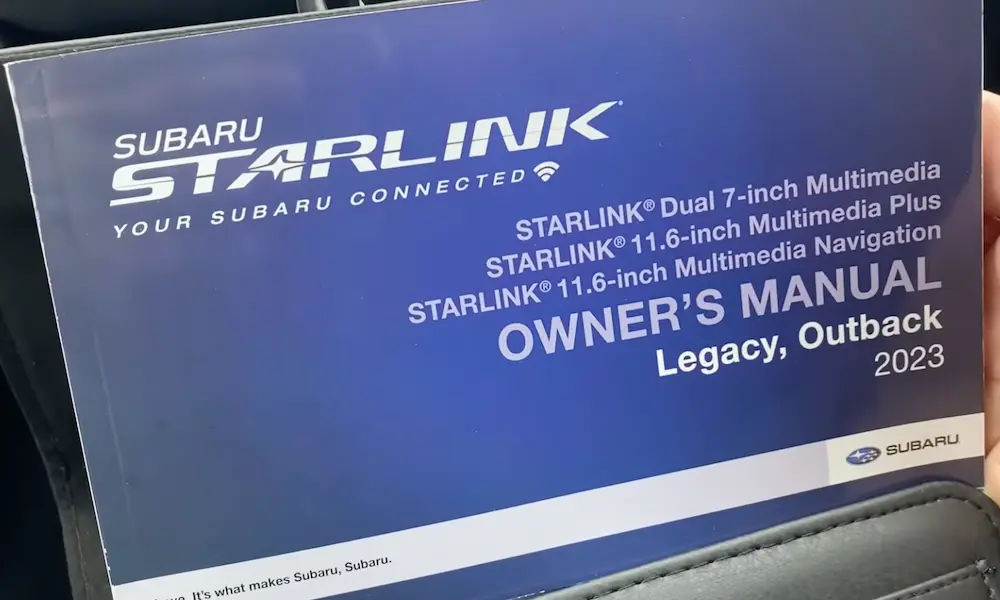
These models moved BSD controls into the 11.6-inch Starlink touchscreen. Here’s how to access the settings:
- Tap the “Vehicle Info/Car” icon at the bottom of the home screen.
- Go to “Driving Assistance.”
- Find the BSD/RCTA toggle. If the system glitched, switch it OFF, wait 5 seconds, then switch it back ON to force a software re-initialization.
On 2024–2025 models, you can also check system status through the Multi-Information Display using the steering wheel paddle switches. Cycle through screens until you see the BSD status — it’ll show “Ready” or “Requires Service.”
The Battery Problem Nobody Talks About
A weak 12V battery is one of the most overlooked causes of repeated BSD resets. ADAS modules are extremely sensitive to voltage drops. If your battery dips below 9.0V during a cold start, the radar sensors can fail their boot-up handshake and throw a “System Disabled” message that only clears after the alternator stabilizes things.
| Battery Voltage | Status | Effect on BSD |
|---|---|---|
| Above 12.4V | Healthy | Normal startup and operation |
| 11.5V – 12.1V | Marginal | Intermittent “Disabled” messages |
| Below 10.5V | Critical | Full system shutdown, multiple dash warnings |
If your BSD resets happen mostly on cold mornings or right after starting the car, get your battery’s Cold Cranking Amps (CCA) tested. A three-year-old factory battery replaced with a high-capacity AGM unit resolves this issue in most cases.
Trailer Hitch and Bike Rack: Don’t Try to Reset This
If you just installed an aftermarket hitch or bike rack and BSD immediately stopped working, no reset will fix it. The radar sensor sees the rack as a permanent stationary object in its field of view. The system correctly assumes it’s blocked.
The only solution is to manually disable BSD/RCTA through the infotainment menu when you’re using the rack. Turn it back on once you’ve removed it.
When a Reset Isn’t Enough: Professional Radar Calibration
If you’ve tried all three reset levels and DTC B2329 (Radar Axis Misalignment) keeps coming back, the sensor bracket is likely physically bent. A minor “fender bender” can shift the bracket by just 1–2 degrees — enough to aim the radar cone into the wrong lane.
Professional recalibration requires Subaru Select Monitor 4 (SSM4) and a standardized radar reflector. A technician places a reflector at a precise distance and height behind the car, then measures the “angle of arrival” of the reflected signal. If it’s within ±0.5 degrees, you’re good. If it’s off by more than 3 degrees, the bracket itself needs replacing.
Mandatory recalibration events include:
- Any rear-end collision (even a minor one)
- Sensor replacement
- Rear bumper removal and reinstallation
- Suspension overhaul that changes ride height or thrust angle
| Service | Estimated Cost | Time |
|---|---|---|
| SRVD Scan & Reset | $150 – $250 | 0.5 – 1 hour |
| Static Radar Alignment | $300 – $500 | 1.5 – 2.5 hours |
| Dynamic Calibration | $150 – $300 | 1 – 1.5 hours |
According to I-CAR’s bumper repair guidelines for Subaru ADAS systems, the “Radar Projection Area” — roughly a 10×10-inch zone on the bumper directly in front of each sensor — must never be repainted with metallic-flake paint or repaired with thick filler. Metallic pigments act like a Faraday cage and block radar signals. If the bumper in that zone is damaged, Subaru’s position is clear: replace it, don’t repair it.
Quick Reference: Which Reset Should You Try?
- BSD light just appeared after rain or a car wash? → Level 1 (drive cycle)
- System went off after a dead battery or jump start? → Level 2 (battery disconnect) + Level 3 (SAS calibration)
- Multiple dash lights after a low-voltage event? → Level 2, then scan for codes if lights persist
- BSD disabled after installing a hitch or rack? → No reset needed; disable manually when the rack is on
- Light came back after a bumper repair or minor collision? → Book a professional radar axis adjustment
The Subaru blind spot detection reset process is tiered for a reason. Start simple, work up, and you’ll solve 90% of BSD problems without spending a dollar at the dealer.