Having trouble with your Subaru radio? You’re about to discover exactly how to reset it and get back to enjoying your favorite tunes. Whether you’re dealing with a frozen screen, Bluetooth issues, or just want to start fresh, I’ll walk you through every step of the Subaru radio reset process.
Why Your Subaru Radio Might Need a Reset
Your Subaru’s infotainment system can act up for many reasons. Maybe the touchscreen isn’t responding, or perhaps your Bluetooth connection keeps dropping. The good news? A simple reset often fixes these common problems:
- Frozen or unresponsive touchscreen
- Audio suddenly cutting out
- Bluetooth pairing failures
- Apple CarPlay or Android Auto connectivity issues
- Strange error messages appearing
- System running slower than normal
A quick reset can work wonders before you consider more drastic measures.
Types of Subaru Radio Resets You Can Try
Soft Reset: The Quick Fix That Saves Your Settings
A soft reset is like restarting your phone—it refreshes the system without deleting your personal data. This should be your first attempt when troubleshooting.
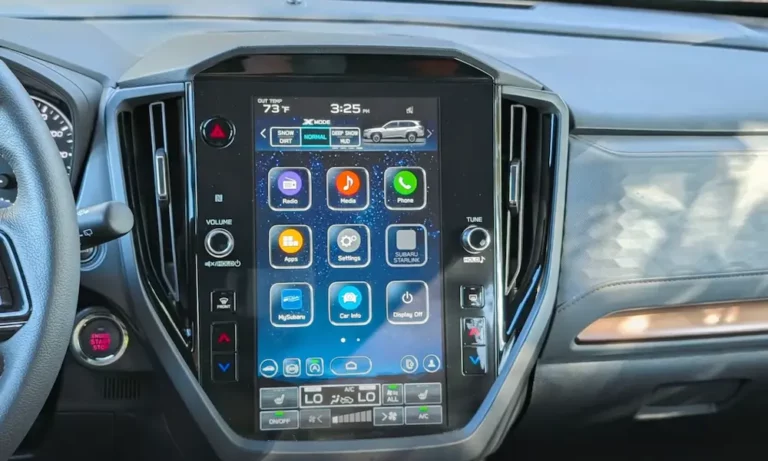
For most Subaru models with Starlink systems:
- Press and hold the volume knob, tune knob, and CD eject button simultaneously
- Hold for 10-15 seconds until the screen goes blank
- Release the buttons
- Wait for the system to restart and display the Starlink logo
For newer models (2020+) with a standalone power/volume knob:
- Press and hold the volume/power knob for about 10 seconds
- Release when the screen turns off
- The system will automatically restart without losing your settings
Factory Reset: The Complete Do-Over
When a soft reset doesn’t solve your problems, a factory reset might be necessary. Be warned: this erases all your saved settings, paired phones, and personal preferences.
To perform a factory reset:
- Turn on your radio
- Navigate to Settings
- Select General
- Choose Factory Data Reset
- Confirm your choice
- Wait approximately one minute for the process to complete
For 2022-2023 Starlink-equipped models, you might need to:
- Access the Starlink menu first
- Then locate and select Reset
- Confirm when prompted
Physical Reset Button (Older Models)
If you have a pre-2019 Subaru, your radio might have a physical reset button:
- Look for a small hole labeled “CLR” or “RESET” on the front panel
- Use a paperclip or similar tool to press and hold the button for 5 seconds
- The radio will reboot automatically
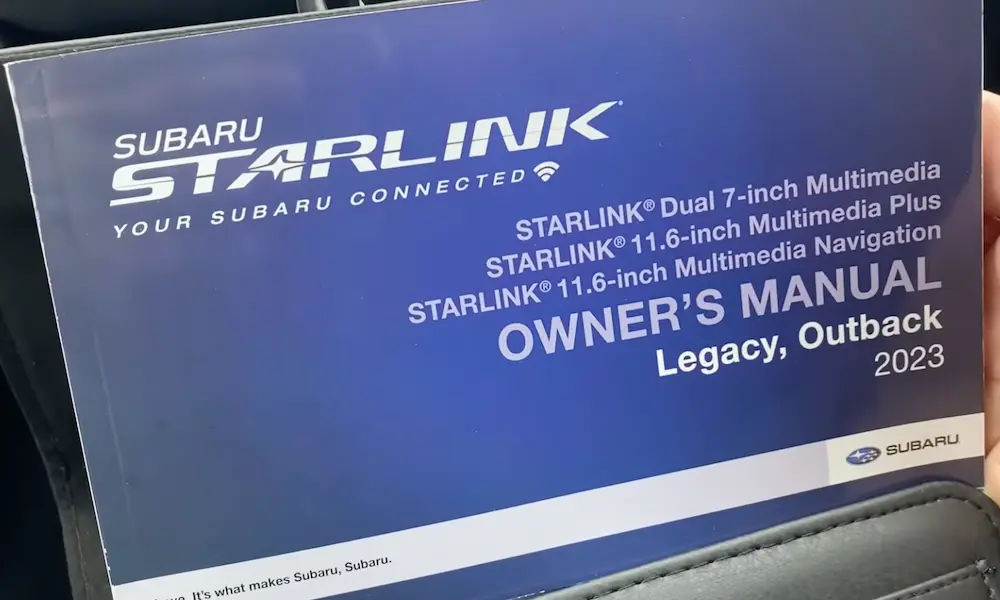
Not sure where to find this button? Check your owner’s manual for the exact location, as it varies by model.
Model-Specific Reset Instructions
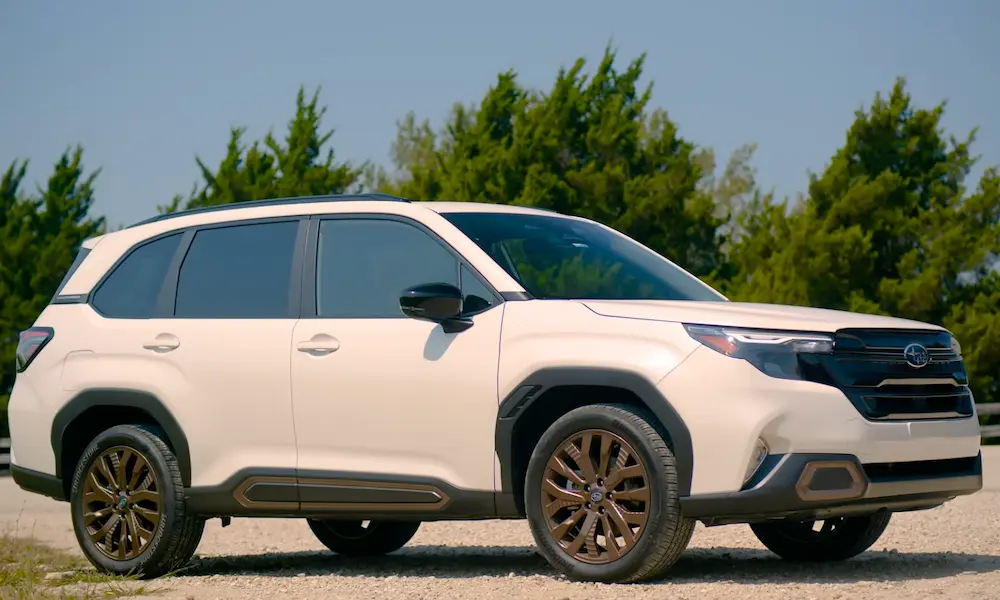
Subaru Forester Radio Reset (2019 and Newer)
- Press and hold the power/volume button for 10 seconds
- If that doesn’t work, try the three-button combination: volume knob + tune knob + eject button
- Hold until the screen goes black, then release
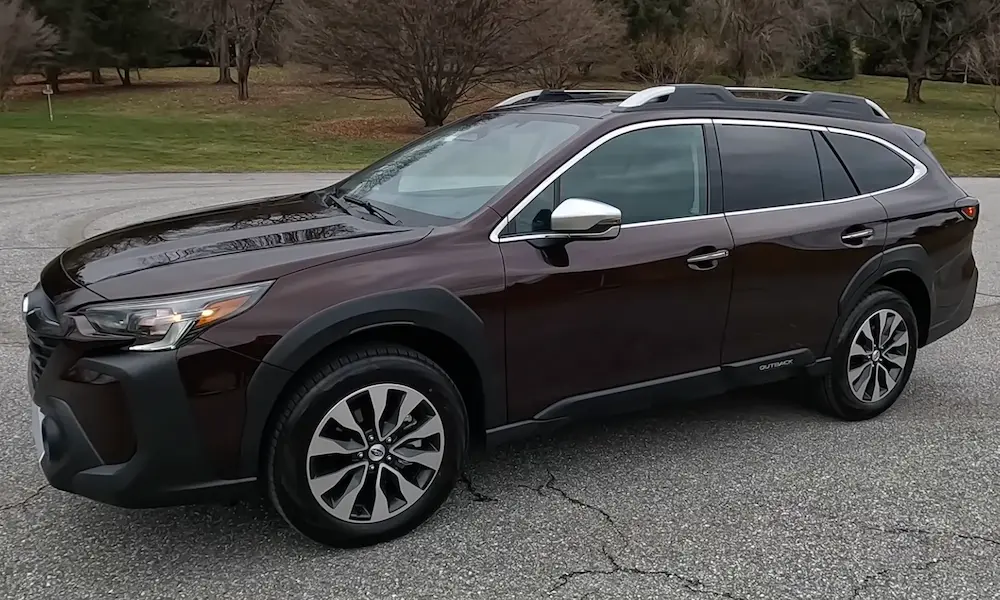
Subaru Outback Radio Reset (2020 and Newer)
- For the large tablet-style screen, press and hold the volume knob for 10-15 seconds
- The screen will go black and then display the Subaru logo as it restarts
- No settings will be lost with this method
Subaru Impreza Radio Reset
- Hold down the volume and tuning knobs simultaneously
- Keep pressing for 10-15 seconds until the system reboots
- For stubborn issues, add the eject button to the combination
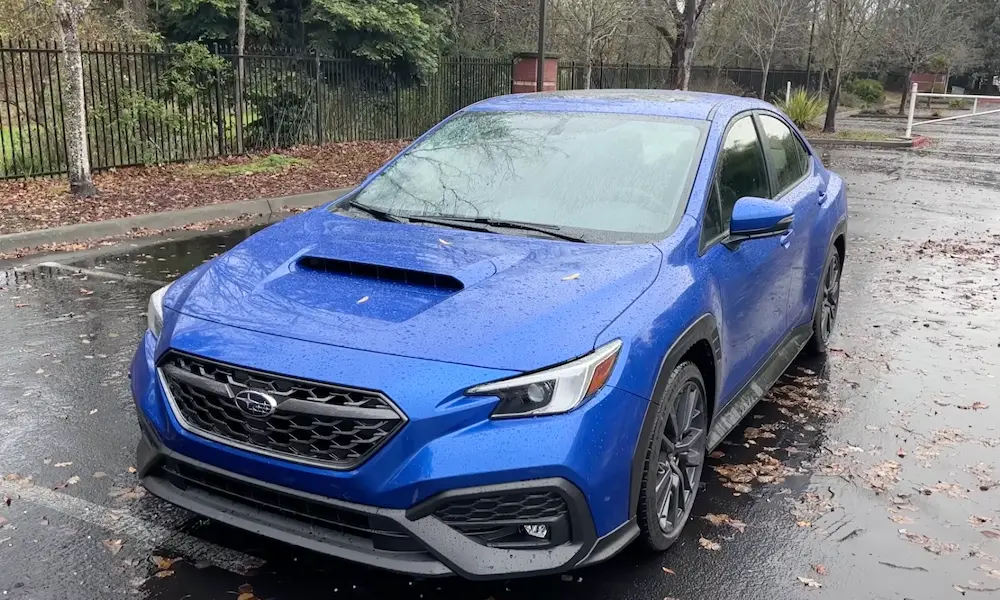
Subaru WRX/STI Radio Reset
- Press and hold the volume knob and tune knob
- Keep holding for approximately 10 seconds
- The infotainment system will restart
Troubleshooting Common Subaru Radio Problems
Fixing Apple CarPlay/Android Auto Connection Issues
If your smartphone integration isn’t working:
- Check your USB cable – damaged cables often cause connectivity problems
- Try a soft reset of the radio using the volume knob method
- Restart your phone to refresh its connection to the infotainment system
- Disconnect and reconnect your phone to the USB port
Dealing with Radio Code Entry After Reset
Some older Subaru models (particularly 2013 and earlier) may require a security code after resetting:
- Look for a card with the radio code in your glove compartment or owner’s manual
- If you can’t find it, you’ll need your VIN number and proof of ownership
- Contact a Subaru dealer to retrieve your code
- Enter the code using the radio’s preset buttons according to your manual’s instructions
Handling Starlink System Freezes
If your Starlink system keeps freezing:
- Try the three-button reset method first (volume + tune + eject)
- If freezes persist, consider visiting your dealer to check for available software updates
- For severe cases, a factory reset might be necessary
Which Reset Method Should You Use?
| Reset Type | When To Use It | Data Loss | Time Required |
|---|---|---|---|
| Soft Reset | First attempt for minor glitches | No | 1-2 minutes |
| Factory Reset | Persistent issues after soft reset | Yes (all settings) | 3-5 minutes |
| Physical Button Reset | Legacy models with hardware issues | No | 1 minute |
Best Practices for Resetting Your Subaru Radio
Follow these tips for the best results:
- Always try a soft reset first to preserve your settings
- Before doing a factory reset, write down your important settings and paired devices
- Make sure your car is running during reset operations to avoid battery drain
- If you need your radio security code, have your VIN accessible when contacting the dealer
- After any reset, give the system a few minutes to fully reboot and stabilize
Advanced Tips for Subaru Infotainment Systems
Update Your System for Better Performance
Outdated software can cause various issues. To keep your system running smoothly:
- Check for available updates at your Subaru dealer
- Some newer models can receive over-the-air updates
- Updated software often fixes known bugs and improves connectivity
Backup Your Settings Before Factory Reset
Before performing a factory reset:
- Take photos of your favorite preset stations
- Note all paired Bluetooth devices
- Write down any personalized settings you’ve configured
- Record any saved destinations in your navigation system
When Hardware Issues Might Be to Blame
Sometimes, problems go beyond what a reset can fix. Consider hardware issues if:
- Resetting doesn’t resolve the problem
- The screen shows visible damage
- You hear unusual sounds from the unit
- The system repeatedly fails in the same way
- Multiple functions are affected simultaneously
A Step-by-Step Reset Guide for Specific Issues
For Bluetooth Pairing Problems:
- Delete the existing Bluetooth connection on both your phone and car
- Perform a soft reset on the radio using the volume knob method
- Restart your phone
- Re-pair the devices from scratch
- Test the connection with a call or audio playback
For Touchscreen Responsiveness Issues:
- Clean the screen with an appropriate electronic-safe cloth
- Perform the three-button reset (volume + tune + eject)
- Test different areas of the screen after restart
- If problems persist, try a factory reset
For Radio Presets That Keep Disappearing:
- Check if your battery has been disconnected recently
- Perform a soft reset
- Reprogram your presets
- If they disappear again, your radio might have a failing memory backup
Understanding What Gets Erased During Different Resets
A soft reset (holding buttons) generally preserves:
- Radio presets
- Paired phones
- Navigation favorites
- System preferences
A factory reset completely erases:
- All paired Bluetooth devices
- Saved radio stations
- Navigation history and favorites
- Custom audio settings
- User preferences and profiles
- Connected apps and logins
Why Subaru Radios Are Different
Subaru’s infotainment systems have evolved significantly over the years. Newer Starlink systems offer more features but also more complexity when things go wrong. The good news is that reset procedures have remained fairly consistent across generations, making troubleshooting straightforward once you know the proper steps.
Unlike some other manufacturers, many Subaru radio issues can be resolved through simple reset procedures without dealer visits. This DIY-friendly approach saves both time and money for Subaru owners.
Keeping Your Subaru Radio Running Smoothly
To prevent future problems:
- Update your system regularly
- Avoid extreme temperature exposure when possible
- Don’t use excessive force on touchscreens
- Use high-quality cables for connecting devices
- Clean the interface occasionally with appropriate electronics cleaners
Remember that a quick reset can solve most Subaru radio problems in minutes. Start with the simplest solution—the soft reset—before trying more drastic measures. And if all else fails, your Subaru dealer’s service department can help diagnose and fix more complex issues.
Now you’re equipped with all the knowledge you need to reset your Subaru radio and get back to enjoying your drive with full infotainment functionality.