Lost your Mercedes radio code after a battery change? You’re looking at a locked stereo system and silence during your commute. But don’t worry – retrieving your Mercedes radio code is straightforward once you know where to look. This guide walks you through every method to get your radio working again, whether you drive a classic 90s Mercedes or a more recent model.
Why Do Mercedes Radios Need a Code?
Mercedes-Benz equipped their vehicles with radio security systems to prevent theft. When power to the radio is disconnected – like during battery replacement or electrical work – the system locks until you enter the correct code.
This security feature is most common in Mercedes vehicles built between 1990 and 2002. Most models after 2003 use different security systems and don’t require manual code entry.
Where to Find Your Mercedes Radio Code
1. Check Your Owner’s Manual
The quickest solution is often in your glovebox. Mercedes typically included the radio code in:
- A small card tucked into the manual
- A sticker on the “Radio” or “Audio” section
- The first or last pages of the manual
- A business card-sized insert in the documentation wallet
Look through all vehicle documentation that came with your car, including maintenance records if you bought it used.
2. Contact Mercedes-Benz Directly
If you can’t find your manual, Mercedes-Benz customer service can help. You’ll need:
- Your Vehicle Identification Number (VIN)
- Proof of ownership (registration or title)
- Photo ID
Call the Mercedes-Benz Customer Care Center at 1-800-FOR-MERCEDES or visit your local dealership. They can look up your radio code in their database using your VIN.
3. Find and Use the Radio Serial Number
For older models, you might need the radio’s serial number:
- Locate the radio unit in your dashboard
- Remove the radio (you may need special tools like PC5-132 keys)
- Find the serial number on a label on the side or back of the unit
- Note the model number (like BE7040 for Becker units or AL2910 for Alpine)
With this information, you can:
- Contact the dealership
- Use an online code retrieval service
- Call a Mercedes specialist
4. Try Online Decode Services
Several websites can generate your radio code for a fee (typically $10-35):
These services need your radio serial number, so you’ll still need to remove the radio unit.
5. Check Vehicle History Records
Previous owners might have noted the code in:
- Service records
- Glove compartment notes
- Vehicle history file
How to Enter Your Mercedes Radio Code
Once you have your code, entering it depends on your radio model:
For Knob-Based Interfaces (Common in Older Models)
- Turn your ignition to the accessory position
- Power on the radio to see “CODE” on the display
- Rotate the tuning knob to select each digit
- Press the knob to confirm each selection
- After entering all digits, press and hold the knob to submit
For Models with Preset Buttons
- Turn on the radio until “CODE” appears
- Use buttons 1-4 to enter each digit of your code
- Press “OK” or the enter button to confirm
| Radio Type | Input Method | Code Length | Confirmation |
|---|---|---|---|
| Becker | Preset buttons or knob | 4-5 digits | OK or knob press |
| Alpine | Knob rotation | 4 digits | Hold knob |
| Audio 10/20 | Buttons 1-4 | 4 digits | Press ↵ button |
Troubleshooting Common Mercedes Radio Code Issues
“WAIT” Message Appears
If you see “WAIT” on your display:
- You’ve entered the wrong code too many times
- The radio is in lockout mode for 30-60 minutes
- Don’t disconnect the battery as it restarts the timer
- Wait for the period to end, then try again with the correct code
Code Doesn’t Work
If your confirmed code doesn’t unlock the radio:
- Double-check you’re entering it correctly
- Verify the radio hasn’t been replaced
- Ensure you have the right model information
- Contact Mercedes support for assistance
Radio Won’t Turn On After Code Entry
If the radio remains dead after entering the correct code:
- Check the radio fuse in your fuse box
- Inspect for loose connections
- The radio may have internal damage and need repair
Mercedes Radio Code by Model Year
Different Mercedes generations use various radio systems:
| Year Range | Radio Systems | Code Required? | Notes |
|---|---|---|---|
| 1990-1995 | Becker, Alpine | Yes | 4-digit codes common |
| 1996-2002 | Audio 10/20/30 | Yes | Most need codes after power loss |
| 2003-2010 | COMAND, Audio 20 | Varies | Some units self-unlock |
| 2011+ | COMAND NTG, MBUX | Rarely | Most newer systems don’t require manual codes |
Preventing Future Radio Code Issues
Once you’ve recovered your radio code, take these precautions:
- Write the code on a small card and keep it in a secure spot in your vehicle
- Add the code to your phone’s notes or password manager
- Take a photo of any code documentation
- Record the code with your important vehicle documents
When having your battery replaced at a service center, ask them to use a memory saver device to prevent losing radio settings.
Aftermarket Radio Options
If you’re struggling with radio code issues on an older Mercedes, consider installing a modern aftermarket system that:
- Doesn’t require security codes
- Offers Bluetooth connectivity
- Includes smartphone integration
- Provides better audio quality
Just ensure any replacement is properly integrated with your vehicle’s systems.
Radio Security in Modern Mercedes-Benz Vehicles
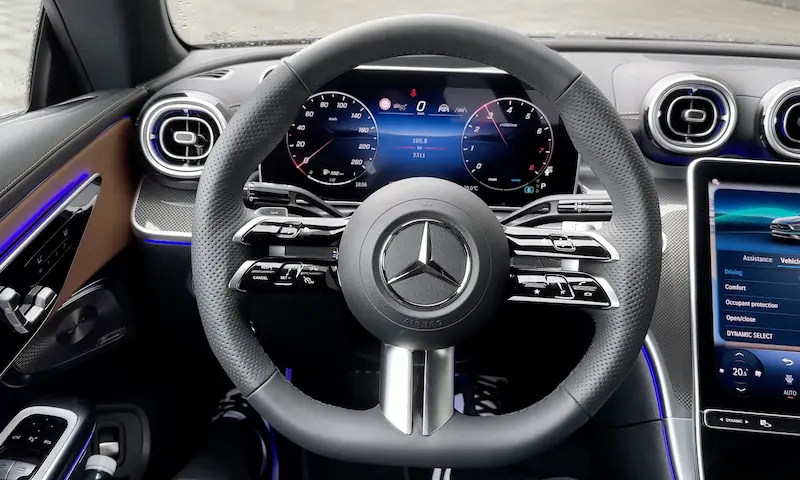
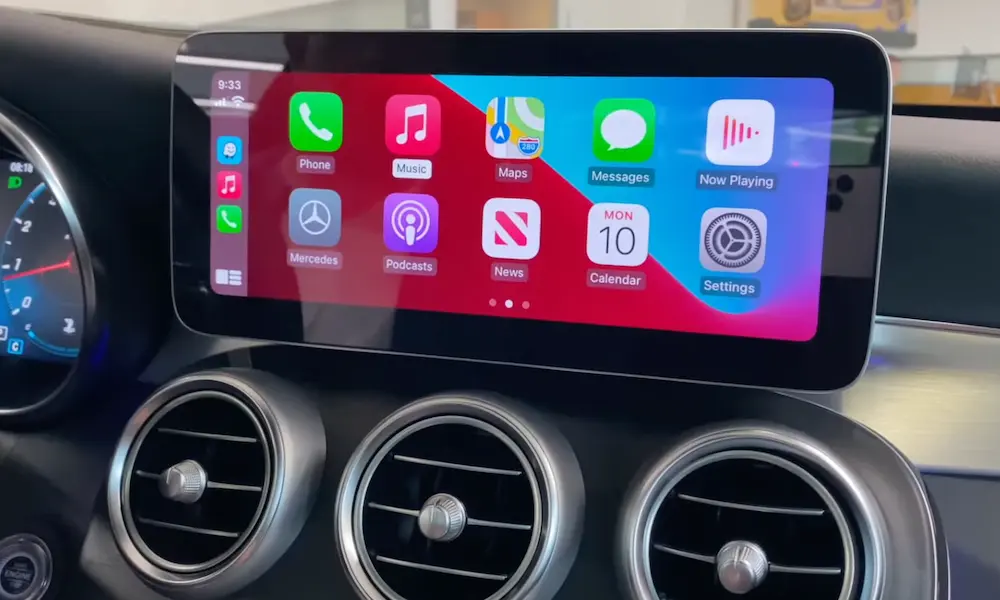
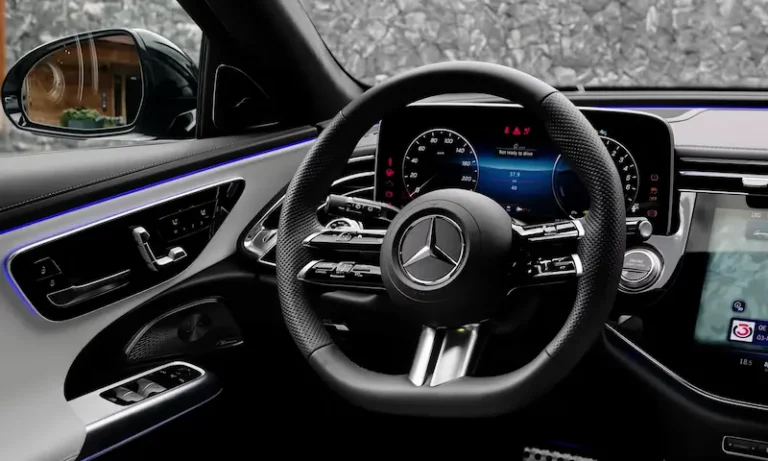
Mercedes has largely moved away from radio code systems in newer vehicles. Instead, modern Mercedes infotainment systems like MBUX and COMAND NTG are tied to the vehicle’s overall security architecture, using encrypted communication between components.
This advanced approach makes theft less likely and eliminates the frustration of lost radio codes, creating a more seamless ownership experience while maintaining robust security.
By following these steps, you’ll have your Mercedes radio back up and running in no time, restoring music and entertainment to your luxury driving experience.