Picking the right NissanConnect package feels confusing — until you know what each one actually does. This guide breaks down every tier, what you pay after the trial ends, and which package fits your life. Stick around, because the pricing twist at the end surprises most owners.
What Is NissanConnect, Exactly?
NissanConnect is Nissan’s connected vehicle platform. It links your car to your smartphone, Nissan’s servers, and emergency response centers through AT&T’s cellular network.
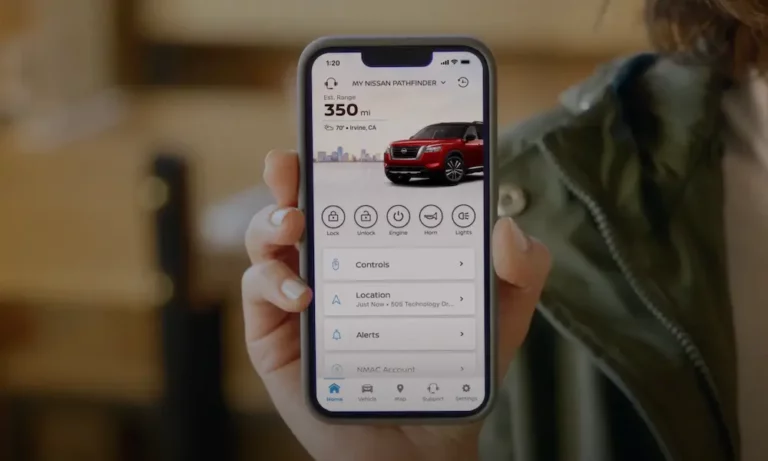
Think of it as your car’s brain staying online 24/7. When you tap “Remote Start” in the MyNISSAN app, your request travels to Nissan’s data center, gets verified, then pings your car’s Telematics Control Unit (TCU) to fire up the engine. All of that happens in seconds.
The system splits into two categories:
- Free, built-in features — no subscription needed
- NissanConnect Services — subscription-based tiers with remote, safety, and data features
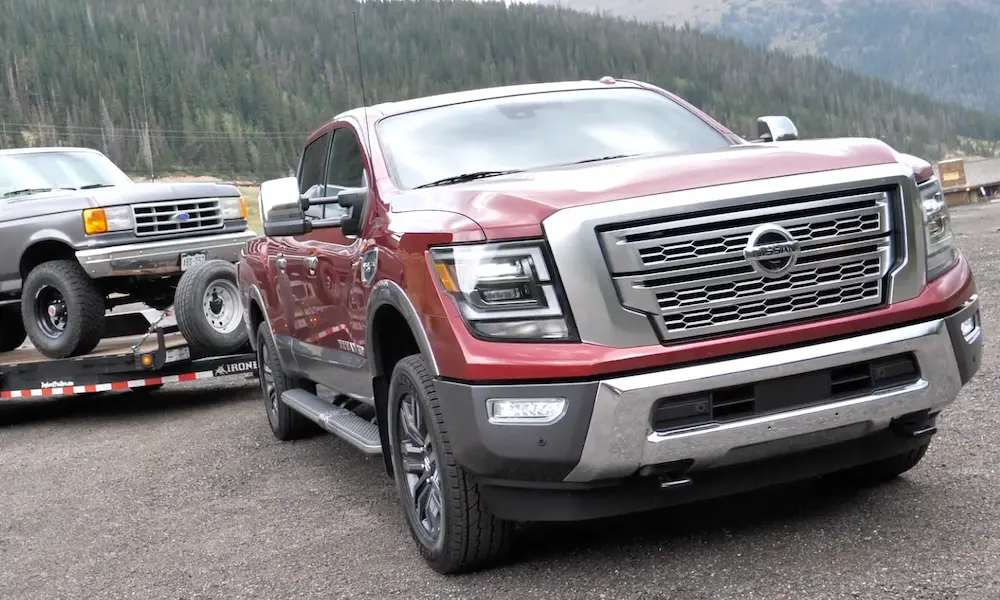
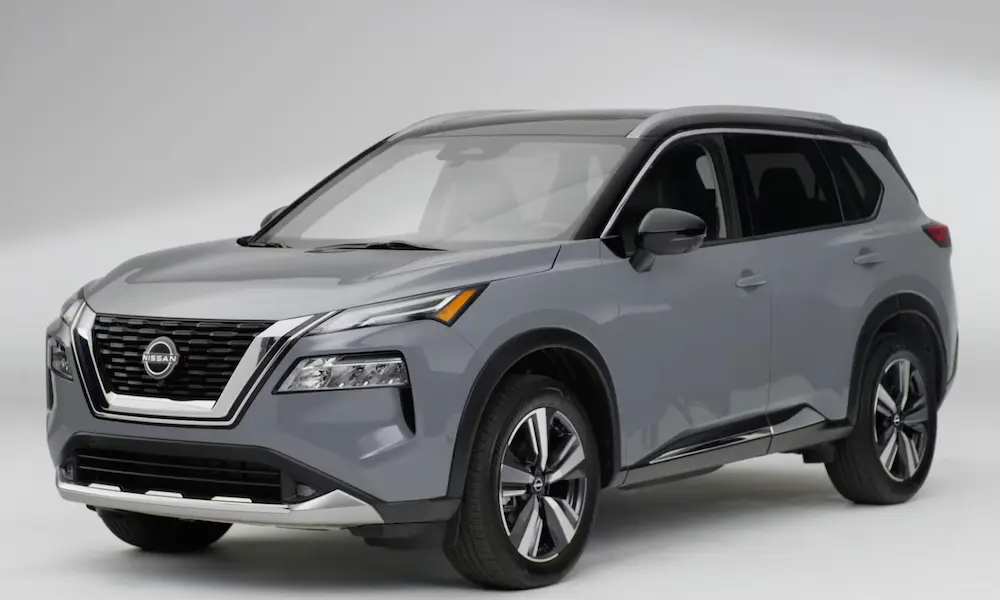
Nissan has made this tech available across its entire lineup, from the Versa to the Armada. You don’t need a luxury car to get connected.
The Four NissanConnect Package Tiers
Built-In (Free, No Subscription)
This comes standard on almost every 2020 or newer Nissan. No monthly fee. No enrollment needed.
What you get:
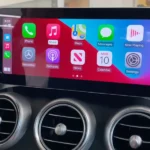
- Apple CarPlay and Android Auto
- Bluetooth hands-free calling and audio streaming
- Siri Eyes Free and Google Assistant through your phone
- Hands-free text messaging assistant
It’s solid for everyday use. If you just want your phone mirrored on the dashboard, this is all you need. The infotainment system handles it cleanly without any extra cost.
Select Package — Maintenance First
The Select package is your car’s health monitor. For most 2025 and 2026 models, Nissan includes it free for five years from your purchase date.
| Feature | Included | Trial Length (2025/2026) |
|---|---|---|
| Maintenance Alerts | ✅ | 5 Years |
| Over-the-Air (OTA) Updates | ✅ | 5 Years |
| In-Vehicle Messaging | ✅ | 5 Years |
| Collision Management | ✅ | 5 Years |
| Vehicle Health Data Sharing | ✅ | 5 Years |
| Remote Door Lock (select models) | ✅ | 5 Years |
The standout feature here is OTA updates. Your car’s software updates itself over Wi-Fi or cellular — no dealership trip required. The Monthly Vehicle Health Report also gives you a full snapshot of oil life, brake wear, and fault codes delivered straight to your phone.
Vehicle Maintenance Data Sharing lets your Nissan dealer see your car’s diagnostics before your appointment. They’ll have parts ready. You spend less time waiting.
Premium Package — Safety, Security, Remote Control
This is the package most owners actually care about. Nissan currently offers a three-year trial on 2024 and 2025 models and a one-year trial on 2026 models.
The Premium package merges what used to be two separate plans — Security and Convenience — into one.
Remote features you get:
- Remote Engine Start/Stop via the MyNISSAN app
- Remote Door Lock/Unlock
- My Car Finder (GPS pin on a map)
- Horn and lights trigger from your phone
Safety and security features:
- Automatic Collision Notification — airbags deploy, a live specialist gets your GPS coordinates and dispatches help immediately
- SOS Emergency Button — hands-free connection to a 24/7 response center
- Stolen Vehicle Locator — Nissan works with law enforcement to track and recover your car using GPS
- Alarm Notification — push alert if someone triggers your car’s alarm
The SOS emergency connection alone makes this package worth it for many owners, especially families and solo commuters.
Driver monitoring tools (great for teen drivers):
- Boundary Alerts — get notified if the car leaves a set area
- Speed Alerts — trigger when a driver exceeds your limit
- Curfew Alerts — notification if the car moves outside set hours
- Valet Alerts — alert if the car travels beyond a small radius from drop-off
You can add up to four additional drivers through the MyNISSAN app. Each driver gets their own profile and permissions. You can revoke access anytime.
Premium Plus Package — Unlimited Data and Concierge Navigation
Premium Plus is built for heavy data users and road trippers. The key upgrade over Premium? Unlimited in-vehicle Wi-Fi hotspot data, supporting up to seven connected devices simultaneously.
Premium Plus also adds Destination Assistance — a 24/7 live concierge who searches locations and sends directions straight to your navigation system. No typing while driving.
For vehicles with Google built-in (available on higher trims of the Rogue, Pathfinder, and Armada), Premium Plus ensures a constant high-speed connection for Google Maps, Google Assistant, and Google Play apps running natively in the dashboard. This setup works independently of your phone.
NissanConnect Packages Pricing After the Trial
Here’s where owners get caught off guard. The trials feel long — three years for Premium, five years for Select — but they start on your original sale date, not when you first activate the app. Enroll late and you lose trial time.
Once trials end, subscriptions run monthly or annually:
| Package | Estimated Monthly Cost |
|---|---|
| Select (bundled only) | ~$11.99 |
| Premium | ~$19.99 |
| Premium Plus | ~$24.99 |
| Wi-Fi Hotspot (standalone AT&T) | $20.00 |
Here’s the catch most people miss: after year five, Select isn’t sold standalone anymore. You must bundle it with Premium to keep maintenance alerts. That means if you only want oil life notifications and OTA updates, you’ll pay the Premium price anyway.
Trial Periods by Model Year at a Glance
| Model Year | Premium Trial | Select Trial |
|---|---|---|
| 2024 Models | 3 Years | 2 Additional Years |
| 2025 Models | 3 Years | 2 Additional Years |
| 2026 Models | 1 Year | 4 Additional Years |
| Certified Pre-Owned | 3 Months | Varies by Original Date |
For used Nissan buyers: CPO vehicles typically come with a 3-month Premium trial. If you buy a non-certified used Nissan and the previous owner didn’t unlink their account, you’ll need to contact Nissan support with proof of ownership to transfer the VIN to your account.
Electric Vehicle Owners Get Extra Tools
If you drive a LEAF or Ariya, NissanConnect adds EV-specific features through the MyNISSAN app:
- Real-time battery percentage and range estimate
- Remote charge start/stop — trigger or pause charging from your phone
- Charge complete notifications
- Nissan Energy Charge Network integration — find public chargers, check availability, and pay through the app
The most useful EV feature? Remote Climate Pre-conditioning. Crank the heat or AC while your car’s still plugged in. The cabin reaches your target temperature using grid power, not battery power. Your full range stays intact for the drive.
How to Set Up NissanConnect
Setup takes about 10 minutes if you do it at delivery. Do it later, and you still won’t lose features — but you do lose trial time.
The enrollment sequence:
- Download the MyNISSAN app (iOS or Android)
- Create a MyNISSAN ID with your email
- Enter your 17-digit VIN to link the vehicle
- Sit inside the car and generate a Car Pairing Code from the infotainment screen
- Enter the code in the app to confirm physical possession
- Wait up to 24 hours for full service provisioning
Some remote features won’t respond until provisioning completes. That’s normal.
Quick Fixes for Common NissanConnect Problems
Remote commands failing? Check your cellular signal. If your car sits underground or in a coverage dead zone, commands can’t reach the TCU. The infotainment display shows a “No Service” icon when this happens.
App features not syncing? Log out and back in. This forces a fresh sync between the app and Nissan’s cloud servers.
Navigation channels missing? Go to settings in the infotainment system and select “Update Channel List.” This pulls the latest service configuration from Nissan’s servers.
Persistent “No Service” in good coverage areas? That may point to an antenna or TCU hardware issue. A dealership diagnostic check will confirm it.
Which NissanConnect Package Is Right for You?
Here’s the honest breakdown:
Go with Select (built-in trial): You care about maintenance reminders and software updates, and don’t need remote start or emergency services. Enjoy the free five years.
Go with Premium: You want remote start, collision notification, stolen vehicle tracking, and peace of mind for teen drivers. This is the sweet spot for most owners.
Go with Premium Plus: You regularly carry passengers who need Wi-Fi, you frequently use navigation assistance, or your vehicle has Google built-in and you want it running at full speed.
Skip paid tiers entirely: You primarily use Apple CarPlay or Android Auto and don’t value remote access. The built-in plan handles your needs.
The NissanConnect packages page lets you check exact compatibility for your specific model and trim before you commit to anything.
One last thing — enroll in the MyNISSAN app the day you drive off the lot. Those trial clocks don’t wait.