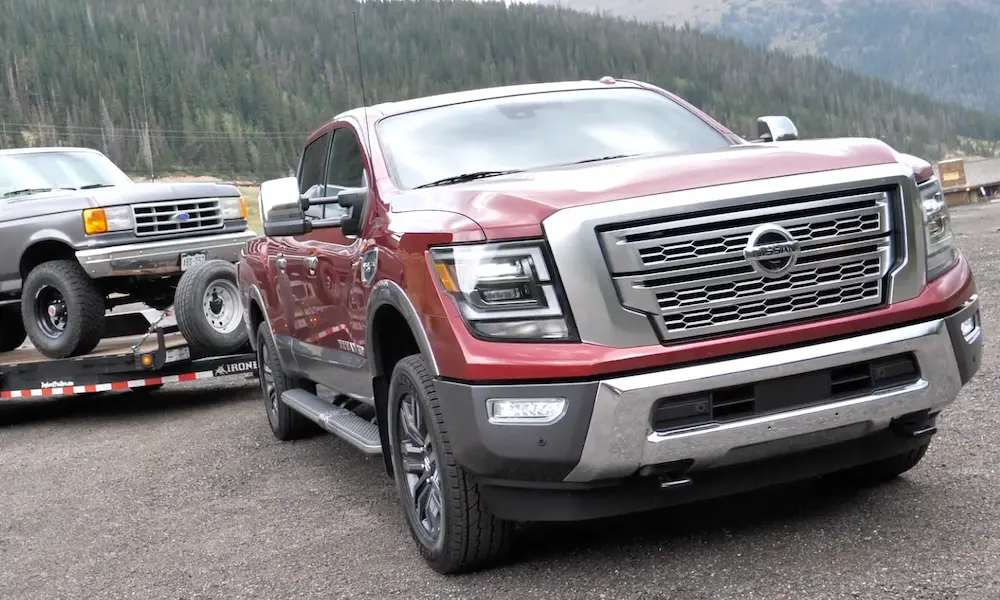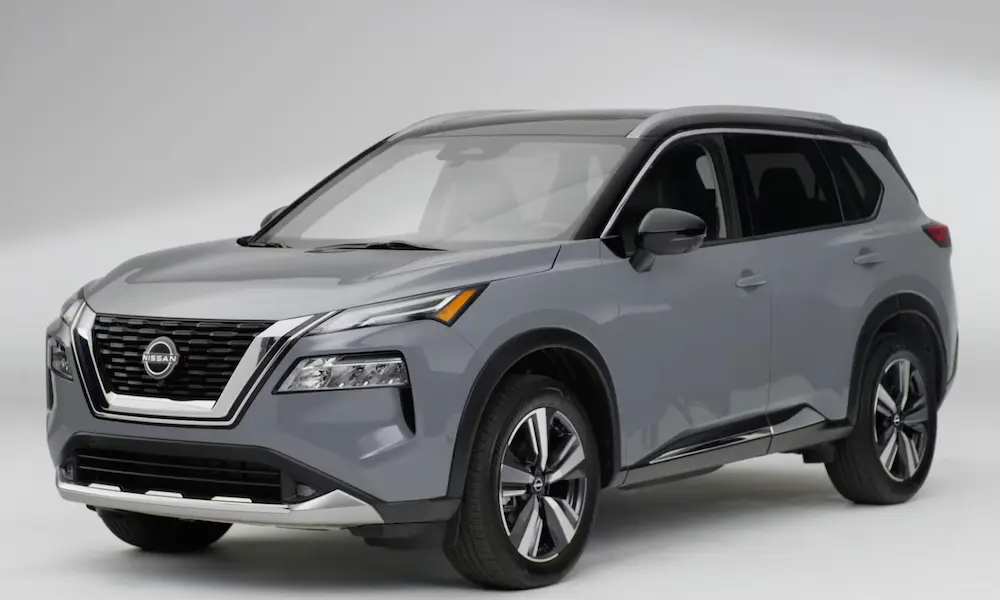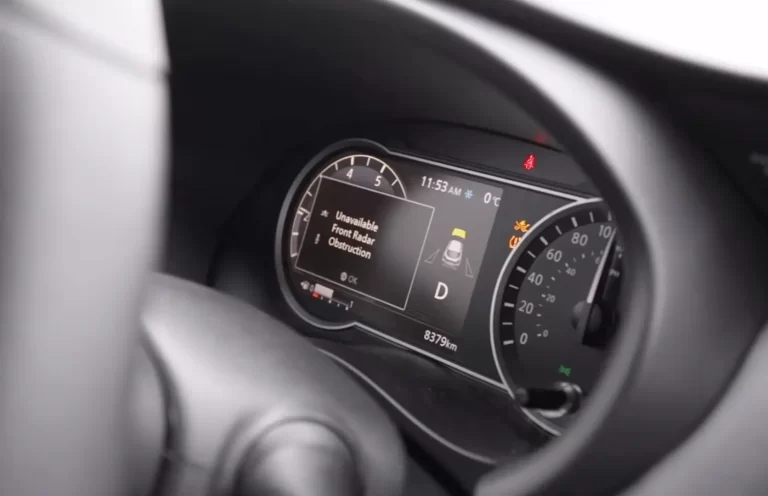
Is your Nissan displaying the dreaded “Unavailable Front Radar Obstruction” message? You’re not the only one dealing with this frustrating issue. This warning disables important safety features like adaptive cruise control and automatic emergency braking—features you’ve paid for and rely on daily.
I’ve researched this widespread problem affecting thousands of Nissan vehicles and compiled everything you need to know about causes, solutions, and what Nissan is doing about it.
What Exactly Is the Front Radar Obstruction Error?
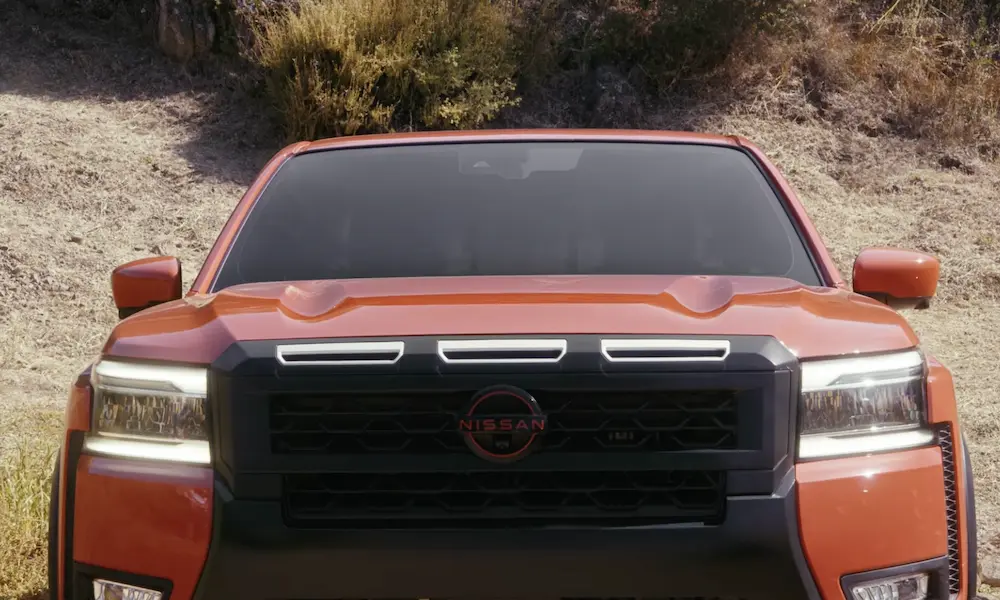
When you see “Unavailable Front Radar Obstruction” or “Forward Driving Aids Temporarily Disabled Front Sensor Blocked” on your dashboard, it means your vehicle’s front radar sensor can’t “see” properly. This millimeter-wave radar sensor sits behind your Nissan’s front emblem or grille and constantly scans the road ahead.
This sensor powers crucial safety systems like:
- Intelligent Cruise Control (ICC)
- Automatic Emergency Braking (AEB)
- Forward Collision Warning
- ProPILOT Assist
When the radar is obstructed, your vehicle immediately disables these systems as a safety precaution. Think of it as your car saying, “I can’t see clearly, so I won’t take any chances with these automated features.”
Which Nissan Models Are Affected?
According to Nissan’s official Technical Service Bulletin NTB19-033E, the following models are most commonly affected:
| Model | Years Affected |
|---|---|
| Altima | 2016-2018 |
| Kicks | 2018 |
| Maxima | 2016-2018 |
| Murano | 2015-2018 |
| Murano Hybrid | 2016-2017 |
| Pathfinder | 2017-2019 (built before Nov 2018) |
| Sentra | 2016-2019 (built before Dec 2018) |
However, owner reports in forums and Reddit suggest that newer models (2019-2022) can also experience this issue, despite not being listed in the official TSB.
Common Causes of Front Radar Obstruction
Physical Obstructions
The most obvious cause is something physically blocking the sensor:
- Snow and ice buildup
- Mud splatter
- Bug splatter (especially during summer driving)
- Road salt residue
- Dirt accumulation
According to Nissan’s official documentation, even a light coating of these materials can trigger the warning.
Weather-Related Issues
Sometimes nothing is physically blocking the sensor, but environmental conditions cause problems:
- Heavy rain
- Dense fog
- Direct sunlight at certain angles
- Extreme temperature changes
These conditions can scatter or interfere with radar waves, causing the system to trigger an obstruction warning as a precaution.
Manufacturing Defects
This is where things get more serious. Technical Service Bulletin NTB19-033E specifically identifies sensors manufactured before September 1, 2018, as problematic. These early sensors have design or production issues that make them prone to failure.
Several class action lawsuits have been filed alleging that Nissan knew about these defective sensors but failed to adequately inform consumers.
Sensor Misalignment
Even minor front-end impacts or bumper damage can throw off the precise alignment needed for radar sensors to function correctly. The sensor must be perfectly aligned to work properly.
DIY Troubleshooting Steps
Before spending hundreds or thousands on repairs, try these steps:
1. Clean the Front Emblem and Grille Area
Most Nissan models have the radar sensor mounted directly behind the front emblem. A thorough cleaning might solve the problem:
- Use warm soapy water (car wash soap, not household detergents)
- Gently clean the front emblem and surrounding grille area
- Pay special attention to the area behind the Nissan logo
- Avoid pressure washers which could damage sensor components
- Let it dry completely
Many owners on YouTube and forums report this simple step fixed their issue.
2. Take a Test Drive
After cleaning, drive for 5-10 miles on a clear road with good visibility. The system sometimes needs time to recalibrate and clear the error.
3. Check for Physical Damage
Examine the front bumper and emblem area for signs of damage:
- Cracks in the bumper
- Misaligned emblems
- Signs of previous impacts
Even minor damage that’s barely visible can affect sensor alignment.
4. System Reset Attempt
Some owners report that a system reset can temporarily clear the error:
- Turn off the vehicle completely
- Wait 10-15 minutes (some suggest 30 minutes for full system reset)
- Restart the car and see if the warning clears
This isn’t a permanent fix for actual sensor problems but can help diagnose intermittent issues.
Professional Diagnosis and Repair
If DIY efforts don’t work, you’ll need professional help. Here’s what to expect:
Diagnostic Process
According to the official Nissan TSB, technicians will:
- Connect a diagnostic scanner to check for specific trouble codes (C1A16, C2582)
- Inspect the sensor mounting and alignment
- Check the manufacturing date of your sensor
- Test sensor functionality with specialized equipment
Repair Options and Costs
| Repair Needed | Estimated Cost | What It Involves |
|---|---|---|
| Basic Cleaning | $100-200 | Professional cleaning of sensor area |
| Alignment/Calibration | $300-600 | Realignment and electronic recalibration |
| Sensor Replacement | $1,500-3,000 | New sensor, installation, calibration |
Based on owner reports, complete sensor replacement is expensive because:
- The radar unit itself costs $700-1,500
- Labor for bumper removal is time-consuming
- Precise calibration requires specialized equipment
- The entire system must be programmed after replacement
Warranty Coverage and TSB Information
If your vehicle falls within the models and years covered by TSB NTB19-033E, you might qualify for repair under warranty, especially if:
- Your sensor was manufactured before September 1, 2018
- You’re still within the basic warranty period
- You haven’t had front-end collision damage
- No aftermarket modifications have been made to the front end
The TSB specifically states that sensors manufactured before this date should be replaced regardless of their external condition due to inherent design flaws.
Understanding Sensor Location and Design
Knowing where your radar sensor is located helps with troubleshooting:
- Most Nissan models: Behind the front Nissan emblem
- Some models: Lower grille area near fog lights
- Rogue/Murano: Often integrated into the bumper design
The actual sensor unit is a square or rectangular module with a plastic cover that allows radar waves to pass through while protecting the electronics inside.
Preventing Future Radar Obstruction Issues
To minimize future problems:
- Regularly wash your front grille area, especially after driving in bad weather
- Remove snow, ice, and bugs as soon as possible
- Consider applying a hydrophobic coating to your front emblem area to reduce dirt adhesion
- Be extra vigilant during winter months when road salt is present
During extreme weather conditions (heavy snow, dense fog), be aware that temporary system disabling is normal and doesn’t indicate a sensor failure.
Legal Actions and Consumer Rights
Multiple class action lawsuits have been filed against Nissan regarding these radar sensor issues. The lawsuits allege:
- Nissan knew about sensor defects but failed to adequately disclose them
- The defects constitute a safety risk and decrease vehicle value
- Owners have been forced to pay for expensive repairs that should be covered
If you’re experiencing persistent issues with your radar sensor and are outside warranty, document all repair attempts and costs. You may qualify for legal remedies, especially if your vehicle is among the models specifically identified in the TSB.
Future Technology Improvements
Nissan continues to improve their radar sensor technology. Newer models feature:
- Enhanced weather resistance
- Better discrimination between real obstructions and environmental conditions
- Multi-sensor fusion (combining radar with cameras and other sensors)
According to Nissan’s technology announcements, these improvements should reduce false obstruction warnings, though existing vehicles with older hardware won’t benefit without sensor replacement.
When You Can’t Afford the Repair
If you’re facing an expensive repair bill:
- Get a second opinion from an independent shop with Nissan diagnostic capabilities
- Check if you qualify for any extended warranty or goodwill coverage from Nissan
- Investigate whether your auto insurance might cover sensor replacement
- Consider if driving without the advanced safety features is acceptable temporarily
Some owners opt to continue driving without these features active while saving for repairs, but be aware this means losing important safety functionality you paid for when purchasing the vehicle.
Real-World Owner Experiences
Many Nissan owners share their frustrations and solutions in online forums and YouTube videos. Common themes include:
- Intermittent warnings that come and go mysteriously
- Seasonal patterns (more problems in winter or during bug season)
- Difficulty getting clear answers from dealerships
- Shock at the high repair costs
- Success with simple cleaning in many cases
One particularly helpful pattern from owner reports: the error seems most common during temperature transitions (cold mornings that warm up, entering/exiting heated garages in winter), suggesting thermal expansion might affect sensor alignment or function.