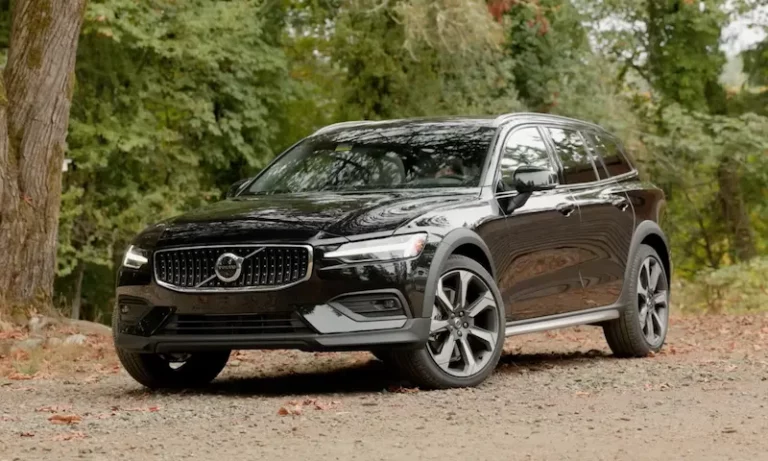
Ever turned on your Volvo only to be greeted by a blank radio display asking for a code you don’t have? You’re facing one of the most common Volvo ownership frustrations. Whether you’ve replaced your battery, had electrical work done, or bought a used car, that locked radio can be a real headache. But don’t worry—retrieving your Volvo radio code is simpler than you might think, and I’ll walk you through every possible solution.
Why Your Volvo Radio Needs a Code
Volvo’s radio security system isn’t just an annoyance—it’s actually a clever anti-theft feature designed to make stolen radios worthless. When power to the radio is interrupted, the security system activates automatically, requiring a unique 4-digit code to restore functionality.
This security measure affects most Volvo models from the 1990s through the mid-2000s, particularly the SC-series radios found in popular models like the 850, S70, V70, S40, and V40. The code consists only of numbers 1 through 6—never 0, 7, 8, or 9—making it distinct from other security codes you might have.
Here’s what happens when your radio loses power:
- The display shows either “CODE” (ready for code entry) or “OFF” (needs reset first)
- You get only three attempts to enter the correct code
- After three wrong tries, the radio locks for 30 minutes to several hours
Finding Your Radio Code: The Easy Methods First
Check Your Vehicle Documentation
Before trying anything else, look through your vehicle’s paperwork. Volvo typically provides the radio code on a small white card with red lettering (about credit card size) included with the owner’s manual. Many owners stash this important code in predictable places:
- Inside the owner’s manual packet
- Written on a sticker in the glove compartment
- Noted in the margins of the owner’s manual
- Written on a label on the radio unit itself
To check the radio unit, you’ll need to partially remove it from the dashboard. Press the release tabs on either side and carefully pull the unit forward enough to see its top and sides. Look for any handwritten 4-digit numbers that might be your code.
Use Volvo’s Official Online Code Request
If you can’t find your code in the documentation, Volvo’s online radio code request form is completely free for US residents with original factory radios. The process is quick and simple:
- Visit Volvo’s official customer service site
- Enter your Vehicle Identification Number (VIN)
- Submit your request
- Receive your code within minutes
This service works exclusively for vehicles sold in the US with their original factory radio units. If you’ve had your radio replaced or live outside the US, you’ll need to try a different method.
Contact Volvo Customer Service
Volvo’s customer service can retrieve radio codes for both original and replacement radios. Call them at 1-800-550-5658 and have ready:
- Your VIN (for original radios)
- Radio serial number, part number, and model info (for replacements)
Most representatives can provide the code immediately over the phone, making this one of the quickest solutions available.
Visit Your Local Volvo Dealership
Dealerships maintain access to the same radio code database as Volvo customer service. While some offer this service for free, others may charge $10-$50. The advantage of dealer service is their ability to verify codes for any Volvo radio, regardless of whether it’s original or a replacement.
When Your Radio Shows “OFF” Instead of “CODE”
If your radio displays “OFF” instead of asking for a code, you’ll need to reset it before you can enter any code. This usually happens after multiple incorrect code attempts or extended power disconnection.
Standard Reset Procedure
- Turn the ignition key to position I (accessories on, engine off)
- Make sure all lights and electrical accessories are turned off
- Leave the radio on in this state for 2-3 uninterrupted hours
- The radio will eventually transition from “OFF” to “CODE”
Faster Alternative Reset Methods
If you don’t want to wait hours for the reset, try these quicker alternatives:
- Temporarily disconnect the car battery for several minutes
- Unplug the radio from its wiring harness briefly
- Remove the radio fuse (typically #7 in older models) and reinstall it
Entering Your Radio Code Correctly
Once your radio displays “CODE,” you’re ready to enter your unlock sequence. The entry method varies slightly depending on your radio model:
For SC-Series Radios (SC-710, SC-715, SC-813, SC-815, SC-816)
Use the numbered preset buttons (1-6) to enter each digit of your 4-digit code. For example, if your code is 1615:
- Press preset button 1
- Press preset button 6
- Press preset button 1
- Press preset button 5
The radio should unlock immediately after entering the correct code.
For Newer Models with Rotary Controls (HU-655 and similar)
- Turn the selector knob to the desired number
- Press the knob to enter that digit
- Repeat for all four digits of your code
After successful entry, the radio will return to normal operation. If you enter an incorrect code, you’ll see “RPT” (repeat) or “ERROR,” prompting you to try again. Remember, after three wrong attempts, the radio will lock for a security timeout period.
Alternative Code Retrieval Methods
Online Radio Code Generators
If official channels can’t help, online radio code generators offer another option. These services typically charge $10-30 and require your radio’s serial number, which is found on a label attached to the radio unit. Success rates vary by provider, so research reliability before payment.
Professional Radio Services
For the most stubborn cases, professional radio services can extract codes through EEPROM reading or other technical methods. This approach works for any radio regardless of replacement status and typically costs $30-75. Some services can even read the code directly from the radio’s memory chip without removing it from the vehicle.
Troubleshooting Locked Radios
When your radio becomes locked after three incorrect attempts, patience is your main solution. Most radios lock for 30 minutes to 2 hours before allowing another try. During this time, the radio may display “LOCKED,” “OFF,” or simply remain unresponsive.
If you have technical knowledge, EEPROM-based unlocking procedures provide an advanced solution. These methods involve accessing the radio’s memory chip to reset the security state or extract the stored code directly—but they require specialized tools and electronics knowledge.
Dealing with Replacement Radios
Replacement radios present unique challenges since their codes don’t match the vehicle’s VIN records. When your radio has been swapped from another vehicle or replaced with a used unit, you’ll need:
- The actual radio’s serial number
- Part number
- Model information
With this information, a Volvo dealership can still determine the correct code. Some replacement radios may have incompatible security systems or require different entry procedures, potentially needing professional diagnosis.
When All Else Fails: Upgrade Options
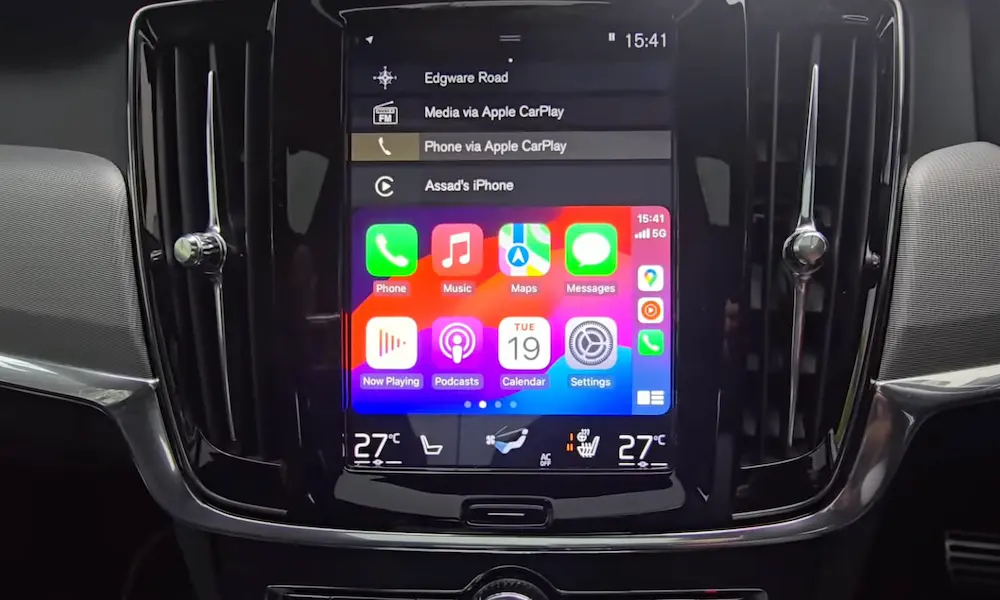
If you can’t unlock your radio or it’s showing signs of failure, aftermarket replacement offers a modern solution. Double-DIN Android units with Apple CarPlay and Android Auto integration provide significantly enhanced functionality compared to the original equipment.
Modern aftermarket units typically cost $200-800 plus installation, offering features unavailable in original Volvo radios:
- GPS navigation
- Smartphone integration
- High-resolution touchscreens
- Bluetooth connectivity
- Backup camera compatibility
For vehicles with premium sound systems, specialized adapters ensure compatibility with factory amplifiers and speaker configurations.
Cost Comparison: Finding vs. Replacing Your Radio Code
| Method | Cost | Success Rate | Time Required |
|---|---|---|---|
| Vehicle Documentation | Free | High (if available) | Minutes |
| Volvo Online Form | Free | High (US only, original radios) | Minutes |
| Volvo Customer Service | Free | Very High | 10-30 minutes |
| Volvo Dealership | $0-50 | Very High | 30-60 minutes |
| Online Code Generators | $10-30 | Moderate | 10-30 minutes |
| Professional Services | $30-75 | Very High | 1-24 hours |
| Aftermarket Replacement | $200-800+ | 100% (replaces radio) | 1-3 hours |
Radio Code Recovery Checklist
Use this step-by-step approach for the most efficient radio code recovery:
- Search all vehicle documentation for the code card
- Check the radio unit itself for handwritten codes
- Use Volvo’s free online form if you have the original radio
- Call Volvo customer service at 1-800-550-5658
- Visit your local Volvo dealership with your VIN
- Try an online code generator with your radio’s serial number
- Consult a professional car audio service if all else fails
- Consider aftermarket replacement for significantly improved features
The most cost-effective approach combines thorough documentation search, official Volvo resources, and professional backup when needed. This strategy minimizes expense while ensuring successful resolution of radio code issues, regardless of complexity or radio replacement status.
Remember, Volvo designed this security system to protect your investment. While it might seem frustrating now, the same feature that’s causing you headaches today has likely prevented countless radio thefts over the years—perhaps even in your own vehicle.