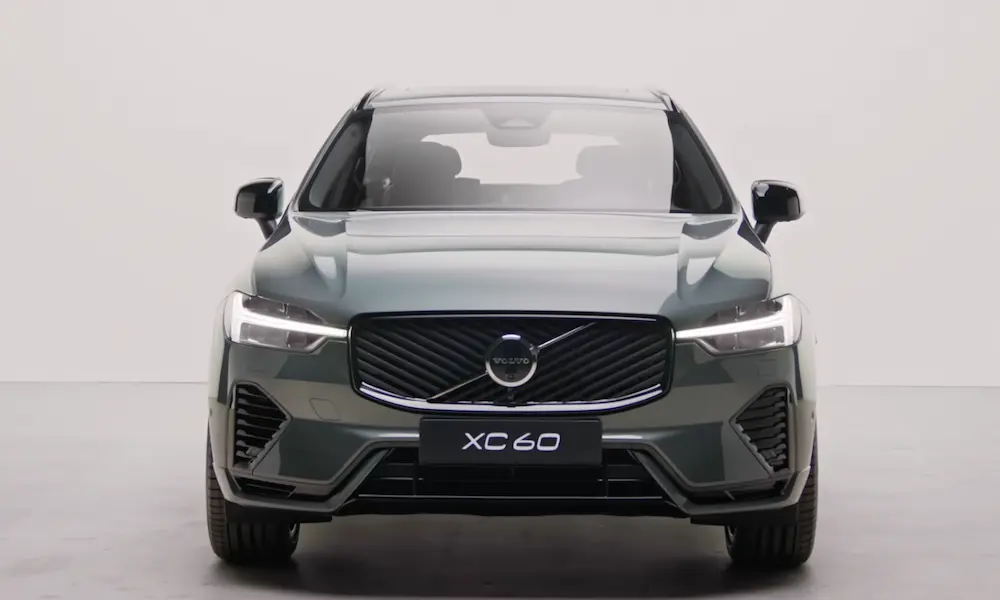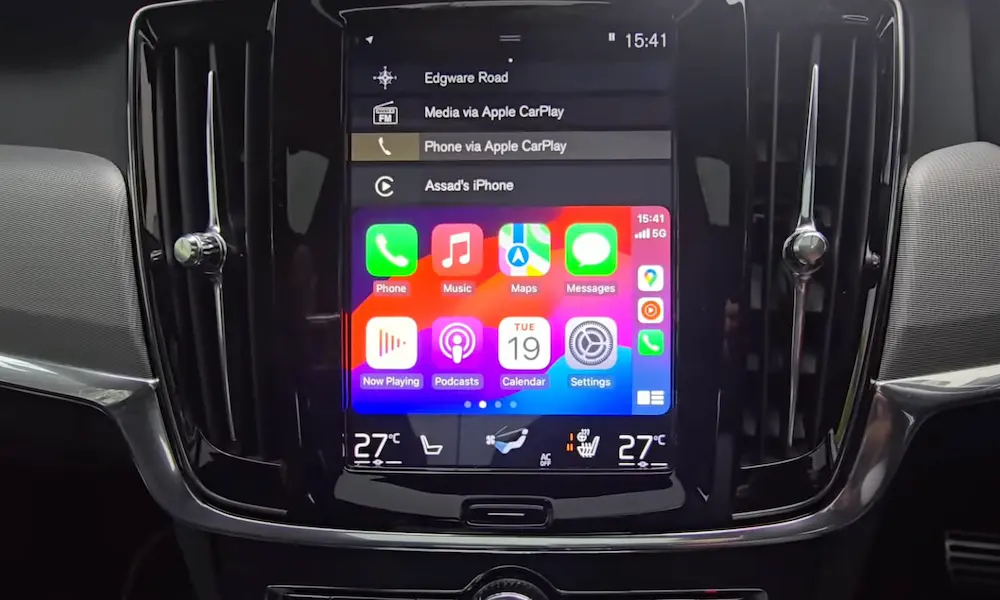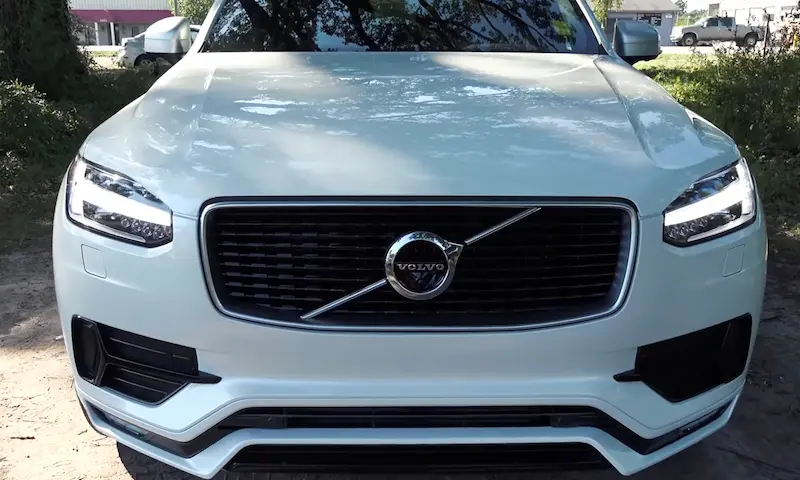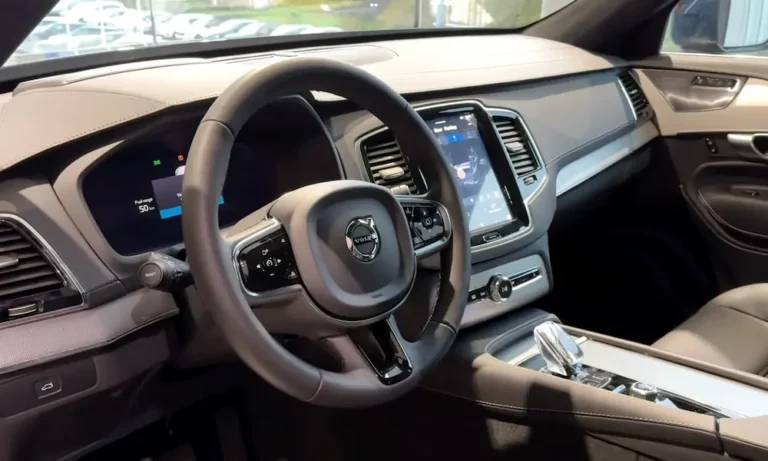
Ever found yourself gripping the steering wheel in frustration as your Volvo’s engine cuts out at a red light? You’re sitting there with waning A/C, waiting for the engine to kick back in while sweat beads on your forehead. While Volvo’s start-stop technology aims to save fuel and reduce emissions, many drivers find it more annoying than helpful.
Why Drivers Want to Disable Volvo’s Start-Stop System
Volvo’s start-stop technology automatically turns off your engine when you stop completely and press the brake pedal. The system relies on a dual-battery setup with a primary battery for starting and a secondary battery to run accessories while the engine is off.
When working properly, the system can reduce fuel consumption and emissions. But the trade-offs can be significant:
- Reduced climate control during stops (particularly noticeable in extreme weather)
- More wear on starter components from frequent restarts
- Interruptions to smooth driving in stop-and-go traffic
- Brief hesitation when pulling away from stops
As one Volvo XC60 owner put it on Reddit: “Every time I stop at a light, the car shuts off, and the A/C basically stops working. In Florida heat, this is unbearable.”
Understanding Volvo’s Stock Start-Stop Operation
Before diving into disabling methods, it’s worth understanding how the system is designed to work.
When the System Activates
The start-stop system activates when:
- Your vehicle comes to a complete stop
- You press the brake pedal
- Engine temperature is within normal range
- Battery charge is sufficient
- Outside temperature is acceptable
- Climate system demands are not excessive
In Comfort or Eco drive modes, the engine may stop even before the vehicle is completely stationary.
How to Tell If Start-Stop Is Active
Your tachometer provides visual indicators of the system’s status:
- White needle: System is available but not currently active
- Green needle: System is active (engine is off)
- Gray needle: System is temporarily unavailable due to conditions not being met
Temporary Solutions: Turning Off Start-Stop for One Drive
Volvo does provide a way to temporarily disable the start-stop function, but it resets each time you restart your vehicle.
Using the Start-Stop Button
Most Volvo models have a dedicated start-stop button on the center console. Pressing this button deactivates the system for your current drive. You’ll notice:
- The button light illuminates
- The “Start/Stop function off” message appears briefly
- The system will reactivate the next time you start the car
As Volvo’s official documentation explains, this setting doesn’t save between drives.
Simple Workarounds Without Modifications
If you want to avoid the hassle of pressing the button each time, try these techniques:
- Shift to manual mode: Before stopping completely, shift to manual (M) mode. This prevents the start-stop from activating. Remember to shift back to Drive (D) when moving again.
- Brake pedal modulation: Apply slightly less pressure on the brake pedal when stopping. The engine restart feature activates with minimal brake release while still keeping the vehicle stationary.
- Use Individual drive mode: On newer Volvos, create a custom Individual drive mode with start-stop disabled. This setting persists until you change drive modes.
Semi-Permanent Solutions: Making It Stick Between Drives
If you’re tired of disabling start-stop every time you drive, consider these more persistent solutions that don’t require advanced technical knowledge.
Memory Modules: The Plug-and-Play Option
Aftermarket memory modules like the CARELECTRONIC MM-SSA-VOLVO remember your last start-stop setting. These devices:
- Install between your start-stop button and its control unit
- Remember your preference across ignition cycles
- Don’t modify your vehicle’s ECU (important for warranty considerations)
- Typically cost between $60-100
- Install in about 15-30 minutes with basic tools
These modules are particularly attractive because they avoid the legal gray areas of ECU reprogramming while providing the convenience of a permanent solution.
Drive Mode Programming Trick
For newer Volvos with customizable drive modes:
- Set up an Individual drive mode
- Disable start-stop in this configuration
- Always use this drive mode
The downside is you’ll need to select this drive mode each time, but it’s easier than pressing the start-stop button each time you start the car.
Permanent Solutions: Technical Approaches
For those willing to dive deeper into technical modifications, several options exist to permanently disable the start-stop function.
Using FORScan Software
FORScan is a diagnostic software that can modify your vehicle’s control modules. To disable start-stop permanently:
- Purchase an OBD2 adapter compatible with FORScan
- Install FORScan on your computer
- Connect to your Volvo’s OBD port
- Locate the Body Control Module (BCM)
- Disable the Battery Monitoring System (BMS) parameter
- Additionally, modify the Instrument Panel Cluster (IPC) to remove start-stop indicators
Important note: This approach carries several risks:
- Incorrect coding could trigger warning lights
- It may void parts of your vehicle warranty
- You’ll need to research the specific parameters for your Volvo model
VDASH/VIDA Diagnostics for Older Volvos
For P3-platform Volvos (S60/V60 2011–2018, XC60 2009–2018), the VDASH diagnostic system offers deeper access:
- Acquire a J2534 cable and VDASH software
- Decode your Central Electronic Module (CEM) PIN
- Access the start-stop parameters
- Disable the functionality at the module level
This method requires significant technical knowledge but provides a clean, permanent solution for older Volvos.
Hardware Interventions
Some owners have resorted to hardware modifications, though these are less clean solutions:
- Battery disconnection: Disconnecting the secondary support battery’s negative terminal prevents the start-stop system from functioning correctly. However, this may trigger error codes and is not recommended.
- Button jamming: Some owners have devised ways to physically keep the start-stop button engaged. This isn’t elegant but works for those wanting a quick fix.
Comparison of Disabling Methods
| Method | Permanence | Technical Difficulty | Warranty Impact | Cost | Time Required |
|---|---|---|---|---|---|
| Start-stop button | Temporary (one drive) | None | None | Free | 2 seconds |
| Gear/brake tricks | Temporary (per stop) | Low | None | Free | 2 seconds per stop |
| Memory module | Semi-permanent | Low | Minimal | $60-100 | 15-30 minutes |
| Individual mode | Semi-permanent | Low | None | Free | 10 minutes setup |
| FORScan | Permanent | High | Possible voiding | $20-50 for adapter | 30-60 minutes |
| VDASH/VIDA | Permanent | Very high | Likely voiding | $100-200 for equipment | 1-2 hours |
Legal and Warranty Considerations
Before making any permanent modifications, consider the following:
Warranty Implications
Volvo may void warranties if unauthorized modifications are detected. Memory modules typically fly under the radar since they don’t modify the ECU directly, but software modifications are more detectable during service.
Emissions Regulations
In the EU, start-stop systems are part of emissions certification. Permanently disabling them may technically violate type-approval regulations, though enforcement on individual vehicles is rare.
Technical Side Effects
Some methods could have unintended consequences:
- Disabling battery monitoring might affect charging patterns
- ECU modifications could trigger fault codes during diagnostics
- Some vehicle functions may behave differently without start-stop active
Adapting to Start-Stop: Alternative Approaches
If you’re hesitant about modifications, consider adapting to the system:
- Precondition your car: Use Volvo’s remote start or scheduled climate control to cool or heat your car before driving.
- Learn the override timing: Many drivers develop a rhythm of slightly releasing brake pressure just before they want the engine to restart.
- Use higher climate settings: Setting your climate control 1-2 degrees cooler/warmer can help maintain comfort during brief stops.
Which Solution Is Right for You?
The ideal solution depends on your priorities:
- For lease vehicles: Stick with temporary methods like the button or brake modulation.
- For newer Volvos under warranty: Consider the memory module or Individual drive mode.
- For older Volvos out of warranty: FORScan or VDASH methods offer the cleanest permanent solution.
- For the technically cautious: Memory modules provide permanence without deep technical knowledge.
Remember that start-stop technology does serve valid environmental purposes. If the system isn’t causing significant discomfort, considering adapting to it rather than disabling it entirely.
The Takeaway on Disabling Volvo Start-Stop
While Volvo designed their start-stop system to reduce emissions and improve fuel economy, the company acknowledges driver preference by including a disable button – they just don’t make your preference stick between drives.
For those determined to permanently disable the function, options range from simple memory modules to complex ECU programming. Each method comes with trade-offs between convenience, cost, technical difficulty, and warranty considerations.
Whatever method you choose, remember that modifying vehicle systems carries inherent risks. When in doubt, consult Volvo forums where other owners have documented their experiences with your specific model.