Your Acura’s TPMS (Tire Pressure Monitoring System) isn’t just another dashboard light to ignore. It’s your first line of defense against dangerous blowouts, poor fuel economy, and uneven tire wear. But what exactly does that little tire symbol mean, and what should you do when it lights up? Let’s dive into everything you need to know about your Acura’s TPMS system.
What Is the Acura TPMS System and Why Does It Matter?
The TPMS in your Acura is a safety feature that continuously monitors the air pressure in your tires while you drive. It’s not just a fancy add-on — it’s been mandatory in all vehicles sold in the US since 2008.
Your Acura uses a direct TPMS system with individual sensors mounted inside each wheel. These sensors talk wirelessly to your car’s computer, giving you real-time pressure readings. When pressure drops below about 25% of the recommended level, you’ll get a warning.
Why should you care? Properly inflated tires aren’t just about avoiding that annoying dashboard light. They:
- Improve fuel efficiency by up to 3%
- Extend tire life by thousands of miles
- Provide better handling and shorter braking distances
- Significantly reduce your risk of tire-related accidents
How to Check Tire Pressure on Different Acura Models
Newer Acura Models (2015 and Later)
On newer Acuras like the MDX, TLX, and RDX, checking your tire pressure through the dashboard is straightforward:
- Press the ENGINE START/STOP button once (don’t start the engine)
- Use the right selector wheel on your steering wheel
- Scroll through the menu options until you find the tire pressure screen
- The display will show the current pressure for all four tires in PSI
If any tire is significantly low, the system will highlight which tire needs attention and display “Tire Pressures Low.”
Older Acura Models (2010-2014)
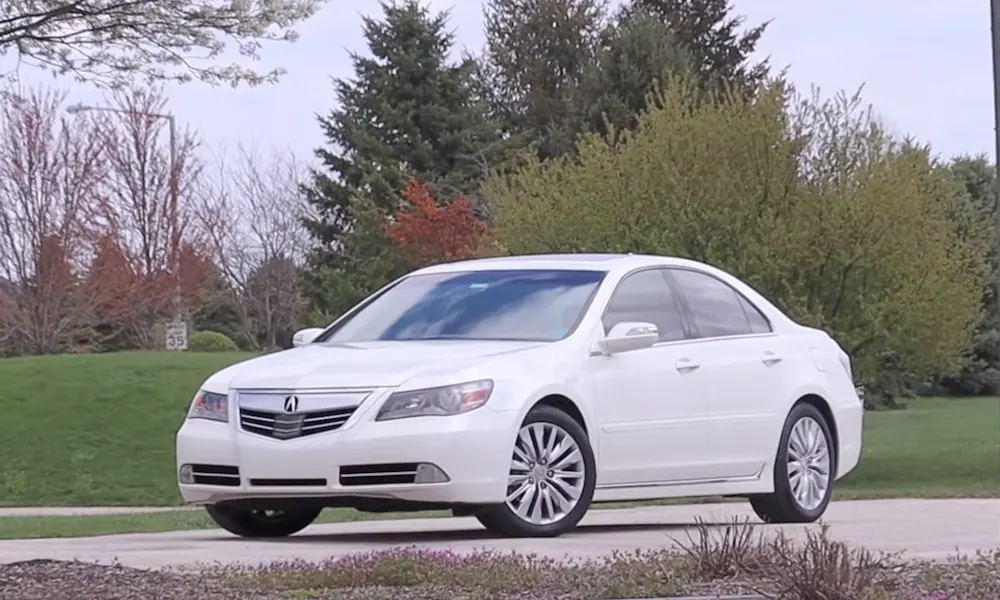
If you’re driving an older Acura like a 2010-2014 TL, TSX, or RL:
- Turn the ignition to the ON position (position II)
- Look for the INFO button on your steering wheel (usually has up/down arrows)
- Press this button repeatedly to scroll through your multi-information display options
- Stop when you see “Tire Pressure Monitor”
- Press the SEL/RESET button to display individual tire pressures
Some older Acura models might not show individual tire pressures and will only alert you if pressure is low.
Understanding Acura TPMS Warning Lights
Your Acura uses different warning indicators to tell you what’s wrong with your tire pressure system:
Low Tire Pressure Warning Light
This is the most common alert — a yellow tire symbol with an exclamation point inside. When this light stays solid, it means one or more of your tires has low pressure.
What to do:
- Check all tire pressures as soon as it’s safe
- Inflate to the pressure listed on your driver’s doorjamb sticker (not the maximum pressure on the tire sidewall)
- The light should turn off after driving for a few minutes at over 15 mph
TPMS System Malfunction
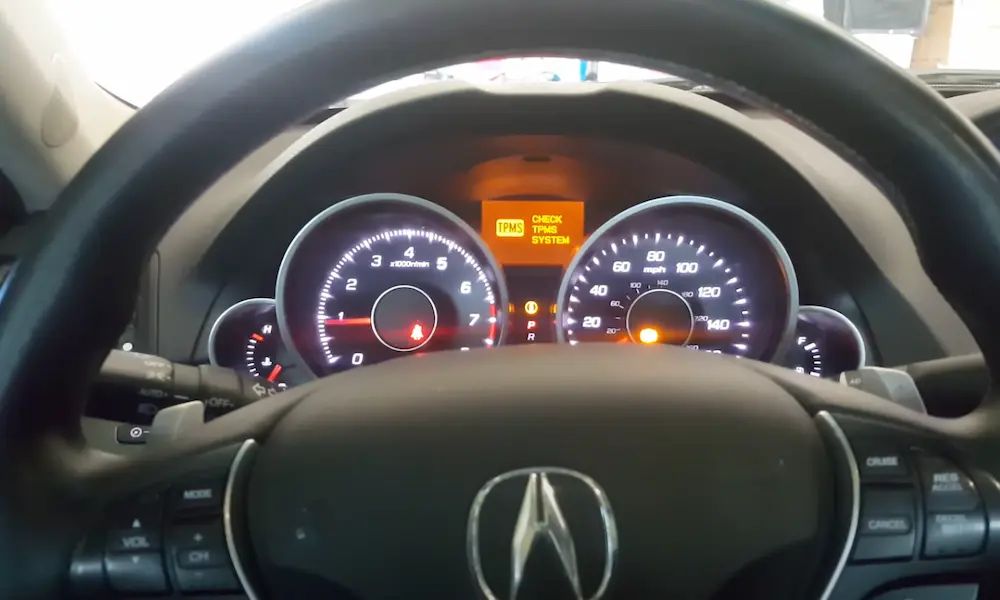
If the tire symbol flashes for about a minute before staying solid, or if you see a “Check TPMS System” message, you’ve got a system problem. This usually means:
- A sensor battery is dying (they typically last 7-10 years)
- A sensor is damaged or malfunctioning
- There’s an electrical issue with the TPMS control unit
This requires attention beyond simply adding air to your tires.
Common Acura TPMS Problems and Solutions
Temperature Changes Triggering Warnings
When temperatures drop overnight, your tire pressure can drop by about 1 PSI for every 10°F decrease. This often triggers TPMS warnings on cold mornings, even if your tires were perfectly inflated the day before.
Solution: Check and adjust tire pressure when tires are cold (before driving). You might need to add a few pounds of pressure during winter months.
TPMS Light Stays On After Inflating Tires
If you’ve inflated your tires to the correct pressure but the warning light stays on, try this:
- Make absolutely sure all tires (including the spare on some models) are at the correct pressure
- Drive at speeds above 15 mph for at least 40 seconds
- Turn the car off completely, wait 20 minutes, then restart it
The system needs time to recalibrate after pressure changes. If the light still stays on after this process, you might have a sensor issue.
Sensor Battery Failure
TPMS sensors contain non-replaceable batteries with a lifespan of about 7-10 years. When a battery dies, you’ll need to replace the entire sensor.
Signs of sensor battery failure:
- TPMS light flashing then staying solid
- “Check TPMS System” message
- Dashes (–) instead of pressure readings for one or more tires
System Calibration After Tire Rotation or Replacement
Unlike some vehicles, most Acuras don’t have a dedicated TPMS reset button. The system usually auto-calibrates while driving. However, after rotating tires or installing new sensors, you might need to perform a calibration procedure.
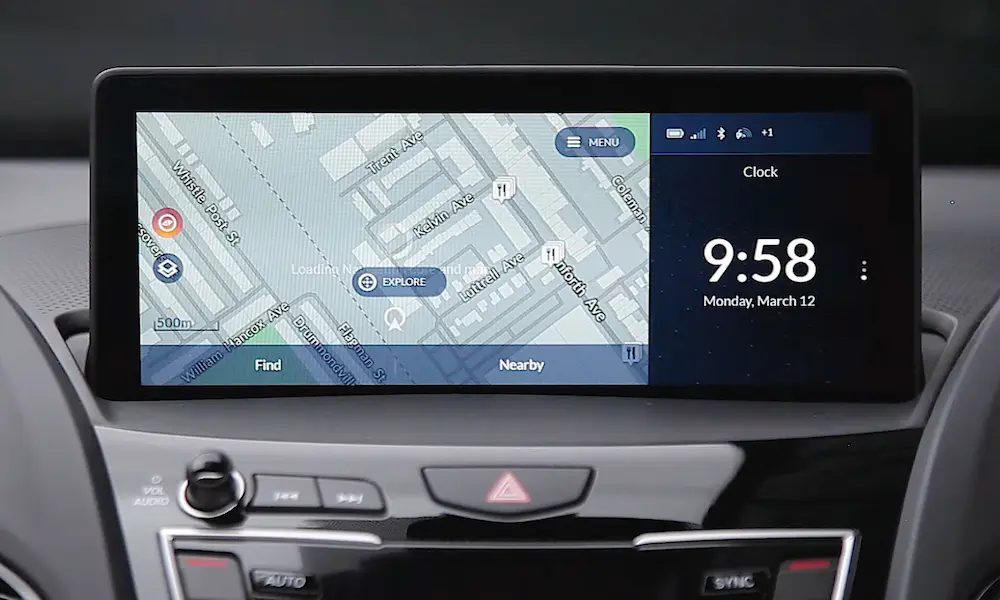
For newer models with touchscreen displays:
- Go to Settings
- Select Vehicle
- Select TPMS Calibration
- Select Calibrate
- Drive for at least 20 minutes at speeds over 30 mph
For models without this menu option, the system should self-calibrate after driving for approximately 30 minutes at highway speeds.
How to Reset Your Acura TPMS System
Method 1: The Drive Method
The simplest reset method for most Acuras:
- Make sure all tires are properly inflated
- Drive at speeds above 15 mph for at least 40 seconds continuously
- The system should recognize the proper pressures and reset itself
This method works for about 80% of TPMS issues when there’s nothing actually wrong with the sensors.
Method 2: Infotainment System Reset
For newer Acuras with touchscreen systems:
- From the home screen, go to Settings
- Select Vehicle Settings
- Select TPMS Calibration
- Select Calibrate or Initialize
- Follow any on-screen prompts
- Drive for about 20 minutes at highway speeds
Method 3: Manual Calibration Procedure
Some Acura models have a specific calibration procedure:
- Set the power mode to ON
- Press and hold the TPMS button (if equipped) until the TPMS indicator blinks twice
- The multi-information display will show “TPMS MODE”
- Drive for 20-30 minutes at speeds between 30-60 mph
Method 4: Battery Disconnect (Last Resort)
If all else fails, this method can reset stubborn TPMS warnings:
- Disconnect the negative battery terminal
- Press the horn button for 3 seconds to discharge residual power
- Wait 15 minutes
- Reconnect the battery
- Start the vehicle and allow the systems to initialize
- Drive for 20-30 minutes at highway speeds
This method should only be used as a last resort as it will reset other vehicle systems too.
DIY vs. Professional TPMS Service
What You Can Do Yourself
- Check and adjust tire pressures
- Perform basic system resets
- Visually inspect tire valve stems for damage
- Use the dashboard to identify which tire is low
When to See a Professional
You’ll want to visit an Acura dealer or qualified tire shop when:
- The TPMS light continues flashing after trying reset procedures
- You see error messages like “Check TPMS System” that won’t clear
- Individual tire pressure readings show dashes (–) instead of numbers
- You’ve replaced or rotated tires and the system won’t recalibrate
- Your vehicle is more than 7 years old (sensors might need replacement)
Professional TPMS service at an Acura dealership typically involves:
- Diagnostic scan of all sensors (battery level, functionality)
- System recalibration using dealer-specific equipment
- Sensor replacement if batteries are depleted
- System programming to recognize new sensor IDs
Maintaining Your Acura’s TPMS System
Regular Maintenance Tips
To keep your TPMS system working properly:
- Check tire pressures monthly, even if the TPMS light isn’t on
- Always check pressure when tires are cold (before driving)
- Use the pressure specifications on your driver’s door jamb, not the maximum on the tire sidewall
- Don’t forget to check your spare tire (if equipped with a sensor)
- Have sensors inspected during routine tire service
What Happens During Tire Replacement
When getting new tires, make sure the shop:
- Transfers your existing sensors to the new tires (if sensors are still good)
- Replaces the rubber grommets and valve stems
- Tests each sensor’s functionality and battery life
- Properly initializes the system after installation
The Cost of Sensor Replacement
If your TPMS sensors need replacement:
- Genuine Acura TPMS sensors cost $70-120 each
- Aftermarket sensors run $35-80 each
- Labor adds another $10-25 per wheel
- Programming/initialization fees may apply ($50-100)
Most Acura owners replace all four sensors at once when the first one fails, as the others will likely follow soon (since they’re all the same age).
Comparing TPMS Across Different Acura Models
| Model | TPMS Type | Display Type | Shows Individual Pressures? | Calibration Method |
|---|---|---|---|---|
| 2023+ MDX | Direct | Digital in gauge cluster | Yes | Via touchscreen menu |
| 2019+ RDX | Direct | Digital in gauge cluster | Yes | Via touchscreen menu |
| 2021+ TLX | Direct | Digital in gauge cluster | Yes | Via touchscreen menu |
| 2013-2020 ILX | Direct | Multi-information display | Yes (2016+) | Automatic while driving |
| 2009-2014 TL | Direct | Multi-information display | Yes | Automatic while driving |
| 2010-2013 ZDX | Direct | Multi-information display | Yes | Automatic while driving |
TPMS and Seasonal Tire Changes
If you swap between summer and winter tires, you have two options:
Option 1: Two Sets of Sensors
- Install TPMS sensors in both sets of wheels
- The system will automatically recognize the sensors when wheels are swapped
- More expensive initially but more convenient long-term
- Requires no special procedure when changing wheels
Option 2: Transfer Sensors Seasonally
- Have sensors removed from one set and installed in the other
- More affordable but requires professional service twice yearly
- Sensors must be carefully removed and reinstalled each time
- System must be calibrated after each swap
Whichever option you choose, the TPMS system needs to relearn sensor positions after wheel changes.
Future of TPMS Technology in Acura Vehicles
Newer Acura models are getting smarter TPMS systems with:
- More accurate pressure readings (within 1 PSI)
- Temperature compensation to reduce false warnings
- Individual pressure displays for all tires
- Predictive alerts before pressure drops too low
- Integration with driver assistance systems
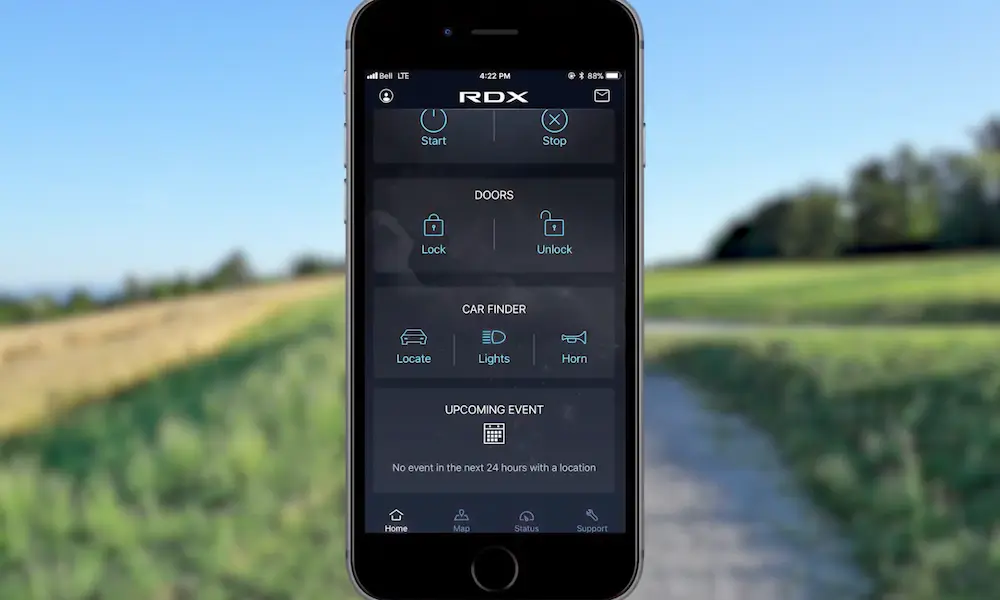
- Smartphone connectivity for remote monitoring
These improvements make the system both more reliable and more useful for maintaining optimal tire performance.
Remember that your TPMS system is a supplement to regular tire maintenance, not a replacement for it. The National Highway Traffic Safety Administration recommends checking your tire pressure manually at least once a month, regardless of what your TPMS indicates.
By understanding and properly maintaining your Acura’s TPMS system, you’ll enjoy better fuel economy, longer tire life, and most importantly, safer driving for you and your passengers.