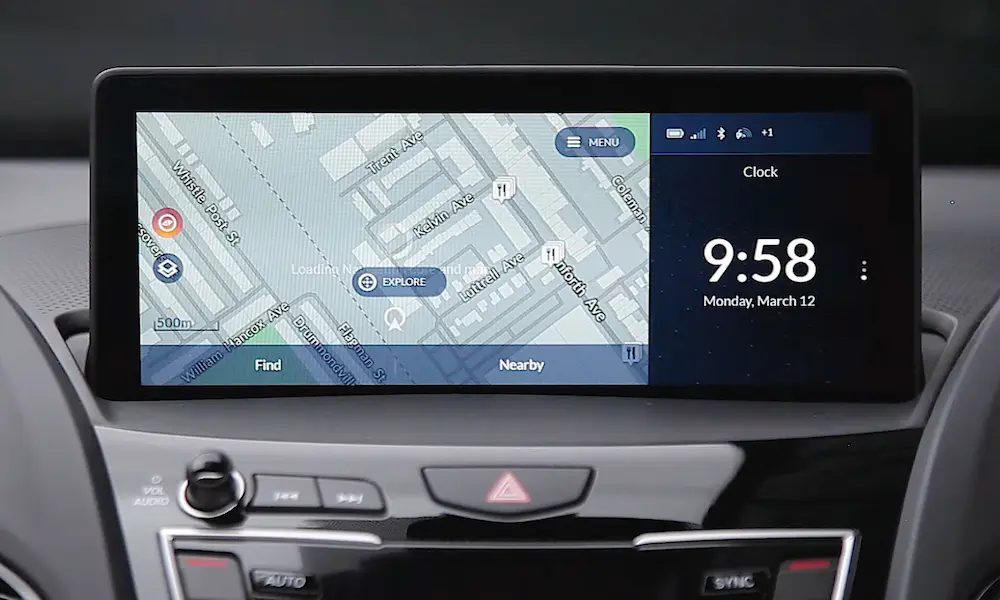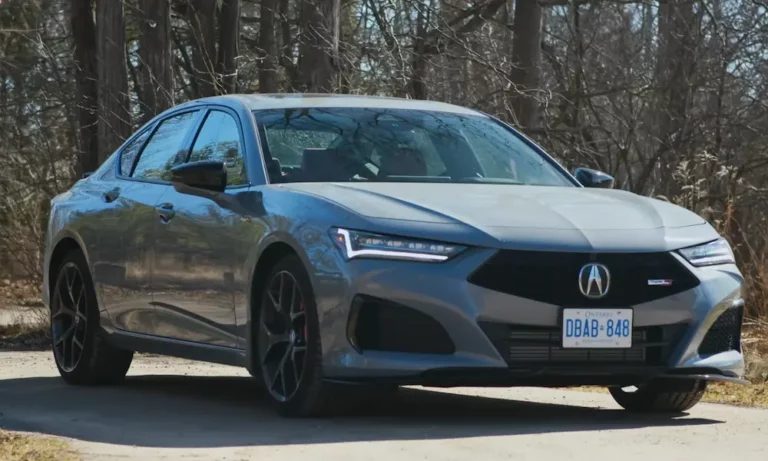
Ever turned on your Acura TLX only to be greeted by an “Enter Code” message on your radio display? Don’t worry—you haven’t broken anything. This is just your vehicle’s anti-theft system doing its job after a power interruption. Whether you’ve replaced your battery, had electrical work done, or experienced a power drain, I’ll show you exactly how to get your tunes playing again in no time.
Why Your Acura TLX Radio Needs a Code
Your Acura’s radio security system is designed to prevent theft. If someone removes the radio or disconnects the battery, the system locks down until a unique 5-digit code is entered. It’s a smart security feature, but it can be frustrating when you’re the legitimate owner!
The good news? Finding your radio code is easier than you might think, and you have several options to retrieve it.
The Quick Reset Method (Try This First!)
If you drive a 2015 or newer TLX, you might be able to skip the code entirely:
- Turn your ignition to the ON position
- Press and hold the audio power button for 2-5 seconds
- Release the button
Many newer Acura models will automatically reset without requiring a code. If this doesn’t work, don’t worry—we’ve got plenty of other options.
Where to Find Your Radio Code (Physical Locations)
Before diving into more complex methods, check these common places where your radio code might already be documented:
Glove Compartment
Open your glove box and look along the left side wall (driver’s side). Many Acura vehicles have a small white sticker with both the radio serial number and the 5-digit radio code printed directly on it.
Owner’s Manual
Flip through your owner’s manual—especially the front and back covers. Many dealers place a business card or small card with the radio code inside. Some owners find their codes written on the maintenance log pages as well.
Engine Fuse Box
Pop the hood and check the inside cover of the engine compartment fuse box. Sometimes the radio code information is placed here on a decal sticker.
How to Get Your Radio Serial Number
If you couldn’t find the code in the physical locations, you’ll need to extract the radio’s serial number first. Here’s how:
For Standard Audio Systems
- Turn your ignition to ON position (don’t start the engine)
- Make sure the radio is OFF
- Press and hold preset buttons 1 and 6 simultaneously
- While holding buttons 1 and 6, press the power button
- The display will show an 8-digit serial number (like 11148077)
- Write down this complete number
Some TLX radio displays will show the serial in two parts marked by “U” (upper) and “L” (lower). Simply ignore the letters and combine the numbers to get your 8-digit serial.
For Navigation-Equipped Models
If your TLX has a navigation system, try this method:
- Turn on the vehicle (ignition ON)
- Simultaneously hold the Home, Return, and Menu buttons for about 5 seconds
- When the diagnostic menu appears, select “Detailed Information and Setting”
- Navigate to “Unit Check” or “ECU Information”
- Look for the radio/navigation serial number
Getting Your Radio Code Online
Once you have the serial number, you can retrieve your code online:
Official Acura Website
- Visit the Acura radio code website
- Click “Get Codes”
- Enter your Vehicle Identification Number (VIN)
- Provide your ZIP code, phone number, and email
- Input the 8-digit radio serial number
- Submit to receive your unique radio code
If you encounter certificate issues with the official website (which some users report), try the alternative methods below.
Alternative Online Services
Several TLX owners recommend using radiocodevault.com/acura as an alternative. These services typically provide codes within a few hours.
Contacting Acura Directly
If online methods don’t work, go straight to the source:
Call Your Local Dealership
Call any Acura dealership’s service department with your VIN and radio serial number. Most provide radio codes for free, though some may charge a small fee. Pro tip: ask for the service department first rather than immediately mentioning “radio code” to avoid being put on hold.
Acura Client Relations
You can also contact Acura Client Relations directly at 1-800-382-2238. They have a specific option for radio code assistance and can help retrieve your code with your VIN and serial number.
How to Enter Your Radio Code
Got your 5-digit code? Here’s how to enter it:
- Turn on your ignition and power on the radio
- When you see “Enter Code” on the display, use preset buttons 1-6 to input each digit
- For each digit, press the corresponding preset button the number of times needed
- For example, to enter “4” press button 1 four times
- To enter “0” press button 6 once
- After entering all five digits correctly, your radio should unlock automatically
Troubleshooting Code Entry Problems
Error Messages
If you see “Code Error” followed by a number, this shows how many incorrect attempts you’ve made. You get 10 tries before the system locks permanently.
Code Resets While Entering
If the display resets before you finish entering all digits, turn the radio off and on again, then try entering the code more quickly.
Too Many Incorrect Attempts
If you exceed 10 incorrect attempts, you’ll need to disconnect your car battery for several minutes to reset the system, then try again with the correct code.
Model-Specific Considerations
First-Generation TLX (2015-2020)
These models usually respond well to the power button hold method. If that fails, the 1+6+power button combination should work to get the serial number.
Second-Generation TLX (2021+)
Newer models may have slightly different menus. Try the home+return+menu button combination to access system diagnostics if needed.
| TLX Model Year | Recommended First Method | Backup Method |
|---|---|---|
| 2015-2020 | Power button hold (2-5s) | 1+6+Power for serial |
| 2021+ | Power button hold (2-5s) | Home+Return+Menu for diagnostics |
Preventing Future Radio Code Issues
Once you’ve successfully unlocked your radio, take these preventive steps:
- Write down your radio code and keep copies in multiple places (glove box, wallet, phone)
- Take a photo of your code and store it in your phone
- Replace aging batteries before they fail completely
- Alert mechanics about the radio code before they disconnect your battery
Alternative Solutions for Stubborn Cases
If you’ve tried everything and still can’t unlock your radio:
Professional Diagnostics
Acura service departments have specialized diagnostic tools that can access your radio system directly when other methods fail.
Radio Replacement
For older TLX models with persistent issues, replacing the radio with an aftermarket unit might be more cost-effective than extensive troubleshooting.
Radio Code vs. Navigation Code
Some TLX models with navigation systems require two separate codes:
- Radio code: 5 digits for audio system
- Navigation code: 4 digits for navigation functions
Make sure you’re using the correct code for the system you’re trying to unlock.
While the Acura TLX radio code system can be frustrating when you’re locked out, it’s actually a valuable security feature that protects your investment. With the methods outlined above, you should be back to enjoying your favorite music in no time!