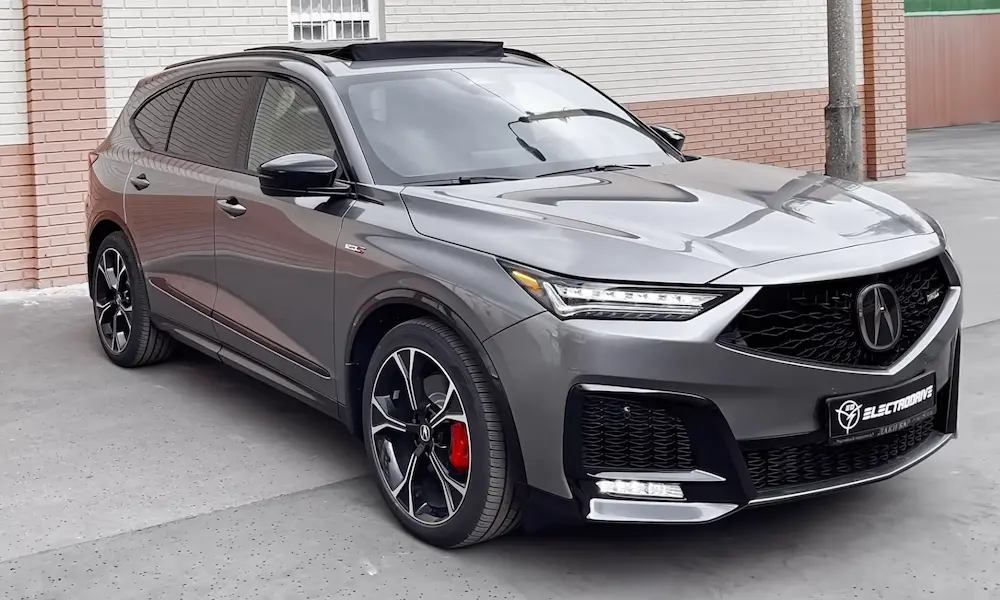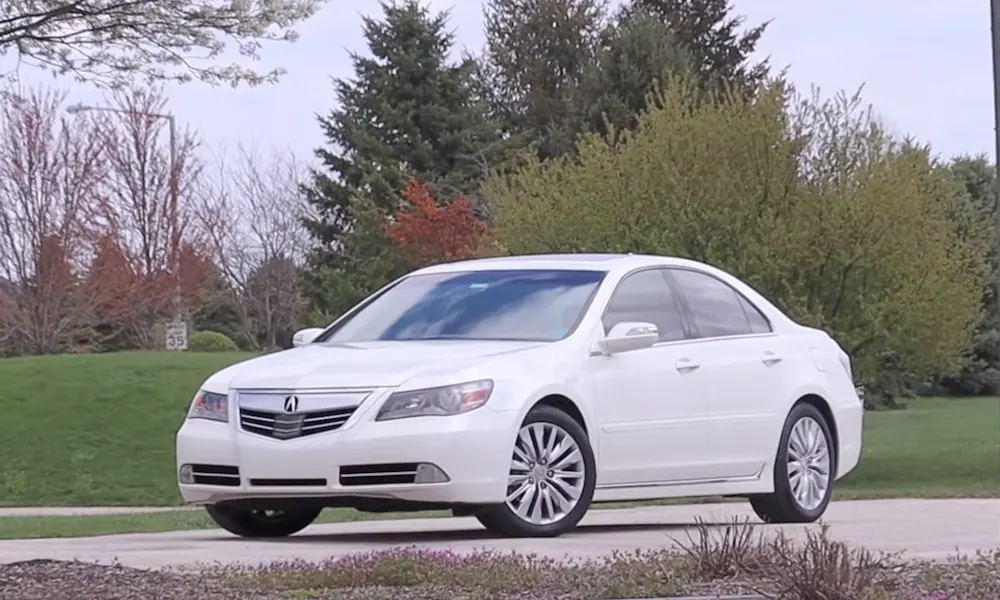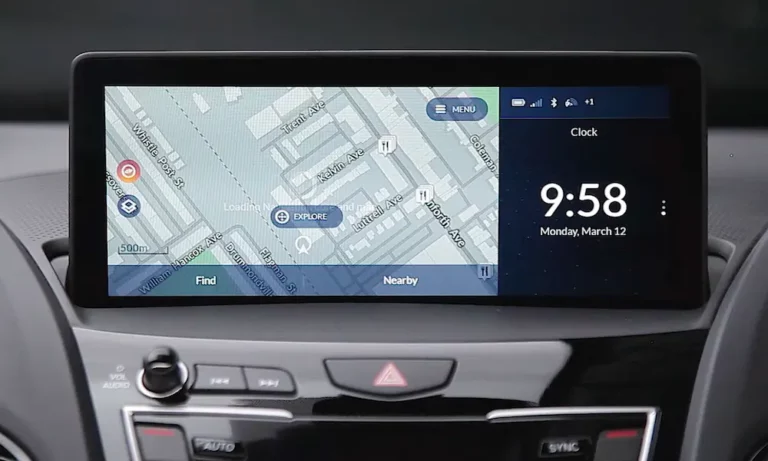
Your Acura’s nav system is sending you down roads that no longer exist. Sound familiar? This guide breaks down exactly how to update Acura navigation system based on your specific model and year — no dealership required. Stick around, because the method that works for a 2010 TL is completely different from what you’d do with a 2022 RDX.
First: Figure Out Which System You Actually Have
Before you buy anything or download anything, you need to know your system type. Using the wrong update method can cause real damage — think locked navigation units and expensive dealer visits.
Your VIN is the starting point. Find it on your driver’s side dashboard (visible through the windshield) or on your registration documents. The 10th digit tells you the model year.
Here’s a quick breakdown of the four Acura navigation generations:
| Era | Years | Update Method |
|---|---|---|
| Legacy DVD-ROM | 2000–2012 | Physical disc swap |
| HDD/Early USB | 2013–2018 | Disc installs to internal storage |
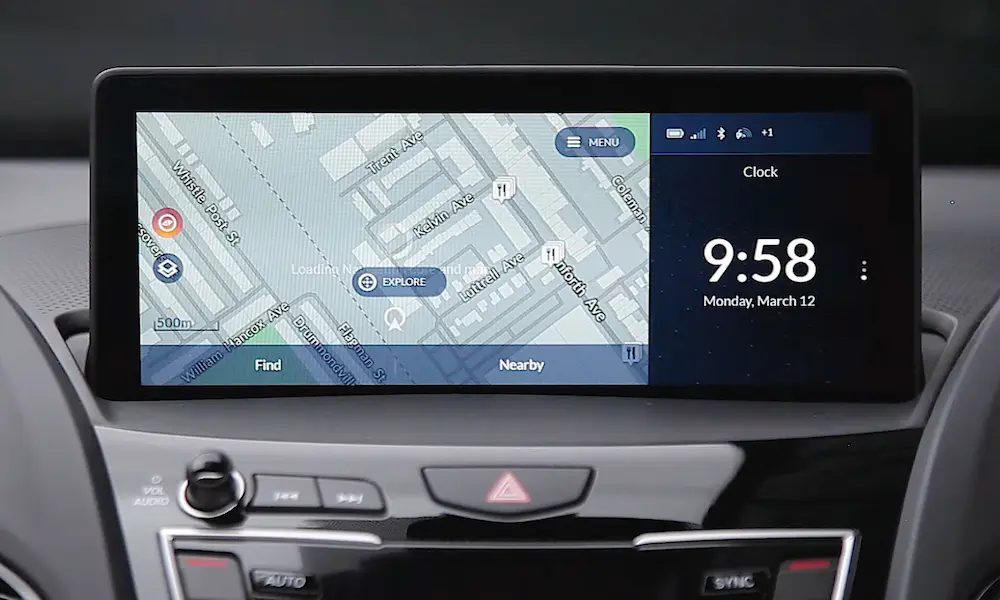
| MapCare (True Touchpad) | 2019–2025 | USB + HERE Map Downloader |
| Google Built-in | 2024–Present | Automatic via cellular |
Got your generation? Good. Let’s dig in.
How to Update Acura Navigation System: DVD-Based Models (2000–2012)
These older systems use a DVD-ROM player that reads map data in real time. You swap the disc, and you’re done — but finding the disc slot is half the battle.
Where Is the Navigation Drive?
Acura hid these drives in some creative spots. Here’s where to look:
| Model | Drive Location |
|---|---|
| TL (2004–2008) | Trunk, right quarter panel behind carpeted cover |
| MDX (2006–2009) | Under the driver’s seat |
| RL (2005–2012) | Trunk, left interior trim panel |
| RDX (2007–2012) | Glove box or center stack |
Check out this YouTube walkthrough if you’re having trouble locating yours.
Buying the Right DVD
DVDs are color-coded by hardware version — White, Orange, Turquoise, Black, and Green. Buying the wrong color won’t work, so verify your disc type first before you order anything.
Updates typically cost $99–$149. Prices sometimes drop in summer months (June–August) when the new version is about to drop.
The Swap Process
- Turn the ignition to ON (not Start)
- Eject the old disc from the navigation drive
- Insert the new map DVD
- Wait for the system to read and initialize the data
Keep the engine running or connect a battery charger during the process. According to an NHTSA service bulletin, a power drop during a navigation update can lock the unit — and recovery isn’t fun.
How to Update Acura Navigation System: HDD Models (2013–2018)
These systems store maps on an internal hard drive. The DVD or USB acts as an installation medium — not a live reader. This distinction matters.
Check Your Current Database Version First
You need to know your current version before purchasing an update. Here’s how to find it:
| System Type | Button | Menu Path |
|---|---|---|
| Brown Disc Systems | SETTINGS | System Settings → Other → System/Device Information |
| Green Disc Systems | INFO | Other → System/Device Information |
| Red/Purple Disc Systems | INFO (from Map Screen) | Interface Dial → System/Device Information |
Here’s why this matters: if your database is significantly out of date, you might need the 4-disc Brown DVD update set instead of a single disc. Skipping to the latest version without the intermediate release won’t work.
The 4-Disc Update Process (Brown Disc Systems)
This one throws people off. Here’s the sequence:
- Install Discs 1 and 2 fully
- Drive the vehicle normally for about 4 hours — the system processes in the background
- Install Disc 3
- When prompted for “Disc 2” again, ignore it — insert Disc 4 instead (this is a known software quirk, not an error on your part)
The whole process can span multiple days depending on how much you drive. Don’t interrupt it. According to the NHTSA technical service bulletin, a battery hard reset is the first recovery step if the unit locks up during installation.
How to Update Acura Navigation System: MapCare USB (2019–2025)
The 2019 RDX introduced the True Touchpad Interface and the MapCare program. This is the most modern non-cloud method, and it requires a bit of prep on your computer before anything touches the car.
Many 2019+ models come with complimentary updates for the first three years, so check your eligibility here before spending money.
What You Need Before You Start
- A blank 32GB USB 3.0 drive (larger drives work, but there’s a formatting catch — more on that below)
- A PC running Windows 10 or newer, or a Mac running macOS 12 or newer
- Your VIN and current map version number
- A fast internet connection (the download exceeds 16GB)
The USB Formatting Problem (and How to Fix It)
Windows doesn’t support FAT32 formatting on drives larger than 32GB natively. If you’re using a 64GB or 128GB drive on Windows, open Command Prompt as an administrator and run:
format /FS:FAT32 X:
Replace X with your actual drive letter. Mac users can use Disk Utility — select MS-DOS (FAT) as the format and Master Boot Record as the scheme.
Step-by-Step MapCare Update Process
- Format your USB drive as FAT32
- Install the HERE Map Downloader tool on your computer
- Enter your VIN and current database version into the portal
- Download the maps (this takes several hours — don’t interrupt it)
- Let the tool verify data integrity before ejecting the drive
- Insert the USB into your vehicle’s Data USB port (usually in the center console, often marked with a smartphone icon — not the charging-only ports)
- Put your system in Navigation mode to trigger the update
- Drive normally — the update runs in the background over 33–60 minutes
- When “Map Update Complete” appears, turn the car off for 15 minutes to let the system finalize
The full installation manual is available here as a PDF if you want the official documentation.
The Acura NSX: A Completely Different Process
The NSX (2017–2024) uses a Garmin-based navigation system managed through Garmin Express. It’s also the only Acura model that gets five years of complimentary updates instead of three.
The 24-Hour Handshake Window
This is the step that trips people up:
- Insert a blank 16GB USB drive into the NSX while the vehicle is off
- Turn the vehicle on and select “Update Map” — this imprints a unique device ID on the drive
- Within 24 hours, connect that USB to a computer running Garmin Express
- Download the maps through Garmin Express
- Return the USB to the NSX and run the final install (up to one hour, engine running)
Miss the 24-hour window? The security handshake expires and you start over from step one.
Google Built-in Models: ZDX, ADX (2024–Present)
If you drive a ZDX or ADX, you don’t update Acura navigation system maps manually. Google Maps is the navigation engine, and it updates continuously through your cellular connection.
That said, the underlying Android Automotive OS still needs periodic updates. Minor bug fixes come through as small OTA patches automatically. Larger system updates sometimes require a dealer visit to avoid bricking the telematics module. Check Acura’s OTA update page for current software availability.
Troubleshooting Common Navigation Errors
Something went sideways? Here’s what the error codes actually mean:
| Error Code | Likely Cause | Fix |
|---|---|---|
| 004 | Power interruption during update | Battery hard reset; check voltage |
| 57D / D57 | Software bug (common on 2020 RDX) | Factory data reset; request dealer hotfix |
| “Check Disc” | Scratched media or failing laser | Clean disc; replace DVD-ROM unit |
| VIN Not Found | Typo or connectivity setting off | Verify VIN (no I, O, Q); enable Connected Features in menu |
How to Do a Battery Hard Reset
For a completely frozen or unresponsive system after a failed update, disconnect both battery cables and short them together (away from the battery) for 15–20 minutes. This drains the infotainment capacitors and forces a full reboot.
If the unit stays locked, insert the update disc before turning the ignition to ON. The system may detect it and trigger a recovery sequence — look for blinking LEDs on either side of the disc slot as a good sign.
Is Paying for a Map Update Actually Worth It?
Honest answer: it depends on how you use the car.
Built-in navigation has real advantages. Your Acura’s shark-fin GPS antenna delivers better signal than most smartphone antennas in urban areas and dead zones. Turn-by-turn directions appear on your instrument cluster or HUD, which keeps your eyes on the road instead of a phone mount.
But official updates cost $99–$149 per release, while Google Maps is free. The Acura community on Reddit is split on this, and honestly, the debate is fair.
If you do decide to update, watch for summer promotions. Previous-year maps often drop to around $100 between June and August as the new release approaches.
AcuraLink and the 3G Shutdown: What You Need to Know
If your Acura is a 2014–2021 model, pay attention here. Major carriers shut down 3G networks between 2022 and 2025, which broke AcuraLink connectivity for a lot of owners.
Acura released a free OTA update to upgrade the Telematics Control Unit to work on newer networks. In Canada, that window closed on February 28, 2024. If you missed it, a physical TCU replacement is the only fix — and it’s not cheap.
Features like Send Destination (which lets you beam addresses from your phone to your nav system) require an active AcuraLink subscription. The Connect tier ($208/year) covers that feature, plus things like Stolen Vehicle Locator and real-time fuel and tire pressure data.
How to Find Your System’s Current Software Version
Here’s the quick reference for finding your map version — you’ll need this when purchasing any update:
| System | Button | Path |
|---|---|---|
| Brown Disc | SETTINGS | System Settings → Other → System/Device Information |
| Green Disc | INFO | Other → System/Device Information |
| Red/Purple Disc | INFO (Map Screen) | Interface Dial → System/Device Information |
| True Touchpad | MENU | Help → About |
Start there, confirm your generation, and you’ll know exactly which update path applies to you. Knowing how to update Acura navigation system correctly from the start saves you from buying the wrong media, corrupting your database, or sitting in your driveway wondering why the car is asking for Disc 2 again.