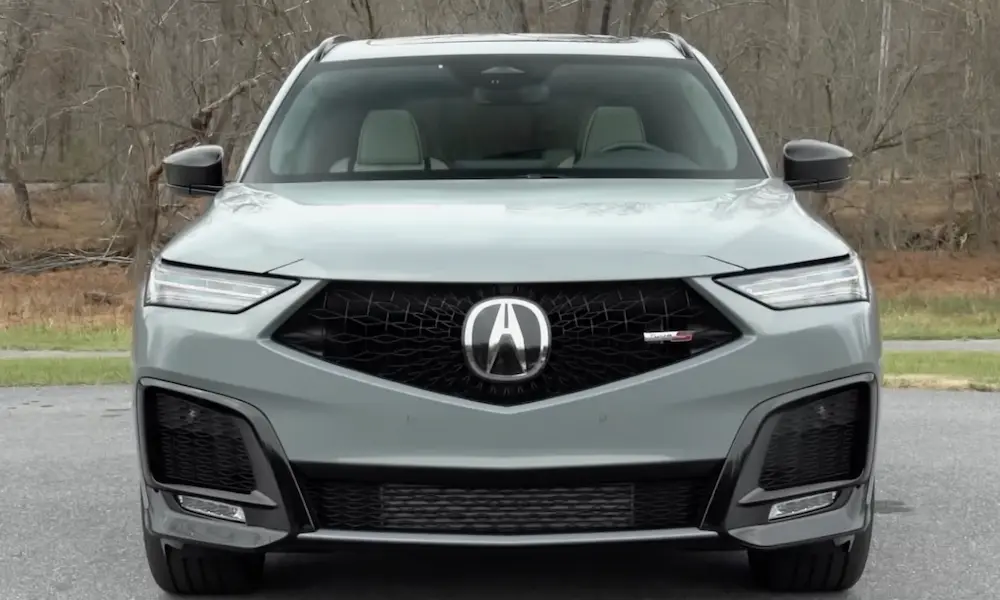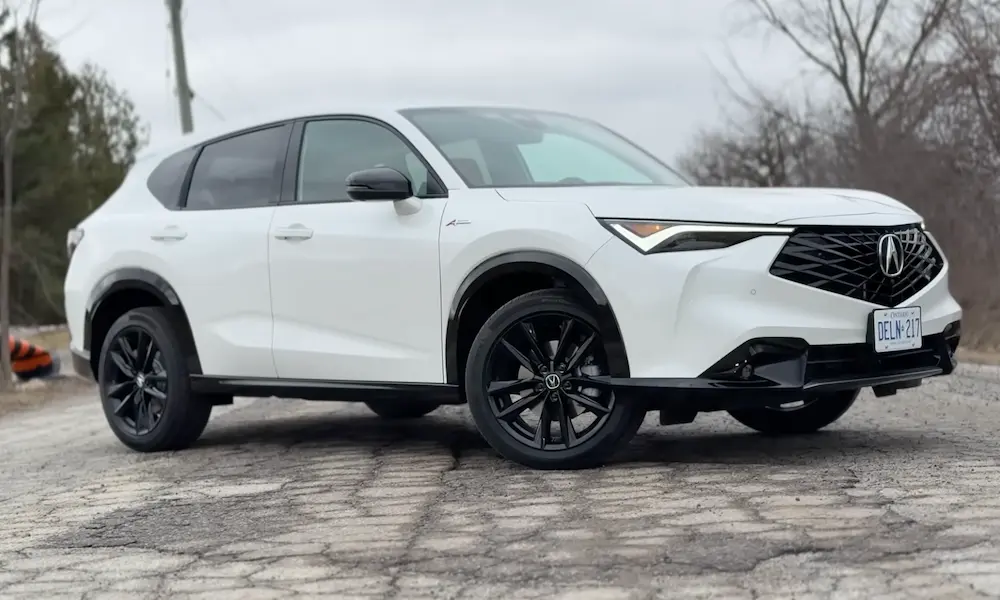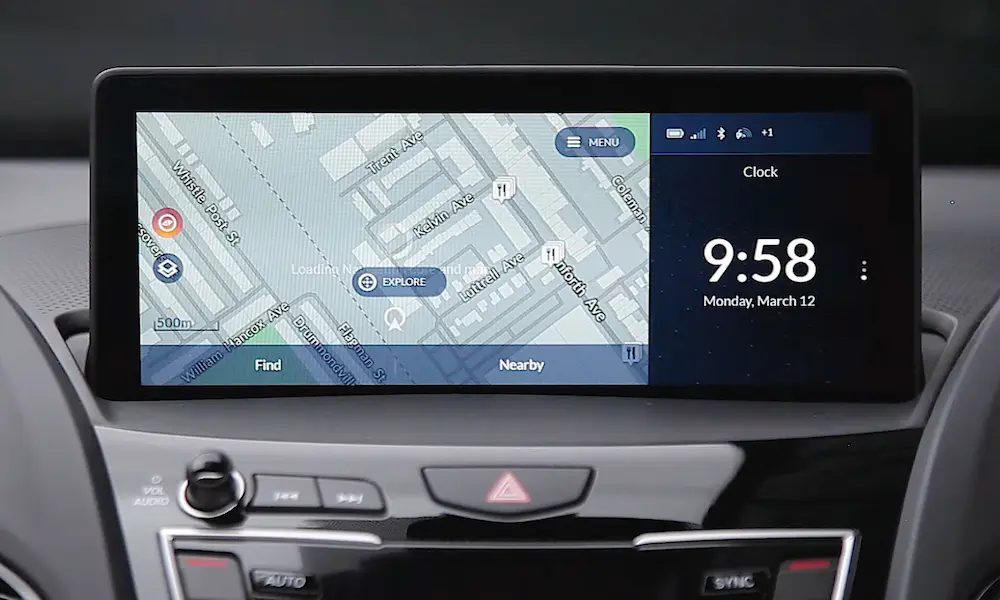
Your Acura MDX’s radio just went dark, and now you’re staring at a “CODE” prompt on the dash. Frustrating, right? This happens after a battery replacement or disconnect, and it’s more common than you think. Don’t worry—resetting your Acura MDX radio code isn’t rocket science. This guide walks you through every step, no matter which generation MDX you own.
Why Your Acura MDX Radio Asks for a Code
Let’s start with the “why” before we jump into the “how.”
Your MDX’s radio has an anti-theft system baked into it. When you disconnect the battery (or it dies completely), the radio loses power to its memory circuit. This triggers a security lockout that makes the radio useless to thieves who might’ve cut the wires to steal it.
The system can’t tell the difference between a legitimate battery replacement and a theft attempt. So every time power gets cut, you’ll need to prove you’re the rightful owner by entering the correct code.
Here’s the kicker: your radio draws a tiny amount of power constantly (even when the car’s off) just to keep that security flag in the “unlocked” position. Cut that power, and the flag resets to “locked.” It’s a simple but effective deterrent that’s been around since the late ’90s.
What You’ll Need Before You Start
Before you can reset anything, you need two crucial pieces of information:
Your Vehicle Identification Number (VIN)
This 17-character code identifies your specific MDX. You’ll find it in three places:
- Through the windshield on the driver’s side dash
- On the driver’s door jamb sticker
- On your registration and insurance papers
Quick tip: VINs never contain the letters I, O, or Q. If you’re reading your VIN through a dirty windshield and see what looks like an “O,” it’s actually a zero. This mix-up causes tons of “Invalid VIN” errors when people try to retrieve their codes online.
Your Radio’s Serial Number
This 8-digit number is unique to your actual radio unit—not your car. The serial number determines your unlock code. If someone swapped your radio with a junkyard unit, the code linked to your VIN won’t work anymore.
Don’t have your anti-theft card? No problem. I’ll show you how to pull the serial number electronically without removing anything.
How to Find Your Radio Serial Number (By Generation)
2001–2006 MDX: The “1 and 6” Trick
This generation makes it super easy. There’s a hidden command built into the radio’s firmware:
- Make sure your radio is OFF (this is critical—it won’t work if the radio’s on or showing “ERR”)
- Press and hold preset buttons 1 and 6 at the same time
- While holding both buttons, press the Power/Volume knob
- Your display will alternate between two screens:
- First screen: U + 4 digits (example: U2400)
- Second screen: L + 4 digits (example: L9822)
- Ignore the letters. Your serial number is just the numbers combined: 24009822
Write this down immediately. You’ll need it for the next step.
One thing to know: codes for this generation only use digits 1-6. The physical preset buttons can’t input 7, 8, 9, or 0. So if you retrieve a code online that includes an “8,” something’s wrong—you might’ve grabbed the navigation code by mistake.
2007–2013 MDX: Two Codes, Two Systems
This generation gets tricky because you’ve got separate codes for the radio and navigation system.
For the radio serial number: Use the same “1 and 6” method described above.
For the navigation serial number: You’ll need to access a hidden diagnostic menu. Here’s how:
- Turn your ignition to ON
- Press and hold three buttons simultaneously for 3–5 seconds: Map/Guide + Menu + Cancel
- You’ll enter the “Select Diagnosis Items” screen
- Use the interface dial to navigate: Detail Information & Settings → Unit Check → ECU Info
- Your navigation serial number appears on screen
A word of caution from Acura’s own service bulletin: don’t mess with the “Force Download” or “Memory Clear” options in this menu. You can brick your navigation unit if you interrupt those processes.
2014–2020 MDX: The Power Button Shortcut
Good news if you own this generation—there’s a bypass that works 90% of the time.
When you see the “Enter Code” screen:
- Turn the ignition ON
- Wait for the boot screen to fully load
- Press and hold the audio power button (the small volume knob, not the main screen button) for 2–5 seconds
- You’ll hear a long beep
- The anti-theft screen should disappear
Why does this work? Your radio talks to your car’s computer network (the CAN bus). It asks the engine control module for the VIN. If the VIN matches what’s stored in the radio’s memory, the system unlocks automatically.
This only fails if your radio’s been swapped out or there’s a network communication problem. In those cases, you’ll need to enter the actual code.
If you still need the serial number, the “1 and 6” method works on these models too.
2022–Present MDX: Cloud-Connected and Code-Free
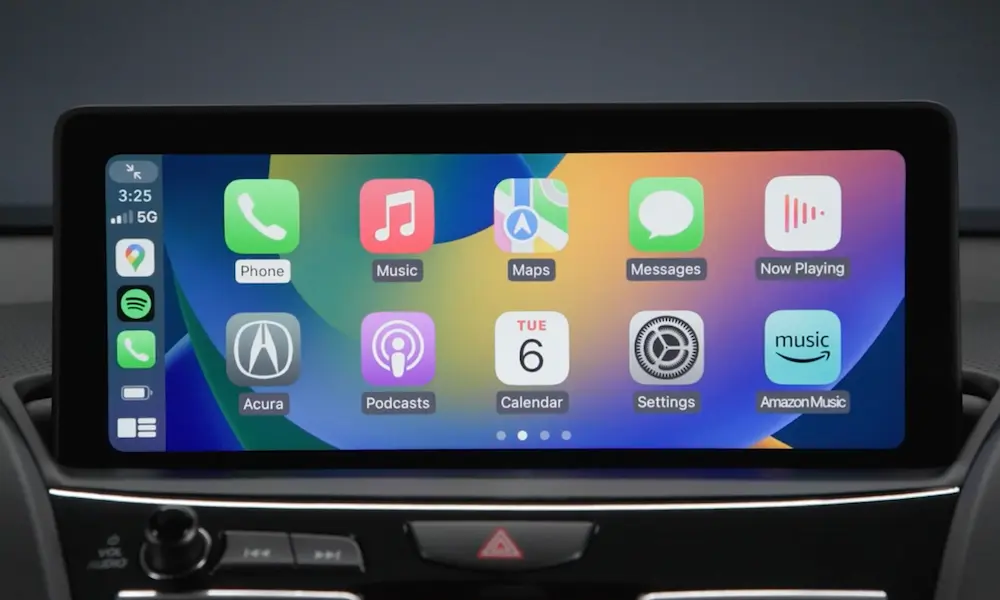
The newest MDX generation rarely asks for traditional radio codes. The system authenticates automatically through AcuraLink and over-the-air updates.
If you see a blank screen or “System Error” after a battery replacement:
- Press and hold the Home button until the system reboots
- Or just drive around for a few minutes—the GPS sync usually clears the error
If you’re actually getting a PIN request, it’s likely a valet mode PIN you set yourself, not a factory anti-theft code.
How to Get Your Unlock Code
Once you’ve got your VIN and serial number, you can retrieve your code through three channels:
Option 1: Acura’s Online Portal (Fastest)
Head to Acura’s radio code website and enter:
- Your VIN
- Radio or navigation serial number
- ZIP code
- Phone number
- Email address
The system spits out your code instantly. You’ll get both your 5-digit radio code and 4-digit navigation code (if applicable).
Option 2: Call Acura Client Relations
If the online system doesn’t have your serial number (happens with warranty-replaced radios), call 1-800-382-2238. Have your VIN and serial number ready.
Option 3: Visit Your Dealer
Dealers access a master database called the Interactive Network (iN) that includes every component swap. They might charge a diagnostic fee if they have to physically remove your radio to read the serial number, but it’s your most reliable option for unusual cases.
How to Enter Your Code (Step-by-Step)
2001–2006 Models
- Turn your ignition to ACC or ON
- The display shows “CODE”
- Use preset buttons 1–6 to enter each digit of your 5-digit code
- The display updates with each press, spelling out “C-O-D-E”
- After the 5th digit, you’ll hear a relay click and the radio powers on immediately
Remember: your code can only contain numbers 1 through 6 on these models.
2007–2013 Models
For the radio:
Enter your 5-digit code using the center stack knob or preset buttons, just like the earlier generation.
For the navigation:
This is where people get confused. You’ll use the interface dial (the rotary joystick):
- The screen shows a virtual keypad
- Rotate the dial to highlight each number of your 4-digit code
- Press down (click the dial) to select each digit—don’t just rotate and wait
- Confirm after entering all four digits
Don’t mix up your codes. Using the 5-digit radio code on the 4-digit navigation screen (or vice versa) is the #1 reason for “Invalid Code” errors.
2014–2020 Models
Try the power button hold first (described earlier). If that doesn’t work:
- The touchscreen displays a code entry interface
- Use the on-screen dial or keypad to enter your 5-digit code
- Select “Enter” or “OK”
What to Do When You See “ERR”
Entered the wrong code too many times? You’ll see “ERR” on your display, and the system locks you out completely.
Here’s what’s happening: the radio allows 10 attempts before triggering a hard lockout. This prevents thieves from just guessing codes until something works.
The One-Hour Wait Method
The official reset process:
- Leave your ignition in ACC or ON position
- Keep the radio powered on
- Wait exactly 60 minutes
- The error clears and you get 10 fresh attempts
Important: the countdown only works while the unit has power. If you turn off the car, the timer resets to 60 minutes.
Pro tip: hook up a battery charger to your MDX while you wait. You don’t want your battery dying during the hour-long reset.
The Fuse Pull Shortcut
Technicians use this workaround to skip the wait time:
- Pop your hood and locate the under-hood fuse box
- Find the “BACKUP” fuse (usually 7.5A)
- Pull it out for 60 seconds
- Reinstall the fuse
- The radio reboots directly to the “CODE” prompt
This works because pulling the backup fuse cuts power to the radio’s volatile memory, wiping the error counter. You’ll lose your clock time and presets, but you’re back in business.
How to Avoid This Headache Next Time
Use a Memory Saver
When you’re replacing your battery, use an OBD-II memory saver. This little device plugs into your diagnostic port and feeds backup power to your car’s systems while the main battery is disconnected.
Result? Your radio never loses power, the security flag never trips, and you never see a code prompt.
Document Everything Now
Don’t wait until you’re locked out. Do this today:
- Retrieve your serial number using the methods above
- Get your unlock code from Acura’s website
- Write both numbers inside your owner’s manual or glove box
Check for Factory Stickers
Before you go through the whole retrieval process, check these spots where factory workers sometimes placed duplicate code stickers:
- Inside your glove box (side walls and outer flanks)
- Under the engine bay fuse box lid
- In your vehicle’s original maintenance journal
| Problem | What It Means | Quick Fix |
|---|---|---|
| Display shows “CODE” | Normal lockout after power loss | Enter your 5-digit code or try power button hold (2014+) |
| Display shows “ERR” | Too many wrong attempts | Wait 1 hour with ignition on, or pull backup fuse for 60 seconds |
| “Invalid Code” error | Wrong code or mixing radio/nav codes | Verify you’re using the right code for the right system |
| “1 and 6” doesn’t work | Radio is on, or wrong model year | Turn radio OFF first; try diagnostic menu for navigation |
| Code works but no sound | Different issue (not code-related) | Check NHTSA recalls for your model year |
The Radio vs. Navigation Code Confusion
Let’s clear this up once and for all, because it trips up tons of MDX owners:
Radio Code (Audio System)
- Always 5 digits
- Controls FM/AM/XM/CD playback
- Entered via preset buttons or center dial
- Example: 41235
Navigation Code (GPS/Screen)
- Always 4 digits
- Controls map display and interface
- Entered via touchscreen or interface dial
- Example: 8821
On 2007–2013 models with the Tech or Advance package, you might need BOTH codes. The radio can play sound while the screen stays locked, or the screen can work while audio stays muted. They’re separate systems with separate codes.
If you’re entering a code and it’s not working, double-check you’re putting the right code into the right system.
Special Cases and Oddball Situations
Someone Swapped Your Radio
If a previous owner replaced the radio with a junkyard unit, the code tied to your VIN won’t work. You need the code for the actual radio that’s currently installed.
Solution: Pull the serial number from the current radio using the methods above, then retrieve the code based on that serial number.
Your Code “Doesn’t Exist”
The online portal sometimes says “Code Not Found” for radios that were replaced under warranty. The serial number exists in the dealer database but not the consumer-facing website.
Your only option: visit an Acura dealer. They’ll access the master database and retrieve it for you.
The Screen Is Completely Black
If your 2022+ MDX has a blank screen after a battery replacement, it’s usually not a code issue—it’s a system crash.
Try this: press and hold the Home button for 10–15 seconds to force a reboot. Or drive the car for 5–10 minutes to let the telematics system re-sync with GPS satellites.
You Lost Your Anti-Theft Card
That little wallet card from the dealer? Most people lose it within the first year of ownership. Don’t panic.
Honda’s serial number help page confirms you can always retrieve your codes online or by phone as long as you have your VIN and can pull the serial number electronically.
What If Nothing Works?
You’ve tried everything in this guide, and your radio still won’t unlock. Here’s your troubleshooting checklist:
Double-check your serial number extraction
- Is the radio completely OFF when you try “1 and 6”?
- Did you write down all 8 digits correctly?
- Are you reading the navigation serial instead of the radio serial?
Verify your VIN accuracy
- No letters I, O, or Q exist in VINs
- Compare the VIN on your windshield to your registration
- Use the door jamb sticker if the dashboard plate is hard to read
Confirm you’re using the right code type
- 5 digits for radio, 4 digits for navigation
- Are you entering it into the correct system?
Check for electrical issues
- Is your backup fuse blown? (This causes the radio to lock every time you turn off the car)
- Test your battery voltage—if it’s below 12V, charge it before attempting code entry
If you’ve eliminated all these possibilities and you’re still locked out, you’ve likely got a hardware failure or a corrupted memory chip. At that point, you’re looking at a dealer visit for diagnosis.
The good news? That’s rare. 95% of Acura MDX radio code issues resolve with the exact steps in this guide.
The Bottom Line
Resetting your Acura MDX radio code isn’t nearly as complicated as it seems at first. The system’s designed to stop thieves, not to torture you—though it can feel that way when you’re staring at a locked screen.
Remember the core process: find your serial number (using the “1 and 6” method or diagnostic menu), retrieve your code from Acura’s database, and enter it using the right method for your generation. If you mess up too many times, wait an hour or pull the backup fuse to reset.
And next time you replace your battery? Use a memory saver and skip this whole dance.
Your MDX’s entertainment system is back in business. Crank up the volume and enjoy the drive.