Your garage door refuses to budge, the opener lights are blinking mysteriously, and you’re stuck outside in the rain. Don’t worry – most Genie garage door opener problems have simple fixes you can handle yourself without calling a pro.
Check the Power Supply First
When your Genie garage door opener shows no signs of life, always start with the basics:
- Is it plugged in? Check the connection at the outlet.
- Test the outlet with another device to confirm it’s working.
- Check your home’s circuit breaker – a tripped breaker is easy to reset.
- Look for a power switch on the opener unit itself – these can get accidentally turned off.
After power outages or electrical storms, your opener might need a reset to restore normal function. Many homeowners immediately assume a major mechanical failure when the solution is as simple as restoring power.
Remote Control Troubleshooting
If your opener has power but won’t respond to your remote, try these fixes:
Replace the Batteries
Dead or weak batteries are the most common cause of remote failure. Even if the indicator light still works, the battery may not have enough charge to transmit effectively. Always use fresh batteries of the recommended type.
Reprogram Your Remote
Your remote may have lost its connection to the opener. Here’s how to fix it:
- Find the “Learn” button on your Genie opener unit (you’ll likely need a ladder).
- Press the button until the indicator light activates.
- Press the button on your remote within 30 seconds.
- Test the remote to confirm it’s working.
For keypad entries, the process is similar but may require different button sequences depending on your model.
Check for Interference
Other devices operating on similar frequencies can interfere with your remote signal:
- LED lights, especially those with electronic ballasts
- Some home automation systems
- Nearby radio towers or equipment
- Security systems
Try operating the remote from different positions to identify potential interference sources.
Safety Sensor Problems
Safety sensors prevent accidents by stopping the door if something crosses their path. When these malfunction, your door may refuse to close properly.
Locate and Inspect the Sensors
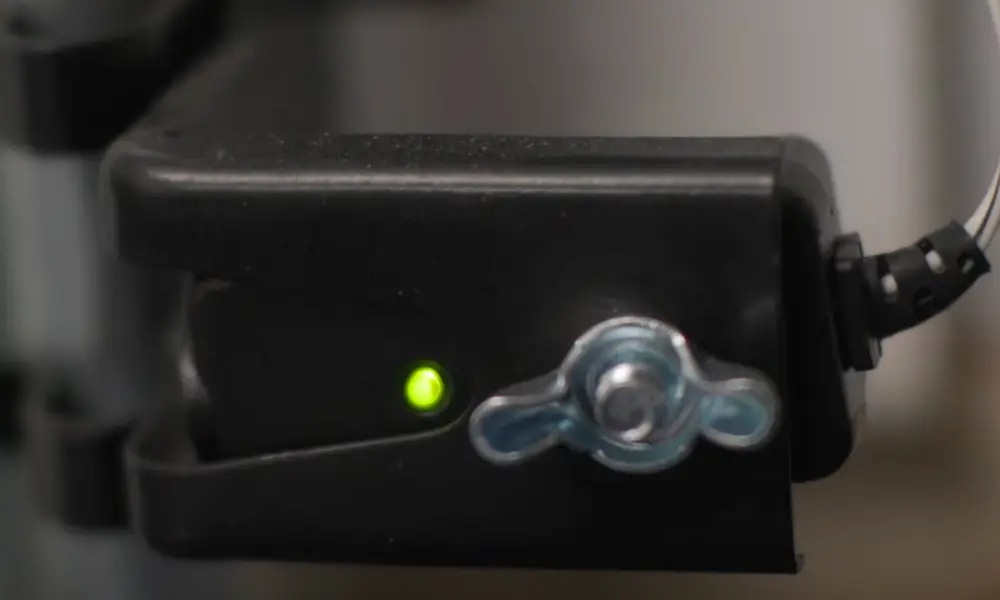
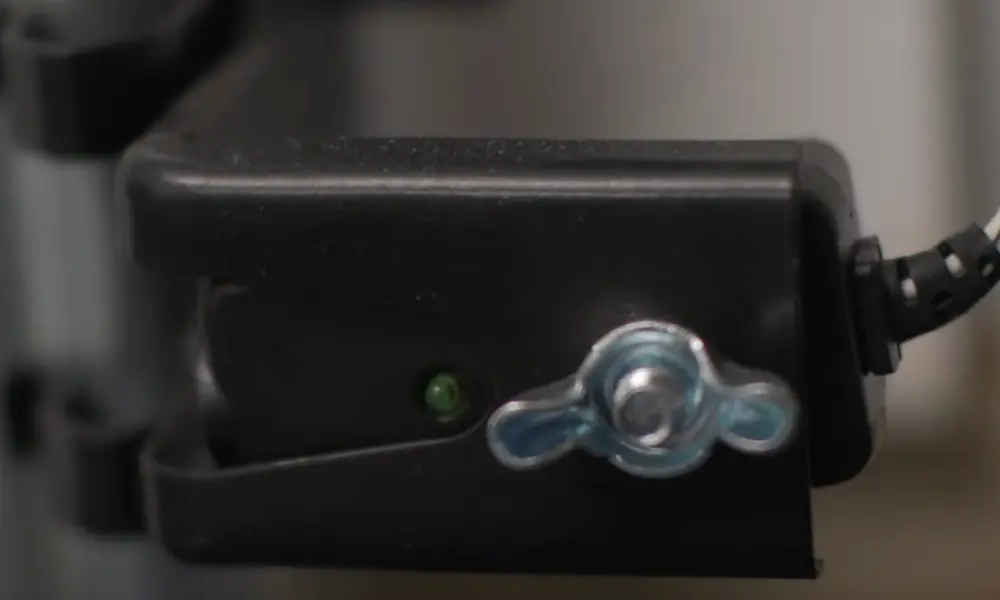
Look at the bottom of each garage door track for small sensors with indicator lights. These sensors create an invisible safety beam across your doorway.
Common Sensor Issues:
- Misalignment: Sensors must point directly at each other. Even slight misalignment prevents proper operation.
- Obstructions: Check for anything blocking the sensors’ view, including:
- Cobwebs or dust
- Stored items near the door track
- Debris on the sensor lenses
- Damaged Wiring: Inspect the wires running from each sensor to the opener unit for:
- Frayed sections
- Staple damage
- Disconnection at terminals
How to Fix Misaligned Sensors
- Look at the indicator lights on each sensor. Both should be lit steadily when properly aligned.
- Loosen the mounting brackets slightly if needed.
- Rotate the sensors gently until both indicator lights show solid illumination.
- Tighten the brackets to secure the sensors in their correct positions.
- Test the door to confirm proper operation.
For persistent sensor issues, try cleaning the sensor lenses with a soft, dry cloth to remove any dust or residue that might affect performance.
Understanding Error Codes and Indicators
Genie openers communicate problems through blinking light patterns. Learning to read these signals helps pinpoint exact issues:
| Blink Pattern | Meaning | Solution |
|---|---|---|
| 1 blink, pause, repeat | Remote not programmed | Reprogram remote |
| 2 blinks, pause, repeat | Sensor obstruction | Check for objects blocking sensors |
| 3 blinks, pause, repeat | Sensor misalignment | Realign sensors |
| 4-5 blinks, pause, repeat | Motor or circuit board issue | May need professional service |
When troubleshooting, always watch for these indicator patterns as they provide valuable diagnostic information.
Performing a System Reset
Sometimes a full system reset is the most effective solution for persistent problems:
- Locate the “Learn” button on your opener unit.
- Press and hold it for about 10 seconds until lights flash.
- This clears all programmed settings and returns the unit to factory defaults.
- You’ll need to reprogram all remotes and keypads afterward.
A reset is particularly helpful after power surges, electrical storms, or when experiencing unexplainable operational issues.
Mechanical Troubleshooting
If electrical tests don’t solve your problem, mechanical issues might be to blame.
Chain or Belt Drive Problems
- Inspect the chain or belt: Look for:
- Excessive sagging (more than 1/2 inch)
- Visible damage or wear
- Proper tension (should have slight give but not droop)
- Check the trolley: This connects your door to the opener mechanism.
- Ensure it moves freely along the rail
- Verify it’s properly engaged (not in manual release mode)
- Look for cracks or damage
Door Travel Limits
If your door doesn’t open or close completely, the travel limits may need adjustment:
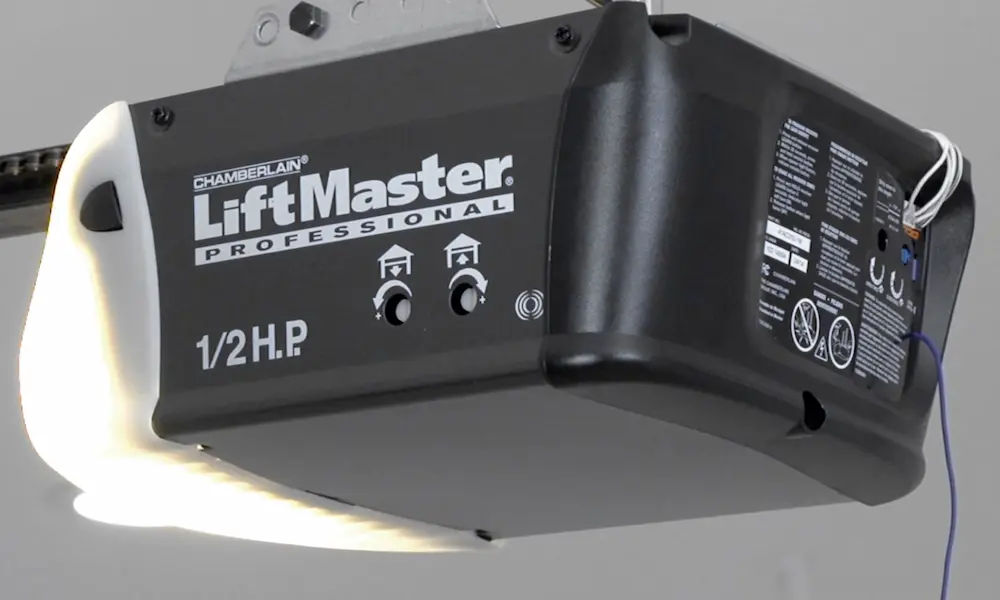
- Locate the limit adjustment screws on your opener unit (typically labeled).
- For doors that won’t fully close: Adjust the “down” limit.
- For doors that won’t fully open: Adjust the “up” limit.
- Make small adjustments (1/4 turn) and test between changes.
Unusual Noises
Different sounds indicate specific problems:
- Grinding: Usually indicates worn gears or insufficient lubrication
- Clicking: Often related to damaged teeth on drive gears
- Squealing: Typically signals friction in moving parts needing lubrication
Motor and Drive System Issues
The opener’s motor is its heart, and problems here can cause various symptoms:
Motor Overheating
If your opener works intermittently before stopping, it might be overheating:
- Allow 15 minutes for cooling before retrying.
- Check for anything causing the motor to strain (door balance issues, obstructions).
- Ensure proper ventilation around the motor unit.
Motor Runs But Door Doesn’t Move
This typically indicates a disconnect between the motor and drive system:
- Check if the emergency release cord was pulled (reconnect the trolley).
- Inspect the coupler connecting the motor to the drive shaft.
- Verify the sprocket hasn’t slipped from the drive chain or belt.
Preventative Maintenance Tips
Keep your Genie opener working reliably with these maintenance steps:
- Monthly Testing: Test safety reverse features by placing an object in the door’s path.
- Lubrication: Every 3-6 months, apply silicone-based lubricant to:
- Chain or belt drive
- Door rollers
- Hinges
- Seasonal Checks:
- Tighten hardware that may vibrate loose
- Clean sensor lenses
- Replace remote batteries annually
- Balance Testing: Release the door from the opener and manually lift it halfway. It should stay in place without rising or falling if properly balanced.
Wi-Fi Connectivity Issues
For smart Genie openers, connectivity problems are common:
- Ensure your opener is connected to your 2.4GHz network (not 5GHz).
- Position your router closer to the garage if signal strength is low.
- Try disabling advanced router features like Smart Connect during setup.
- Create a separate 2.4GHz network with a unique SSID if necessary.
Following a system reset, you’ll need to reconfigure all Wi-Fi settings and reconnect to your home network.
Age-Related Concerns
Most Genie openers last 10-15 years with proper maintenance. If yours is approaching this age, consider:
- Keeping replacement parts on hand for common failures
- Budgeting for eventual replacement
- Watching for increasing frequency of issues as a sign of end-of-life
Older units may lack modern safety features and energy efficiency of newer models.
Security Considerations
If security is a concern:
- Regularly change keypad PIN codes
- Use rolling code technology (standard on newer remotes)
- Never leave your garage door opener in your vehicle
- Consider adding a deadbolt for the emergency release mechanism
Following a reset, always reprogram all access devices promptly to maintain security.
By following this troubleshooting guide, you can identify and resolve most Genie garage door opener problems, saving time and potentially expensive service calls. Remember that safety is paramount – if you’re ever unsure about a repair procedure, consulting with a professional is the wisest choice.