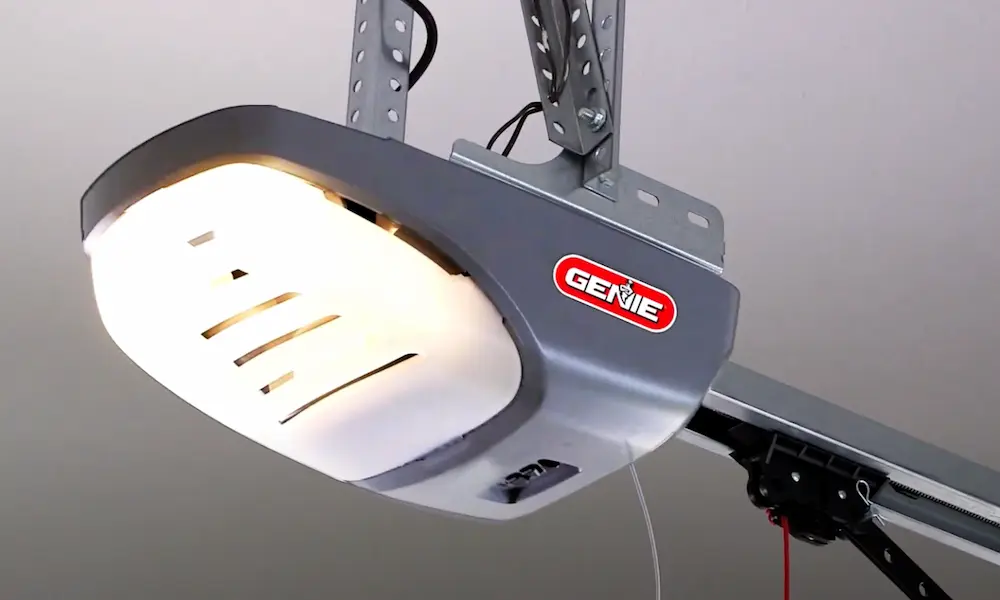
Is your Genie garage door opener acting up? Maybe your remote isn’t working, or perhaps you’ve moved into a new home and want to ensure previous owners can’t access your garage. Whatever the reason, resetting your Genie opener is a straightforward fix you can handle yourself without calling a technician.
Why You Might Need to Reset Your Genie Garage Door Opener
Your garage door opener might need a reset for several key reasons:
- You’ve lost a remote and want to prevent unauthorized access
- The opener is behaving erratically (stopping mid-cycle or reversing unexpectedly)
- You’ve experienced a power outage that affected programming
- You’ve moved into a new home with an existing Genie system
- Remote controls or keypads aren’t working despite fresh batteries
A proper reset can resolve these issues by clearing corrupted memory and allowing you to reprogram your devices with fresh settings.
Understanding Different Types of Genie Resets
Before grabbing your ladder, it’s important to know there are two main types of resets:
Standard Reset (Soft Reset)
- Clears programmed remote codes only
- Maintains travel limits and force settings
- Perfect when you’ve lost a remote or want to remove certain access
- Uses the Learn button on the opener unit
Hard Reset
- Returns entire system to factory default settings
- Clears all programming including travel limits
- Best for persistent issues not fixed by standard reset
- Process varies significantly between different models
- Requires disconnecting power and wiring in some cases
Knowing which reset you need will save you time and prevent unnecessary reprogramming.
How to Perform a Standard Reset Using the Learn Button
The simplest way to reset your Genie opener is using the Learn button. Here’s how:
- Position a sturdy ladder beneath your ceiling-mounted opener
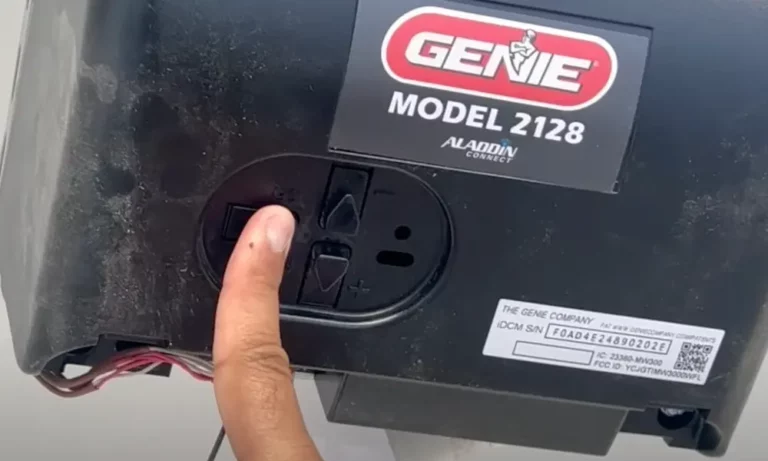
- Locate the Learn button on the opener unit (typically on the back or side near the antenna wire)
- Press and hold the Learn button for 5-6 seconds
- Wait for the indicator light to blink rapidly, then eventually turn off
- Release the button once the light goes out
That’s it! You’ve successfully erased all programmed remotes and wireless keypads from memory. This means no previously programmed devices will operate your door until you reprogram them.
Hard Reset Procedure for Genie Models 600/800
If you’re dealing with persistent issues or need a complete factory reset for Models 600/800, follow these detailed steps:
- Make sure the garage door is fully closed
- Unplug the opener from its power outlet
- Locate terminals 1 and 2 on the right side of the unit (marked with minus and plus signs)
- Remove the wiring by pushing back on the orange tab above each terminal hole
- Plug the unit back in to restore power
- Press and hold the Learn Code button until the red flashing light stops blinking
- Release the button (this clears all wireless devices)
- Reset the opener’s limit settings by pressing and holding both Set buttons simultaneously for 10 seconds
- Release when the LED indicator flashes three times
- After completing the hard reset, you’ll need to reprogram travel limits and wireless devices
For other Genie models, the hard reset process may differ, so always consult your specific model’s manual for accurate instructions.
Reprogramming Remotes After a Reset
After resetting your opener, you’ll need to reprogram your remotes:
- Press and release the Learn button on the opener unit once
- The indicator light will blink for approximately 30 seconds
- While the light is blinking, press the button on your remote you want to use
- For Intellicode systems:
- Press the remote button once (indicator light will become solid)
- Press it a second time (light will turn off)
- Press it a third time to confirm (door should activate)
If your remote doesn’t work after programming, check the battery and ensure you’re within proper range during setup.
Resetting and Reprogramming Genie Keypads
For Genie keypads, follow this reset sequence:
- Press and hold the Program button, Up button, and Down button simultaneously for 5 seconds
- The light below the Program button will glow solid, then flash twice before turning off
- Your keypad is now reset to the default PIN (typically 3-5-7)
To program a new PIN:
- Press the Program button on the opener until the indicator light illuminates
- Enter your desired PIN on the keypad
- Press the Program button on the keypad
- Test your new code by entering it and verifying the door operates
Troubleshooting Common Reset Problems
| Issue | Possible Solution |
|---|---|
| Opener doesn’t respond after reset | Unplug the unit for 30 seconds to force a complete reboot, then try again |
| Remote fails to program | Check battery, verify you’re within range, follow correct programming sequence |
| Door doesn’t close completely after reset | Reprogram travel limits following manufacturer instructions |
| Door reverses when closing | Check and clean safety sensors, adjust force settings if needed |
| Keypad won’t program | Reset keypad first, then follow programming sequence precisely |
If the opener doesn’t respond to any reset attempts, unplugging it for 30 seconds often resolves electronic glitches that might be interfering with proper operation.
Post-Reset Setup and Safety Checks
After resetting your Genie opener, complete these important steps:
- Reprogram travel limits if you performed a hard reset
- These determine how far the door moves up and down
- Prevent door from hitting floor too hard or not closing completely
- Test safety features
- Place a 2×4 wooden board flat on the floor in the door’s path
- When the closing door contacts it, it should immediately reverse
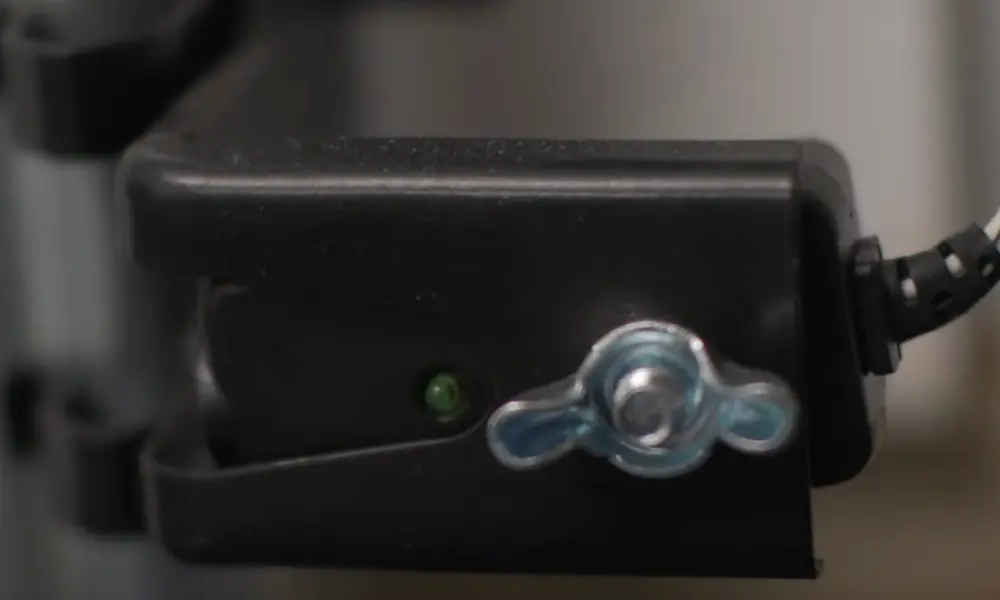
- Wave an object across the photoelectric eye sensors during closing—door should reverse
- Reconnect smart features
- If your opener has Wi-Fi capabilities, reconnect it to your home network
- Reestablish connections with Amazon Alexa, Google Assistant, or other smart platforms
Maintaining Your Genie Garage Door Opener
Regular maintenance keeps your opener working properly:
- Inspect mechanical components monthly
- Lubricate moving parts (chains, springs) twice yearly
- Test safety features every 30 days
- Check remote batteries when performance decreases
- Listen for unusual noises during operation
Remember that while resets fix programming issues, they can’t repair mechanical problems. If your opener continues to malfunction after a reset, it may be time to consult a professional technician.
Model-Specific Reset Information
Different Genie models have specific reset procedures. Here’s a quick reference:
| Genie Model | Reset Method |
|---|---|
| Intellicode | Standard Learn button reset, 3-step remote programming |
| Series II | Press and hold Learn button until light turns off (about 6 seconds) |
| Model 600/800 | Complex hard reset requiring wire disconnection and multiple button sequences |
| Chain Drive Models | Standard Learn button reset, may require travel limit reprogramming |
| Belt Drive Models | Standard Learn button reset, quieter operation with similar programming |
For the most accurate instructions, always check the manual for your specific model or visit Genie’s official support site.
When to Call a Professional
While most reset procedures are DIY-friendly, certain situations call for professional help:
- Physical damage to opener components
- Repeated failure of safety reversal tests
- Burning smell or unusual noises
- Door becomes unbalanced after reset
- Mechanical issues with springs, cables, or rollers
These problems indicate mechanical failures that resetting won’t fix and may require specialized tools or expertise to repair safely.
Resetting your Genie garage door opener is a valuable skill that can save you time and money while keeping your home secure. By following the procedures outlined in this guide, you can troubleshoot most electronic issues and maintain reliable access to your garage for years to come.