Ever fumbled around your center console looking for your garage door opener while pulling into your driveway? That old-school remote seems to vanish exactly when you need it. The built-in HomeLink system in your Honda can eliminate this frustration forever—if you know how to program it properly.
I’ll walk you through everything you need to know about programming your Honda’s HomeLink system, from basic setup to troubleshooting those frustrating connection issues that leave you clicking buttons with no response.
What Is Honda HomeLink and Why Use It?
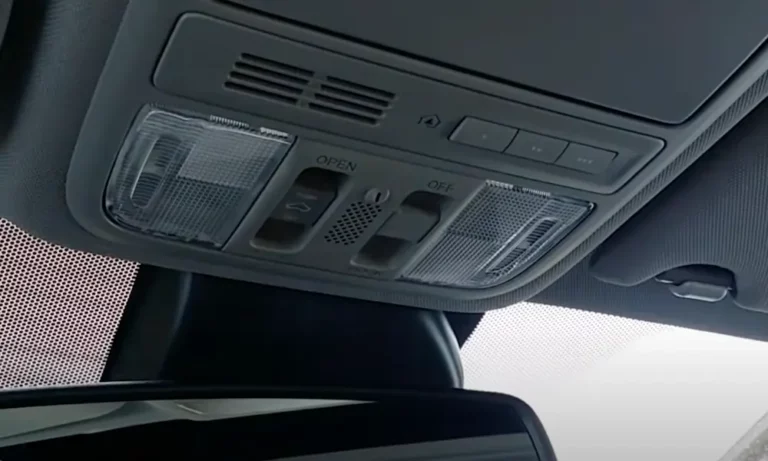
HomeLink is that convenient built-in remote system typically located in your Honda’s overhead console or rearview mirror. Those three simple buttons can replace up to three different remotes—typically your garage door opener, security gate, or even home lighting systems.
The main benefits are pretty straightforward:
- No more hunting for remotes that slide under seats
- Permanent integration with your vehicle (no batteries to replace)
- Clean, factory-installed look without clunky clip-on remotes
- Control multiple devices (up to three) from one location
The system works by learning the same radio frequency signal your existing remote uses. Once programmed, pressing the HomeLink button sends that identical signal to your garage door, just as your handheld remote would.
Before You Start Programming
Taking a few minutes to properly prepare can save you hours of frustration later. Here’s what you’ll need:
- Your existing garage door remote (with fresh batteries)
- Your car positioned near the garage door (within line of sight)
- Your vehicle’s ignition switched to the “ON” position (don’t start the engine)
If you’re programming a used Honda or reprogramming existing buttons, it’s best to clear any previous programming first. This prevents potential conflicts with old codes.
How to clear previous programming:
- Press and hold the two outer HomeLink buttons simultaneously
- Keep holding until the indicator light begins blinking rapidly (usually 10-20 seconds)
- Release both buttons—all previous programming is now erased
Another important preparation step: determine whether your garage door uses a fixed code or rolling code system. Newer openers (roughly post-2011) typically use rolling code technology for better security. The programming process differs slightly between these systems.
Programming Fixed Code Systems (Older Garage Doors)
Fixed code systems are generally older and simpler to program. If your garage door opener is more than 10-15 years old, it likely uses a fixed code.
Step-by-step programming:
- Position your handheld remote 1-3 inches from the HomeLink buttons
- Simultaneously press and hold both:
- Your chosen HomeLink button
- The button on your remote that operates your garage door
- Hold until the HomeLink indicator light changes from slowly blinking to solid or rapidly blinking
- Release both buttons
- Press the HomeLink button twice to test—if your door activates, you’re done!
If the light turns solid after step 3, that confirms you have a fixed code system. The process typically takes under a minute, though you might need multiple attempts if the initial programming doesn’t work.
If your garage door doesn’t respond after programming, try again with slight adjustments to the remote’s position relative to the HomeLink buttons. Sometimes holding the remote at a slightly different angle makes all the difference.
Programming Rolling Code Systems (Newer Garage Doors)
Most modern garage door openers use rolling code technology, which changes the access code each time you use it for enhanced security. This requires a few additional steps compared to fixed code systems.
Step-by-step programming:
- Follow steps 1-3 from the fixed code instructions above
- When the HomeLink indicator changes to rapid flashing (indicating rolling code detected), release both buttons
- Press the HomeLink button twice
- Locate the “Learn” or “Smart” button on your garage door opener motor unit (usually a colored button—often purple, yellow, or red—on the back or side of the unit)
- Press this “Learn” button—you’ll typically have 30 seconds to complete the next step
- Return to your vehicle and press your programmed HomeLink button three times in succession (hold each press for about 2 seconds)
If successful, your garage door should activate, indicating complete programming. This process synchronizes your HomeLink system with your garage door opener’s rolling code technology.
| Garage Door Brand | Learn Button Color | Learn Button Location |
|---|---|---|
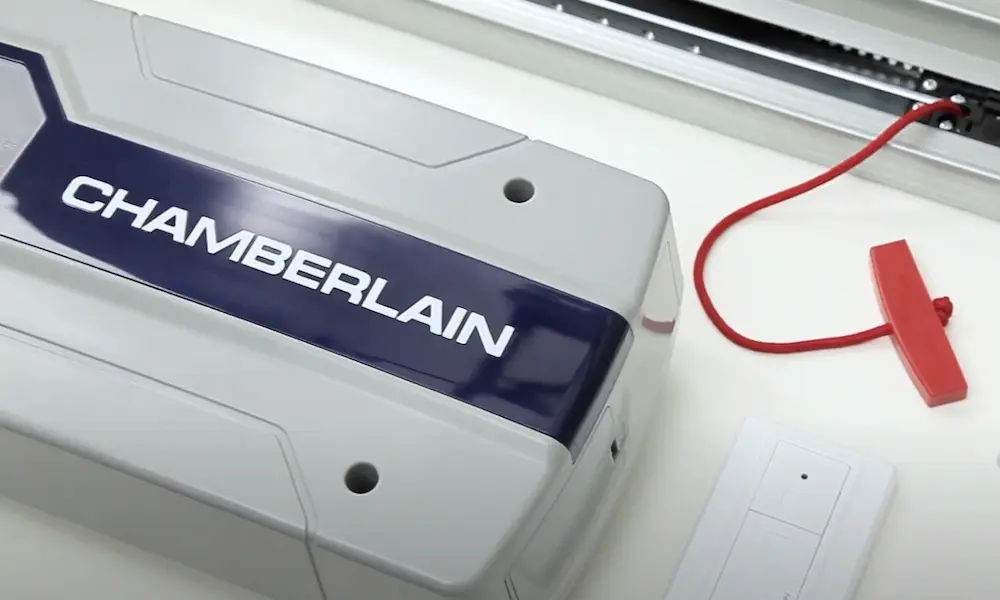
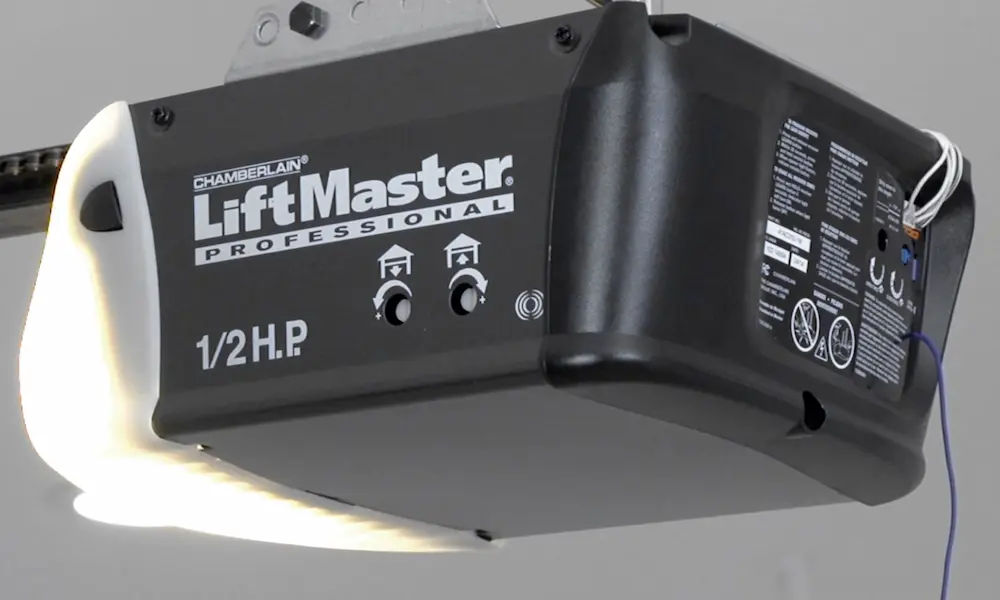
| Chamberlain/LiftMaster | Yellow or Purple | Back panel near light |
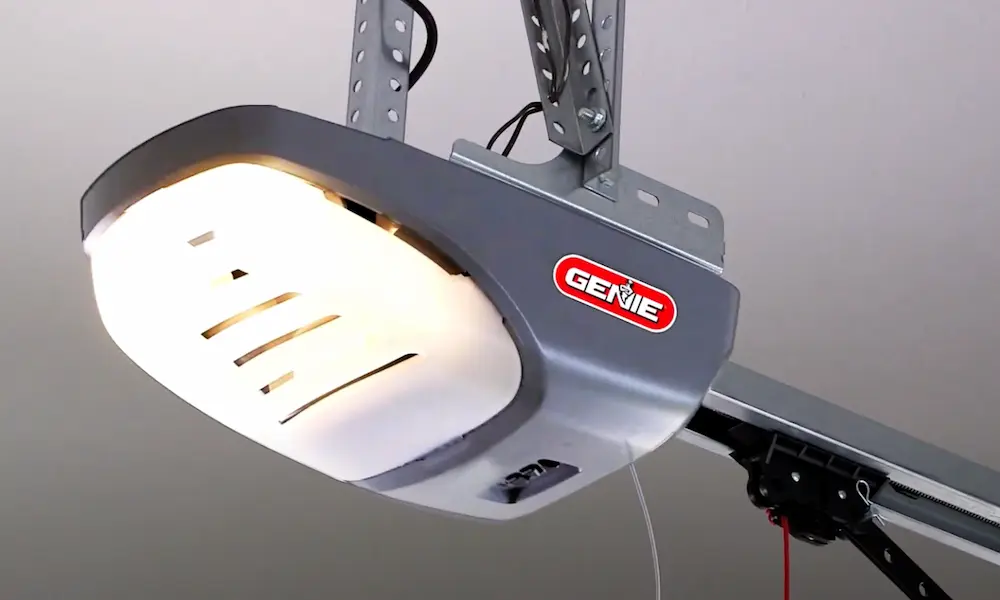
| Genie | Red | Near motor unit antenna |
| Overhead Door | Red or White | Back of motor unit |
| Craftsman | Purple | Back panel, near wiring |
| Linear | Yellow | Near antenna wire |
Why Your Programming Isn’t Working: Common Issues
If you’ve followed the steps and your HomeLink still isn’t working, don’t worry—several common issues can interfere with successful programming.
The LED Lightbulb Problem
Here’s something surprising: the LED light bulbs in your garage door opener might be the culprit. LED bulbs can emit frequencies that interfere with the radio signals between HomeLink and your garage door opener.
This issue is particularly common with newer Honda models (2023-2025). Try this simple fix:
- Remove the LED light bulbs from your garage door opener
- Replace with incandescent bulbs or leave the sockets empty
- Try programming again
Many Honda owners report immediate success after eliminating the LED interference—it’s worth trying before assuming there’s a more complex problem.
Compatibility Issues with Newer Hondas
Owners of 2023-2025 Honda models have reported specific challenges when programming HomeLink systems. These newer models seem more sensitive to certain environmental factors and may have compatibility issues with older garage door systems.
If you have a 2025 Honda Odyssey Elite or another recent model and are struggling with HomeLink programming, you’re not alone. Some users report that their HomeLink successfully opens their garage door but won’t close it, or requires multiple button presses to activate.
In these cases, consider:
- Checking with your dealership about potential firmware updates
- Researching compatibility between your specific Honda model and garage door brand
- Potentially upgrading to a newer garage door opener system that’s compatible with your vehicle
Advanced Troubleshooting Techniques
When standard methods don’t work, these alternative approaches might save the day.
Direct Programming Method
Some users have success with direct programming through the garage door opener’s “Learn” button:
- Press and hold your chosen HomeLink button
- Press and release the “Learn” button on your garage door opener
- Return to your vehicle and press the HomeLink button again to complete programming
This direct synchronization method can sometimes overcome signal issues that prevent traditional programming.
Frequency-Matching Techniques
The positioning of your remote during programming can significantly impact success:
- Try holding the remote at different angles relative to the HomeLink buttons
- Experiment with distances slightly closer or farther than the recommended 1-3 inches
- Attempt programming with the remote in various positions around the HomeLink area
Small adjustments in positioning can sometimes make a dramatic difference in signal reception.
When All Else Fails: Alternative Solutions
If you’ve tried everything and still can’t get HomeLink working, consider these alternatives:
- Smart garage door controllers: Devices like Meross, MyQ, or Chamberlain smart controllers can be installed on existing garage door systems and controlled via smartphone apps
- Professional programming assistance: Your Honda dealership might offer programming services or have more advanced troubleshooting techniques
- Garage door opener upgrade: If your opener is very old, upgrading to a newer model compatible with your Honda’s HomeLink might be the most reliable solution
Maintaining Your HomeLink System
Once successfully programmed, your HomeLink system should provide reliable service without requiring frequent adjustments. However, you might need to reprogram in certain circumstances:
- After vehicle battery replacement or disconnection
- Following electrical system work on your vehicle
- If you replace your garage door opener
Regular testing ensures your system remains functional. Press each programmed button monthly to confirm consistent operation and address any issues promptly.
For Honda owners who access multiple locations, use different HomeLink buttons for each location. Create a consistent system—perhaps left button for home garage, center for security gate, right for workplace garage—to avoid confusion.
Keep Your Homelink System Working Smoothly
Honda’s HomeLink system transforms a small daily task into an effortless part of your driving routine. Understanding how to properly program and maintain this feature maximizes its convenience and reliability. Whether you’re setting up a brand new 2025 Honda or configuring an older model, the time invested in proper HomeLink programming pays off in daily convenience.
Remember that seemingly small factors—like LED lightbulbs or remote positioning—can significantly impact your HomeLink performance. When troubleshooting, start with the simplest solutions before assuming you need complex fixes or hardware upgrades.
With proper setup and occasional maintenance, your Honda’s HomeLink system will provide years of convenient, integrated control of your garage door and home automation devices—no more fumbling for missing remotes or battery replacements at inconvenient moments.