Tired of fumbling for your garage remote every time you pull into the driveway? Your Subaru’s built-in HomeLink system can replace that clunky handheld device—if you know how to set it up. This guide walks you through programming your Subaru garage door opener, troubleshooting common issues, and getting the most from this convenient feature.
What Is HomeLink and Why It’s in Your Subaru
HomeLink isn’t just a fancy button on your rearview mirror. It’s a universal transceiver that learns your garage door opener’s signal and replays it when you press the button. Think of it as your car memorizing the code from your old remote.
Unlike battery-powered remotes that die at the worst moment, HomeLink taps into your Subaru’s electrical system. The signal stays strong, and you’ll never need to replace tiny batteries again.
The system works with most garage door openers made in the last few decades, covering frequencies between 288 MHz and 433 MHz. Whether you’ve got an old fixed-code system or a modern rolling-code setup, your Subaru can handle it.
Which Subaru Models Have HomeLink
Not every Subaru comes with HomeLink standard. Here’s where you’ll typically find it:
Standard or Available Models:
- Outback (2020-2025): Higher trims include it; some use the touchscreen interface
- Forester (2019-2025): Often bundled with premium packages
- Ascent: Standard on Limited and Touring trims
- Legacy and Impreza: Premium and Limited trims
- Crosstrek: Usually paired with auto-dimming mirror packages
- BRZ and WRX: Integrated into frameless mirrors
- Solterra: Screen-based controls only—no physical buttons
The location varies by model. Older models put three buttons on the rearview mirror. Newer vehicles like the 2025 Solterra moved everything to the central touchscreen.
What You’ll Need Before Programming
Gather these items before you start:
- Your existing garage door remote (fully functional)
- Fresh batteries for that remote
- Your Subaru with ignition in the “ON” position
- Access to your garage door opener motor unit
Important safety note: Park outside your garage during programming. You don’t want the door closing on your car if something activates unexpectedly.
Replace your remote’s battery even if it seems fine. Programming requires a sustained signal that’s more demanding than normal use. A weak battery might broadcast just enough for daily operation but fail during the learning process.
How to Program Subaru Garage Door Opener: Step-by-Step
Preparing Your Vehicle
Turn your ignition to “ON” or “RUN.” The engine doesn’t need to be running, but the electrical system must be fully powered. Locate your HomeLink buttons—either on the rearview mirror or in the overhead console.
If you’ve previously programmed buttons and need to clear them, press and hold the two outer buttons for 20 seconds until the indicator light blinks rapidly.
Teaching Your Subaru the Signal
This is how to program Subaru garage door opener to recognize your remote’s frequency:
- Press your chosen HomeLink button (1, 2, or 3). The indicator light should flash orange slowly.
- Hold your garage remote 1-3 inches from the HomeLink buttons. Too far weakens the signal; too close oversaturates it.
- Simultaneously press and hold both buttons—your garage remote and the selected HomeLink button. Keep them pressed together.
- Watch the indicator light. When it turns solid green, release both buttons. This means your Subaru learned the frequency.
- Test it. Press the HomeLink button once. If your garage door operates, you’re done.
If the light flashes green rapidly instead of staying solid, your opener uses rolling code technology. You’ll need to complete the next step.
Syncing with Rolling Code Systems
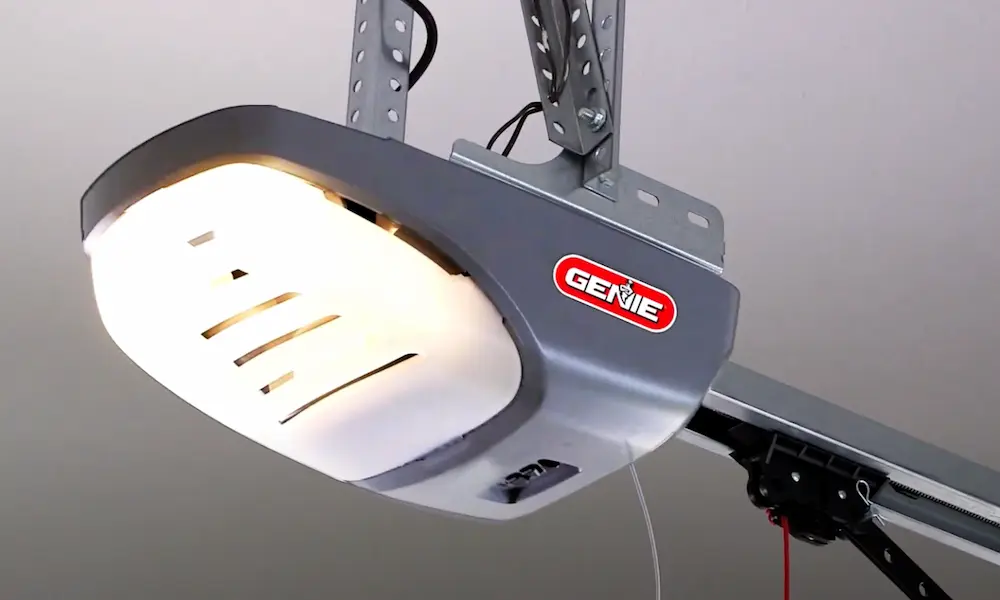
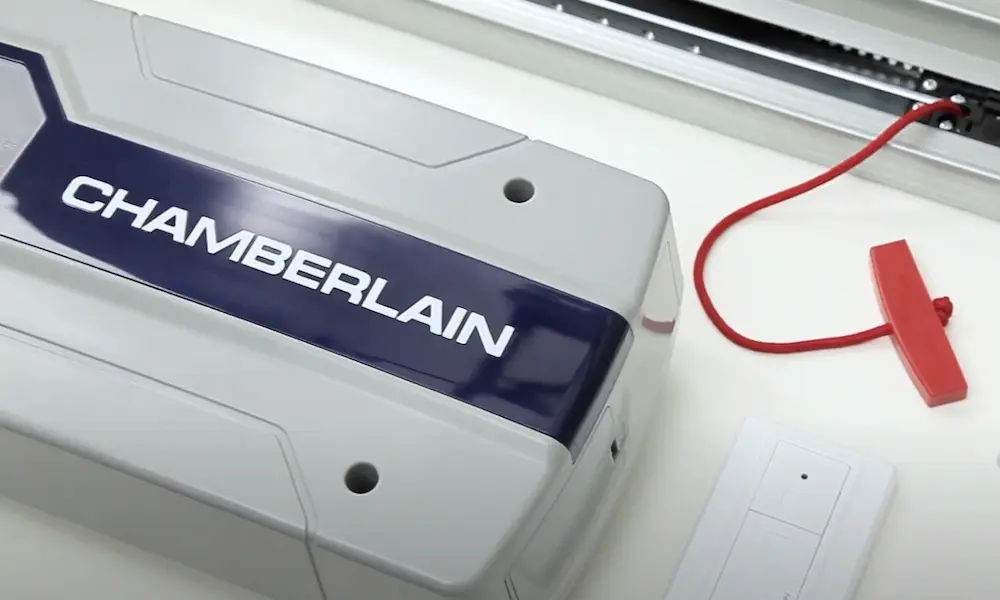
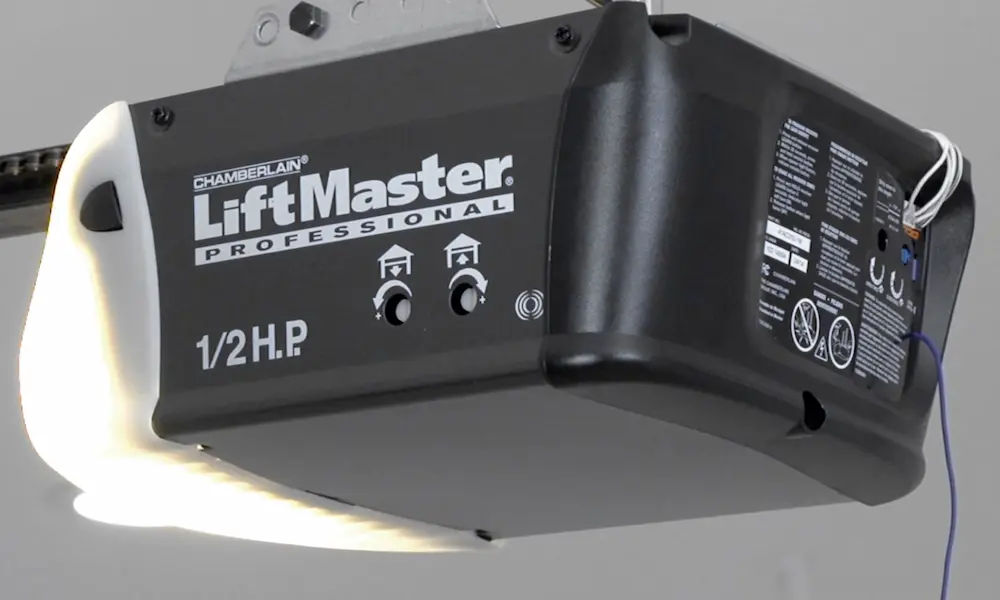
Modern garage door openers don’t use the same code every time—they generate a new one with each press. Brands like Chamberlain, LiftMaster, and Genie use this security feature.
Here’s how to complete the pairing:
- Locate the “Learn” button on your garage motor. It’s usually on the back or side of the motor unit hanging from your garage ceiling. The button color indicates the system type:
- Yellow: Security+ 2.0
- Purple: Standard rolling code
- Blue: Genie Intellicode
- Red: Wayne Dalton systems
- Press and release the Learn button. Don’t hold it—a long press erases all programmed remotes. An indicator light will illuminate or blink, showing the motor is ready.
- Return to your car within 30 seconds. This window is tight, so move quickly.
- Press and hold your programmed HomeLink button for 2 seconds, then release. Repeat this cycle up to three times.
- Your garage door should activate by the second or third press, confirming successful pairing.
Programming for Specific Garage Door Brands
Chamberlain and LiftMaster
These are the most common opener brands in North America. If your motor has a yellow Learn button, it uses Security+ 2.0 encryption.
Older Subaru models (pre-2015) might need a Compatibility Bridge to work with this system. The bridge plugs into a standard outlet in your garage and translates between your car’s older signal and the motor’s newer protocol.
Purple-button Chamberlain units use standard rolling codes and follow the basic programming steps without additional hardware.
Genie Systems
Genie openers require a specific pulse sequence. After pressing the Program button (which shows a blue LED), you’ll press your HomeLink button twice—each time for two seconds.
Watch for the long purple LED on the motor to flash blue and turn off. That’s your confirmation.
Older Genie models with red blinking LEDs follow a similar pattern: the first press stops the blinking, the second confirms the code.
Wayne Dalton
Wayne Dalton’s Quantum series gives you a generous 60-second learning window—double the standard time. The red program button is on the rear of the motor head.
The iDrive system mounts to the torsion bar instead of the ceiling, but the programming process remains the same.
Using the Touchscreen Interface (2024+ Models)
Newer Subaru models ditch physical buttons for a screen-based system. The 2025 Solterra, Outback, and Forester use this approach.
Setting Up Through the Infotainment Screen
Navigate to Settings > HomeLink (or Garage Door) on your touchscreen. The system provides step-by-step on-screen instructions.
You’ll still hold your remote near the mirror area during training—that’s where the antenna lives. The screen confirms when it captures the signal.
Once programmed, virtual buttons appear on the display. Some models automatically show garage controls when you arrive home based on GPS location.
HomeLink Connect Integration
The HomeLink Connect app extends your Subaru’s capabilities beyond simple garage control. It connects to platforms like Amazon Alexa and Samsung SmartThings.
You can create “scenes” that trigger multiple actions: opening the garage, turning on lights, and adjusting your thermostat—all from one button press in your car.
Troubleshooting Common Programming Issues
The Indicator Light Won’t Turn Green
Problem: Your Subaru isn’t learning the remote’s signal.
Solutions:
- Replace the remote battery first
- Check your distance—stay within 1-3 inches
- Try the “cycling method”: press and release the remote button every two seconds while holding the HomeLink button
- Verify your opener frequency is under 433 MHz
The Light Flashes Green But the Door Won’t Open
Problem: You successfully completed phase one but skipped the motor synchronization.
Solutions:
- Return to the garage motor and locate the Learn button
- Complete the rolling code sequence within 30 seconds
- Have a helper press the Learn button while you stay in the car to save time
Works Sometimes, Fails Other Times
Problem: Intermittent operation, especially from certain distances.
Culprit: Radio frequency interference from LED or CFL light bulbs.
Modern energy-efficient bulbs emit RF noise in the same frequency range as garage openers. When the lights are on, they create “noise” that drowns out your car’s signal.
Solution: Replace standard LED bulbs with “Garage Door Opener Compatible” bulbs. These have better shielding to prevent interference.
Very Short Range
Problem: HomeLink only works when you’re extremely close to the garage.
Fixes:
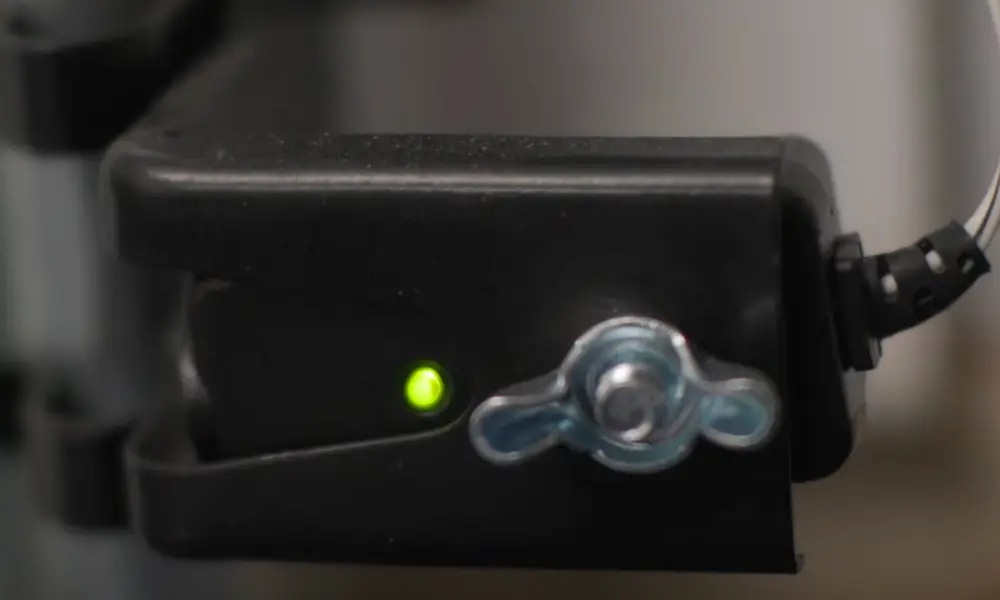
- Check the antenna wire hanging from your motor. It should be straight and vertical, not tucked into the housing
- Metal garage doors can block signals—straightening the antenna improves propagation
- Don’t cut or extend the antenna wire; it’s tuned to a specific length for optimal reception
Programming Multiple Garage Doors
Your Subaru has three HomeLink buttons. You can program each one for a different device:
- Button 1: Main garage door
- Button 2: Secondary garage or gate
- Button 3: Community gate or work parking
Each button stores its own frequency and code independently.
Changing One Button Without Affecting Others
If you need to reprogram a single button:
- Press and hold just that button for 20 seconds
- The light will change from solid to slow flashing
- The system enters “Individual Learn Mode” for that button only
- Follow the standard programming steps with your new remote
Your other two buttons remain untouched.
Security and Memory Management
Clearing All Programmed Buttons
Erase your HomeLink memory before selling your Subaru or returning a lease. You don’t want the next owner accessing your garage.
Press and hold the two outer buttons (1 and 3) simultaneously for 10-20 seconds. When the indicator light rapidly blinks, all stored codes are erased.
What Gets Stored
HomeLink saves:
- The radio frequency of your opener
- The specific code or encryption key
- Synchronization data for rolling code systems
This data lives in the car’s memory, not on a removable chip. Physical theft of the vehicle could theoretically grant garage access, but the memory can’t be extracted and used elsewhere.
Understanding Range Limitations
Your old handheld remote might work from down the street. Your Subaru’s HomeLink won’t match that range—and that’s normal.
Why the difference:
- The remote’s antenna is exposed and optimized for broadcast
- Your car’s antenna is embedded in the mirror housing
- Metal bodywork and glass can slightly attenuate the signal
Most systems work reliably within 50-100 feet of the garage. If yours falls short of that:
- Check for LED interference during evening hours
- Inspect the motor’s antenna for proper positioning
- Consider the garage door material—metal doors block more signal than wood or fiberglass
Compatibility Bridge for Older Vehicles
If you own a pre-2015 Subaru and recently upgraded to a Chamberlain Security+ 2.0 opener (yellow Learn button), your car can’t communicate directly with the new encryption.
The Compatibility Bridge solves this problem:
What it does: Receives your car’s older signal, validates it, and rebroadcasts using the newer encrypted protocol.
Installation:
- Plug the bridge into a standard outlet in your garage
- Program your Subaru to the bridge’s included remote (not your actual garage remote)
- Sync the bridge to your garage motor using the yellow Learn button
The bridge acts as a translator, letting older HomeLink systems control modern openers.
Advanced Features in Newer Models
The 2024-2025 Subaru lineup introduces smarter garage integration:
GPS Awareness: The system recognizes when you’re approaching home and displays garage controls automatically on the screen.
Two-Way Communication: Select high-trim models can display whether your garage door is currently open or closed—not just send the open command.
Scene Automation: Through HomeLink Connect, one button executes multiple smart home actions simultaneously.
Voice Control: Integration with Alexa allows voice commands to control your garage through the car’s audio system.
Quick Reference Programming Chart
| Garage Opener Type | Learn Button Color | Special Steps Required |
|---|---|---|
| Chamberlain Security+ 2.0 | Yellow | May need Compatibility Bridge for older Subarus |
| Chamberlain/LiftMaster Standard | Purple | Standard rolling code programming |
| Genie Intellicode | Blue/Purple | Two-pulse sequence (2 seconds each) |
| Wayne Dalton Quantum | Red | 60-second learning window |
| Fixed Code Systems | N/A | Single-phase programming only |