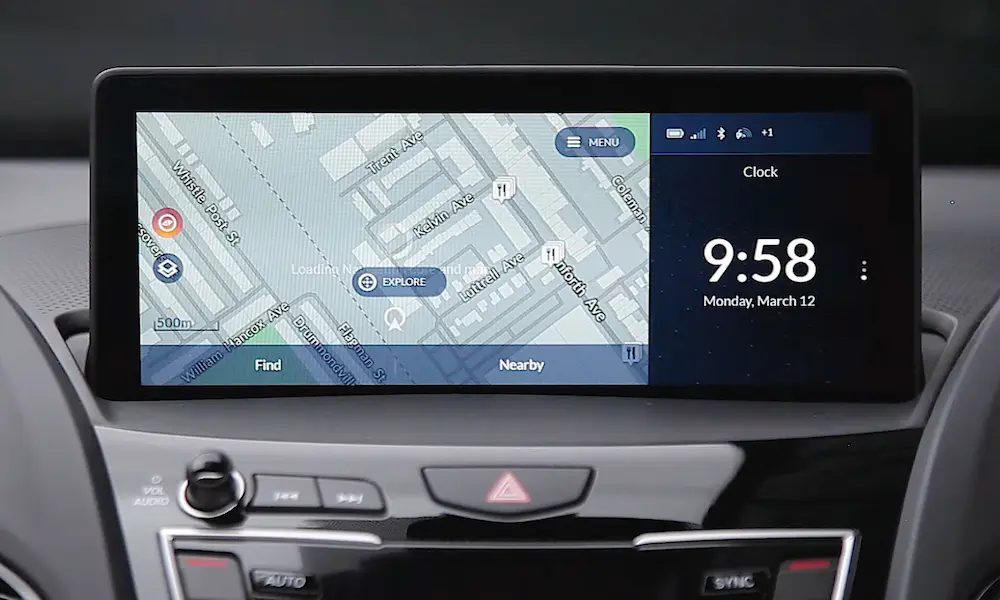
Is your Acura TL radio displaying “CODE” after a battery change or power disruption? You’re not looking at a broken radio – it’s actually a security feature doing its job. This guide will walk you through exactly how to find your radio code and get your music playing again without an expensive trip to the dealership.
Why Your Acura TL Radio Needs a Code
When your car’s battery dies or gets disconnected, your Acura TL’s anti-theft system kicks in, locking your radio to prevent theft. This security measure is designed to make your stereo system worthless to thieves, as they wouldn’t be able to use it without the unique code.
The system’s simple function helps protect your investment, but it can be frustrating when you’re the legitimate owner just trying to listen to your favorite station after a battery replacement.
Where to Find Your Acura TL Radio Code
Before calling the dealership, try these places where your radio code might be hiding:
Check Your Vehicle Documentation
Your radio code is likely already in your possession if you know where to look:
- Glove compartment: Look for a small card labeled “Anti-theft ID Card” with two sets of numbers. The shorter, bold number is your radio code.
- Owner’s manual: Flip to the back pages where you might find a sticker or card with the code.
- Maintenance journal: If your car came with a service booklet, the code might be written inside.
- Fuse box cover: Some Acura models have the code listed on a sticker inside the engine fuse box cover.
Getting The Code Online
If you can’t find the physical code, you can retrieve it from Acura’s official radio code website. You’ll need two key pieces of information:
- Your Vehicle Identification Number (VIN) – a 17-digit number found:
- At the base of your windshield on the driver’s side
- On your vehicle registration document
- On your insurance card
- Inside the driver’s door jamb
- Your radio’s serial number
How to Find Your Radio Serial Number Without Removing the Unit
Follow these simple steps:
- Turn your ignition to the “ON” position (don’t start the engine)
- Make sure the radio is OFF
- Press and hold radio preset buttons 1 and 6 simultaneously
- While still holding buttons 1 and 6, press the power button
- Your radio’s display will show the serial number
Some Acura TL models display the serial number in two parts marked with “U” and “L.” The “U” represents the first four digits, and “L” represents the last four digits of your 8-digit serial number.
Retrieving Your Code Online
With your VIN and radio serial number ready:
- Visit the Acura radio code website
- Enter your VIN, zip code, phone number, and email address
- Input your radio serial number
- Submit the form to receive your 5-digit radio code
If the Acura site gives you trouble, you can also try the Honda radio code website, which works for many Acura models too.
How to Enter Your Acura TL Radio Code
Once you have your 5-digit code:
- Turn your ignition to the “ON” position
- Turn on your radio (it will display “CODE”)
- Use the radio preset buttons 1-6 to enter each digit of your code
- For each digit, press the corresponding preset button the number of times needed
- For example, to enter “2,” press preset button 1 twice
- For “0,” press preset button 6
| Code Digit | How to Enter |
|---|---|
| 1 | Press preset button 1 once |
| 2 | Press preset button 1 twice |
| 3 | Press preset button 1 three times |
| 4 | Press preset button 2 once |
| 5 | Press preset button 2 twice |
| 6 | Press preset button 2 three times |
| 7 | Press preset button 3 once |
| 8 | Press preset button 3 twice |
| 9 | Press preset button 3 three times |
| 0 | Press preset button 6 once |
After entering all five digits correctly, your radio should unlock and return to normal operation.
Important Warning: You only have 10 attempts to enter the correct code. If you enter it incorrectly too many times, you’ll need to wait or disconnect the battery again to reset the system.
Temporary Radio Function
Need music while waiting for your code? Some Acura TL models offer a temporary workaround:
- After retrieving the serial number using the 1+6+power method
- Press preset button 2 to temporarily activate the radio
Keep in mind this is only temporary—once you turn off the radio or car, you’ll need the code again.
What If Nothing Works?
If you’ve tried everything and still can’t access your code:
- Visit an Acura dealership with proof of ownership (vehicle title, registration, ID)
- A dealer technician can help retrieve your code using their dealer systems
- Some dealerships might charge a fee for this service, while others offer it free
Navigation System Codes
Does your Acura TL also have a navigation system? It might need its own separate 4-digit code. To retrieve the navigation serial number:
- Press and hold the Map/Guide, Menu, and Cancel buttons simultaneously
- A hidden menu will appear with the serial number
- Use this number on the Acura website to get your navigation code
Common Problems and Solutions
| Problem | Solution |
|---|---|
| Code doesn’t work | Double-check you’re entering the correct 5-digit code |
| “ERR” appears | You’ve entered the wrong code; try again |
| Locked out after too many attempts | Disconnect battery for 10+ minutes to reset, then try again |
| Can’t retrieve serial number | Try the key-on, power-off method again or visit a dealership |
Preventing Future Radio Code Issues
To avoid going through this process again:
- Keep your radio code written down in a secure location
- Take a photo of your anti-theft card and store it digitally
- Consider an Acura battery tender for long-term parking
- Don’t disconnect the battery without having your code handy
Your Acura TL’s radio security system is a helpful feature that protects your investment. Now that you know how to navigate the code retrieval and entry process, you won’t be stuck without music should your battery ever die again.