Is your RV getting uncomfortably warm because the AC fan decided to quit? Nothing ruins a camping trip faster than losing your cool—literally. The good news is that most RV air conditioner fan problems can be diagnosed and often fixed without calling in expensive help. Let’s walk through the most common causes and solutions to get your AC fan spinning again.
Common Causes of RV AC Fan Failure
When your RV AC fan stops working, the problem typically falls into one of four categories: power issues, capacitor failure, motor problems, or wiring issues. By checking each area systematically, you can identify what’s wrong and take the right steps to fix it.
Check Your Power Supply First
Before diving into more complex troubleshooting, always start with the basics: your power source.
Shore Power and Breaker Issues
RV air conditioners require a solid 120V power supply to operate correctly. If your fan isn’t working:
- Check if the AC circuit breaker has tripped in your RV’s distribution panel
- Reset any tripped breakers
- Inspect the external disconnect switch near the outdoor condenser
- Verify that your shore power connection is secure
Even if other appliances are working, your AC might not be getting enough power to run the fan properly.
Voltage Problems
Low voltage is a sneaky culprit that often goes unnoticed. When incoming voltage drops below 110V:
- Your AC unit draws higher amperage
- This can trip internal protections without tripping the main breaker
- The fan may struggle to start or run inconsistently
Use a plug-in circuit analyzer to check that you have at least 115V. If voltage is low, try reducing other electrical loads or finding a different power source.
Thermostat Settings
Sometimes the solution is surprisingly simple:
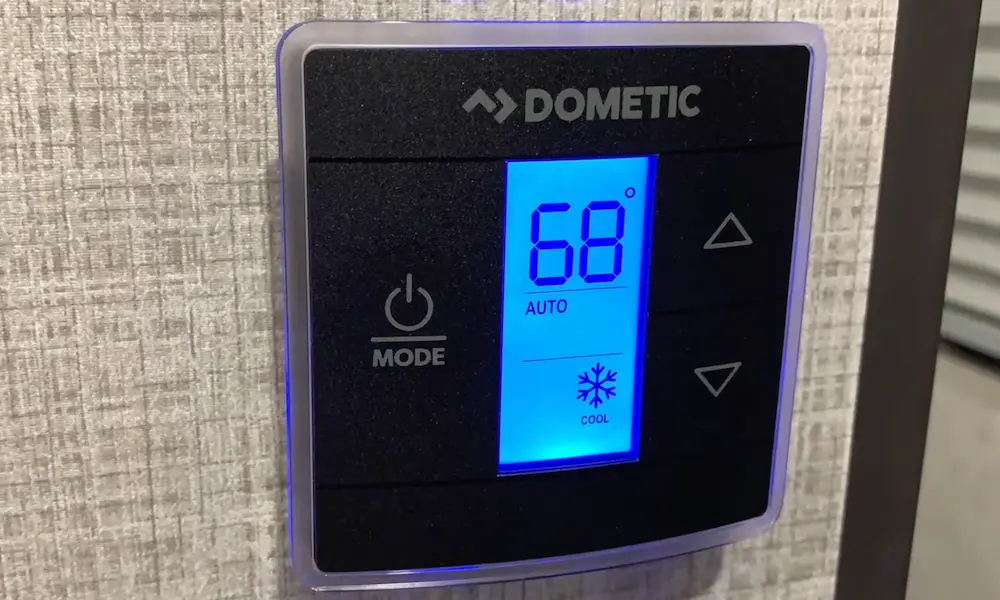
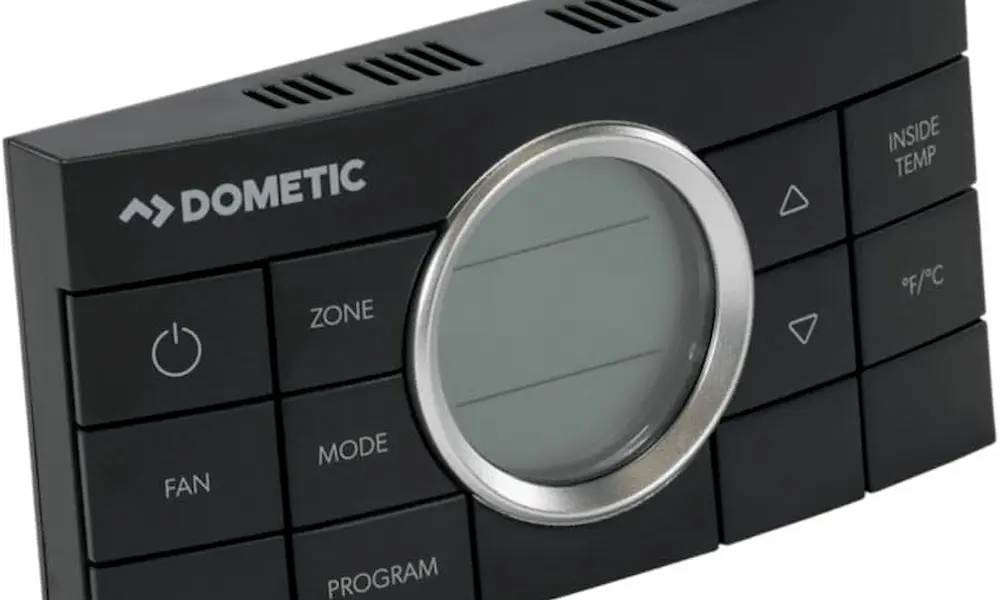
- Make sure your thermostat is set to “Cool” (not “Heat”)
- Try setting the fan to “On” instead of “Auto” to test continuous operation
- Check that your thermostat has power and is functioning properly
Capacitor Problems: The #1 Culprit
The most common reason for an RV AC fan that won’t work is a failed capacitor. This small but crucial component gives your fan motor the boost it needs to start spinning.
How to Identify Capacitor Failure
Watch for these telltale signs:
- Fan makes a humming sound but doesn’t spin
- Fan tries to start, then stops
- Motor spins slowly or struggles to reach full speed
- Fan works sometimes but not consistently
Testing Your Capacitor
If you suspect a bad capacitor, here’s how to check it:
- Turn off all power to your AC unit
- Access the capacitor compartment (usually behind a service panel)
- Discharge the capacitor by carefully touching insulated screwdriver across terminals
- Use a multimeter on capacitance setting to test
- Compare readings to the capacitor’s rating label
A properly functioning capacitor should read close to its rated value (usually 5-60 μF depending on your model).
Replacing a Bad Capacitor
Replacing a capacitor is relatively straightforward:
- Purchase an identical replacement with the same μF (microfarad) rating
- Disconnect and remove the old capacitor
- Install the new capacitor, connecting wires to the same terminals
- Close the service panel and restore power
Dual capacitors (one section for compressor, one for fan) typically cost $30-40 and are widely available at HVAC supply stores or online.
Fan Motor and Bearing Issues
If the capacitor checks out but your fan still won’t run, the motor itself might be the problem.
Bearing Failure Signs
Bearings allow your fan to spin freely. When they fail:
- The fan wheel feels stiff or gritty when turned by hand
- You might hear grinding noises when the motor attempts to run
- The fan starts but soon overheats and stops
RV AC units operate in challenging conditions—vibration, heat, and humidity all take their toll on bearings. Over time, this leads to failure.
Motor Burnout
A completely dead motor often shows these symptoms:
- No humming sound at all when power is applied
- No attempt to spin even with a good capacitor
- Burning smell from the unit
Motors typically burn out due to:
- Restricted airflow from dirty coils or filters
- Extended operation in extreme heat
- Age and normal wear
- Electrical issues like voltage fluctuations
Testing Your Fan Motor
To check if your motor is the problem:
- With power off, manually spin the fan blade—it should turn freely
- Perform a continuity test with a multimeter across motor terminals
- Check motor resistance against manufacturer specifications
If the motor fails these tests, replacement is usually necessary.
Wiring and Connection Problems
Even the best motor and capacitor won’t work if electricity can’t reach them properly. Check for:
Loose or Corroded Connections
Look for:
- Loose spade connectors on the capacitor or motor terminals
- Corroded connections from moisture exposure
- Loose wire nuts or terminal screws
- Frayed or damaged wiring insulation
Vibration during travel can gradually loosen connections that were initially secure.
Relay or Contactor Failure
The relay or contactor is an electrical switch that turns your fan on and off:
- Set your thermostat to call for cooling
- Listen near your AC unit for a clicking sound
- No click might indicate a bad relay
- Test the relay with a multimeter for continuity when activated
A failed relay prevents the start signal from reaching your fan motor.
Airflow Restrictions That Stop Your Fan
Sometimes your fan stops working because it’s trying to protect itself from damage due to airflow problems.
Dirty Filters and Coils
When air can’t flow freely through your AC:
- The motor works harder and draws more current
- This causes overheating
- Thermal protection may shut down the fan
Regular maintenance prevents these issues:
- Replace or clean your AC filters every month during heavy use
- Have the evaporator and condenser coils cleaned annually
- Keep the area around your outdoor unit free of debris
Frozen Evaporator Coils
A frozen evaporator can block airflow completely:
- Ice builds up when warm air can’t reach the coil
- This creates a cycle where more ice forms
- Eventually, airflow stops completely
If you discover ice on your coils, turn off cooling but keep the fan running to melt the ice before attempting further repairs.
Complete Troubleshooting Guide
Use this table to systematically diagnose your RV AC fan problem:
| If Your Fan Does This | First Check This | Then Try This | Possible Solution |
|---|---|---|---|
| No power at all | Circuit breakers | Voltage at outlet | Reset breaker or fix power source |
| Hums but won’t spin | Capacitor | Manual spin test | Replace capacitor or free stuck fan |
| Hard to turn by hand | Bearings | Lubrication points | Replace motor assembly |
| No sound, no movement | Wiring connections | Relay/contactor | Repair wiring or replace relay |
| Starts then stops | Airflow restrictions | Thermostat setting | Clean filters/coils |
| Works intermittently | Loose connections | Voltage fluctuations | Secure connections or add voltage regulator |
DIY Repair vs. Professional Help
Many RV AC fan problems can be fixed yourself with basic tools:
- Multimeter
- Screwdrivers
- Pliers
- Replacement parts like capacitors
The most common repairs—replacing capacitors and cleaning airflow passages—are well within the ability of most RV owners.
However, if your troubleshooting reveals more serious issues like a failed motor or refrigerant problems, it might be time to consider professional service. Complex control board issues or compressor failures require specialized knowledge and tools.
Preventive Maintenance to Avoid Future Problems
Keep your RV AC fan running reliably with these simple maintenance steps:
- Clean or replace air filters monthly during heavy use
- Clean condenser coils annually (more often in dusty conditions)
- Inspect wiring connections before long trips
- Cover your RV when stored to protect the AC unit from extreme weather
- Run your AC periodically during storage to keep lubricants distributed
Must-Have Tools for RV AC Troubleshooting
Having these items on hand makes diagnosing fan problems much easier:
- Digital multimeter with capacitance testing function
- Non-contact voltage tester for safety
- Circuit analyzer to check power quality
- Basic hand tools (screwdrivers, nut drivers, pliers)
- Replacement capacitor that matches your unit’s specifications
Investing in these tools pays off the first time you avoid a service call or prevent a ruined camping trip.
By methodically working through these steps, you can identify and often fix the reason your RV AC fan isn’t working. Remember to always prioritize safety by disconnecting power before opening access panels or handling components. With attention to detail and the right approach, you’ll be enjoying cool comfort in your RV again in no time.