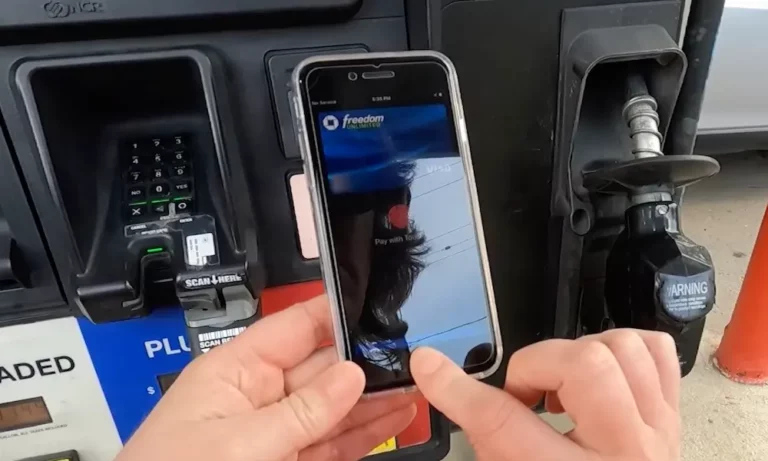
You’re at the pump, phone in hand, looking for that contactless symbol. Some stations let you tap and drive off. Others force you through an app maze. Here’s exactly where you can use Apple Pay to fuel up without touching a sketchy card reader.
Why Apple Pay at Gas Stations Matters
Let’s talk about skimmers first. Gas pumps are paradise for thieves using Bluetooth-enabled skimming devices that harvest your card data while you fill up. These things hide inside the pump where you can’t see them.
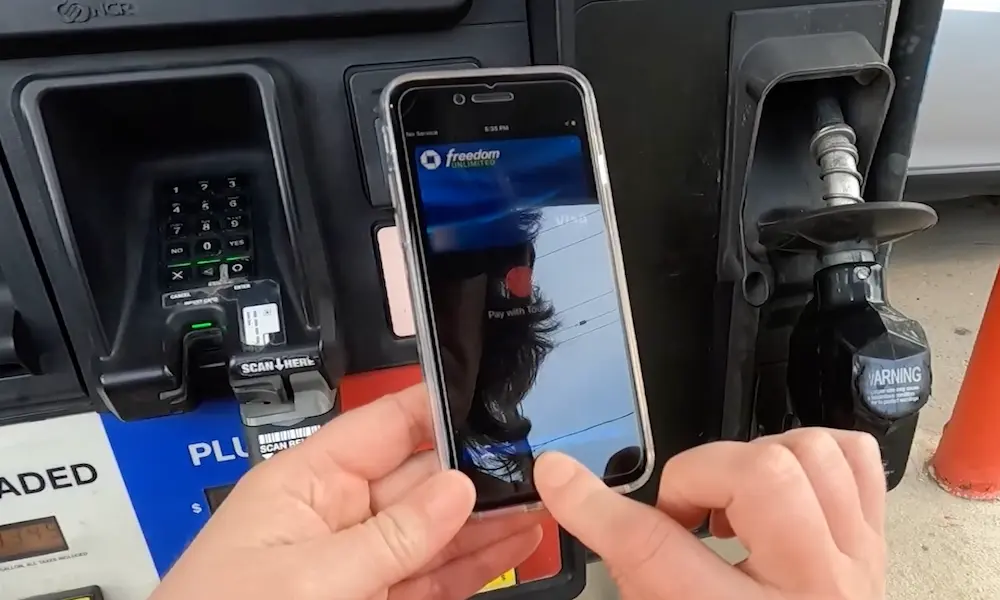
Apple Pay solves this. When you tap your iPhone, it doesn’t send your actual card number. Instead, it transmits a one-time code that’s worthless after the transaction. Even if someone intercepts it, they can’t use it again.
But here’s the frustrating part: not every station with a contactless reader actually turns it on. You’ll see the symbol, tap your phone, and get… nothing. This guide tells you which stations actually work.
The Best Gas Stations for Apple Pay (No App Required)
These chains let you tap and go without downloading anything or creating accounts.
Chevron and Texaco
Chevron and Texaco stations are your safest bet for reliable tap-to-pay. They rolled out NFC readers aggressively and actually keep them running.
Pull up, tap your phone on the reader, authenticate with Face ID, and you’re pumping. The app exists if you want rewards points, but it’s completely optional.
West Coast drivers especially have it good here. Most Chevron pumps feature modern color screens with clearly lit contactless symbols that actually work.
Wawa
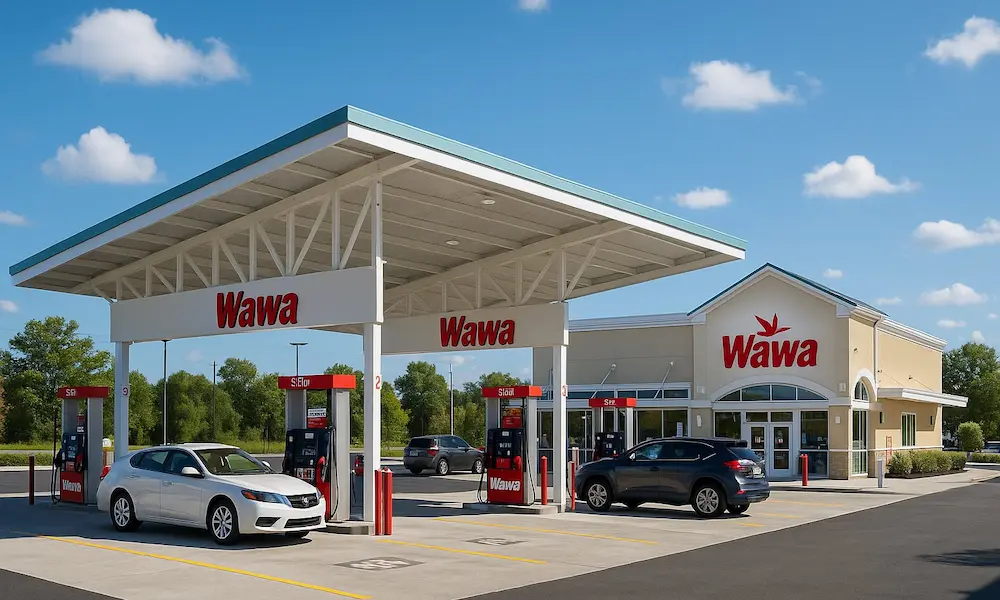
If you’re in the Mid-Atlantic or Florida, Wawa is the gold standard. Every single location accepts Apple Pay at the pump and inside.
Because Wawa owns its stores (no franchising), you get the same experience everywhere. A Wawa in Pennsylvania works exactly like one in Florida. No surprises, no app required, just tap and go.
ExxonMobil
ExxonMobil takes a hybrid approach. You can tap at most pumps, but they also pioneered something clever: App Clips.
Tap the NFC sticker on the pump and a mini-app appears on your iPhone. You pay with Apple Pay without downloading the full app or creating an account. It’s the best of both worlds—speed without commitment.
Over 11,500 ExxonMobil stations support this 2-in-1 NFC payment method. If you see the sticker, it’ll work.
Sheetz
Sheetz accepts Apple Pay everywhere—at the pump and inside. They upgraded early and actually maintain the hardware.
Like Wawa, Sheetz is corporate-owned. No franchisees means consistent technology across all locations. When you see the tap-to-pay sticker, you can trust it.
Casey’s General Store
Casey’s embraced contactless payments during the pandemic and stuck with it. Their Midwest locations reliably accept Apple Pay.
The company marketed “low-contact checkout” heavily in 2020, which means the infrastructure actually works instead of being decorative.
7-Eleven and Speedway
These two merged, and most locations support native NFC at the pump. There’s a catch though.
Some older 7-Eleven locations still push you toward the 7-Eleven Wallet app, where you load money via Apple Pay then spend it at the pump. It’s a workaround from their old loyalty system.
Speedway pumps generally work better for direct tapping, especially in the Midwest. The combined company is migrating to unified systems, but you might hit inconsistencies during the transition.
Gas Stations That Force You Through an App
These chains technically accept Apple Pay, but you can’t just tap at the pump. You’ll need their app.
Shell (Mostly App-Based)
Shell wants you using the Shell App. Here’s the workflow: open the app, tap “Pay at Pump,” enter your pump number, authorize with Apple Pay in the app, then pump.
The hardware exists at many Shell stations—NFC readers are installed on newer pumps. But franchisees often disable them to avoid maintenance costs or push app usage for loyalty data.
Your mileage varies by location. Some Shell stations let you tap. Most don’t. The app is the reliable method.
BP and Amoco (BPme App)
BP goes all-in on the BPme app. For years, this was the only way to use Apple Pay at BP.
Newer pumps are getting functional NFC readers as BP upgrades for EMV compliance, but the old fleet is massive. Don’t assume tap-to-pay works unless you see specific signage on that exact pump.
The app method requires good cell signal. If your GPS is wonky or the connection drops, the transaction fails. Physical card readers don’t have this problem.
The Wholesale Club Situation
Warehouse clubs offer cheap gas but weird payment rules.
Costco (Visa Cards Only)
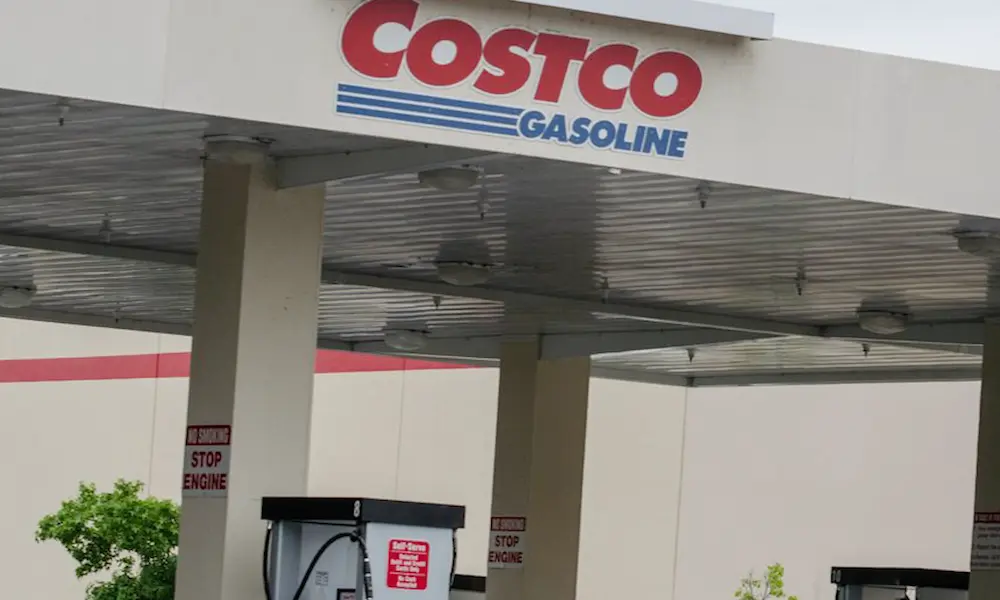
Costco gas stations have excellent NFC readers. They accept Apple Pay. But there’s a massive restriction.
You can only use Apple Pay at Costco if you select a Visa credit card or any debit card in your Apple Wallet. Tap with a Mastercard or Amex? Declined.
This comes from Costco’s exclusive Visa agreement. The exclusivity extends to digital wallets.
Plus, you usually still need to scan your membership card separately before tapping to pay. Some newer pumps let you scan the digital card in the Costco app, but it’s a two-step process.
Sam’s Club (Scan & Go Only)
Sam’s Club doesn’t do traditional tap-to-pay. Instead, you use their “Scan & Go” feature.
Open the Sam’s Club app, scan the QR code on the pump screen, and pay within the app using Apple Pay as your funding source. The pump activates remotely.
This is Walmart’s approach to mobile payments—force everyone through the proprietary app to capture data and verify membership simultaneously.
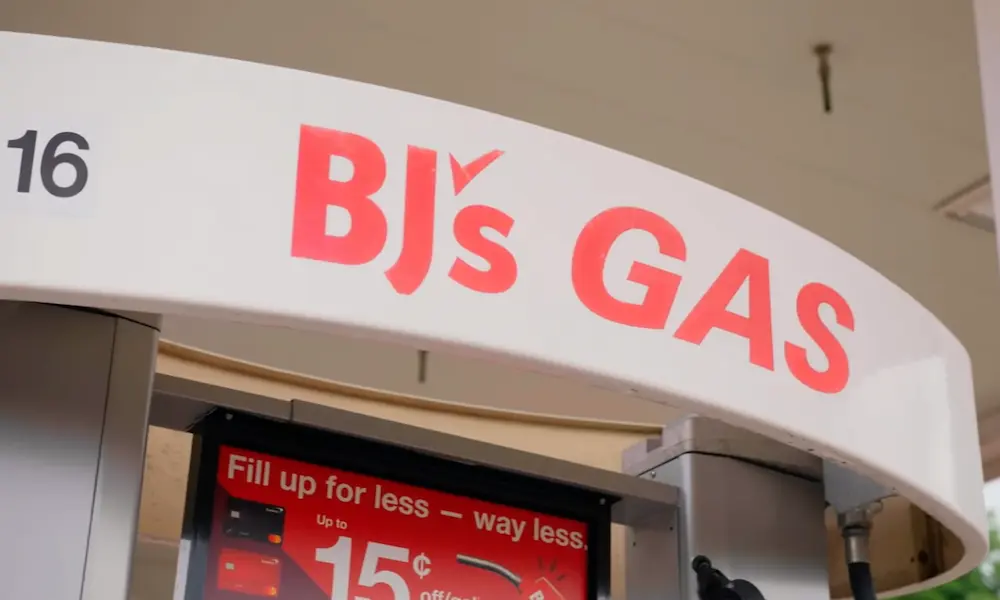
BJ’s Wholesale Club (Full Tap-to-Pay)
BJ’s just completed a major upgrade. As of February 2025, all 186 BJ’s gas locations support direct tap-to-pay.
You still verify membership (scan card or enter number), but the payment step is fully contactless. If you have the BJ’s One Mastercard, one tap handles both membership and payment.
The Unreliable Ones
Circle K (Hit or Miss)
Circle K officially supports Apple Pay. Reality is messier.
The “double beep” problem is common: you tap, the reader beeps twice (it detected your phone), then immediately shows “Declined” or “See Cashier.” This often happens with Apple Card specifically.
It’s usually a firmware mismatch between the card reader and the pump’s backend system. Corporate locations work better. Franchises in rural areas often have the hardware but leave it deactivated.
How to Find Stations That Accept Apple Pay
Don’t trust stickers alone. Use these tools.
Apple Maps
This is the most reliable source. Search for a gas station, scroll to “Useful to Know,” and look for the Apple Pay logo or contactless symbol.
Apple Maps pulls data from payment networks, so it’s usually accurate. You can filter by this feature when searching.
GasBuddy App
GasBuddy lets you filter by amenities, but be careful. They promote their own “Pay with GasBuddy” card, which isn’t Apple Pay. Make sure you’re looking at the right feature.
Look for Modern Pumps
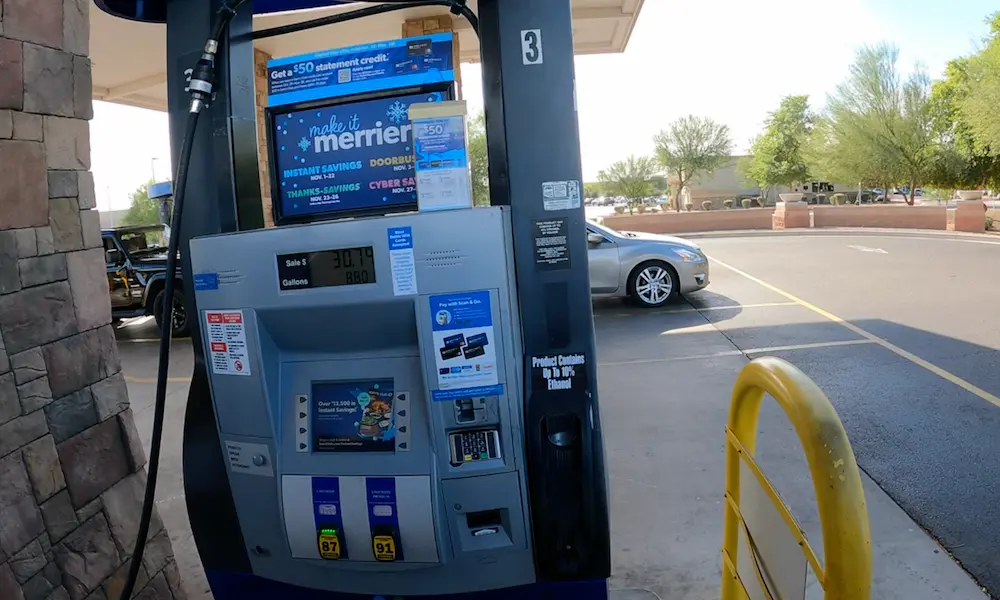
If the pump has a large color screen and looks new, it probably has working NFC. Older pumps with small green text displays rarely do.
Gas stations upgraded to NFC when they upgraded for EMV chip card compliance. These upgrades happened together because they’re expensive—up to $17,000 per pump.
Common Problems and How to Fix Them
“See Cashier” Error After Tapping
This usually isn’t a technical failure. It’s a fraud prevention trigger.
Gas pumps are high-risk for fraud, so the system runs extra checks. When you use Apple Pay, the tokenized transaction sometimes confuses older fraud detection systems that expect a physical zip code verification.
If this happens repeatedly at the same station, the NFC reader probably isn’t properly configured. Try a different station or use the app if available.
The $175 Charge Panic
You tap to pay $40 for gas. Your iPhone shows a notification: “Shell: $175.00.” Don’t panic.
This is a pre-authorization hold. The pump doesn’t know how much gas you’ll pump, so it reserves a maximum amount to ensure funds exist.
The actual charge corrects to your real purchase amount within minutes or hours. Physical card users don’t notice this because they check statements monthly. Apple Wallet shows you everything instantly.
Fake Tap-to-Pay Stickers
Scammers sometimes place fake stickers or QR codes on pumps to redirect you to fraudulent payment portals.
The real NFC technology is secure—you’re tapping hardware embedded in the pump. But if a sticker directs you to download something or enter card numbers manually, it’s a scam.
Real Apple Pay never asks you to type your card number.
Regional Differences
Chicago (Transit-Driven Adoption)
Chicago has unusually high tap-to-pay adoption because millions of people use Ventra cards on public transit, which work with Apple Wallet.
When you tap your phone to ride the CTA bus every day, you expect to tap everywhere. This consumer pressure pushed Chicago-area gas stations to actually maintain their NFC readers.
The flip side? Harsh winters damage equipment. Salt and freezing temperatures kill card readers, creating a “hardware exists but is broken” situation.
What’s Coming Next: In-Car Payments
The future isn’t tapping your phone. It’s not touching anything at all.
Shell and others are testing in-car payment systems that run through Apple CarPlay. Your car’s GPS recognizes the station, the fuel app launches on your dashboard, you select the pump number, and authorize payment—all from the driver’s seat.
As electric vehicle charging expands, payment infrastructure will standardize around contactless and app-based systems. Shell’s EV-only stations in London already operate this way—no magnetic stripe readers exist at all.
Quick Reference: Where Apple Pay Works
| Station | Tap at Pump? | Need App? | Special Rules |
|---|---|---|---|
| Chevron/Texaco | Yes | No | Most reliable nationwide |
| Wawa | Yes | No | 100% acceptance rate |
| ExxonMobil | Yes | No | Supports App Clips too |
| Sheetz | Yes | No | Corporate-owned, consistent |
| Costco | Yes | No | Visa cards only |
| Shell | Maybe | Usually | App is safer bet |
| BP/Amoco | Maybe | Usually | BPme app recommended |
| Sam’s Club | No | Yes | Scan & Go only |
| 7-Eleven | Yes | No | Some legacy locations vary |
| Casey’s | Yes | No | Strong in Midwest |
| Circle K | Yes | No | Frequent technical issues |
| BJ’s | Yes | No | New rollout (Feb 2025) |
The Bottom Line
If you want hassle-free Apple Pay at the pump, stick with Chevron, ExxonMobil, Wawa, or Sheetz. These chains invested in the technology and actually maintain it.
Costco works great if you’re using a Visa card. Shell and BP technically support it but push you toward apps. Sam’s Club requires the app completely.
The fragmentation exists because gas stations are expensive to upgrade and most are independently owned franchises. The EMV liability shift forced upgrades, but implementation remains inconsistent.
Your phone is now as essential as the fuel nozzle. Just make sure you’re pulling into a station where tapping actually works before you commit to the pump.