That persistent beeping from your Chamberlain garage door opener is annoying — but it’s trying to tell you something specific. This guide decodes every common beep pattern, matches it to a cause, and walks you through the fix. Stick around, because some of these are easier to solve than you’d think.
Why Your Chamberlain Garage Door Opener Beeping Isn’t Random
Your Chamberlain opener isn’t just making noise to ruin your morning. It runs a built-in self-diagnostic system that monitors the motor, battery, and safety sensors around the clock. When something’s off, it communicates through a specific combination of beeps and LED colors.
Think of it like Morse code for your garage. Once you know the language, diagnosing the problem takes minutes.
The Most Common Culprit: Battery Backup Issues
The number one reason your Chamberlain garage door opener is beeping is the battery backup system. California’s SB-969 law, passed after the 2017 wildfires, required all garage door openers sold in the state to include battery backup. That legislation made battery monitoring alerts standard across Chamberlain’s lineup.
The logic board constantly checks your battery’s voltage and internal resistance. When something’s wrong, it beeps — and the LED color tells you exactly what’s happening.
Decode the Beep + LED Combination
| Beep Pattern | LED Color | What It Means | What to Do |
|---|---|---|---|
| 1 beep every 2 seconds | Solid orange | Running on battery (power outage) | Check your circuit breaker and wall outlet |
| 1 beep every 30 seconds | Flashing orange | Battery voltage is low | Let it charge for 24 hours; check AC power |
| 1 beep every 30 seconds | Solid red | Battery has failed | Replace the sealed lead-acid (SLA) battery |
| No beep | Solid green | AC power on; battery fully charged | You’re good — run a monthly test |
| No beep | Flashing green | AC power on; battery actively charging | Wait for the charge cycle to finish |
How to Temporarily Stop the Beeping
There’s no software mute button for safety-related beeps — that would violate Chamberlain’s safety certifications. But if you’re waiting on a replacement battery and need quiet, here’s what you can do:
- Unplug the motor unit from the wall
- Disconnect the red and black wires from the battery terminals
- Restore AC power
The logic board detects the “no battery” state. It may still show a red LED, but the 30-second beeping typically stops until the board runs its next battery health test.
Why Batteries Fail Faster in Garages
Your garage isn’t climate-controlled. Extreme heat speeds up electrolyte evaporation inside the sealed lead-acid battery. Extreme cold spikes internal resistance. Both conditions cause premature “low battery” beeping. If your battery dies faster than expected, temperature stress is usually the reason.
Safety Sensor Beeps: The 5-Beep and 10-Flash Codes
Your Chamberlain’s photo-eye sensors sit at the bottom of the door frame and shoot an infrared beam across the opening. If anything breaks that beam during closing, the door reverses — and you’ll hear five beeps paired with five flashes from the motor unit’s lights.
That’s normal behavior. It means the system worked.
The problem starts when the sensors are misaligned or disconnected. Then you get 10 flashes and the door won’t close at all.
Reading Your Sensor LED Colors
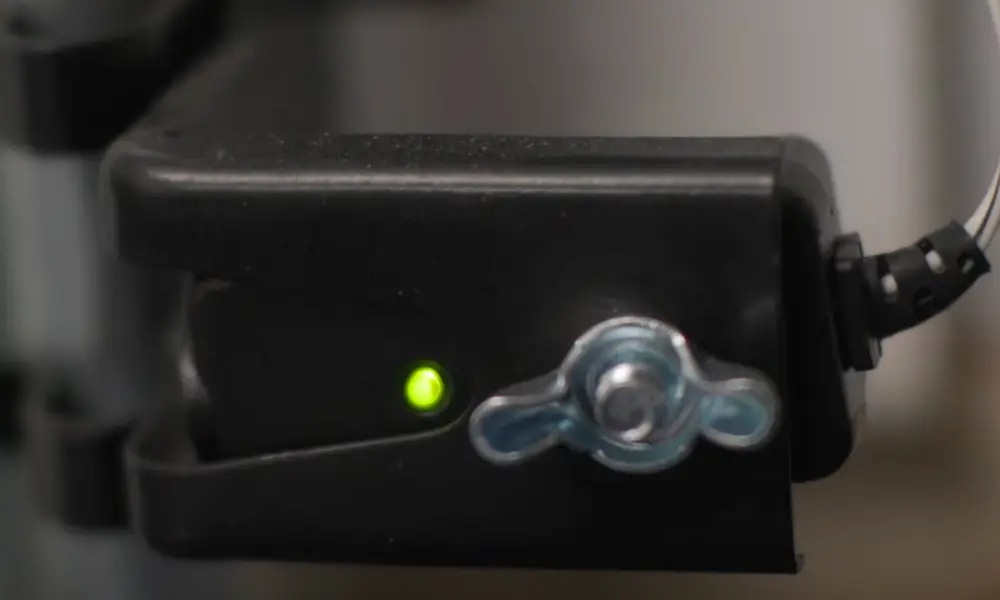
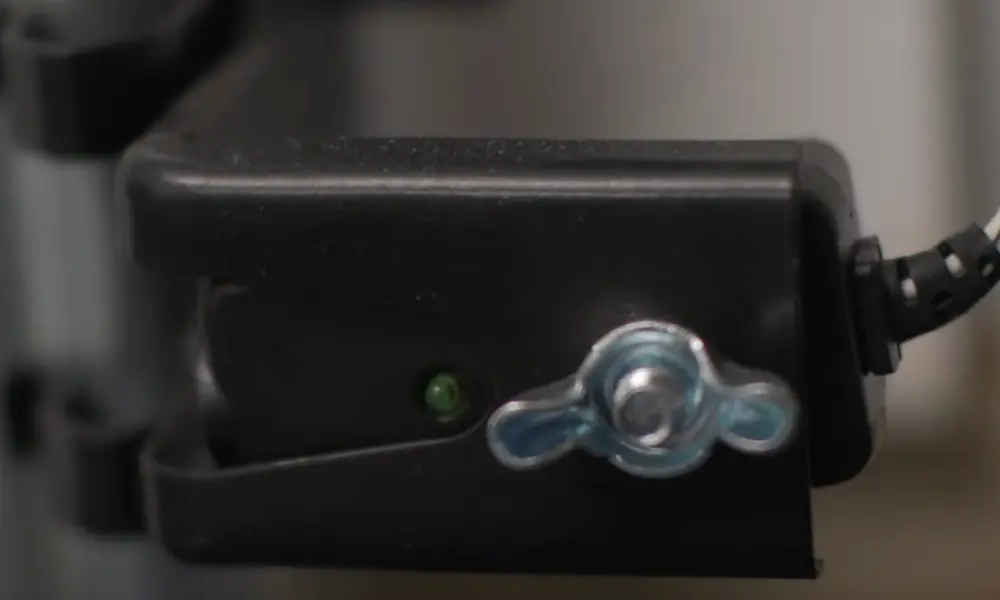
The sending sensor has an amber LED. The receiving sensor has a green LED. Together, they tell you exactly where the failure is.
| Sensor LED State | Alert | Likely Problem | Fix |
|---|---|---|---|
| Amber on, green off | 10 flashes + beeping | Beam misalignment | Pivot the receiving sensor until the green LED stays solid |
| Both LEDs off | 10 flashes + beeping | No power to sensors | Check wiring — white to white, black to black |
| Green LED flickering | 10 flashes + beeping | Intermittent obstruction or sunlight | Clean lenses; block direct sunlight on the sensor |
| Amber on, green solid | No error | System normal | Nothing needed |
Source: Chamberlain safety sensor alignment guide
Quick Short-Wire Test for Persistent 10-Flash Codes
If the sensors look aligned but you still get 10 flashes, the problem might be in your wiring. Here’s a fast test:
- Remove both sensors from their brackets
- Wire them directly to the motor head using a short 12-inch wire
- If the beeping stops, your wall wiring is damaged and needs replacement
This short-wire diagnostic method is one of Chamberlain’s recommended troubleshooting steps for persistent sensor errors.
Diagnostic Arrow Codes: When Beeps Come With Flashing Arrows
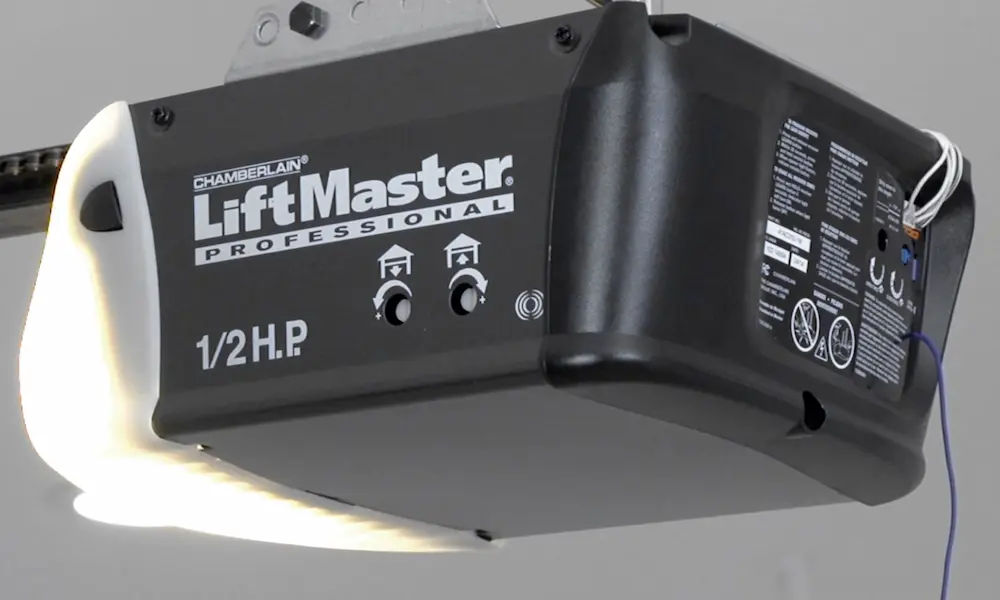
Chamberlain openers made after 2011 (Security+ 2.0 models) use the Up and Down arrow buttons on the motor unit as a visual error display. These arrow flash patterns almost always pair with a specific auditory alert.
| Code (Up/Down Arrows) | Auditory Signal | Problem | Root Cause |
|---|---|---|---|
| 1 Up, 5 Down | Rapid beeping | No RPM detected | Seized motor, broken drive gear, or disconnected RPM sensor |
| 4 Up, 1 Down | Tone on reversal | DC motor overload | Door out of balance, broken torsion spring, or track obstruction |
| 4 Up, 3 Down | Rhythmic beeping | Travel module disconnected | Loose wiring harness between logic board and travel module |
| 2 Up, 1-5 Down | Variable beeping | Logic board failure | Internal relay or processor malfunction |
| 5 Up, 5 Down | No movement | Unattended command error | myQ Smart LED Light not installed or paired |
Source: Chamberlain diagnostic codes
The 1 Up, 5 Down code is worth extra attention. The logic board monitors whether the motor is actually spinning. If it hums for a few seconds but detects no rotation, it cuts power immediately to prevent motor damage. A broken drive gear or seized motor is the usual culprit.
myQ and Wi-Fi Setup Beeps
If your Chamberlain garage door opener beeping started during a Wi-Fi setup or after a network change, that’s a different set of tones. Here’s what each sound during the myQ connection process means:
- 1 beep: Unit entered Wi-Fi learn mode
- Continuous beeping: Actively scanning for your network
- Rhythmic beeping: Connected locally; now authenticating with myQ cloud servers
- Slow, rhythmic beeps: Setup complete — device is online
- 1 long beep + 3 fast beeps: Authentication failed — wrong Wi-Fi password or MAC filtering is blocking the device
If you’re getting the failure tone, double-check your WPA2/WPA3 password and make sure your router isn’t filtering by MAC address.
myQ Smart Garage Hub Beeping
If you retrofitted an older opener with a myQ Smart Garage Hub, beeping from the hub itself usually means one of two things:
- It lost the RF signal from the door sensor
- The door sensor’s CR2450 battery dropped below the minimum voltage threshold
Pop the cover off the door sensor and swap in a fresh CR2450 battery. That fixes most hub beeping issues.
Timer-to-Close and Remote Closing Beeps
Chamberlain’s UL 325 compliance requires that any unattended door movement — think Timer-to-Close or closing via the myQ app — triggers both flashing lights and auditory beeping for five to eight seconds before the door moves. This isn’t a malfunction. It’s a safety feature mandated by UL 325 to warn anyone near the door.
If you hear beeping before your door closes on a schedule, that’s the system working exactly as designed.
Is It Actually Your Garage Door Opener?
Here’s something worth checking before you tear apart your opener: the sound might not be coming from the Chamberlain unit at all.
Smoke detectors, carbon monoxide alarms, and water softeners all use chirps to signal low batteries. These devices often chirp every 60 to 90 seconds — easy to confuse with the Chamberlain’s 30-second battery beep. Sound bounces around garages in weird ways.
Quick test: Check the Battery Status LED on your motor head. If it’s solid green, your opener is fine. The sound is coming from something else in your garage or home.
Moisture on sensor lenses can also trigger “phantom” beeps. High humidity causes condensation on the photo-eye lenses, which refracts the infrared beam and fakes an obstruction. Monthly lens cleaning with a dry cloth prevents these false alerts.
Don’t Overlook the Mechanical Side
A garage door that’s hard to move will eventually trigger electronic beeping. Your Chamberlain measures electrical current on every cycle. If the motor draws more power than expected — because of a broken spring, worn rollers, or a binding track — it assumes there’s an obstruction and reverses the door, followed by five beeps.
The fix isn’t always electronic. Regular lubrication of hinges, rollers, and springs with a silicone or lithium-based lubricant reduces motor strain. Less strain means fewer current spikes and fewer phantom beeping events.
Remote and Accessory Battery Maintenance
Sometimes the beeping or signal problems trace back to dead batteries in your remote or keypad — not the opener itself.
| Accessory | Battery Type | Replacement Interval | Symptom |
|---|---|---|---|
| 3-button remote | CR2032 (3V lithium) | Every 3–5 years | Reduced range, dim LED |
| Wireless keypad | 9V alkaline | Every 3–5 years | Keypad flashes, door doesn’t respond |
| myQ door sensor | CR2450 (3V lithium) | Every 3–5 years | Hub beeps, app shows “Offline” |
A CR2032 remote battery swap takes about 30 seconds. It’s worth checking before assuming the opener has a bigger problem.
One More Thing: The Lock Feature
If you press the remote and get a beep with no door movement, check whether the Smart Control Panel’s Lock feature is active. When Lock mode is on, it disables all remote radio signals. The opener beeps and flashes to signal that it rejected the command — not that it’s broken. Disable Lock mode from the wall panel and your remote should work immediately.
Understanding your Chamberlain garage door opener beeping patterns turns a frustrating mystery into a five-minute fix. Match the beep rhythm to the LED color, check the arrow codes if needed, and you’ll know exactly what the system is asking for.