Your garage door won’t close, the opener light keeps flashing, and you have no idea why. Sound familiar? Your garage door sensor is probably the culprit. The good news: most sensor problems are fixable without calling anyone. This guide walks you through every cause and fix, step by step.
What Does a Garage Door Sensor Actually Do?
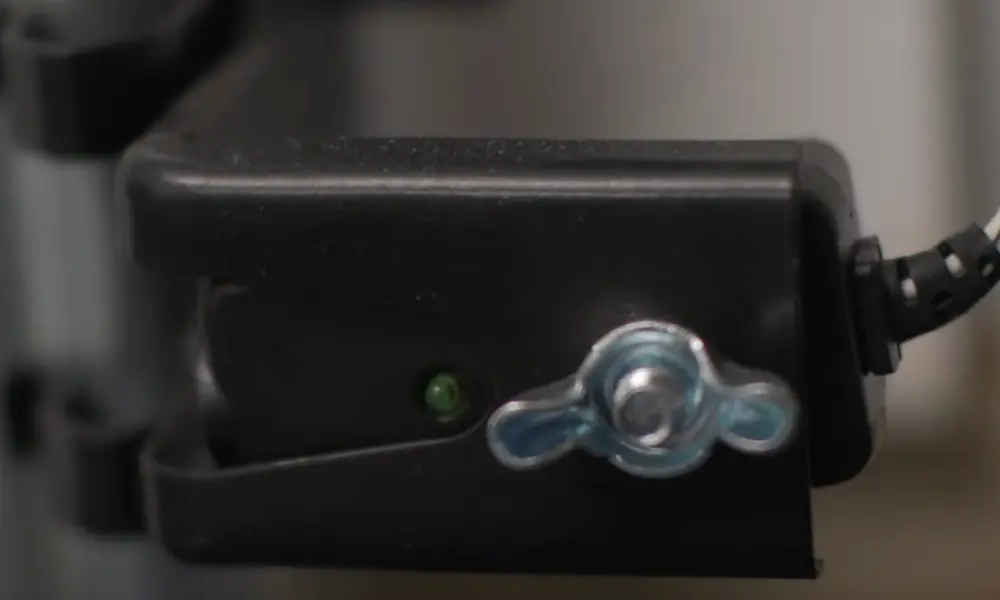
Your garage door has two small sensors mounted near the floor on each side of the door. They work as a team. One sensor (the transmitter) shoots an invisible infrared beam across the opening. The other (the receiver) catches that beam.
If anything breaks that beam while the door closes, the opener stops and reverses immediately. This safety feature has saved countless lives since becoming federally required in 1993. Before that, garage doors only relied on force detection — meaning they’d keep closing until they hit something hard enough to trigger a reversal.
Here’s what your sensor LEDs should look like when everything is working:
| Sensor | LED Color | Healthy Status |
|---|---|---|
| Transmitter (Sending) | Amber / Yellow | Solid — always on |
| Receiver (Detecting) | Green | Solid — beam is aligned and clear |
If your green LED is blinking, dim, or completely off, your sensor isn’t picking up the beam. That’s your first diagnostic clue.
Why Is My Garage Door Sensor Not Working?
A garage door sensor not working almost always traces back to one of four problems. Let’s break each one down.
1. The Sensors Are Misaligned
This is the most common cause. Your sensors need to point directly at each other to maintain the infrared beam. Even a slight nudge from a bike, trash can, or lawnmower is enough to throw them off.
Vibration from the door itself can also slowly loosen the mounting brackets over time. You’ll notice it because the green LED will flicker or go dark.
Fix it:
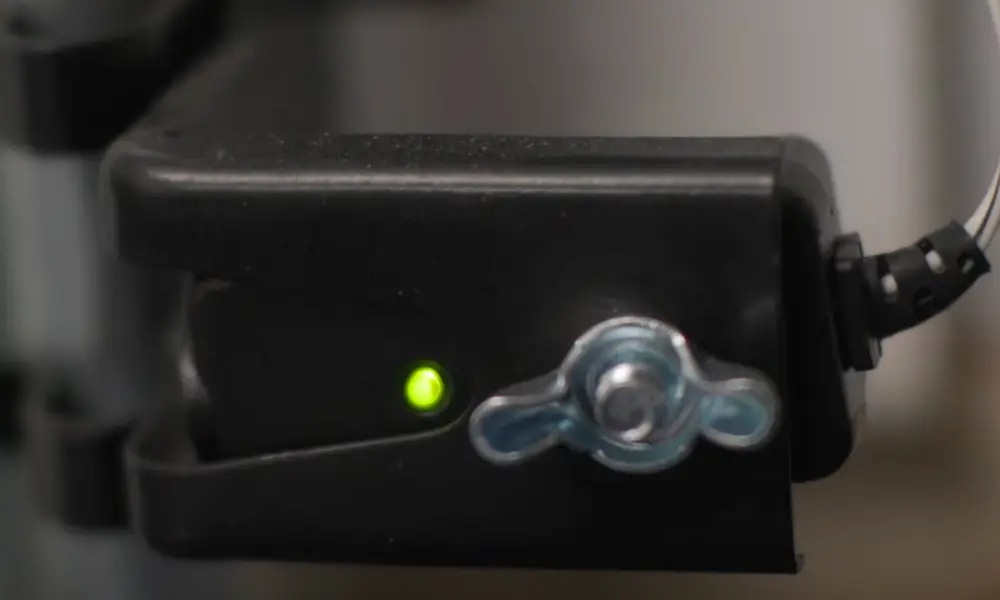
- Loosen the wing nut or mounting screw on each sensor bracket
- Manually point each sensor directly at its partner across the door
- Watch the green LED — it should go solid when alignment is correct
- Tighten the brackets firmly and test the door
2. Something’s Blocking the Beam
Dust, pollen, spider webs, and leaves are notorious for triggering a garage door sensor not working situation. Spiders especially love the sensor housing — it’s warm, sheltered, and rarely disturbed.
Even a thin layer of grime on the plastic lens significantly reduces signal strength.
Fix it:
- Wipe each sensor lens with a clean, dry cloth
- Check for spider webs or debris in front of both sensors
- Clear any objects — tools, sports equipment, boxes — from the sensor path
- Test the door again
3. Sunlight Is Interfering With the Receiver
This one trips people up because the pattern is so strange. Your door works perfectly at night but refuses to close on sunny afternoons? That’s sunlight interference.
Direct sunlight floods the receiver with infrared radiation, overpowering the transmitter’s beam. The receiver can’t tell the difference between the sun’s infrared and your sensor’s signal. So it fails. West-facing and south-facing garages see this most during late afternoon hours.
When this happens, your opener light typically flashes ten times — the opener’s way of saying the safety sensor circuit has a problem.
Fix it:
- Move the receiver sensor to the shaded side of the garage
- Install a Chamberlain sun shield kit that snaps over the sensor housing
- DIY option: slide a 2-to-4-inch piece of PVC pipe over the receiver lens to create a narrow field of view that blocks angled sunlight while letting the beam through
4. Wiring Problems
If cleaning and realigning don’t solve it, the issue might be electrical. Wires run from each sensor back to the motor unit. Those wires can get damaged by:
- Rodents chewing through insulation
- Staples driven too deep during installation
- Corrosion from humidity
- Simple wear and tear over years of use
Frayed or damaged wiring creates an open circuit, and the opener reads that as a sensor fault.
Fix it:
- Inspect the full wire run from the motor head down to each sensor
- Look for pinched spots, exposed copper, or corroded terminals
- Replace damaged sections with new low-voltage wire
- Use gel-filled, moisture-resistant connectors in humid garages instead of standard wire nuts
Read Your Opener’s Blink Codes
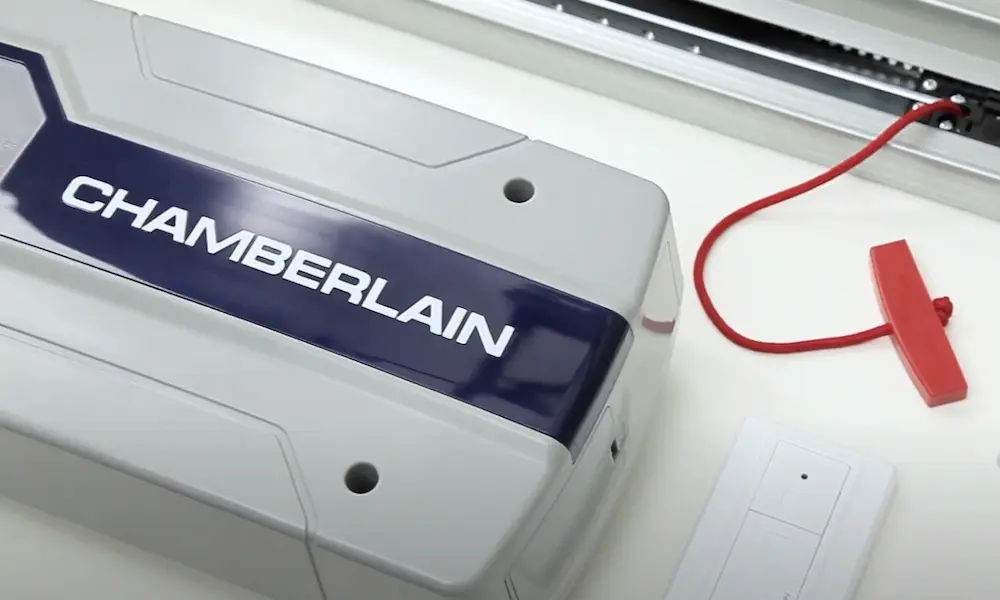
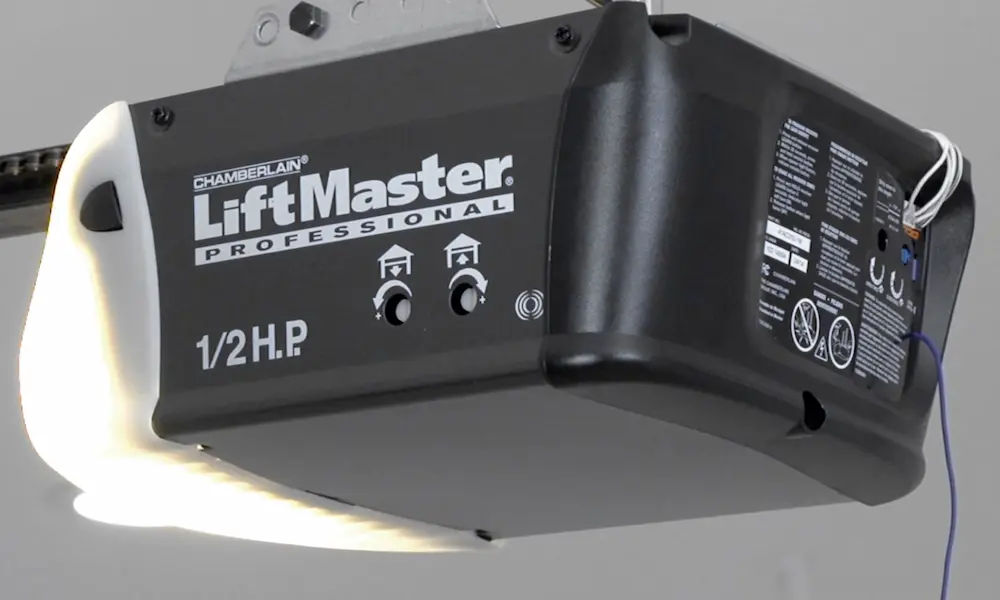
Your opener is already telling you what’s wrong. You just need to know the language. Most Chamberlain, LiftMaster, and Craftsman openers use blink patterns on the main light to communicate sensor faults.
| Blink Pattern | What It Means |
|---|---|
| 1 blink | Disconnected or cut wire — open circuit |
| 2 blinks | Shorted or reversed wires |
| 4 blinks | Misalignment or obstruction in beam path |
| 5 blinks | Motor issue or door binding |
| 6 blinks | Logic board failure |
You can find the full list of diagnostic codes for your specific opener here.
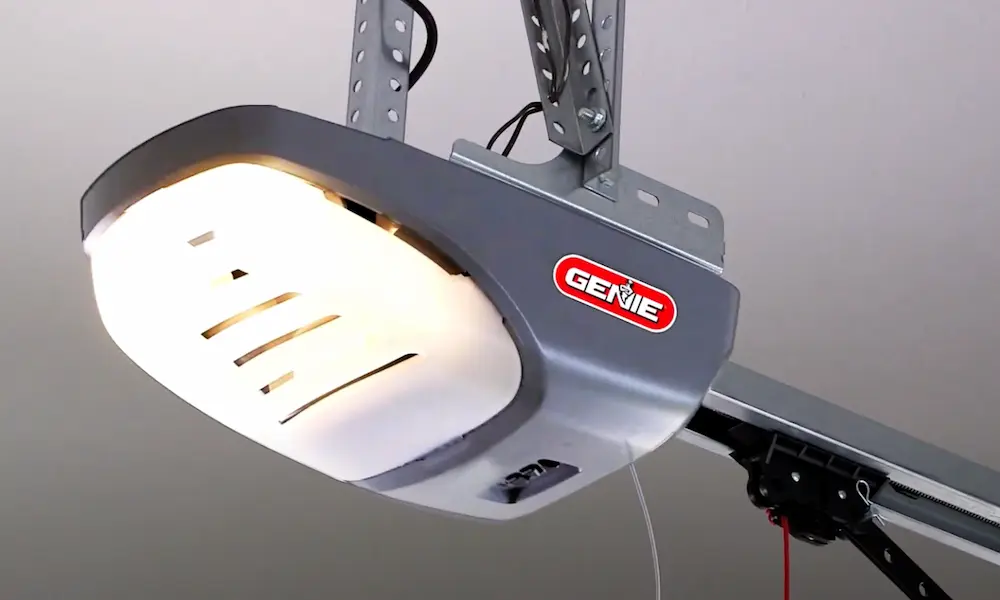
Genie openers use a different system with LED lights near the “Learn” button:
- Green blinks twice: Sensor misalignment or bad wiring connection
- Solid red light: Power is reaching the sensor, but the receiver gets no signal
- No light at all: Complete power loss, tripped breaker, or dead sensor
How to Test Your Sensors With a Multimeter
If you’ve cleaned, realigned, and checked the wiring and the garage door sensor is still not working, grab a multimeter. Sensors run on a low-voltage DC circuit. A healthy system reads 5 to 6 volts at the sensor.
Here’s what to check:
| Test | Target Reading | What It Tells You |
|---|---|---|
| Motor head output (no sensors connected) | 6.0 – 6.5V DC | Logic board is powering the circuit normally |
| Sensor input (sensors connected) | 5.0 – 6.0V DC | Wiring carries enough power to the sensors |
| Low reading (under 1V) | Fault | Severe wire damage or logic board failure |
| Continuity test | Audible beep | Wire run is unbroken |
Step-by-step:
- Set your multimeter to DC voltage
- Measure output at the motor head terminals (white and grey wires) — you’re looking for 6 to 6.5V
- Reconnect the sensors and measure again at the sensor side — should read 5 to 6V
- Switch to continuity mode to test each wire run from motor to sensor — a beep means the wire is intact
A reading below 3 volts usually means high resistance somewhere in the wire, or the logic board is failing.
How to Reset Garage Door Sensors
Sometimes sensors just need a reset after you’ve made adjustments. Here’s the fastest way to do it:
- Unplug the garage door opener from the power outlet
- Wait 30 seconds
- Plug it back in
- Watch the sensor LEDs — amber should be solid, green should settle solid after a moment
- Test the door with the wall button
If the green LED still blinks after a proper alignment, try fully disconnecting both sensors, then reconnecting them one at a time to isolate which unit is causing the fault.
Smart Opener Diagnostics Make This Easier
If you have a myQ-connected opener, you don’t have to guess. The myQ diagnostic tool sends alerts to your phone with specific error codes when a sensor fails or goes out of alignment.
You can even share a “Health Report” with a garage door technician so they arrive knowing exactly what part to bring. It won’t fix the problem for you, but it cuts troubleshooting time dramatically.
Test Your Sensors Every Month — Here’s How
Once your garage door sensor is working again, run this simple test monthly to confirm it stays that way:
- Open the garage door fully
- Place a cardboard box (at least 6 inches tall) on the floor between the sensors
- Press the close button
- The door must reverse immediately when it reaches the box
If the door keeps closing and crushes the box, your safety system has failed and poses a real risk to kids and pets. Don’t use the door until it’s fixed.
This test is backed by UL Standard 325 — the same standard that’s governed garage door safety since 1993.
Should You Repair or Replace the Sensors?
Sensor pairs are cheap. If yours are more than 10 years old and giving you trouble, replacement usually makes more sense than chasing down the exact fault. Here’s a quick cost breakdown:
| Option | DIY Cost | Professional Cost |
|---|---|---|
| Standard sensor pair | $20 – $60 | $50 – $100 |
| Premium / smart sensors | $70 – $100 | $100 – $150 |
| Labor (per hour) | $0 | $40 – $110 |
| Service call fee | $0 | $75 – $150 |
| Total estimated cost | $20 – $100 | $100 – $250 |
If your opener itself is over 15 years old, think twice before investing in new sensors alone. A sensor failure in an aging system often signals that the logic board or motor isn’t far behind. At that point, a full opener replacement might save you more money long-term.
Sensors always sell as a matched pair — transmitter and receiver together. Don’t try to replace just one. They’re calibrated to work together, and mixing old with new often creates alignment and signal problems.
Keep Your Sensors Healthy Long-Term
A few simple habits prevent most garage door sensor problems before they start:
- Wipe the lenses monthly with a dry cloth — takes 30 seconds
- Check the LED colors every time you use the door
- Tighten sensor brackets once a year — vibration loosens them gradually
- Run the cardboard box test monthly
- Install sun shields if your garage faces west or south
- Run wires through PVC conduit if you have rodent activity in your garage
The average sensor pair lasts about 10 years with normal use. Mark your installation date somewhere visible so you know when replacement becomes the smarter call over repair.