Your garage door light is blinking, and your door won’t close. Frustrating, right? The good news is that blinking pattern isn’t random — it’s your opener talking to you in code. This guide breaks down what each flash means by brand, so you can fix it fast without guessing.
Why Is Your Garage Door Light Blinking?
Your opener uses flash codes as a built-in diagnostic system. When something goes wrong, the light blinks a specific number of times to tell you what’s broken.
Think of it like a check engine light — but actually useful.
Most blink patterns point to one of three problem areas:
- Safety sensors — the small eyes near the floor on each side of the door
- Wiring — the low-voltage wires connecting sensors and wall buttons
- Mechanical issues — springs, tracks, or the motor itself
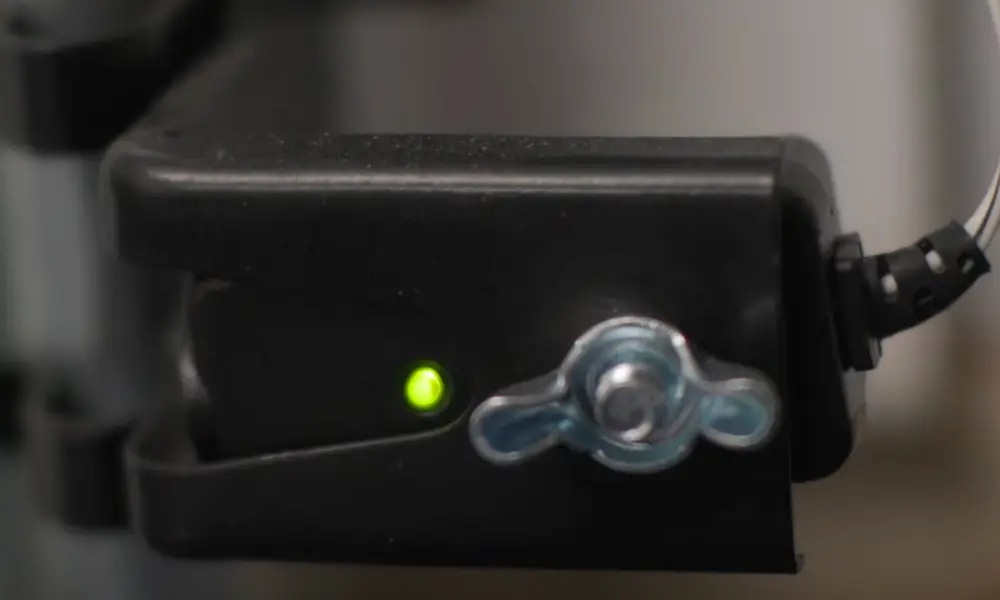
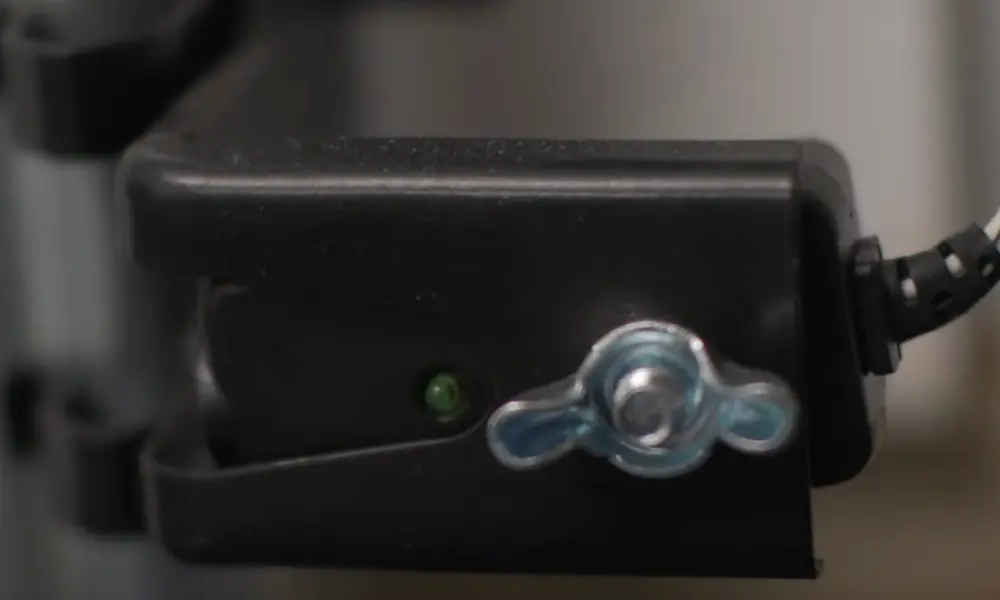
The most common trigger for a garage door light blinking is a safety sensor fault. Those sensors sit no higher than six inches off the ground and shoot an invisible infrared beam across the door’s opening. If that beam breaks — or the sensors lose power — your opener locks out the close function and starts blinking.
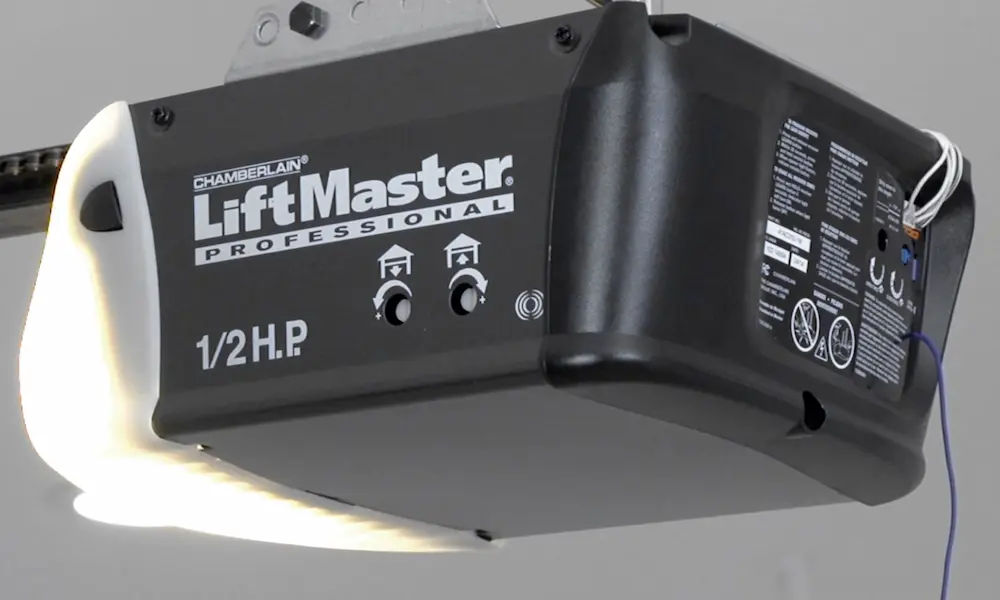
LiftMaster, Chamberlain & Craftsman: Flash Code Guide
These three brands come from the same manufacturer (the Chamberlain Group) and share the same diagnostic system. You’ll get feedback from two places: the main overhead bulbs and a small LED near the “Learn” button on the motor unit.
What the Main Overhead Light Flashes Mean
When you hit the remote and the door doesn’t close, count the blinks on the main light.
| Main Light Flash Count | What It Means | How to Fix It |
|---|---|---|
| 2 Flashes | Lock/Vacation mode is active on the wall station | Hold the Lock button on your wall panel for 2 seconds |
| 10 Flashes | Safety sensors are blocked, misaligned, or disconnected | Clear the sensor path and check for steady indicator lights on both sensors |
The 10-flash signal is a full remote lockout. You can still close the door by holding the wall button continuously, but your remotes won’t work until you fix the sensor issue. That’s by design — it forces you to supervise the close manually when the safety system is down.
The 2-flash issue catches a lot of people off guard. If your door won’t respond to the remote but works fine from the wall button, check whether the Lock feature got activated accidentally.
What the Diagnostic LED Near the Learn Button Means
For a more specific diagnosis, check the small LED on the back or side panel of your motor unit. Each flash count points to a different electrical or mechanical fault.
| LED Flash Count | What’s Wrong | What to Check |
|---|---|---|
| 1 Flash | Sensor wire is broken or disconnected | Check terminals at the sensor and motor unit for loose or severed wires |
| 2 Flashes | Sensor wires are shorted or reversed | Look for staples piercing the wire; verify white-to-white polarity |
| 3 Flashes | Wall control wiring is shorted | Inspect low-voltage wires behind the wall button for pinching |
| 4 Flashes | Sensors are slightly misaligned | Adjust sensor brackets until the indicator light glows steady |
| 5 Flashes | RPM sensor failure or motor overheating | Check for a binding door or excessive cycling that overheated the motor |
| 6 Flashes | Motor circuit or logic board failure | Internal component failure — likely needs professional repair or board replacement |
A staple driven too deeply through sensor wiring is one of the most common causes of a 2-flash code. It’s easy to miss because the wire looks intact from the outside. Run your finger along the full wire length and feel for pinch points.
Security+ 2.0 Arrow Codes (Yellow Learn Button Models)
If your LiftMaster or Chamberlain has a yellow Learn button and up/down arrow keys on the motor unit, it uses a two-digit arrow code system. The Up arrow flashes the first digit; the Down arrow flashes the second.
| Arrow Code (Up–Down) | What It Means | Fix |
|---|---|---|
| 1–1 | Sensors blocked, misaligned, or wires disconnected | Clear path, clean lenses, ensure both sensor LEDs are solid |
| 1–2 | Sensor wires shorted or polarity reversed | Check for staple damage; verify correct wire connections |
| 1–3 | Wall control wires shorted for 4+ seconds | Inspect wiring between wall station and opener |
| 1–4 | Sensors misaligned during travel | Realign until the green receiver LED is steady |
| 1–5 | No RPM detected in first second of movement | Check for a binding door or broken spring |
| 1–6 | RPM detected after motor stops | Door is drifting — check balance and cable tension |
| 4–1 | Travel module communication error | Reconnect travel module to logic board; power-cycle the unit |
| 4–2 | Excessive force during closing | Clear track obstructions; check for binding during travel |
| 4–3 | Excessive force during opening | Inspect springs and rollers for extra resistance |
| 4–6 | Sensor interrupted mid-close after prior fault | Realign sensors and clean lenses |
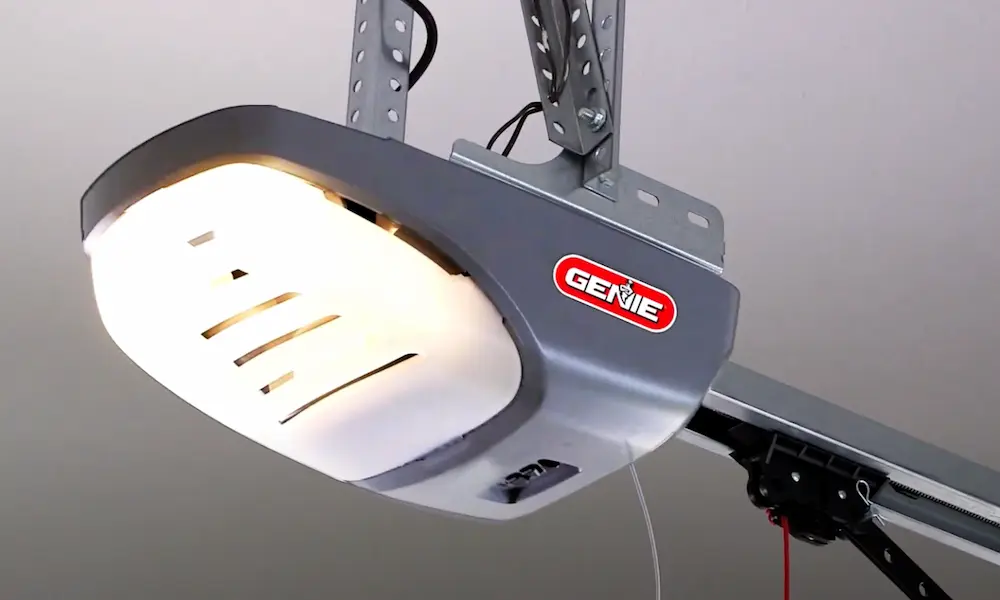
Genie & Overhead Door: Red and Green LED Codes
Genie and Overhead Door systems use a pair of colored LEDs on the motor head. A solid green light means everything’s fine. When things go wrong, the lights start blinking in sequences with a pause between sets.
| LED Signal | What It Means | Fix |
|---|---|---|
| Red LED: 1 Blink | Remote not programmed to the opener | Use Learn mode to sync the remote |
| Green LED: 1 Blink | Obstruction detected or door is binding | Clear the door’s path; test manual operation via emergency release |
| Green LED: 2 Blinks | Continuous sensor obstruction or misalignment | Clean lenses; adjust sensors until their indicators are solid |
| Green LED: 3 Blinks | Travel limits programmed in wrong sequence | Clear limits from memory and reprogram Up/Down travel positions |
| Green LED: 4 Blinks | Wall control wires shorted or reversed polarity | Re-check motor terminal wiring; replace damaged wall control wiring |
| Green LED: 5 Blinks | Drive chain/belt too tight, or control board failure | Reduce drive tension; replace logic board if the issue continues |
Marantec Error Codes
Marantec openers display errors as numbered codes through their LED array. You retrieve them by pressing the programming button while the unit’s in a fault state.
| Error Number | Meaning | Fix |
|---|---|---|
| Error 7 | Travel limits not fully programmed | Re-enter programming mode and set both positions |
| Error 8 | Photo-eye safety system triggered | Remove the obstruction and cycle the door |
| Error 10 | Door movement too stiff (power limit active) | Lubricate tracks and rollers; check for binding |
| Error 15 | Photo-eye self-monitoring unit not working | Check sensor wiring and connections to motor |
| Error 26 | Power surge detected | Unplug the unit for 30 seconds to reset |
| Error 36 | Remote transmitter coding mismatch | Reprogram your remotes to the receiver module |
Wayne Dalton: Red LED Signals
Wayne Dalton’s iDrive and Classic Drive systems keep things simple with a single red LED for both programming confirmations and fault alerts.
| Symptom | Likely Cause | Fix |
|---|---|---|
| Red LED blinks 3 times | Successful remote or wall station programming | No action needed — it’s just confirming setup |
| Red LED blinks continuously on sensor | Infrared beam is misaligned | Adjust the sensor bracket until the red light becomes steady |
| Opener light flashes, door won’t close | Obstruction or insufficient closing force | Clear track debris; adjust Force settings on the motor unit |
The Sneaky Causes Nobody Talks About
Direct Sunlight Interference
This one trips people up constantly. When the sun sits low on the horizon — early morning or late afternoon — its infrared radiation can overload your receiving sensor. Your opener reads this as a broken beam and throws the 10-flash code, even though nothing’s actually blocking the door.
The fix? Swap the sensor positions so the receiving eye (usually the one with the green light) faces away from direct sunlight. That single change eliminates seasonal false alarms for a lot of homeowners.
Humidity and Corrosion on Terminals
A garage door light blinking only on humid days or after rain usually points to corroded wiring terminals. Moisture builds up resistance in the circuit, and your opener reads it as a wiring fault. Cleaning the terminals and applying a light coat of dielectric grease usually solves it.
Dirty Sensor Lenses
Even a thin layer of dust or a spider web across the sensor lens can scatter the infrared beam enough to trigger a fault. Wipe both lenses with a soft dry cloth every few months. It takes 30 seconds and prevents a lot of unnecessary head-scratching.
Broken Springs Causing Force Codes
Your opener isn’t supposed to lift the door on its own — the counterbalance springs do that heavy work. When a spring breaks, the opener has to pull the full door weight. It detects the extra strain through an RPM sensor and force circuit, then throws codes like 4-2, 4-3, or a 5-flash LED signal.
If your motor runs but the door barely moves, or you see white plastic shavings inside the motor housing, the drive gear has likely stripped. The motor sounds fine but nothing moves — that’s a dead giveaway.
Beeping Codes: What Your Opener’s Trying to Tell You
If your opener beeps instead of (or alongside) blinking, it’s usually a power-related warning, especially on units with battery backup.
| Beep Pattern | Meaning | Action |
|---|---|---|
| Every 30 seconds | Battery backup is low or disconnected | Check battery terminals; replace if it’s over 3 years old |
| Every 2 seconds | Running on battery power during an outage | No action needed — it’s alerting you to secondary power use |
| Continuous/irregular | Extreme resistance or logic board issue | Disengage the door; test manual operation; power-cycle the unit |
On some models, the main overhead lights shut off during battery operation to save power. If your lights go dark but the small LEDs still work, that’s normal battery-mode behavior — not a new fault.
Is Your Logic Board the Problem?
Logic board failures don’t always produce clean, recognizable flash codes. Instead, look for these signs that the control board itself has gone bad:
- Blinks continuously regardless of sensor alignment
- Remotes lose programming repeatedly for no clear reason
- Door starts moving, then reverses for no apparent reason
- The diagnostic LED stays solid or doesn’t blink when a known fault exists
A logic board that won’t display codes when it should is telling you its own microprocessor has failed. These boards aren’t field-repairable — replacement is the only option. Before you buy one, check the model number on the back of the motor unit and confirm compatibility.
Power surges are the most common killer of logic boards. If you don’t already have the opener plugged into a surge protector, now’s a good time to add one.
Quick Fixes to Try Before Anything Else
Before you dig into wiring or call anyone, run through this checklist. It solves the problem more often than you’d think:
- Check for obstructions — look along the entire door path, not just at the sensors
- Clean both sensor lenses — use a soft dry cloth
- Check both sensor indicator lights — one should glow solid green, one solid amber
- Realign sensors — loosen the bracket, adjust until the light is steady, retighten
- Inspect the full wire run — look for staples, pinches, or spots where the wire rubs on metal
- Disconnect and reconnect wire terminals — at both the motor unit and each sensor
- Power-cycle the opener — unplug it for 30 seconds, then plug it back in
- Check the Lock button on the wall station — hold it for 2 seconds to disengage if it’s active
Most garage door light blinking issues come down to a sensor that’s slightly off-angle or a wire that’s worked itself loose. You don’t need tools for most of these steps — just a few minutes and a flashlight.