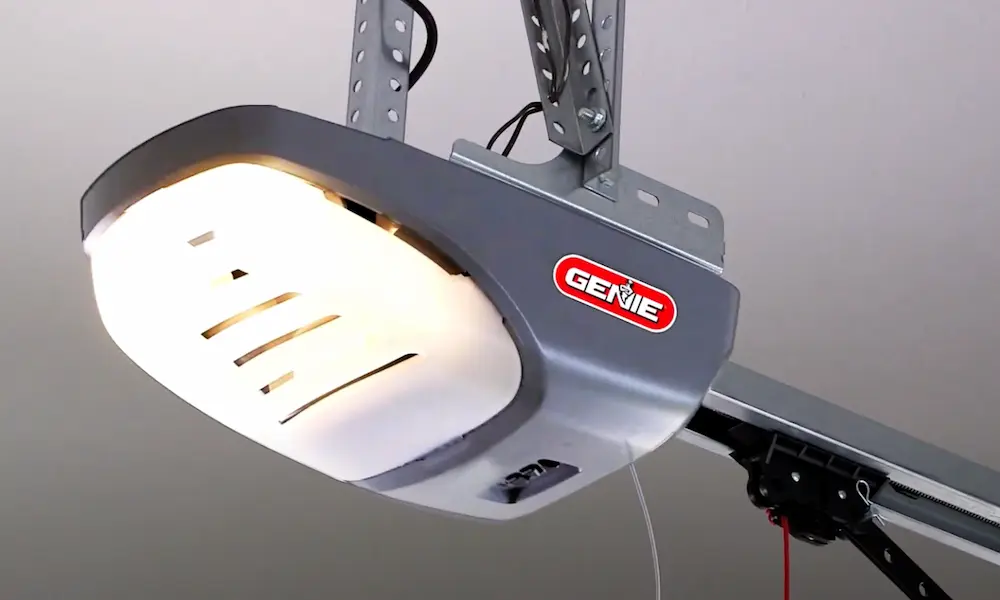
Your Genie garage door opener not working is one of those problems that hits hardest when you’re already running late. Before you call anyone or spend money on parts, there’s a good chance you can fix this yourself. This guide walks you through every likely cause — from dead batteries to stripped gears — so you can get your door moving again.
Start Here: The Basics That Stump Everyone
Before you dig into anything complicated, run through these quick checks. They solve more problems than people expect.
Check your power source first. Plug something else into the same outlet. If it doesn’t work, your problem is a tripped circuit breaker or a dead GFCI outlet — not the opener at all. Reset the breaker, and you’re done. A non-functional GFCI outlet is one of the most common reasons a Genie garage door opener stops responding.
Try a power cycle. Unplug the opener from the wall. Wait 30 seconds — not five, not ten. Thirty. This lets the capacitors fully discharge and the firmware restart clean. Plug it back in. This simple step clears minor logic glitches that can freeze the unit.
Check the vacation lock. This one catches a lot of people off guard. The “Sure-Lock” switch on your wall console locks out all remotes when it’s active. If your wall button works but your remote doesn’t, this is likely your culprit. Flip that switch off.
Reading the LED Codes on Your Genie Opener
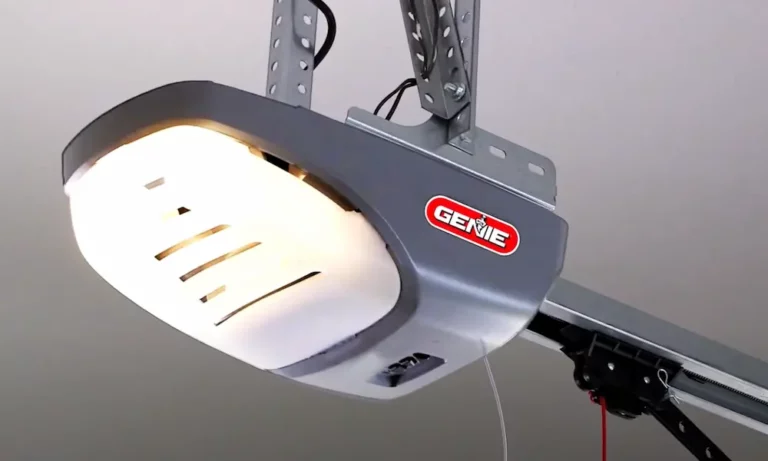
Your Genie opener talks to you through two LEDs on the powerhead — one round, one long. When something’s wrong, they blink in a pattern that tells you exactly what’s happening. Learn to read them and you skip a lot of guesswork.
What the Red LED Is Telling You
Here’s what each red LED pattern means:
| Red LED Pattern | What It Means | What to Do |
|---|---|---|
| Solid red | Travel limits lost | Reprogram open/close limits |
| 1 blink, pause | Safe-T-Beam blocked | Check for objects in the sensor path |
| 2 blinks, pause | Sensor wire problem | Inspect for cut or shorted wires |
| 3 blinks, pause | Vacation lock active | Turn off the Sure-Lock switch |
| 4 blinks, pause | Logic board failure | Replace the circuit board |
| Alternating red/green | Critical system failure | Check for blown capacitor or fried board |
The difference between 1 blink and 2 blinks matters a lot. One blink means the beam is physically blocked — look for a box, a bike, or even a spider web. Two blinks means the opener can’t detect the sensor hardware at all, which points to a wiring problem instead.
What the Green LED Is Telling You
The green LED focuses on travel limits and motor force. Genie’s model-specific guide breaks down the green blink codes like this:
| Green LED Pattern | What It Means | What to Do |
|---|---|---|
| 1 blink, pause | Limits not set | Run the travel limit setup again |
| 2 blinks, pause | Ongoing obstruction or misalignment | Realign sensors |
| 3 blinks, pause | Limits programmed backwards | Clear memory and reprogram |
| 4 blinks, pause | Wall control wire fault | Check for reversed or shorted console wires |
| 5 blinks, pause | Chain/belt tension error | Adjust drive tension or replace control board |
Fixing Your Genie Safe-T-Beam Sensors
The Safe-T-Beam system has been federally required since 1993 — it’s the invisible infrared beam that stops your door from closing on your car, your dog, or your kid. When it fails, your door won’t close. Period.
How to Read the Sensor LEDs
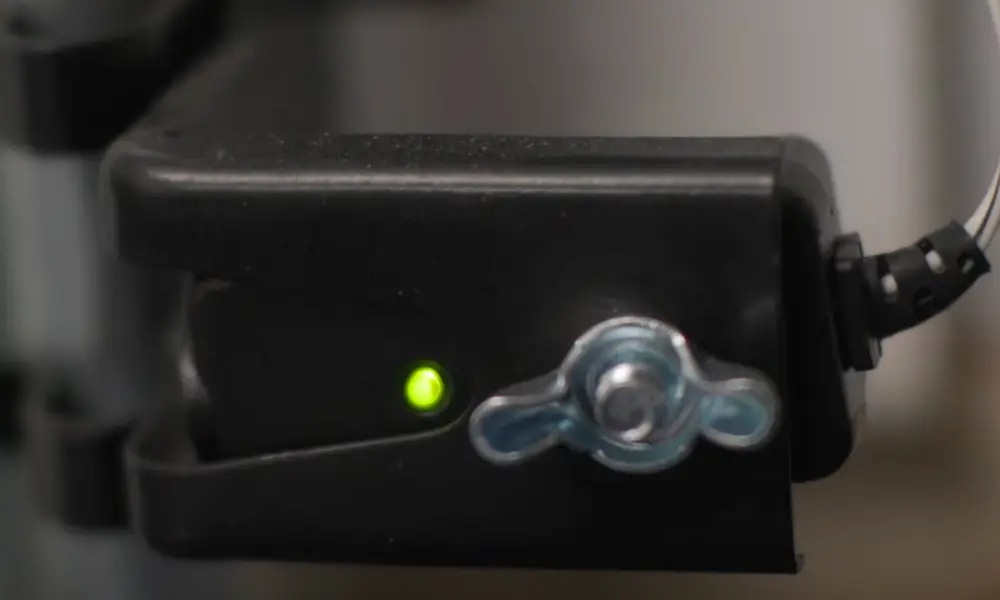
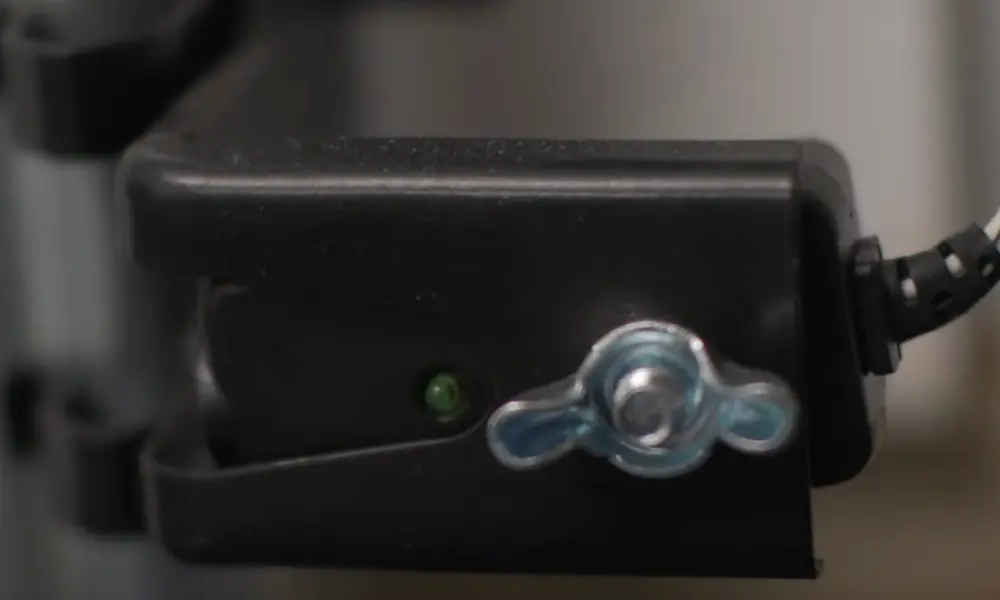
Your sensors each have their own LED. The transmitter (source) shows red, and the receiver (sensor) shows green.
- Both solid: Everything’s fine. Beam is aligned and clear.
- Both off: Total power loss to the sensor circuit. Check the wiring at the powerhead terminals.
- Red blinking (2 blinks): Beam is blocked or sensors are knocked out of alignment. This is the most common sensor failure by far.
- Green off, red solid: Transmitter works, but the receiver isn’t getting power or its internal diode has failed.
The Sneaky Sunlight Problem
Here’s one that drives people crazy. If your door works fine at night but refuses to close in the morning or evening, you’ve got solar interference. Direct sunlight hits the receiver lens and overwhelms the infrared signal, making the opener think something’s blocking the beam.
The fix? Swap the positions of your transmitter and receiver, or install sun shields (Model GSTB-R) designed to filter out ambient light. It’s a simple fix for what feels like a really strange problem.
Aligning Your Sensors
Knock one bracket with the mower and the whole system goes haywire. To realign:
- Loosen the bracket wing nut on the sensor that’s blinking
- Slowly rotate the sensor until the LED goes solid
- Tighten the wing nut without shifting the position
- Test the door
Your Genie Remote Not Working? Check These Things
A remote that’s stopped working is almost never a dead opener. It’s usually something much simpler.
Dead Battery — The Obvious One
Different Genie remotes take different batteries, so check yours before guessing:
| Remote Type | Battery Needed |
|---|---|
| Keychain/miniature remotes | CR2032 or CR2016 |
| Standard Intellicode visor remote | A23 (12V alkaline) |
| Closed Confirm remote | 2x AAA |
| Wireless keypad (Model GK-R) | 2x AAA |
| Legacy wireless keypads | 9-volt |
LED Bulbs Are Killing Your Remote Signal
This one surprises a lot of people. Standard LED bulbs emit radio frequency interference (RFI) that overlaps with the 315/390 MHz frequencies Genie remotes use. The result? Your remote only works from a few feet away, while the wall button works perfectly from anywhere.
Swap out your regular LED bulbs for Genie-brand LED bulbs, which are shielded against RFI. It’s a $10–$15 fix that restores full remote range.
Reprogramming Your Remote
If the battery’s fine and interference isn’t the issue, the remote might need reprogramming. The process depends on which generation you have:
- Intellicode I (pre-2009): Press the small black “Learn Code” button once until the red LED blinks. Then press your remote button two or three times.
- Intellicode II/III (post-2009): Hold the square “Program” button until a blue LED lights up, then transitions to a blinking purple LED. Press your remote button to complete pairing.
- DIP switch models (legacy): Match the physical switches inside the remote to the switches inside the opener.
Mechanical Problems: When the Motor Runs But Nothing Moves
If you can hear the motor humming or running but the door doesn’t budge, the problem is almost always mechanical — not electrical.
Stripped Carriage on Screw Drive Models
Genie’s screw drive is a great system, but the plastic carriage that rides along the threaded rod is designed to be the first thing that breaks. It’s a sacrificial part that protects the motor.
If the screw is spinning but the door doesn’t move, the carriage teeth are gone. You’ll need a replacement carriage. If the motor runs but the screw doesn’t turn, the plastic coupler between the motor and the drive screw has broken. Both are common, both are fixable with parts.
Screw drives also need specific Genie Screw Drive Lubricant — not WD-40, not grease. Without it, you’ll hear a high-pitched grinding noise and accelerate wear significantly.
Stripped Gears on Chain and Belt Models
If your chain or belt drive makes a grinding or humming noise but doesn’t move the door, look inside the motor housing for white plastic shavings. That’s a definitive sign the internal plastic drive gear has lost its teeth. Gear kits are inexpensive and available online — it’s a common repair that most handy homeowners can handle.
The Broken Spring Problem
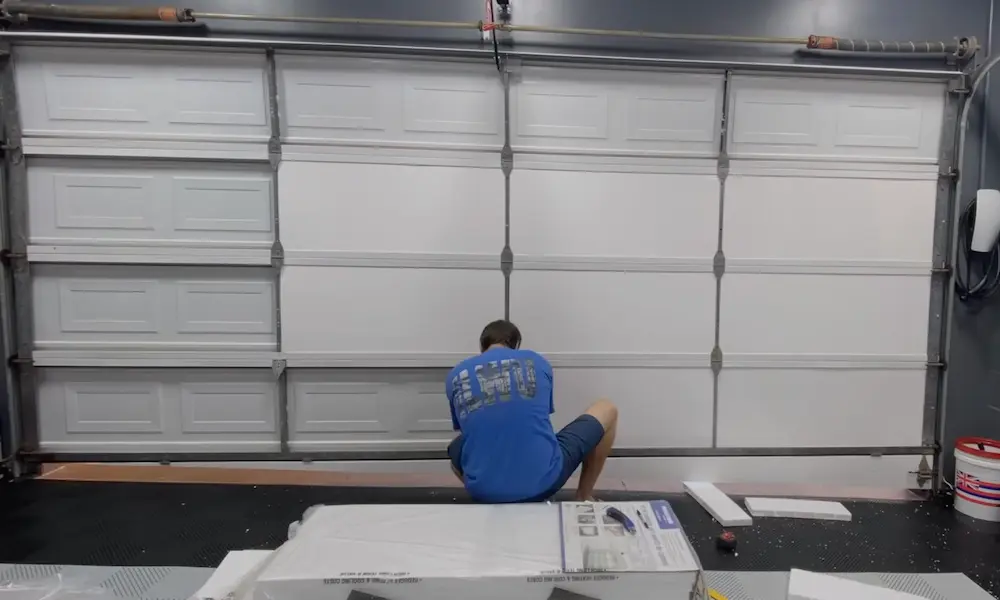
Here’s the situation that turns a minor inconvenience into expensive damage. Garage door springs counterbalance 200–300 pounds of door weight. Your opener is just there for convenience — it’s meant to move a balanced door, not lift dead weight.
If a spring breaks and you keep running the opener, you’ll strip the gears within seconds. Do the balance test monthly: disconnect the emergency release and lift the door manually to waist height. A balanced door stays put. A door that crashes down or flies up has a spring problem. Stop using the opener until the spring is fixed.
Here’s a quick reference for common mechanical symptoms:
| Symptom | Likely Cause | Fix |
|---|---|---|
| Rattling noise | Loose bolts or chain slack | Tighten hardware, adjust tension |
| High-pitched squealing | Dry rollers or hinges | Apply silicone or lithium lubricant |
| Banging noise | Broken spring | Get spring replaced professionally |
| Slow operation | Lack of lubrication | Clean tracks, lubricate drive rail |
| Hums but won’t move | Seized motor or jammed track | Clear obstruction or replace motor |
Resetting Your Genie Opener
Sometimes the whole unit needs a fresh start. Here’s how to do it right, depending on what you need to clear:
Full remote memory wipe: On most newer models, hold the “Program/Set” button for 5–10 seconds until the LED turns off. This clears all paired remotes and lets you start fresh.
Travel limit reset: Hold both the UP and DOWN buttons simultaneously for 10 seconds until the LEDs flash three times. This clears the stored door position data.
Wireless keypad reset: On the Model GK-R, press “Program” and “Up/Down” together for 5 seconds. The keypad resets to its factory default PIN: 3-5-7.
Reprogramming travel limits (Smart Set models): Hold the DOWN arrow until the long LED turns solid blue, then release. Use the arrows to move the door until the weather strip compresses against the floor, then press “Set.” Repeat with the UP arrow for the open position. You’ve got 30 seconds per step — if the LED turns red, start over.
Wall Console Not Responding
If your wall button does nothing, try this quick test before assuming anything’s broken. Disconnect the two wires from terminals 3 and 4 on the powerhead. Touch them together briefly. If the motor activates, your logic board is fine — the problem is in the wiring or the console itself.
One common wiring mistake: running two “intelligent” Series III consoles in parallel. This drops the bus voltage below the operating threshold and makes the whole system appear dead. Use one intelligent console and standard dry-contact buttons for any extra locations.
If your door opens or closes on its own, look for a staple in the wall console wires. A staple that’s pierced the insulation creates an intermittent short as the house vibrates or temperatures shift. That random “phantom” operation is almost always a staple — not a ghost, not a neighbor’s remote.
The Smart Diagnostic Order
When your Genie garage door opener not working has you stumped, follow this sequence and you’ll find the problem faster every time:
- Verify the outlet has power
- Check the vacation lock switch
- Read the LED blink codes
- Inspect the safety sensors
- Test the remote battery and check for LED bulb interference
- Listen and look for mechanical issues
- Do the door balance test
Go in this order and you’ll spend zero time replacing parts you didn’t need.