That moment when your Dodge’s check engine light starts flashing can send your heart racing. But when it flashes exactly 10 times, it’s communicating something very specific. This pattern isn’t random—it’s your vehicle’s way of telling you important information about its emissions system status. Let’s dig into what this means and what you should do about it.
What Does It Mean When Your Dodge Check Engine Light Flashes 10 Times?
When your Dodge check engine light flashes 10 times with the key in the “on” position (but engine not started), it typically indicates that your vehicle’s OBD-II system is not ready for emissions testing. This is a diagnostic signal rather than a warning of immediate mechanical problems.
This specific 10-flash sequence occurs during that moment when you turn the key to the “on” position just before starting the engine. It’s your Dodge’s computer system (the Powertrain Control Module or PCM) running through a self-check of its emission monitoring systems.
Common Causes of the 10-Flash Sequence
Your Dodge isn’t flashing its check engine light for no reason. Here are the most common triggers:
- Recent battery disconnect or replacement – This resets your vehicle’s computer memory
- Clearing diagnostic trouble codes – Using a scan tool to clear codes also resets monitors
- Recent ECM reset – After certain maintenance procedures
- Low battery voltage – If battery voltage dropped below 10 volts during starting
- Recent parts replacement – Particularly emissions-related components
If you’ve done any of these recently, the 10 flashes are completely normal and expected.
Normal vs. Concerning Check Engine Light Behavior
It’s important to distinguish between normal diagnostic behavior and actual warning signals:
Normal Behavior:
- Check engine light flashes 10 times when key is in “on” position
- Light becomes solid after flashing
- Light turns off once the engine starts
Concerning Behavior:
- Check engine light continues flashing while the engine is running (indicates severe misfire)
- Light stays on constantly while driving
- Light flashes in patterns other than 10 times during key-on
If you’re experiencing any of the concerning behaviors, your vehicle needs immediate attention. A flashing check engine light while driving indicates a potentially damaging condition that could harm your catalytic converter.
Understanding Readiness Monitors
To fully grasp what the 10 flashes mean, you need to understand what “readiness monitors” are in your Dodge.
Your vehicle’s OBD-II system continuously runs tests on various emissions-related components. These tests are called “monitors,” and they check systems like:
- Oxygen sensors
- Catalytic converter
- EGR (Exhaust Gas Recirculation) system
- Evaporative emission control system
- Fuel system
When monitors are “not ready,” it means your Dodge’s computer hasn’t completed sufficient testing to verify these systems are working properly. This commonly happens after the computer’s memory has been reset, which is what causes the 10-flash pattern.
Why Readiness Monitors Matter
The readiness status of your monitors is crucial if you need to pass a vehicle emissions test. Most states’ emissions testing facilities require all or most monitors to have completed their tests and show “ready” before they’ll pass your vehicle.
If you show up at an emissions testing facility with the 10-flash pattern or with monitors in the “not ready” state, you’ll likely fail the test—not because your emissions system is defective, but because the computer hasn’t completed its verification tests yet.
Getting Your Readiness Monitors to “Ready” Status
If your Dodge is showing the 10-flash pattern, here’s how to get those monitors ready:
The Drive Cycle Method
You’ll need to complete specific driving patterns called “drive cycles” to give your vehicle’s computer the right conditions to run its tests:
- Start with cold engine – Park the vehicle overnight or for at least 8 hours
- Warm-up phase – Start the engine and let it idle for about 5 minutes
- Highway driving – Drive at constant speed (40-60 mph) for 8-15 minutes
- City driving – Drive through at least 5 stop-and-go cycles with idle periods
- Cool down – Park the vehicle with engine off for at least 10 minutes
- Repeat – You may need several drive cycles over multiple days
Important Drive Cycle Tips
For the best results with your Dodge’s drive cycle procedures:
- Keep your fuel tank between 25% and 75% full
- Make sure your engine is in good working condition
- Drive at steady speeds when possible
- Avoid extreme weather conditions
- Be patient—this process can take 100-200 miles of driving
- Turn off A/C and other accessories during the drive cycle
Common Problems That Prevent Monitor Readiness
Sometimes you’ll complete multiple drive cycles but still get the 10-flash sequence. Here are common issues that prevent monitors from completing:
Existing Mechanical Issues
If there’s an underlying problem with an emissions component, the monitor for that system may never complete. Common culprits include:
- Failing oxygen sensors
- Vacuum leaks
- Faulty EGR valves
- Degraded catalytic converters
- Fuel system issues
Battery Issues
Your Dodge requires stable battery voltage to properly run monitor tests. Check for:
- Loose battery connections
- Aging battery with reduced capacity
- Charging system problems
Environmental Factors
Some monitors have strict environmental requirements:
- Ambient temperature between 40°F and 90°F
- No extreme altitude changes
- Specific humidity conditions
Using an OBD-II Scanner to Check Monitor Status
The easiest way to track your progress in completing readiness monitors is with an OBD-II scanner. Here’s how:
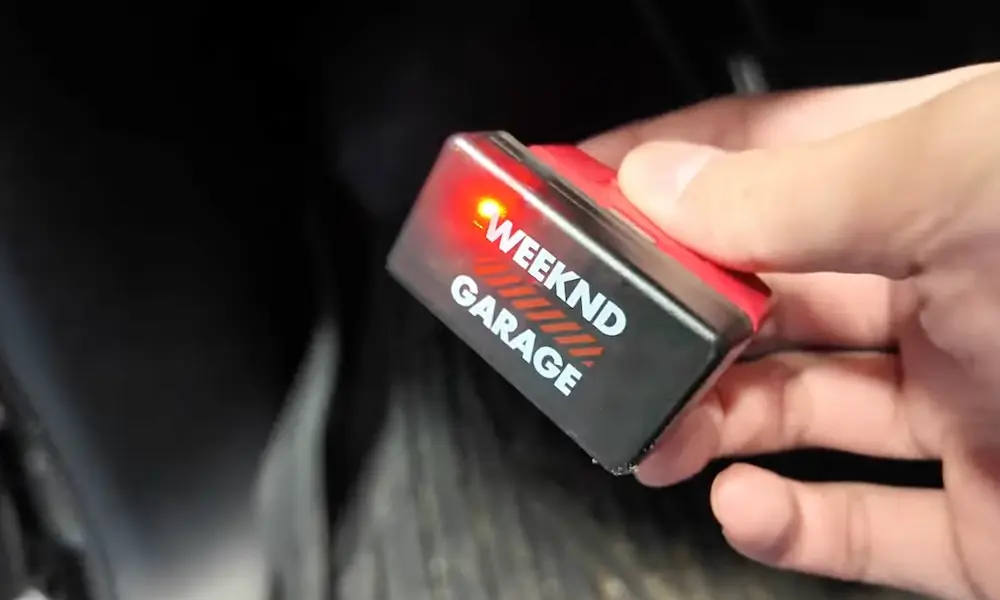
- Purchase or borrow an OBD-II scanner (available at auto parts stores)
- Connect it to your vehicle’s diagnostic port (usually under the dashboard)
- Turn the key to “on” without starting the engine
- Navigate to the “I/M Readiness” or “Monitors” section
- Check which monitors show “Ready” and which show “Not Ready”
- Continue drive cycles until all monitors show “Ready”
This will give you a clear picture of which specific monitors still need to complete.
Specific Drive Patterns for Different Monitors
Different monitors require different driving conditions. Here’s a breakdown:
| Monitor Type | Required Driving Conditions | Typical Completion Time |
|---|---|---|
| Misfire | Idle + steady cruise | 5-10 minutes |
| Fuel System | Steady speeds + acceleration | 5-10 minutes |
| O2 Sensor | Highway + city driving | 10-20 minutes |
| O2 Sensor Heater | Cold start + warm-up | 5-10 minutes |
| Catalytic Converter | Highway driving at steady speed | 10-15 minutes |
| EGR System | Steady cruise + deceleration | 10-15 minutes |
| EVAP System | Cold start + specific fuel level | 1-2 days |
The EVAP system monitor is typically the last to complete and often requires an overnight cold soak with specific fuel tank level.
Vehicle-Specific Considerations for Dodge Models
Different Dodge models have slight variations in their readiness monitor behavior:
Dodge Ram Trucks
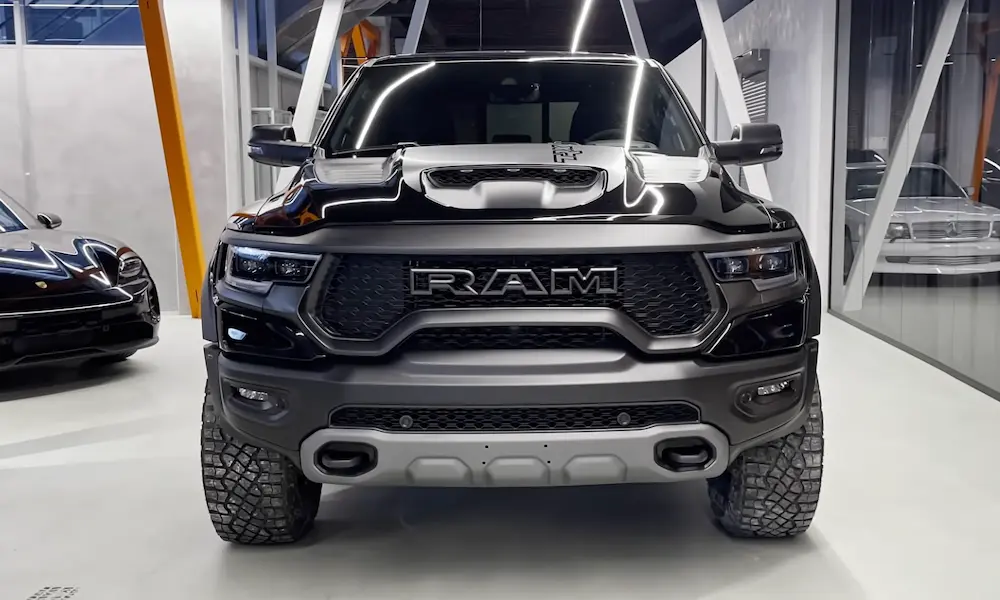
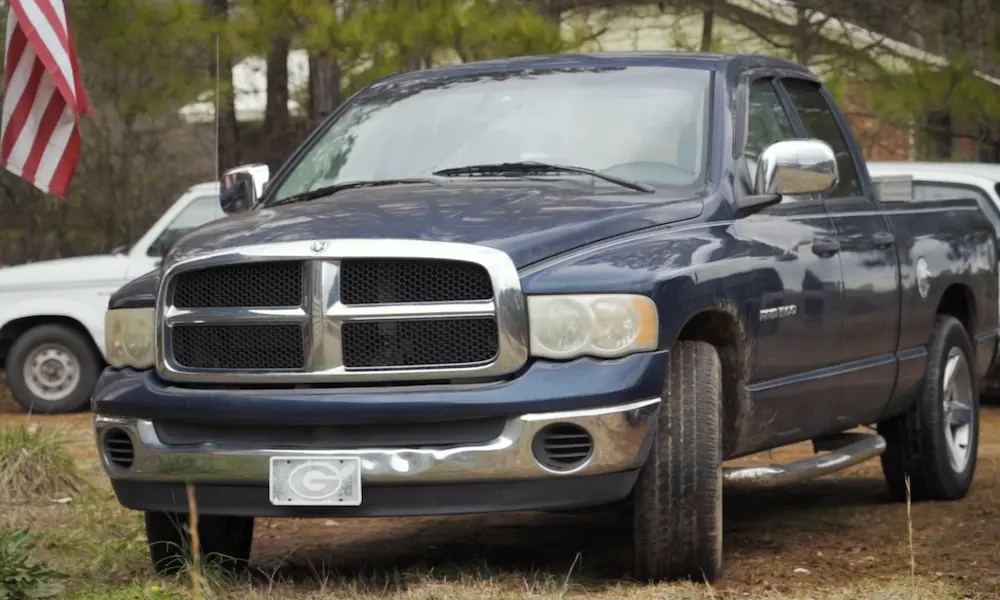
Ram trucks often need longer highway driving periods to complete the catalytic converter monitor. A sustained 15-minute highway drive at 55 mph works best.
Dodge Charger/Challenger
These performance models typically complete O2 sensor monitors quickly but may need specific acceleration patterns for the catalytic monitor.
Dodge Journey/Durango
These SUVs often need more careful attention to fuel level requirements during drive cycles.
Understanding Emissions Testing Requirements in Your State
Different states have different requirements for emissions testing readiness:
- Most states allow up to 2 monitors to be “not ready” for model years 1996-2000
- For 2001 and newer vehicles, most states allow only 1 monitor to be “not ready”
- Some states have stricter requirements with no allowance for “not ready” monitors
- A few states exempt certain difficult monitors (often the EVAP monitor)
Check your state’s emissions requirements before getting your Dodge tested to avoid wasted trips to the testing facility.
Maintaining Long-Term Readiness
Once you’ve gotten your monitors ready and passed your emissions test, maintain that status by:
- Avoiding disconnecting the battery when possible
- Using memory-saver devices when battery service is needed
- Addressing check engine lights promptly
- Using high-quality fuel
- Following recommended maintenance schedules
With these practices, you’ll minimize the chances of dealing with the 10-flash sequence in the future.
The Technical Side: How OBD-II Monitors Work
For the technically inclined, here’s a deeper look at how these monitors function:
Your Dodge’s PCM continuously collects data from various sensors throughout the vehicle. For each monitor, it looks for specific patterns and relationships between sensor readings to determine if systems are functioning correctly.
For example, the catalytic converter monitor compares oxygen sensor readings before and after the converter. If the downstream O2 sensor shows significantly less oxygen variation than the upstream sensor, it indicates the converter is working properly.
The PCM needs to see these correct patterns consistently across different driving conditions before it will mark a monitor as “ready.” The 10-flash sequence is simply indicating that this verification process hasn’t been completed yet.
Troubleshooting Specific Monitor Problems
If you’re stuck with specific monitors that won’t complete, here are targeted approaches:
Oxygen Sensor Monitor Won’t Complete
- Check for exhaust leaks
- Verify proper engine temperature
- Ensure steady cruising at 25-40 mph for at least 10 minutes
- Check fuel trim values with a scanner
Catalytic Converter Monitor Won’t Complete
- Verify O2 sensors are working properly
- Drive at steady highway speeds (50-60 mph) for 15+ minutes
- Ensure engine is fully warmed up
- Check for exhaust leaks
EVAP Monitor Won’t Complete
- Start with fuel tank 25-75% full
- Ensure gas cap is properly tightened
- Complete overnight cold soak (8+ hours)
- Drive 30-45 minutes including both city and highway
With these specific approaches, you can target the monitors giving you the most trouble.
The 10-flash sequence in your Dodge isn’t necessarily bad news—it’s just your vehicle’s way of telling you it needs some driving time to complete its self-tests. With patience and the right driving patterns, you’ll have those monitors ready and that 10-flash pattern gone in no time.