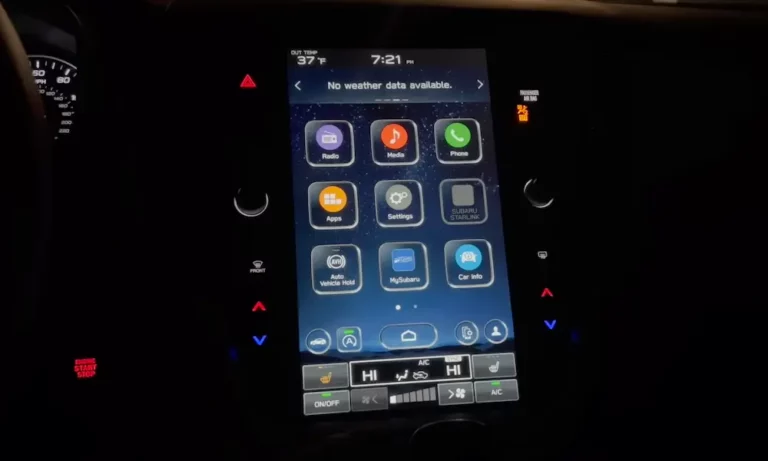
Your Subaru’s Bluetooth drops calls, refuses to reconnect, or just pairs and disappears entirely. It’s frustrating, and it’s not your phone’s fault — at least, not always. The real causes run deeper than most guides admit. Read to the end, and you’ll know exactly what’s going wrong and how to fix it.
Why Subaru Bluetooth Pairing Problems Are So Common
Subaru’s Starlink infotainment system has shipped across a decade of models, and the core Bluetooth connectivity failures go back to at least 2015. The hardware has changed — twice. The software has lagged. And modern phones keep updating faster than the car’s firmware can keep up.
The result? Millions of owners dealing with dropped calls, audio that skips mid-song, and phones that simply won’t reconnect without manual intervention every single drive.
Here’s what’s actually going on.
The Two Hardware Generations Behind Most Problems
| System Generation | Model Years | Manufacturer | Common Failures |
|---|---|---|---|
| Gen 3 / 3.1 | 2015–2019 (most models) | Harman Kardon | Audio stuttering, failure to auto-connect, 3G module battery drain |
| Gen 3.1 MID/HIGH | 2019–2023 (Forester, Ascent) | Harman Kardon | FOTA update failures, Bluetooth module freezing |
| CP1 (Denso) | 2020–2024 (Outback, Legacy) | Denso Ten | 90-second voice drop bug, repeated rebooting, black screen |
| CP1.5 Base | 2024–2025 (Crosstrek, WRX) | Denso Ten | USB-A power loss, intermittent CarPlay/Android Auto drops |
The NHTSA service bulletin 15-322-25 explicitly names Bluetooth failure as a qualifying defect across these platforms. This isn’t a fringe issue — it’s systemic.
The Pairing Method You’re Using Is Probably Wrong
Most people tap “Add Device” on the touchscreen. That method works — sort of. The problem is it often registers your phone only under A2DP (media streaming) and skips the HFP (hands-free phone) profile entirely.
When HFP isn’t properly registered, the car doesn’t add your device to its auto-reconnect list. So you’re hunting through device menus every morning.
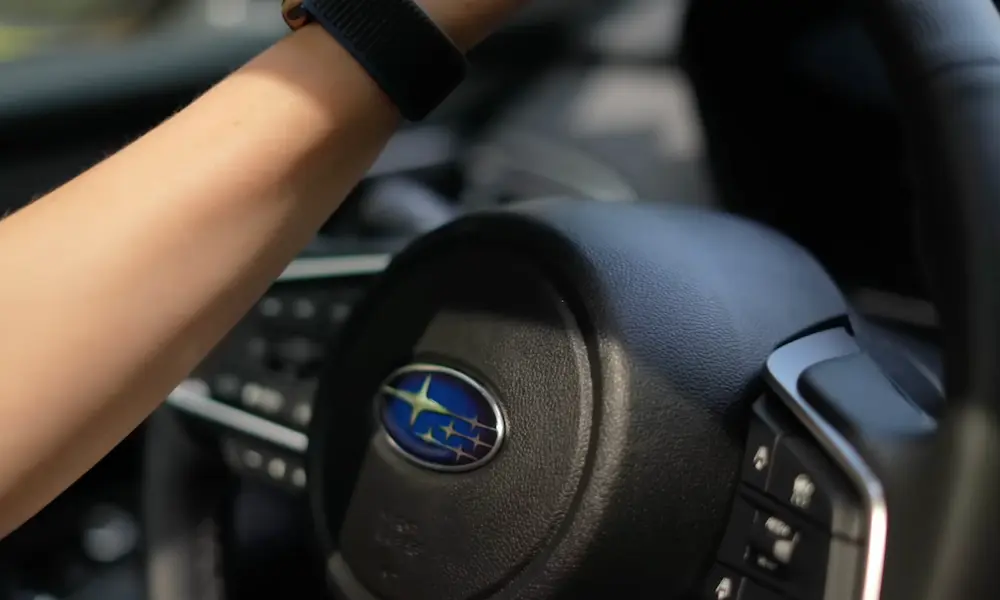
Use the Steering Wheel Button Instead
The steering wheel “Talk” button triggers a different pairing pathway — one that writes a permanent profile entry into the head unit’s non-volatile memory. That entry gets prioritized during every startup sequence.
Here’s the process:
- Press and hold the “Talk” or “Off Hook” button on your steering wheel
- Follow the voice tag prompt when it appears
- Complete pairing from your phone when the car shows as discoverable
This method forces both HFP and A2DP profiles to register correctly, which solves the auto-connect failure for most Gen 3 and 3.1 owners.
Your Car’s Wi-Fi Is Killing Your Bluetooth Audio
If your Bluetooth audio skips or stutters — especially while driving — the culprit is almost certainly your car’s own Wi-Fi module.
Both Bluetooth and Wi-Fi share the 2.4 GHz frequency band. The Starlink system continuously scans for Wi-Fi networks to support features like over-the-air updates and the MySubaru hotspot. That constant scanning floods the same spectrum your Bluetooth signal uses, and the result is the characteristic audio skipping that drives Subaru owners crazy.
Fix it immediately:
- Go to Settings → General → Wi-Fi and turn it off
- Disable Bluetooth scanning on your phone too (especially on Android 15)
Most people notice an instant improvement.
Your Apple Watch Makes It Worse
The Apple Watch maintains a persistent HFP connection to your iPhone. When you get in the car, your Subaru head unit sees two simultaneous HFP requests from the same phone — and some Bluetooth stacks simply can’t handle that. The result is a protocol collision that causes audio drops or failed handshakes. Removing your Apple Watch from the equation during driving, or switching it to airplane mode while in the car, can confirm whether this is your specific problem.
The 90-Second Call Drop Bug (2024 Outback and Legacy)
This one is highly specific. If you own a 2024 Outback or Legacy with the Denso CP1 unit, and your voice cuts out exactly 90 seconds into every Bluetooth call (while you can still hear the other person), that’s a documented software bug in the echo-cancellation algorithm.
A memory buffer in the audio processing system hits capacity at the 90-second mark and mutes the microphone input. A firmware update released June 28, 2024 expanded those buffers and fixed the issue. If your dealer blamed your phone, go back and request the update.
iOS 18 and Android 15 Made Things Worse
New phone operating systems create a “compatibility lag” — the phone’s security protocols update faster than your car’s Bluetooth firmware.
iPhone Users on iOS 18
The “Private Wi-Fi Address” and “Private Relay” features in iOS 18 can interfere with how your phone presents its MAC address to the vehicle. The car tries to initiate a handshake but gets a rotating identifier instead of a fixed one — and the pairing fails silently.
Fix: Go to Settings → Wi-Fi → tap your home network → disable “Private Wi-Fi Address.” Then do the same for any network your car creates. Also check Settings → Privacy & Security → Private Relay and turn it off.
Android 15 Users
Clearing the “Bluetooth Legacy” system app storage resets your phone’s Bluetooth stack to a factory state. Corrupt cache files from the Android 15 update often block a successful handshake with older Starlink units. Also turn off “Bluetooth Scanning” in Android’s location settings — it creates the same interference problem as the car’s Wi-Fi scanning.
2016–2018 Models: The Battery and Bluetooth Connection
If you drive a 2016, 2017, or 2018 Subaru and your Bluetooth randomly loses paired devices or fails to connect after sitting overnight, your DCM (Data Communication Module) might be the real problem.
When 3G networks shut down, these modules entered an infinite search loop looking for a network that no longer exists. That loop draws over 500mA of constant power — enough to drain your battery in under 24 hours. As voltage fluctuates, the Bluetooth transceiver resets randomly and loses stored pairing data.
Subaru extended the warranty on this to 8 years or 100,000 miles for DCM reprogramming or hardware replacement. Check with your dealer if your car falls in this range.
How to Check and Update Your Firmware
Old firmware is behind a huge percentage of persistent Subaru Bluetooth pairing problems. Here’s how to check:
- Go to Settings → General → System Information
- For 2020–2021 Outback/Legacy: your version string should end in “4” (e.g., F11GXXXXX-XX4)
- For 2024–2025 models: version “185-180” is the required baseline for the WRC-24 service program, which includes fixes for Bluetooth skipping and reboots
FOTA Update Requirements
| Update Phase | What You Need | Why It Matters |
|---|---|---|
| Download | Unrestricted Wi-Fi (no captive portal) | The system can’t log into public networks |
| Clock Sync | Accurate system time | Security certificates validate against UTC timestamp |
| Installation | Engine idling in Park | Prevents voltage drops that can brick the unit |
| Finalization | 5-minute sleep cycle | Allows full cold boot and hardware re-initialization |
Use your home Wi-Fi or a dedicated mobile hotspot — never a coffee shop network.
When the Standard Reset Doesn’t Work: Dealer Mode
A “Factory Reset” from the user menu often leaves Bluetooth registry entries and telematics data intact. That’s why it sometimes doesn’t fix anything.
The real reset is Memory Initialization inside Dealer Mode. Here’s how to get there:
- Harman Gen 3 / 3.1: In ACC mode, hold the HOME button and press the TUNE knob 2 times (Factory Menu) or 6 times for Dealer Menu
- Denso CP1: Press and hold both RIGHT-side temperature buttons simultaneously while pressing the TUNE knob 6 times
Memory Initialization clears the entire Bluetooth device database, including corrupted Gracenote media entries that sometimes block new device registration entirely.
The Warranty Extension You Might Not Know About
In January 2025, Subaru announced warranty extension 15-322-25 covering CP1 and Gen 3.1 head units.
| Coverage Detail | Specifics |
|---|---|
| Duration | 8 years or 150,000 miles (whichever comes first) |
| Covered: Bluetooth failure | Inability to pair or use Bluetooth |
| Covered: Rebooting | Unintentional restarts or freezes |
| Covered: Screen failure | Black or blank screen / audio loss |
| Limit | Parts and labor covered one time only |
If your vehicle is out of the standard 3-year / 36,000-mile warranty, this extension may cover a full head unit replacement at no cost. A formal recall in 2024 also covered approximately 150,000 vehicles for Bluetooth module replacements tied to the 3G shutdown issue.
The Step-by-Step Fix Sequence
Don’t randomly try things. Work through this order and stop when your problem is solved:
- Electrical reset first — Disconnect the negative battery terminal, press the brake pedal several times to drain capacitor charge, wait 10 minutes, reconnect. This forces a true hardware reset on the infotainment system.
- Re-pair using the steering wheel button — Delete your phone from the car’s device list completely, then re-pair using the “Talk” button method described above.
- Kill the car’s Wi-Fi — Go to Settings → General and disable Wi-Fi scanning. Check your phone settings too, especially for Android 15 Bluetooth Scanning.
- Check iOS/Android privacy settings — Disable Private Wi-Fi Address and Private Relay on iPhones. Clear Bluetooth Legacy app storage on Android 15 devices.
- Verify firmware version — If you’re not on the latest version, update via FOTA on home Wi-Fi or visit the dealer for a USB-based update.
- Run Memory Initialization via Dealer Mode — If everything above fails, this clears the deep Bluetooth registry that a standard factory reset won’t touch.
- Check your DCM module (2016–2018 models) — Ask your dealer if your vehicle qualifies for the warranty extension covering DCM reprogramming or replacement.
- Invoke the warranty extension — If your head unit is still misbehaving after all of this, the NHTSA-documented warranty extension may entitle you to a complete replacement.
Subaru Bluetooth pairing problems aren’t just annoying software quirks — they’re the result of hardware transitions, aging telematics modules, spectral interference, and a firmware lifecycle that struggled to keep pace with modern phones. Now you know exactly where to look.