If your Subaru’s touchscreen is acting possessed—changing stations on its own or displaying mysterious bubbles—you’re dealing with a known defect that’s affected hundreds of thousands of vehicles. Here’s what’s happening, which models are affected, and how to get it fixed without emptying your wallet.
What’s Wrong with Subaru’s Starlink System?
Subaru’s Starlink infotainment system has a serious problem that goes way beyond annoying glitches. The touchscreen develops what owners call “ghost touch”—it registers touches that never happened while ignoring the ones you actually make.
The culprit? Delamination. The layers inside your touchscreen are separating, creating visible bubbles underneath the glass that you can’t wipe away. As these bubbles multiply, your radio starts doing whatever it wants. It’ll crank the volume to maximum, switch stations randomly, or freeze completely when you’re trying to back up.
This isn’t just about your Spotify playlist getting interrupted. The same screen controls your backup camera, and when it fails, you’re backing up blind. Even worse, the defect can disable EyeSight—Subaru’s collision prevention system that applies emergency braking when you’re about to hit something.
The problem affects both Harman-manufactured units in 2017-2018 models and the newer Denso units that Subaru switched to in 2019. Turns out, changing manufacturers didn’t fix the underlying design flaw.
Which Subaru Models Have Radio Recalls?
Two major settlements cover different generations of Subaru’s problematic infotainment system.
2017-2018 Models (Harman Gen 3 Units)
A $6.25 million settlement finalized in 2020 covered 785,000 vehicles:
- 2017 Impreza
- 2018 Impreza, Forester, Outback, Legacy, Crosstrek, and BRZ
This settlement extended warranties to five years or 100,000 miles and provided cash reimbursements for out-of-pocket repair costs.
2019-2023 Models (Denso Gen 3.1 and CP1 Units)
A newer class action lawsuit filed in 2023 addresses the same problems in newer vehicles:
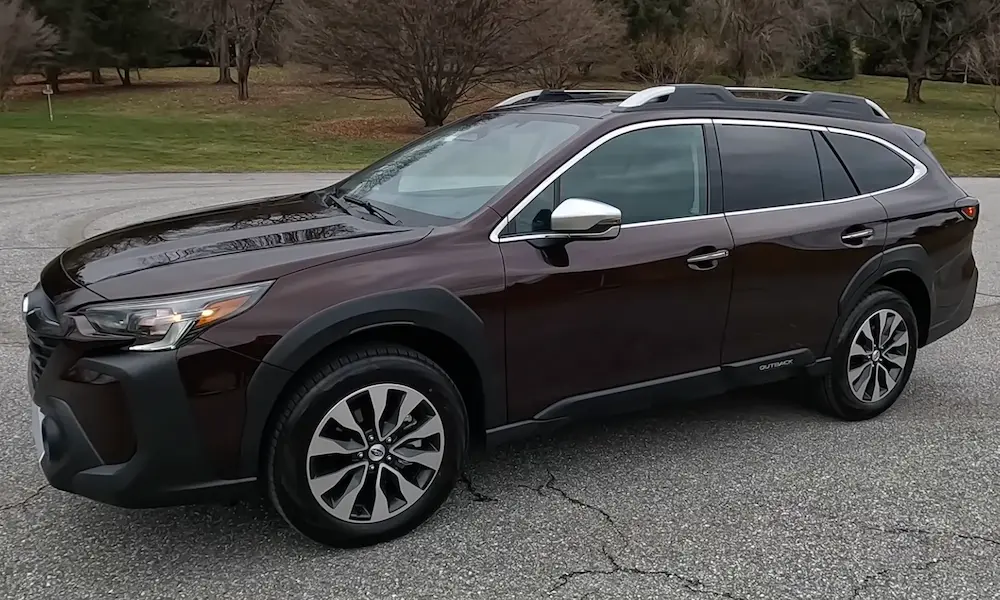
- 2019-2023 Outback, Forester, Legacy, and WRX
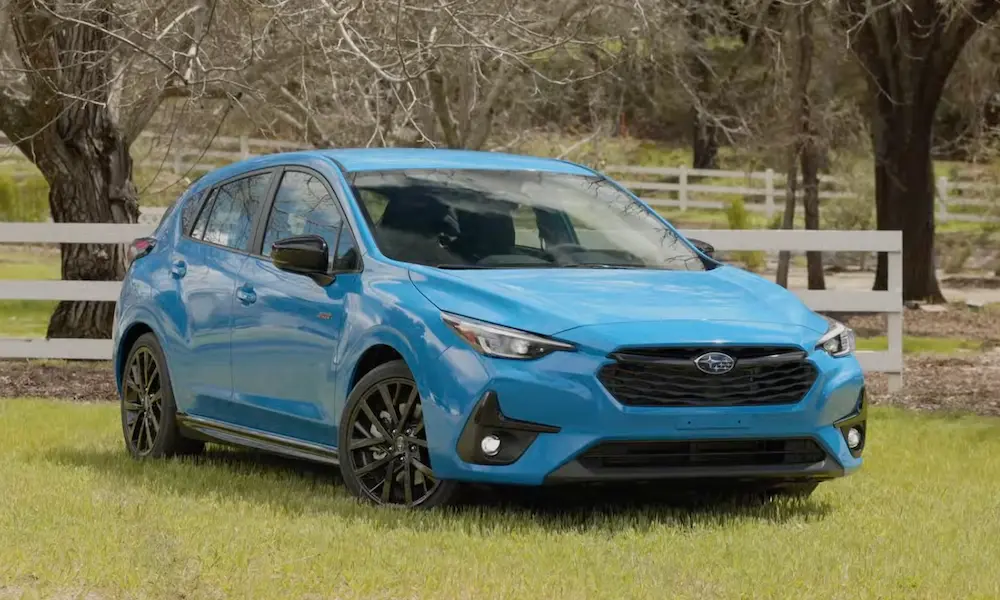
- 2019-2023 Impreza, Crosstrek, and Ascent
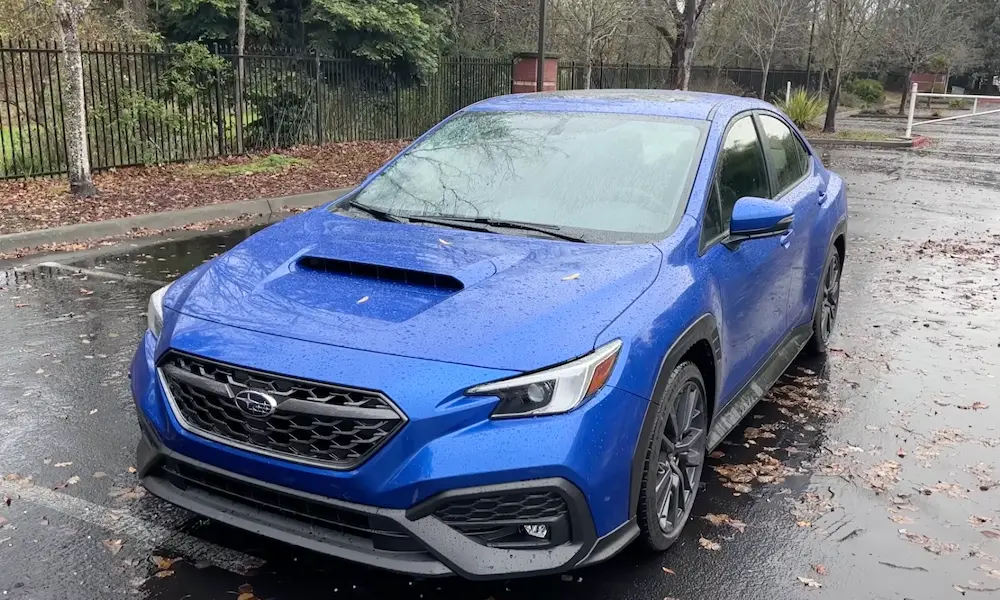
- 2022-2023 WRX/STI
This lawsuit went to mediation in May 2024 and remains in negotiation. However, Subaru has already announced an extended warranty covering these vehicles—more on that below.
What Symptoms Should You Watch For?
The Subaru radio recall involves multiple symptoms that typically worsen over time. Here’s what affected owners report:
Visual Issues:
- Bubbles or dots appearing under the screen glass
- Screen going completely black
- Display shutting off randomly
Ghost Touch Problems:
- Radio changing stations by itself
- Volume adjusting without input
- Apps switching randomly
- Settings changing on their own
System Failures:
- Backup camera freezing or not displaying
- Complete audio loss
- System rebooting repeatedly
- Touchscreen becoming unresponsive
- Bluetooth connectivity failing
- Apple CarPlay or Android Auto not working
One owner described their 2019 Outback experience: after just a few years, the screen developed numerous bubbles and became completely uncontrollable, requiring a full replacement that took months to obtain.
The Federal Safety Violation You Should Know About
This isn’t just a quality issue—it’s a federal safety violation. In January 2019, Subaru issued recall WTZ-85 for 2018 Legacy, Outback, and BRZ models citing noncompliance with Federal Motor Vehicle Safety Standard 111—the rear visibility requirement.
The problem? A software bug causes the head unit to take too long to boot up. When this happens, your screen stays black and your backup camera doesn’t display when you shift into reverse. You’re essentially backing up with no rearview visibility, which significantly increases crash risk.
Federal backup camera requirements exist because back-over crashes kill hundreds and injure thousands annually. When your Subaru’s system fails, you’re operating a non-compliant vehicle.
Your Warranty Coverage Just Got Better
Subaru recently announced a significant warranty extension that dramatically expands coverage for affected vehicles.
New Extended Warranty Terms
Coverage period: Eight years or 150,000 miles (whichever comes first)
Previous coverage: Three years or 36,000 miles
Affected models: 2019-2023 vehicles with CP1 or Gen 3.1 head units
What’s Covered
The extended warranty covers head unit failures resulting in:
- Black or blank screen
- Complete loss of audio
- Repeated system rebooting
- CarPlay/Android Auto not functioning
- Navigation failures
- Bluetooth connectivity issues
- Touchscreen operation failures
What’s NOT Covered
Physical damage doesn’t qualify. If you cracked your screen, spilled liquid on it, or damaged it through impact, you’re on your own.
Also important: the warranty covers repairs only once. You get either a software reprogramming or one replacement unit, but not continuous replacements if problems persist.
How Much Does This Repair Cost Without Warranty?
If you’re paying out of pocket, prepare for sticker shock. Radio replacement costs range from $1,200 to $11,000 depending on your model and where you get it fixed. Some dealers quote even higher amounts because the replacement procedure is complex and parts can be difficult to source.
These substantial costs explain why so many owners pursued legal action. Spending several thousand dollars on a radio that should work properly is tough to swallow, especially when you’re still making car payments.
Getting Your Subaru Radio Fixed: Step-by-Step
Here’s how to handle your Subaru radio recall repair without getting the runaround.
Step 1: Verify Your Warranty Status
Contact an authorized Subaru dealership with your VIN. They’ll confirm whether your vehicle qualifies for the extended warranty coverage. Don’t assume you’re out of luck if your original warranty expired—the new extension covers vehicles up to eight years old.
Step 2: Document Everything
Before your appointment, write down:
- When symptoms first appeared
- Specific problems you’re experiencing
- How often issues occur
- Whether problems affect safety features (backup camera, EyeSight)
Take photos or videos of the bubbles, ghost touch behavior, or screen failures. This documentation supports your warranty claim.
Step 3: Schedule with an Authorized Dealer
Only repairs performed by authorized Subaru technicians qualify for warranty coverage. Don’t try third-party repair shops—you’ll void your coverage and potentially pay thousands out of pocket.
Step 4: The Repair Process
The technician will diagnose your head unit to confirm it’s the problem (not speakers, amplifiers, or wiring—those aren’t covered). If new software is available, they’ll reprogram your unit first. If the latest software is already installed or reprogramming doesn’t fix the issue, they’ll replace the entire head unit.
Be prepared for delays. There are backlogs of four to six months for replacement units, meaning your vehicle might sit at the dealership for an extended period or you’ll need to come back when parts arrive.
Step 5: Get Reimbursed for Previous Repairs
If you already paid for Starlink repairs, you can claim reimbursement. Subaru of America announced they’ll reimburse customers who previously paid for repairs that should’ve been covered under the New Vehicle Limited Warranty.
Gather your repair receipts, proof of payment, and any rental car expenses you incurred while waiting for parts. Submit these to Subaru through your dealership or the settlement claim process if you’re covered by the class action.
Temporary Fixes While You Wait for Repair
These troubleshooting methods won’t solve the underlying hardware problem, but they might restore temporary functionality while you’re waiting for parts or an appointment.
Soft Reset (70% Success Rate)
Press and hold both the power button and volume knob for 10-15 seconds until the system completely shuts down. Wait a few seconds, then restart your vehicle. This clears temporary software glitches.
Hard Reset (85% Success Rate)
With your engine off, remove the infotainment fuse (typically 15 amps—check your owner’s manual for location) for 10-15 minutes. Reinstall the fuse and restart your vehicle. This forces a complete system reboot.
Battery Disconnect (90% Success Rate)
Disconnect your vehicle’s battery for 10-15 minutes. This resets all electronic systems but you’ll need to re-enter your radio security code and reprogram your settings.
Factory Reset
Access your settings menu and perform a factory reset. This erases all personalized settings, paired devices, and saved data, but it might temporarily restore functionality.
These troubleshooting methods provide only temporary relief. They don’t fix delamination or design flaws, so problems will return. Think of these as band-aids while you’re arranging proper repair.
What’s Causing These Widespread Failures?
Multiple factors contribute to Subaru’s Starlink problems, suggesting both design and manufacturing issues.
Software Issues: Corrupted temporary files and memory leaks overwhelm the system’s processing capabilities. When too many apps run simultaneously or Bluetooth pairs with multiple devices, the processor can’t keep up.
Environmental Factors: Extreme temperatures affect touchscreen responsiveness. Systems fail more frequently in temperatures below 20°F or above 95°F—bad news if you live somewhere with harsh winters or scorching summers.
Electrical Problems: Voltage fluctuations and grounding issues disrupt the delicate electronic systems controlling the touchscreen interface.
Hardware Degradation: Component wear over time leads to loose connections and worn-out sensors. The delamination issue specifically points to manufacturing quality problems in screen assembly.
The fact that problems persist across two different manufacturers (Harman and Denso) suggests the root cause lies in Subaru’s design specifications rather than just manufacturing execution.
What You Should Do Right Now
If you own a Subaru from model years 2017-2023, take these steps today:
Verify your eligibility for warranty extensions by contacting a Subaru dealership with your VIN. Don’t assume you’re outside coverage—the new eight-year extension might still cover your vehicle.
Document any symptoms you’re experiencing, even minor ones. Those small bubbles under the screen will likely get worse. Photos, videos, and written records support your warranty claims.
Check your repair history. If you paid for Starlink repairs that should’ve been covered under warranty, gather your receipts and submit reimbursement claims.
Monitor safety features closely. If your backup camera fails or EyeSight stops functioning, don’t wait—schedule an immediate dealership appointment. These safety-related defects warrant priority attention.
Track the 2019-2023 settlement status if you own a newer model. Final settlement approval could provide additional compensation or benefits beyond the current warranty extension.
The Subaru radio recall saga isn’t over yet, but knowing your rights and coverage options puts you in a better position to get your vehicle fixed without bearing the cost of Subaru’s quality control failures.