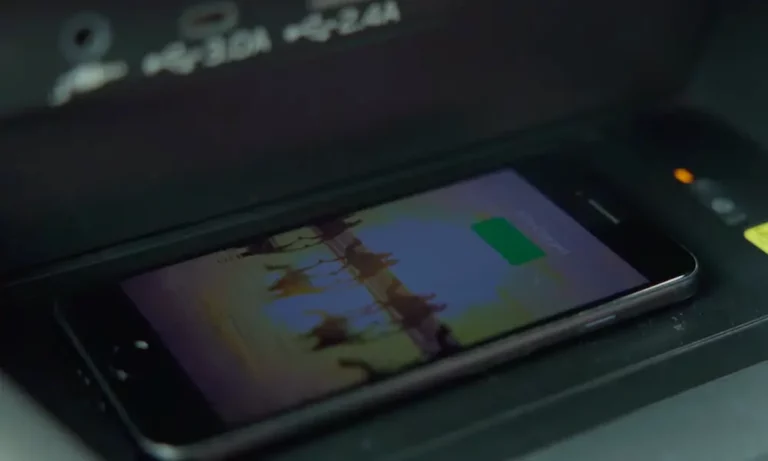
You placed your phone on the charging pad. The light blinks green. Your battery drains anyway. Sound familiar? If your Subaru wireless charger isn’t working, you’re dealing with a perfect storm of physics, outdated firmware, and smartphone design that Subaru didn’t anticipate. This guide breaks down exactly why it happens and what actually fixes it.
Why Your Subaru Wireless Charger Fails (The Physics Problem)
Your charging pad isn’t broken—it’s just confused by your new phone.
The issue comes down to distance. Wireless charging needs the coils in your phone and the pad to sit within 2-5mm of each other. That camera bump on your iPhone 14, 15, or 16 Pro? It creates a tilt that pushes the actual charging coil 6mm or more away from the pad.
When that gap increases, the charger pumps more power to compensate. This creates heat. The system detects the inefficiency, assumes something metal is heating up (like a coin), and cuts power for safety. That’s your blinking green light.
The MagSafe Magnet Problem
If you’ve got an iPhone 12 or newer, there’s another issue. The magnetic ring around your phone’s charging coil looks like a foreign metal object to the Subaru system. The foreign object detection (FOD) algorithm triggers a false positive and shuts down charging.
Third-party MagSafe cases make this worse by adding extra magnetic material that screams “hazard” to the pad’s sensors.
Decoding the LED Lights on Your Charging Pad
Don’t guess what those lights mean. Here’s what they’re actually telling you:
| LED Color/Pattern | What’s Happening | What You Should Do |
|---|---|---|
| Off | System is on standby, waiting for a phone | Check ignition is in ACC/ON position |
| Solid White | Charging successfully | Nothing—it’s working |
| Solid Blue | Battery at 100% (rare on iPhones) | Remove your phone |
| Blinking Green | Foreign object detected OR overheating | Remove phone, check for debris, let cool |
| Blinking Orange | Handshake failed or internal error | Reposition phone or restart vehicle |
The blinking green light is the most common complaint. It doesn’t always mean there’s actually a foreign object—it means the system detected power loss it can’t account for. With MagSafe phones and camera bumps, this happens constantly.
The Software Fix: TSB Updates You Need to Know
Before you replace anything, ask your dealer about these Technical Service Bulletins.
TSB 15-305-22R: The Infotainment Update
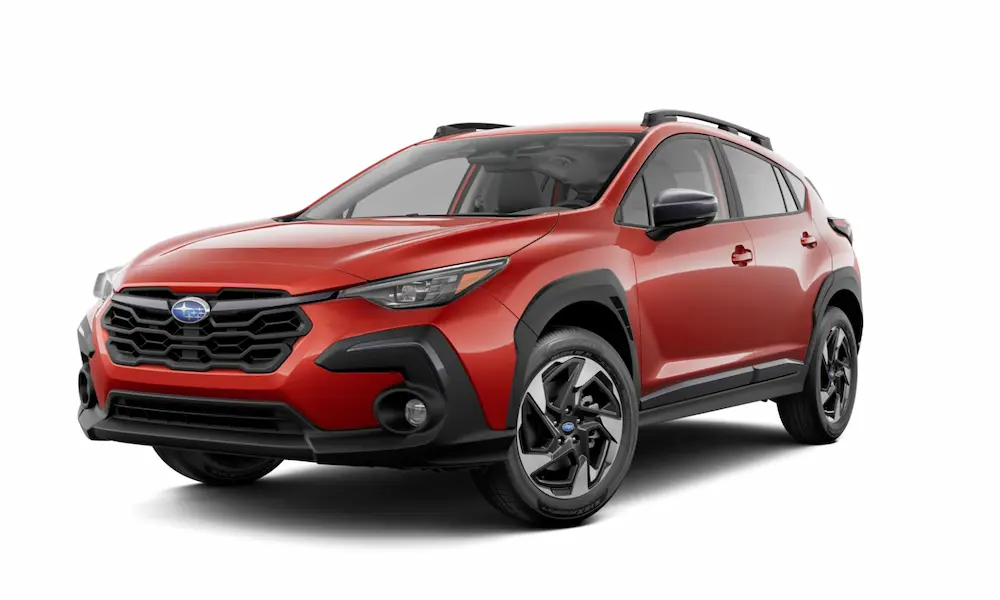
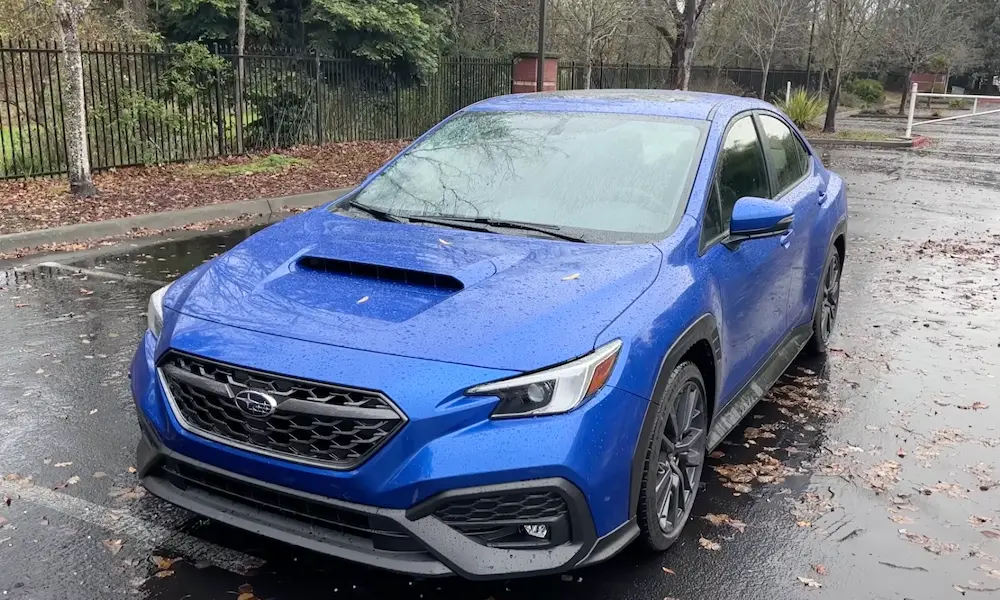
This bulletin from NHTSA addresses the Gen 4.5 Denso infotainment systems in 2023-2024 Outback, Legacy, Ascent, and 2024 Impreza, Crosstrek, and WRX models.
Why it matters for charging: Wireless CarPlay and wireless charging share communication protocols. If your head unit is unstable (common issue this TSB fixes), your phone prioritizes reconnecting data over maintaining the power connection. This causes repeated charging interruptions.
The dealer flashes new firmware via USB. Make sure your vehicle’s clock is set correctly before the update—it’s required for validation.
TSB 08-224-25 and RSU 25-143: The Charging Pad Reprogram
This is the specific fix for the wireless charging module. Technicians use the Subaru Select Monitor to check your current software version and flash an update if needed.
The update relaxes the FOD algorithm’s sensitivity. It increases the threshold for what the system considers a “foreign object,” allowing it to ignore MagSafe magnets while still detecting actual hazards. This is the most direct software solution to the blinking green light problem.
TSB 15-308-23R: The Battery Drain Connection
If you’re experiencing both wireless charging issues and dead batteries, check this Data Communication Module bulletin.
When the DCM fails to sleep, it creates voltage instability across the accessory bus. This can cause erratic behavior in peripheral modules like your charging pad.
The Thermal Nightmare: Why Your Battery Drains While “Charging”
You’re running GPS. Your phone shows the charging icon. Your battery percentage drops anyway.
This is the “net negative” charge rate, and it’s caused by a thermal throttling loop:
- Your phone generates heat from the CPU/GPU rendering maps and the 5G modem streaming data
- The charging process adds more heat through the inductive coil on your phone’s back
- The console traps that heat—especially in the Outback’s deep cubby with no airflow
When your phone’s battery hits 35°C, it restricts charging current. At 40°C, it stops accepting power entirely to prevent battery damage.
Meanwhile, navigation and screen use consume 3-5 watts. If thermal throttling cuts charging to zero, you’re running on battery alone. The charging indicator stays on (the charger is trying), but you’re losing power.
The 5W vs. 10W Problem
Many Subaru chargers default to 5 watts unless they successfully negotiate a “Fast Charge” handshake. Five watts barely maintains battery level during heavy use, even in perfect conditions. Add slight misalignment or heat, and effective charge rate drops to 1-2 watts—mathematically insufficient to counter GPS power draw.
Model-Specific Issues: What’s Different in Your Subaru
The charging failure manifests differently depending on your model’s console design.
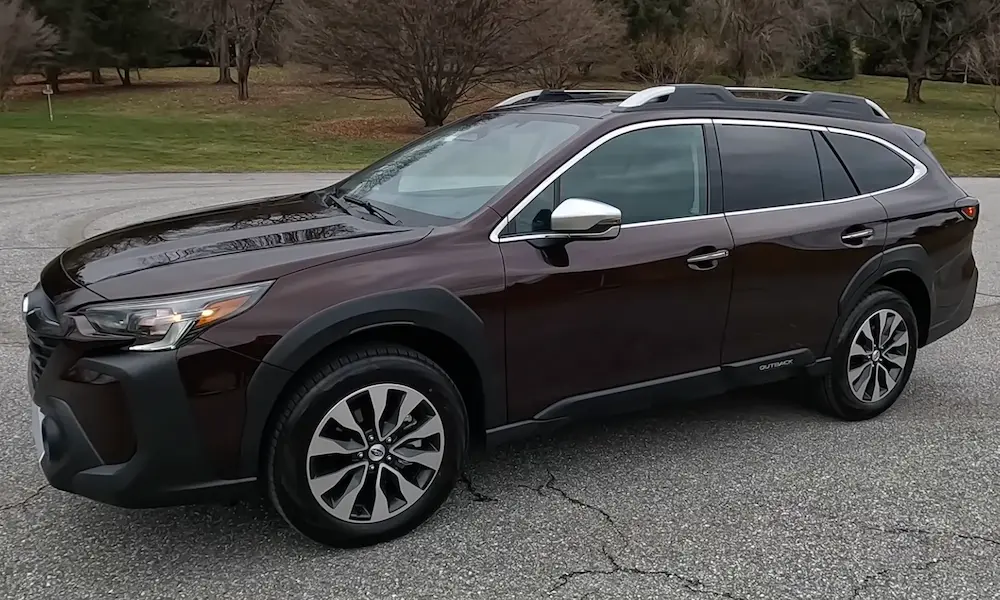
Outback and Legacy (2020-2025): The Oven Effect
Your charging pad sits in a deep cubby under the infotainment screen. This location has almost zero air circulation. Heat from the transmission tunnel and head unit radiates into this enclosed space.
What happens: Phones overheat in 15-20 minutes. The system blinks green (thermal cutoff). Some owners report the cubby is hot enough to make picking up the phone uncomfortable.
Why it’s worse here: The depth that makes the cubby practical for storage makes it terrible for heat dissipation.
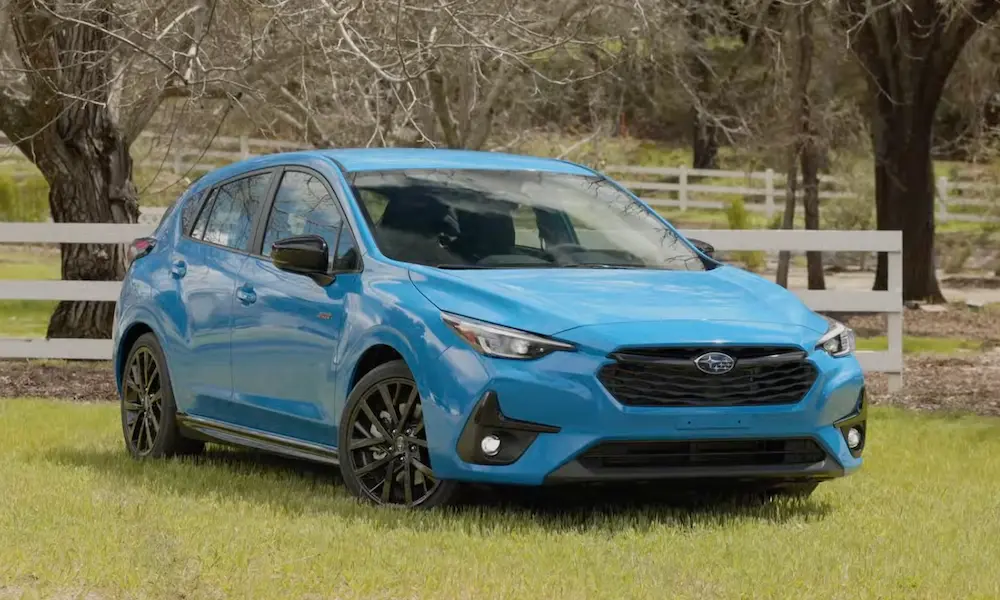
Crosstrek and Impreza (2024-2025): The Sliding Problem
The pad is a shallow, angled tray forward of the shifter. The retaining lip is minimal.
What happens: The phone slides during turns. Every slide breaks the charging connection. Your screen lights up constantly as the charger disconnects and reconnects. On winding roads, the system eventually throws a blinking orange error for “connection instability.”
The Quick Charge trick: Try pressing the power button three times to force the system into 7.5-10W mode (indicated by alternating green/orange LED). This sometimes helps maintain connection during movement.
Forester (2019-2025): The Interference Issue
The 2025 redesign brought an 11.6-inch screen, but early reports show the camera bump issue persists with iPhone 15/16 Pro models.
Integration with the larger head unit means system resets kill the charging session entirely. Some users report success by rotating the phone 180 degrees (charging port facing forward), which changes how the camera bump sits on the pad’s bezel.
Finding the Fuse (If You Want to Disable It)
There’s no dedicated wireless charger fuse in most Subaru models. The module draws power from the accessory bus, which is shared with other components.
Forester Fuse Location
Interior fuse box (driver’s knee area). Often linked to Fuse #5 or #9 (10A). Warning: pulling this fuse usually kills the dash power outlet used for dashcams or radar detectors.
The circuit is live when ignition is in ACC or ON. It cuts during START (cranking) to preserve battery amperage for the starter.
Outback Fuse Strategy
No dedicated fuse exists. The best way to disable without affecting other components is unplugging the harness directly. Remove the trim panel on the passenger side of the center console (held by clips) to access the white multi-pin connector feeding the pad.
Crosstrek Installation Circuit
The accessory kit (Part H1010FN200) plugs into a specific fuse block port or breakout harness behind the dash. The relevant fuse is typically the “Mirror/Cig” 10A or 20A fuse in the interior block.
Parasitic Draw Warning
If your wireless charger is malfunctioning (stuck on blinking orange), it might fail to enter sleep mode when the vehicle is off. This contributes to the Subaru battery drain issue. Physically disconnecting the module is the only guaranteed way to eliminate it as a variable.
Real Solutions That Actually Work
Software updates help, but they can’t fix physics. Here are the solutions that solve the camera bump and heat problems.
Solution 1: Get the TSB Updates (Free)
Before spending money, schedule service and specifically request:
- TSB 15-305-22R for infotainment stability
- RSU 25-143 for wireless charging module reprogramming
State clearly: “My wireless charger disconnects frequently with my iPhone.” The dealer will check your Central Information Display version and charging pad logic version. This is the only way to fix FOD false positives through software.
Solution 2: 3D-Printed MagSafe Adapter (Best for Outback/Ascent)
This is the most effective fix for the deep cubby models. The community has reverse-engineered console geometry to create adapters that replace the Subaru coil with an Apple MagSafe puck.
How it works:
- A custom tray (printed in ABS, ASA, or PETG to handle car interior heat) fits perfectly into the Subaru cubby
- It has a cutout sized for an official Apple MagSafe charger
- The MagSafe magnets grab your phone, preventing X-Y sliding
- The puck creates a raised platform that mates with your phone inside the camera bump space, eliminating the Z-distance gap
- Apple’s charger and your phone communicate to throttle charging more gracefully than the Subaru pad’s crude on/off logic
You can design your own or find models on Printables. Cost: $20-50 depending on whether you print it yourself or buy from Etsy/eBay sellers.
Why this is superior: It solves alignment, heat management, and compatibility in one modification. Multiple owners report this completely eliminates the blinking light issue.
Solution 3: Aeroflow Dynamics 150W Replacement (Best for Crosstrek/WRX)
For 2024+ Crosstrek and WRX owners, Aeroflow Dynamics offers a drop-in replacement module.
Specifications:
- Delivers the maximum 15W Qi standard (vs. Subaru’s 5-10W)
- Features multi-coil array or higher-power single coil designed to work through thicker cases and larger Z-gaps
- Plug-and-play installation using the OEM connector behind the trim
Users report it completely resolves disconnect issues and charges significantly faster than stock. The higher wattage overcomes the thermal throttling problem by delivering more power before heat buildup becomes critical.
What About Wireless CarPlay Interference?
If your wireless charger works but Wireless CarPlay keeps disconnecting, they’re related issues.
Both systems operate in the 2.4GHz and 5GHz spectrum. When the head unit becomes unstable (a common issue before the TSB 15-305-22R update), your phone prioritizes reconnecting the data link over maintaining the power handshake.
The infotainment update from NHTSA specifically addresses “Wireless CarPlay disconnected due to radio interference” and improvements to “make it easier to reconnect.”
After the update, owners report both CarPlay and charging stability improve because the head unit stops resetting and interrupting both connections.
The Quick Fixes to Try First
Before diving into hardware solutions, exhaust these simple troubleshooting steps:
Remove your phone case. Test with the bare phone. If it charges reliably, your case is either too thick or has magnetic interference from MagSafe rings.
Rotate your phone 180 degrees. Place it with the charging port facing forward instead of backward. This changes how the camera bump interfaces with the pad’s edges.
Clean the pad surface. Use isopropyl alcohol on a microfiber cloth. Dirt, dust, or residue from spilled drinks can interfere with the charging connection.
Check for software updates on your phone. iOS updates sometimes change how aggressively the phone negotiates charging protocols or manages thermal throttling.
Try the “Quick Charge” activation. On 2024+ models, press the wireless charger power button three times. Look for alternating green/orange LED, which indicates the system entered high-power mode.