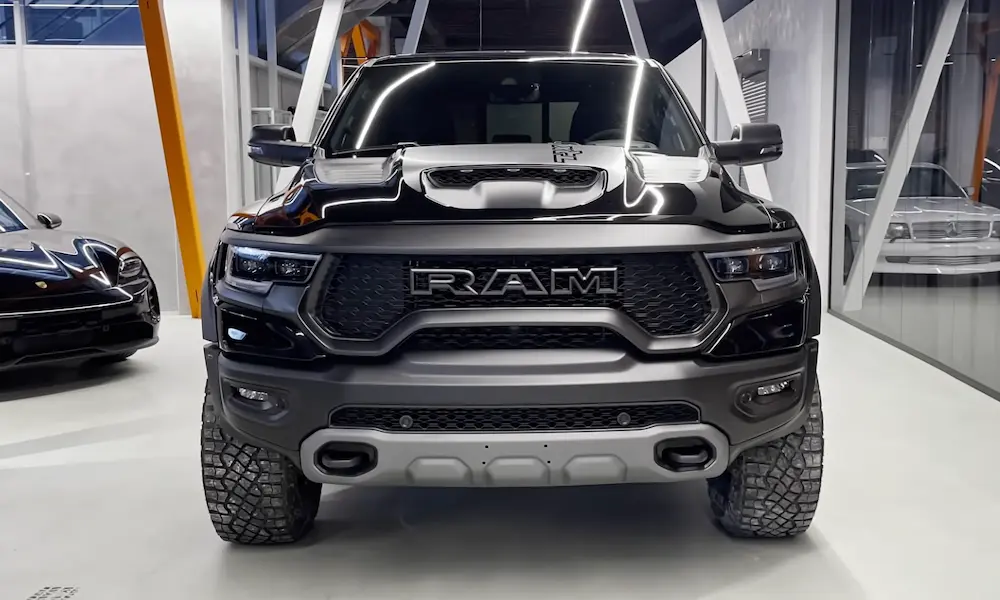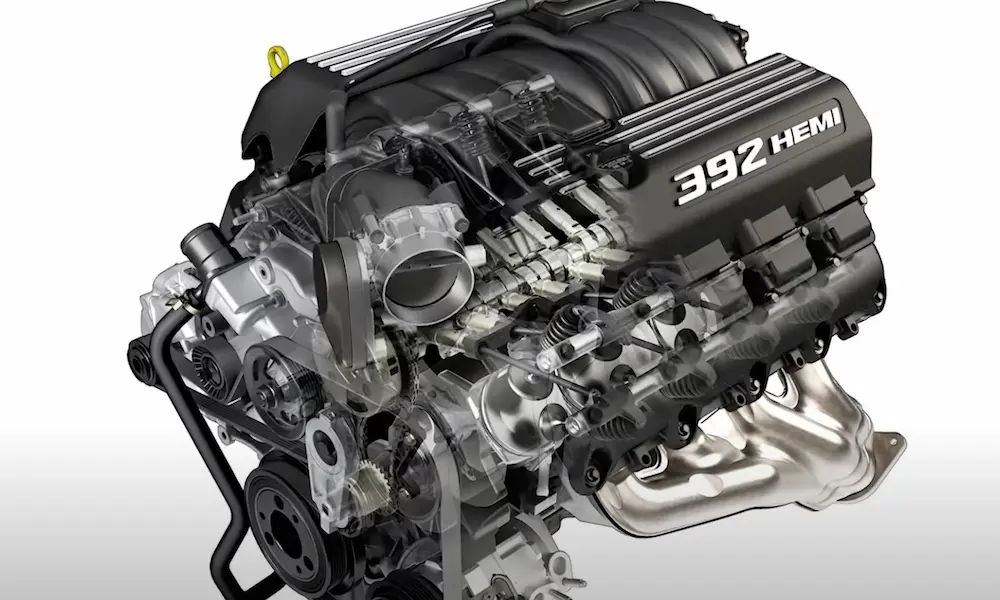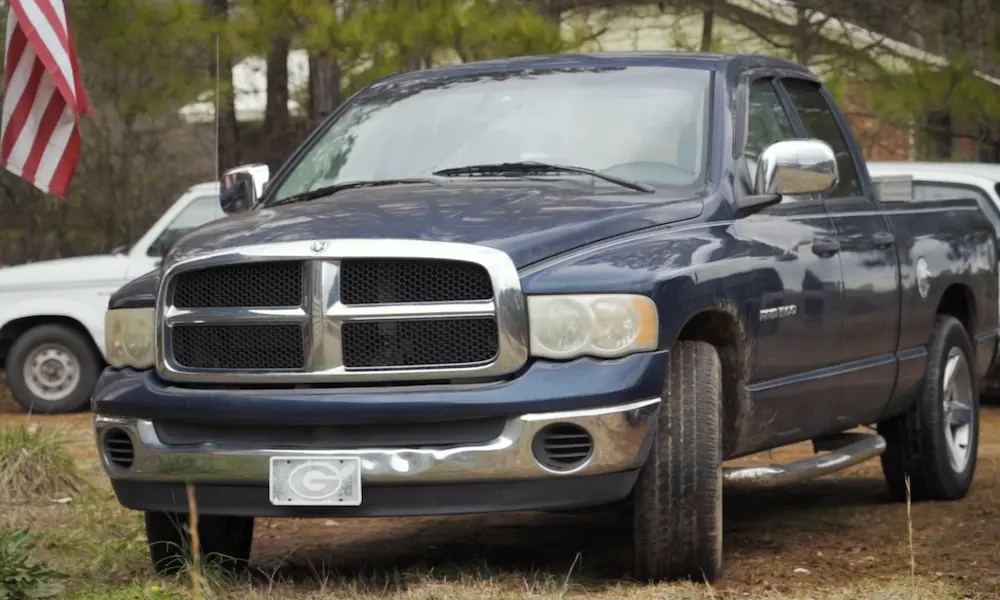
Got a Ram truck and tired of paying dealer prices for simple software changes? You’re not stuck. AlfaOBD ram software lets you dig into your truck’s computer brain and change things dealers charge hundreds of dollars for.
This guide breaks down exactly what AlfaOBD can do on your Ram, what hardware you need, and how to avoid the mistakes that turn a simple fix into a towed vehicle. Stick around—by the end, you’ll know if this tool is right for your garage.
What Is AlfaOBD and Why Ram Owners Love It
AlfaOBD is a diagnostic app built specifically for Stellantis vehicles—Ram, Dodge, Jeep, and Chrysler—from 1994 all the way to 2025. Dealerships have their own pricey diagnostic networks. AlfaOBD gives regular truck owners and independent shops that same deep access without the dealer bill.
Ram owners use it to fix speedometers after tire upgrades, unlock hidden factory features, program new key fobs, and even force a diesel filter cleaning cycle from their driveway. It’s not a toy scanner. It talks directly to your truck’s control modules and can rewrite their settings.
The Hardware You Actually Need
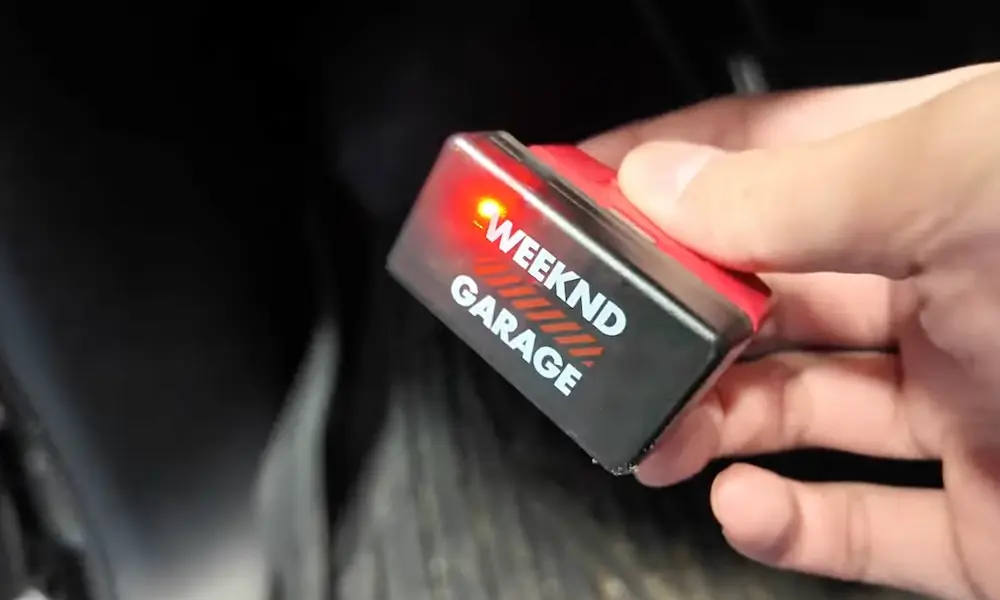
Before you download anything, know this: your cheap $15 OBD2 dongle won’t cut it. AlfaOBD needs an interface that can handle serious data traffic without dropping packets.
The app specifically recommends the OBDLink MX+ Bluetooth adapter or the OBDLink EX USB adapter. These run at 115,200 baud and switch between your truck’s high-speed and medium-speed networks automatically. No fumbling with extra cables.
Skip the knockoff ELM327 clones. They’re everywhere online, and most can’t process the volume of data Ram trucks throw at them during module flashing or configuration writes. The result? Failed connections and half-finished writes that leave your truck confused.
Colored Adapters: What They’re For
Depending on your Ram model, you might need a colored adapter cable to reach certain networks. Here’s the breakdown:
| Adapter Color | What It Does | Which Ram Needs It |
|---|---|---|
| None needed | Standard pins 6/14 & 3/11 | Ram 1500, 2500, 3500 (with OBDLink interface) |
| Grey | Reroutes to pins 12/13 | Ram ProMaster 2022 and newer |
| Yellow | Reroutes to pins 1/9 | Ram ProMaster pre-2022, ProMaster City |
| Blue | Reroutes to pins 3/11 | Basic interfaces without built-in switching |
If the app asks you to “connect blue adapter,” don’t skip it. Your truck’s modules live on specific pins, and skipping the adapter means the software simply can’t hear them.
Why 2018+ Ram Trucks Need a Gateway Bypass
Here’s something that catches a lot of people off guard. Starting around the 2018 model year, Ram trucks got a Security Gateway Module. Think of it as a digital bouncer sitting between the OBD port and your truck’s internal networks.
This gateway lets diagnostic tools read data just fine. But the moment you try to write changes—clear codes, adjust settings, program a key—it blocks you cold unless you have factory-level authentication.
Third-party software doesn’t have that authentication. So you need a physical bypass cable. According to detailed RamForum discussions, you locate the gateway module (usually behind the radio or under the dash), unplug its 12-pin and 8-pin connectors, and plug in a universal bypass cable instead.
Brands like KaodTech and ZAutomotive make these cables. They physically jump the signal past the gateway’s security chip, giving you the same open access older trucks have.
One important heads up: put the factory wiring back before you take your truck to the dealer for anything. Their tools won’t authenticate properly with the bypass installed, and you’ll just create a headache for the service department.
Fixing Your Speedometer After Bigger Tires
Slap bigger tires on your truck and your speedometer starts lying to you. It’s not broken—it’s just doing math based on tire dimensions that no longer exist.
Your truck calculates speed and shift points using the factory tire’s rolling circumference. Bigger tires roll farther per revolution, so the speedometer reads slower than your actual speed, and the transmission shifts earlier than it should.
AlfaOBD fixes this through the Body Computer Module. As shown in a step-by-step tire size video, you measure your new tire’s diameter, convert it to circumference in millimeters, and punch that number into the “Program tire size” field.
But you’re not done yet. Changing this value trips warning lights across the ABS, traction control, and stability control systems—because those modules now see a mismatch too. You have to connect separately to the Anti-lock Braking module and run a “Static ECU Initialization” to sync it with the new numbers. Clear the leftover codes, cycle the key, and your speedometer and shift points should line up correctly again.
Playing With Your Truck’s Lights
This is where AlfaOBD gets genuinely fun. Ram trucks ship with features locked out depending on market and trim, and you can flip a lot of them on yourself.
Daytime Running Lights (DRL): US trucks often ship without DRL active, even though the hardware supports it. Head into the Body Computer settings and switch to “Optional DRL.” You pick which bulb acts as the running light—high beam, low beam, fog, or turn signal—and the app even lets you dial back voltage to 7.4V so halogen bulbs don’t burn out early.
Fog light dropout: By default, fog lights shut off automatically when you flip on your high beams. Rural drivers hate this. Find the “Front Fog Lamp Dropout Enable” setting and switch it to “No.” Now your fog lights stay on no matter what your high beams are doing.
LED upgrades without hyper-flashing: Swap in aftermarket LED bulbs and your dash might start throwing bulb-out errors or rapid flashing turn signals. That’s because LEDs pull less current than halogens, tricking the computer into thinking a bulb died. Setting the output to “LED Dedicated Present” tells the computer to expect this and stops the false alarms—no clunky resistors required.
Lowering TPMS Pressure Thresholds (Without the Warning Light)
Heavy-duty Ram trucks (2500, 3500) come with tire pressure thresholds set brutally high—sometimes around 80 PSI on the rear—because the truck needs to handle max payload safely. Great for towing a fifth-wheel. Miserable for daily driving unloaded.
Running lower, more comfortable pressure without a constant warning light takes two steps:
- Connect to the Body Computer and update the pressure thresholds for front and rear.
- Reset the Radio Frequency Hub so it recognizes the new numbers.
That second step needs a four-digit PIN unique to your truck’s VIN. You used to have to get this from a dealer parts counter with proof of ownership. Now, apps like the Chrysler PIN Puller can pull that code directly through the OBD port.
Once you’ve got the PIN, run the “RF-HUB Reset/Replace” command in AlfaOBD, enter the code, and drive around a bit to wake up the wheel sensors. Warning light gone, ride quality improved.
Programming a New Key Fob
Lost a key or bought a truck with just one fob? You can program a new one yourself instead of paying a locksmith.
This also requires your four-digit security PIN. With the ignition in the accessory position and engine off, connect to the Radio Frequency Hub and start the “Program Ignition Fobiks Baseline System” sequence, outlined in this key fob programming guide.
The process is picky about timing. Turn the truck off, swap in the new key, enter your PIN, and let the hub read the new fob’s signature. For 2018-and-newer trucks, keep that gateway bypass cable connected the whole time—security data like this won’t write correctly with the gateway blocking traffic.
The Proxi Alignment: When New Parts Need to “Meet” Your Truck
This one sounds intimidating, and honestly, it kind of is. But it’s also one of the coolest things AlfaOBD can do.
Your Body Computer Module holds a master blueprint of your entire truck—every module, every feature, how they all talk to each other. This is called the PROXI configuration.
Swap in new hardware—a bigger infotainment screen, a factory trailer brake controller, a new power steering module—and that new part won’t match the blueprint the body computer expects. Your truck notices the mismatch immediately, and the tell-tale sign is impossible to miss: your odometer flashes non-stop.
Running the PROXI Configuration Alignment tells the body computer to push its master file out to every other module on the network. It’s a big data transfer across both networks, so use a wired connection or keep your Bluetooth adapter close. Once it’s done, you power everything down completely so the new settings save permanently, then clear the codes that pop up from the process. Odometer stops flashing, new part works like it came from the factory.
Transmission Quick Learn: Smooth Shifts After Repairs
Rebuilt your transmission or swapped a valve body? Your transmission computer still remembers pressure settings from the old, worn-out parts. That mismatch causes harsh, clunky shifting that can actually damage your new components.
The fix is the Transmission Quick Learn procedure, shown in this ZF 8-speed adaptive relearn tutorial. It wipes the old adaptive data and has the computer relearn exact clutch engagement timing for your current hardware while the truck sits still with the engine running.
This same fix helps if a weak battery corrupted your transmission’s memory—another common cause of rough shifting that has nothing to do with mechanical failure.
Forcing a DPF Regen on Diesel Trucks
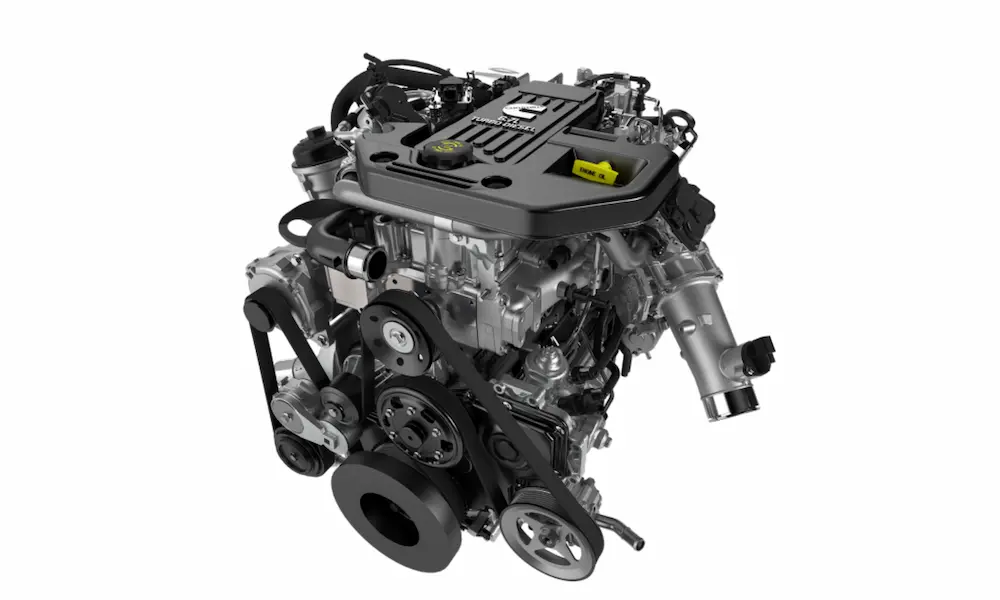
Own a Cummins 6.7L or EcoDiesel Ram? You already know about the Diesel Particulate Filter and its soot-clogging habits. Highway driving usually burns the soot off on its own. Lots of idling or short trips? Not so much.
When the filter gets too full and your truck goes into limp mode, AlfaOBD can force what’s called a Stationary Desoot.
Before starting, your truck needs to be parked outside, in gear, with coolant above 140°F. The engine then takes over completely—raising idle speed and injecting extra fuel late in the exhaust stroke to create intense heat (over 1,000°F) that incinerates the trapped soot. This takes 20 to 45 minutes. Pairing AlfaOBD with a monitoring app like Torque Pro lets you watch exhaust temps live during the process.
Ram 1500 vs ProMaster: Different Trucks, Different Wiring
Here’s something a lot of people don’t realize: not every “Ram” shares the same electrical DNA.
The Ram 1500 is a homegrown American truck built on the PowerNet architecture. The Ram ProMaster van, on the other hand, is a rebadged Fiat Ducato—a European design through and through.
That European lineage means the ProMaster’s wiring puts critical networks on completely different pins. Pre-2022 ProMaster vans need the yellow adapter to reach body electronics. 2022-and-newer vans need the grey adapter for their upgraded secondary network. Skip the correct adapter and the app simply won’t see the body modules at all.
If you’re servicing both pickups and vans in the same shop, keep both adapters in your toolkit.
Common Connection Errors (And How to Fix Them)
Almost every “it doesn’t work” complaint traces back to one of two things.
“No Data” or “CAN Error” messages: This is nearly always a bad interface, not a software bug. Cheap ELM327 clones can’t keep up with the data volume Ram trucks generate, so they drop packets and the connection dies. The fix is boring but effective: buy a real OBDLink MX+ or EX, based on troubleshooting notes in the AlfaOBD Android help guide.
Intermittent drops with good hardware: Check the “Interface Timeout” setting in the app’s preferences. It defaults to 100 milliseconds. Busy modules (like the body computer during a full scan) sometimes need more breathing room. Bump the timeout up a bit and the connection often stabilizes.
If you’re on an older Android tablet, disabling forced GPU rendering in developer options frees up processing power the device needs to keep the data stream steady instead of fighting to render smooth graphics.
Final Thoughts
AlfaOBD ram software puts real dealer-level control in your hands—fixing speedometers, unlocking hidden lights, resetting TPMS thresholds, and even forcing a diesel filter cleaning cycle. That’s a serious upgrade from being stuck waiting on a service appointment.
But it comes with responsibility. This software doesn’t stop you from making mistakes. A wrong tire measurement, a rushed Proxi alignment, or skipping the gateway bypass on a 2018+ truck can leave your Ram acting weird or worse, completely stuck. Go slow, back up your settings before changing anything, and use real hardware instead of cheap clones.
Do it right, and you’ll wonder why you ever paid dealer prices for stuff you can handle yourself in your driveway.