Is your Subaru EyeSight acting up? Those annoying error messages popping up on your dashboard can be frustrating, especially when you rely on this safety system daily. Don’t worry — resetting your EyeSight system is often simpler than you might think, and you probably won’t need to visit the dealership.
What Is Subaru EyeSight and Why Might It Need Resetting?
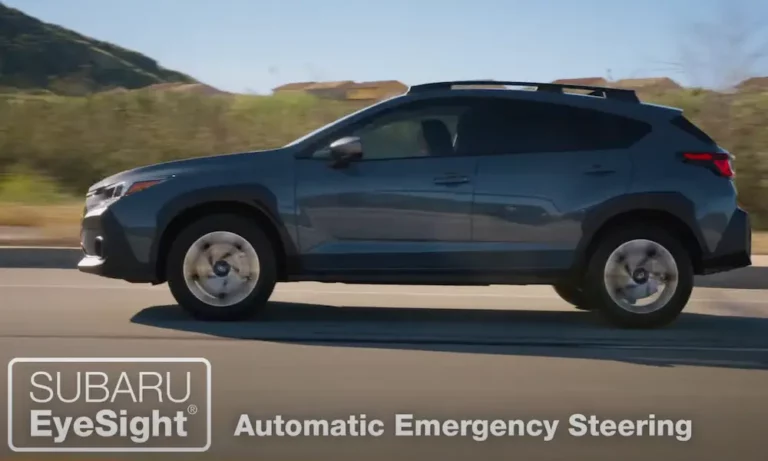
Subaru’s EyeSight is an advanced driver assistance system that uses dual cameras mounted near your rearview mirror. It powers features like adaptive cruise control, pre-collision braking, and lane-keeping assist to make your drive safer.
Common reasons your EyeSight might need resetting include:
- Persistent error messages like “EyeSight Temporarily Unavailable”
- System glitches after a battery replacement
- Unresponsive controls or erratic behavior
- Minor obstructions from dirt or condensation
Before You Begin: Quick Checks
Before resetting, try these quick fixes that might solve your problem:
- Clean your windshield, especially around the camera area
- Check for any objects blocking the cameras
- Drive in clear weather conditions (EyeSight can be limited in heavy rain or fog)
- Make sure your battery is fully charged
Method 1: Soft Reset Using Vehicle Controls
This is the simplest method and should be your first attempt. It resets the system without losing important learned data.
Step 1: Prepare Your Vehicle
- Park on level ground
- Set the parking brake
- Keep the engine running (not just in accessory mode)
Step 2: Access the EyeSight Menu
For touchscreen models:
- Tap the “Vehicle” icon on your infotainment screen
- Select “Driving Assistance”
- Choose “EyeSight Settings”
For models with steering wheel controls:
- Use the “i/SET” switch and arrow keys to navigate the instrument cluster menu
- Toggle until “Pull and hold i/SET switch for menu” appears
- Pull and hold the “i/SET” button to enter settings
Step 3: Reset the System
- Select “Reset EyeSight” or “Initialize System”
- Confirm when prompted
- Wait 1-2 minutes for the system to reboot completely
Step 4: Test It Out
Once reset, test the system by driving at low speed (under 25 mph) in clear conditions to check if adaptive cruise control and lane assist are working properly.
Method 2: Hard Reset via Battery Disconnection
If the soft reset didn’t solve your problem, a hard reset might do the trick. This clears persistent errors by resetting all electrical systems.
Step 1: Safety First
- Turn off the engine completely
- Remove the key or key fob
- Wear insulated gloves to prevent electrical shock
Step 2: Disconnect the Battery
- Locate the negative terminal (marked with a “-“) on your 12V battery
- Using a 10mm wrench, loosen the terminal clamp
- Disconnect the negative cable
- Wait at least 15 minutes to ensure all capacitors discharge fully
Step 3: Reconnect and Test
- Reattach the negative terminal and tighten securely
- Start the engine and check for error messages
- Test the EyeSight functions while driving
Troubleshooting After Reset
Still seeing issues? Try these additional steps:
Check for Physical Problems
- Thoroughly clean both camera lenses with a microfiber cloth
- Inspect for any damage to the windshield in front of the cameras
- Look for loose connections around the camera housing
Check Fuses
Your EyeSight system has dedicated fuses that might need replacement:
- Locate the engine bay fuse box
- Check the “EyeSight” and “Main” fuses
- Replace any blown fuses with identical ratings
System Limitations to Keep in Mind
Your EyeSight may temporarily deactivate in these conditions:
- Heavy rain, snow, or fog
- Extreme temperatures (below -22°F or above 140°F)
- Direct sunlight or glare hitting the cameras
Reset vs. Calibration: What’s the Difference?
| Feature | Reset | Calibration |
|---|---|---|
| Purpose | Fix software glitches | Align cameras after physical changes |
| DIY Friendly | Yes | No (requires dealer equipment) |
| When to use | Error messages, battery issues | After windshield replacement or collision repair |
| Cost | Free (DIY) | $200-$600 at dealership |
It’s important to understand that resetting and calibration are different procedures. Resetting addresses software issues, while calibration is needed after physical repairs like windshield replacement or alignment work.
Model-Specific Reset Tips
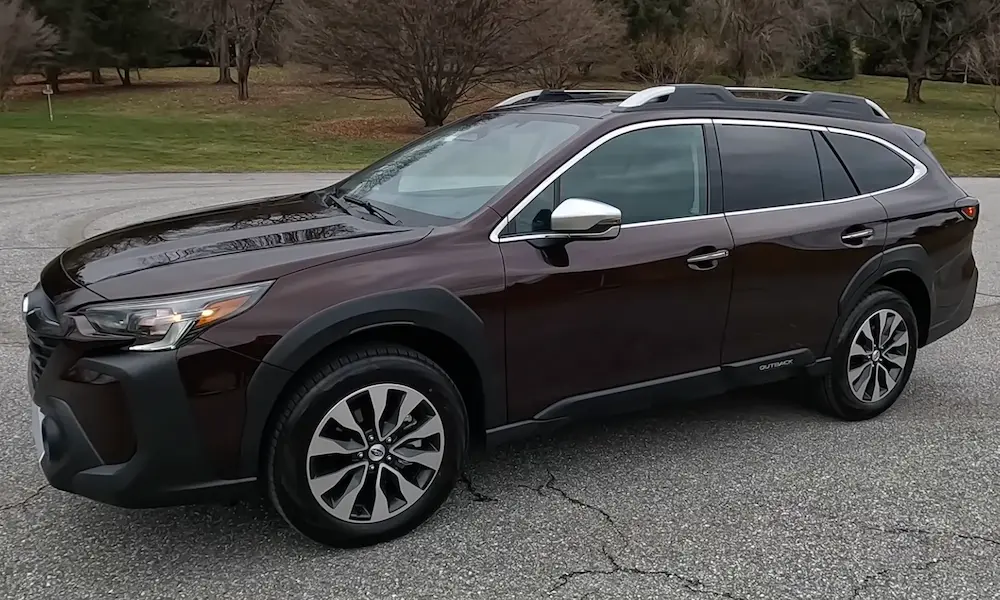
For 2019+ Foresters and Outbacks
The newer models have a more streamlined reset process:
- Press the info button on the steering wheel
- Navigate to “EyeSight” settings
- Select “Initialize” or “Reset”
For 2015-2018 Subaru Models
These models might require using the combination of cruise control buttons:
- Press and hold the cruise control “SET” and “CANCEL” buttons simultaneously
- Wait until you hear a beep and see the indicator lights flash
- Release the buttons and wait for the system to restart
When to Call a Dealership
While most EyeSight issues can be resolved with a reset, you should visit a Subaru dealership if:
- Error messages persist after multiple reset attempts
- You’ve recently replaced your windshield
- You’ve been in an accident, even a minor one
- The cameras appear physically damaged
- Your vehicle required frame repairs
In these cases, you likely need a professional calibration rather than just a reset.
Additional Safety Features That Rely on EyeSight
A properly functioning EyeSight system powers several key safety features:
- Pre-Collision Throttle Management: Reduces engine power if you accidentally accelerate toward an obstacle
- Lead Vehicle Start Alert: Notifies you when stopped traffic ahead begins moving
- Reverse Automatic Braking: Detects obstacles behind you and applies brakes if needed
- High Beam Assist: Automatically toggles between high and low beams
Keeping your EyeSight system properly reset and maintained ensures all these features work correctly to keep you safe.
Maintaining Your EyeSight System
To prevent future issues with your EyeSight system:
- Keep your windshield clean, especially in front of the cameras
- Avoid placing items on your dashboard that might reflect light
- Don’t attach stickers or toll tags near the camera housing
- Consider using Subaru-approved glass for windshield replacements
- Follow regular maintenance schedules for electrical system checks
By following these reset procedures and maintenance tips, you’ll keep your Subaru EyeSight system running smoothly and protecting you on every drive.