Ever pressed the auto-up button on your Subaru window and watched helplessly as it stopped halfway? Or maybe your windows have started doing that annoying thing where they roll back down after you’ve tried to close them? You’re dealing with a window that needs resetting, and it’s more common than you think.
Why Subaru Windows Need Resetting
Subaru vehicles come with sophisticated power windows that include safety features to prevent injuries. When your car’s battery dies, gets disconnected, or experiences an electrical hiccup, these systems lose their memory settings. The result? Windows that behave like they’ve forgotten their job.
The main culprit is the anti-pinch or anti-entrapment system. This safety feature prevents windows from closing on obstacles (like fingers), but it needs proper calibration to function correctly. According to NHTSA technical documentation, when the system loses its settings, it defaults to “safe mode” – preventing proper operation until reset.
Signs Your Subaru Window Needs Resetting
Not sure if your windows need a reset? Look for these telltale symptoms:
- Windows reverse direction when almost closed
- Auto-up/down feature suddenly stops working
- Window moves slower than normal
- Window stops at different heights
- Strange clicking or grinding noises during operation
These issues typically appear after:
- Battery replacement or disconnection
- Jump-starting your vehicle
- Electrical system work
- Extended period of non-use
Standard Reset Procedure for Most Subaru Models
This method works for most Subaru vehicles including Outback, Forester, Impreza, and Crosstrek models. Follow these steps carefully:
- Start with the ignition turned to “ON” position (don’t start the engine)
- Make sure all doors are completely closed
- Lower the window about halfway down
- Pull the window switch UP and close the window completely
- Continue holding the switch in the UP position for 2-3 seconds after the window is fully closed
- Test the auto function by pressing the switch down completely (one touch)
If the window goes all the way down automatically, congratulations! Your reset worked. If not, try the procedure again, making sure to hold the switch longer after the window closes.
As confirmed in multiple owner forums, this process retrains the window’s position memory and recalibrates the anti-pinch sensors.
Model-Specific Reset Instructions
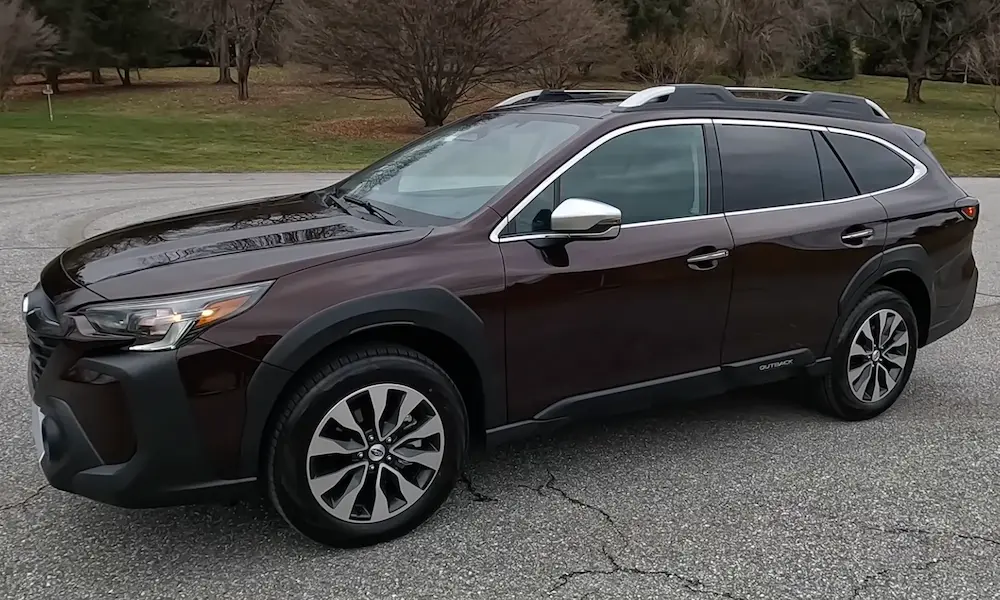
2015-2025 Outback and Forester
These newer models have a slightly different procedure:
- Turn ignition to “ON” (do not start engine)
- Lower the window halfway
- Pull switch up to fully close window
- Continue holding for EXACTLY 1-2 seconds after closure
- Release and immediately test auto-down function
Subaru’s official documentation emphasizes this timing is critical for success.
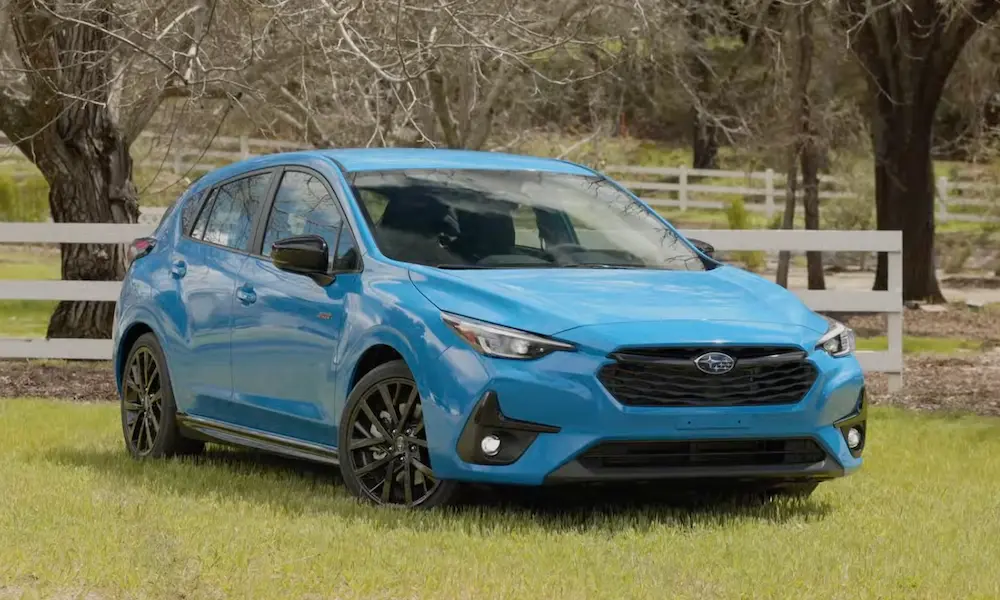
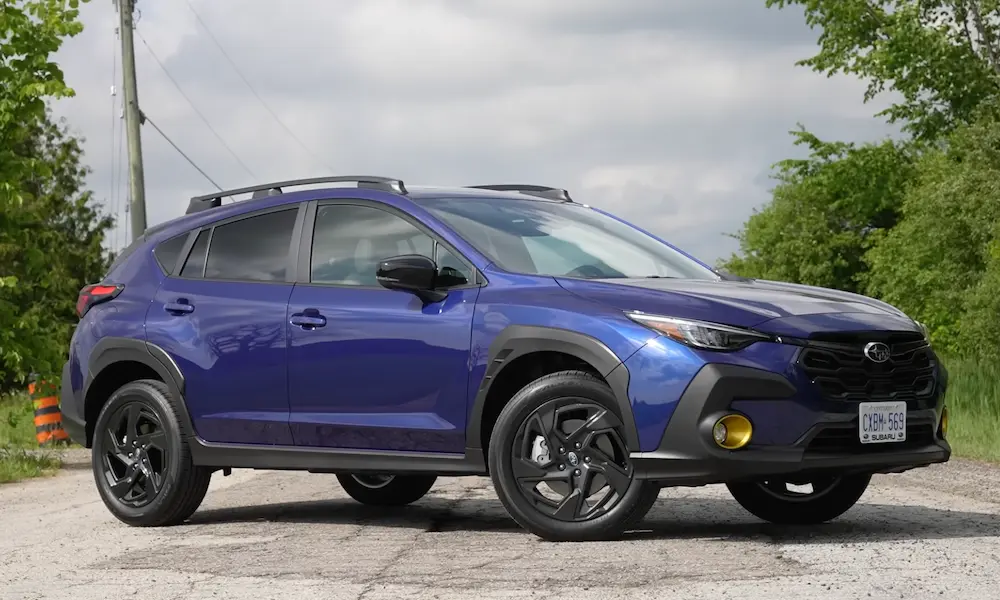
Crosstrek and Impreza (2020+)
For the latest Crosstrek and Impreza models:
- Use the door switch for the affected window (not the master control)
- Lower window halfway
- Close window completely
- Hold switch UP for 4 full seconds after closure
- Test auto function
A video demonstration shows this exact process working on 2020+ models.
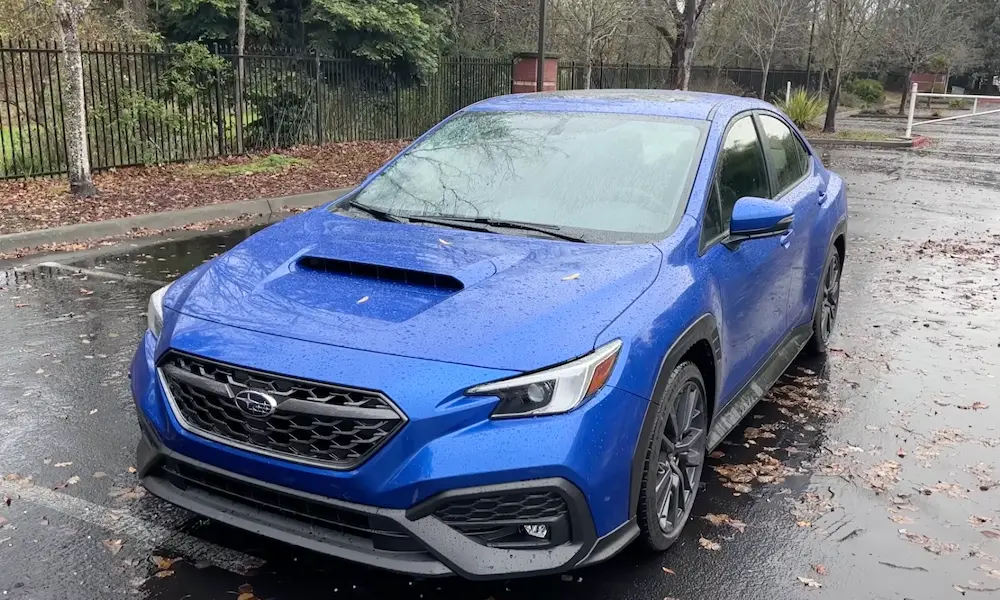
WRX and STI Models
Performance models require a slightly different approach:
- Lower window completely
- Raise window completely
- Hold switch up for 5 full seconds
- Test by tapping switch down briefly
WRX owners have reported success with this modified technique.
Resetting Multiple Windows
If all your windows need resetting, follow this order:
- Reset driver’s window first
- For passenger windows, use their individual door switches (not the driver’s controls)
- Front passenger window next
- Rear windows last
After all windows are reset, verify they can be controlled properly from the driver’s master switch panel.
Troubleshooting When Resets Don’t Work
Clean the Window Tracks
Dirty or sticky window tracks can prevent proper operation and confuse the anti-pinch sensors.
- Lower the window completely
- Clean visible tracks with isopropyl alcohol on a microfiber cloth
- Apply silicone spray lubricant sparingly to the rubber window seals
- Attempt the reset procedure again
This simple maintenance step solves many persistent window issues.
Check for Obstructions
Sometimes physical obstacles prevent proper window movement:
- Visually inspect the entire window track
- Remove any debris or buildup
- Check for damaged window seals that might be catching
- Look for bent window frames (particularly after accidents)
Multiple Reset Attempts
Some owners report success after multiple reset attempts:
- Try the standard reset 3-5 times in succession
- Alternate between shorter and longer “hold times” after closure
- Let the vehicle sit for 10 minutes with the ignition off between attempts
Advanced Solutions for Persistent Problems
Battery Voltage Check
Low battery voltage can prevent successful window resets.
- Ensure battery reads above 12.4V with a multimeter
- Check for corrosion on battery terminals
- Consider a battery health test if your battery is older
Switch Cycling Technique
This method helps reset the internal contacts in the window switches:
- Turn ignition to “ON”
- Rapidly cycle the window switch up and down 10 times
- Hold in UP position for 5 seconds
- Attempt standard reset procedure
Switch Diagnosis
Faulty window switches can mimic reset failures:
| Test | Good Switch Reading | Bad Switch Reading |
|---|---|---|
| Continuity Test | Beep when pressed | No beep or intermittent |
| Voltage at Switch | 12V when pressed | Low or fluctuating voltage |
| Visual Inspection | Clean contacts | Burnt or corroded contacts |
Using OBD-II Diagnostics
For the technically inclined, Subaru-specific scan tools can:
- Clear window position sensor fault codes
- Monitor window motor current draw
- Reset Body Integrated Unit (BIU) parameters
Preventative Maintenance
Keep your Subaru windows working smoothly with these tips:
- Clean tracks and lubricate seals annually
- Use a memory saver device when disconnecting battery
- During winter, manually clear ice before using auto functions
- Avoid forcing windows that show resistance
When Hardware Replacement May Be Needed
If reset procedures consistently fail, you might need replacement parts:
- Window regulator: The mechanical assembly that raises and lowers the glass
- Window motor: The electrical component that powers the regulator
- Window switch: The control button that operates the window
- Control module: The electronic brain that manages window functions
These components cost between $150-$350 plus labor at most Subaru dealerships.
Winter Weather Considerations
Cold temperatures present special challenges for Subaru windows:
- Always warm up your vehicle before operating windows in freezing temps
- Never use auto functions when frost or ice is present on windows
- Reset procedures may require more attempts in extreme cold
- As noted in owner discussions, window sensors can be particularly sensitive below 32°F
New Battery Installation Protocol
When replacing your Subaru’s battery, follow this sequence to prevent window issues:
- Install new battery
- Start vehicle and let run for 2 minutes
- Turn off engine
- Turn ignition to “ON” position
- Reset driver’s window first
- Reset all other windows
- Test all windows using auto functions
This proactive approach prevents the frustration of discovering window problems days after a battery change.
Reset After Dealer Service
Dealerships and mechanics sometimes disconnect your battery during service, which can trigger window issues. Perform a reset whenever:
- You’ve had electrical system work
- The check engine light was reset
- Your vehicle received a software update
- You notice the clock has reset to 12:00
Many owners have shared experiences of leaving service appointments only to discover their windows needed resetting.
By following this comprehensive guide, you can resolve most Subaru window reset issues without an expensive trip to the dealership. Remember that patience and precision are key – the exact timing of switch holds can make all the difference between success and continued frustration.