Stuck trying to change your VW wiper blades because the hood’s in the way? That’s exactly why Volkswagen wiper service mode exists. This handy feature lifts your wipers up and away from the hood, giving you room to work. Whether you’re swapping old blades, prepping for winter, or just cleaning under the wipers, you’ll need to know this trick.
What Is Volkswagen Wiper Service Mode?
Volkswagen wiper service mode positions your windshield wipers upright on the windshield instead of tucked under the hood. Think of it as a maintenance position that gives you access to your wiper blades without fighting against your car’s design.
Here’s the thing: modern VW models have hoods that extend over where the wipers rest. You can’t just grab them and pull up like you could on older cars. The service mode solves this by moving the wipers to the top of their sweep pattern and holding them there.
You’ll use this feature whenever you need to:
- Replace worn wiper blades
- Clean the windshield area beneath the wipers
- Clear snow and ice from wiper channels
- Access windshield washer fluid jets
- Lift wipers away from the glass before freezing weather
That last one’s huge for winter driving. When wipers freeze to the windshield and you turn them on, the blades can rip or tear. Worse, you might damage the wiper motor mechanism. Service mode lets you lift those wipers before the freeze hits.
How to Activate Wiper Service Mode (Push Button Start)
Got a VW with keyless ignition? Here’s your step-by-step:
Step 1: Press the START button once without touching the brake pedal. This puts your car in accessory mode, powering up the electrical systems without starting the engine.
Step 2: Wait about 5 seconds, then press the START button again to turn everything off.
Step 3: Within 10 seconds of shutdown, push your wiper stalk downward to the “MIST” position. Hold it there for 2-3 seconds.
Your wipers should move to an upright position on the windshield. That’s it—you’re in service mode.
Some VW models respond to just a quick tap of the wiper stalk right after shutdown. If the hold method doesn’t work, try a simple downward flick of the stalk instead.
Timing matters here. If you wait too long after turning off the car, the system won’t respond. You’ve got a 10-second window to hit that wiper stalk.
How to Activate Wiper Service Mode (Traditional Key)
Using a regular key instead of push-button start? The process is similar but slightly different.
Step 1: Insert your key and turn it to the ON position. Don’t start the engine—just turn it far enough to power up the dashboard.
Step 2: Wait about 5 seconds, then turn the key back to OFF/LOCK and remove it from the ignition.
Step 3: Within 10 seconds, push the wiper stalk down to “MIST” and hold for 2-3 seconds.
The wipers will lift to their service position. This method works across most VW models with traditional ignition systems, from older Jettas to recent Tiguan models.
VW ID.4 Service Mode (It’s Different)
The all-electric ID.4 does things its own way. You’ve got three methods to choose from.
Method 1: Infotainment Screen
Navigate to Vehicle > Settings > Service & Reset > Service Mode, then select “Wipers Service Position.” It’s the most straightforward if you’re comfortable with touchscreens.
Method 2: Goodbye Screen Shortcut
When you park and turn off your ID.4, watch the goodbye screen that appears briefly. You’ll see a “Wipers in Service Position” button. Tap it before the screen disappears, and your wipers move right into position.
Method 3: Wiper Stalk
After parking and shutting down, hold the wiper stalk upward. The wipers should move to service position automatically.
Here’s the frustrating part: ID.4 owners frequently report the menu options appearing greyed out or not working consistently. It seems to be a software glitch that comes and goes. If the touchscreen method fails, the physical stalk method usually works better.
Model-Specific Tips
Atlas and Tiguan
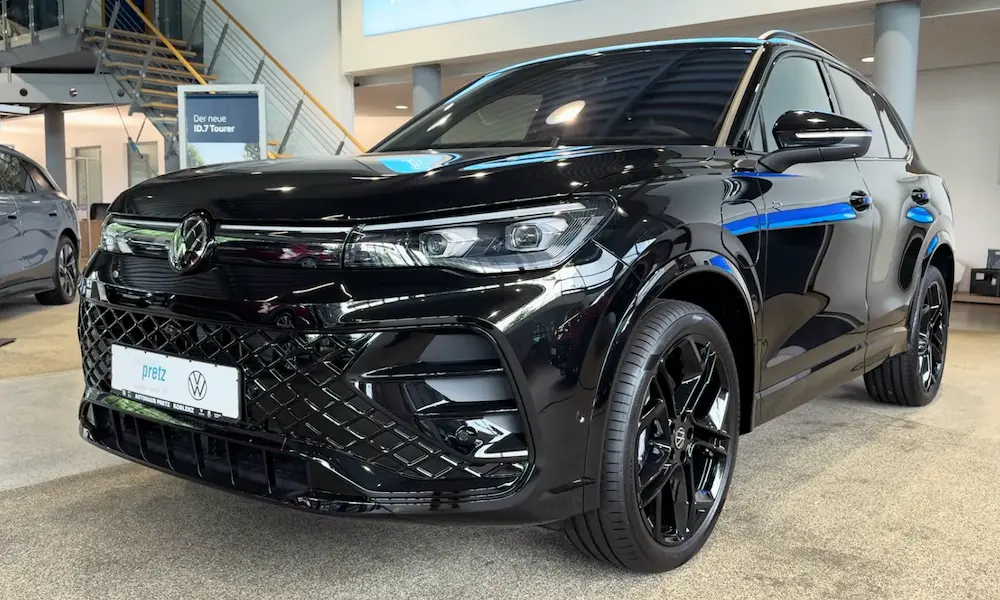
These larger SUVs really need service mode because their hood designs make manual wiper lifting impossible. After turning off your vehicle, push the wiper lever down and hold until the wipers move upright. The process is standard, but the payoff is bigger since there’s literally no other way to access your blades.
Golf, Jetta, and GTI (MK5 and Newer)
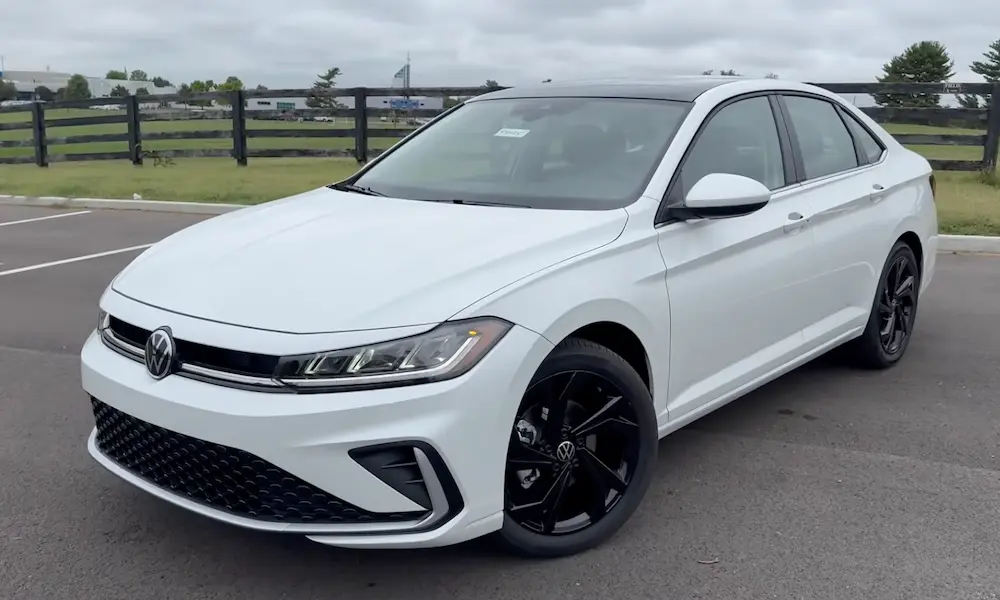
If you’re driving a 2006 or newer model from these lines, wiper service mode has been standard since the MK5 generation. Turn ignition on, turn ignition off, tap the wiper stalk down. Simple.
One quirk: some MK6 models with keyless start need the push-button procedure instead of the traditional method. If the standard approach doesn’t work, try the keyless version.
Getting Wipers Back to Normal Position
Don’t overthink this part. When you’re done with maintenance, just start your car normally and turn on the wipers briefly. Push the wiper stalk to any wiper setting, and they’ll complete one sweep across the windshield before returning to their normal resting spot beneath the hood.
Important: Make sure you’ve folded the wiper arms back down onto the windshield before starting your car. Some owners have damaged their wipers by letting them automatically return to rest while still lifted away from the glass. Don’t be that person.
Why Service Mode Isn’t Working
Timing Issues
The most common problem? You’re too slow. That 10-second window after shutdown is real. If you miss it, you’ll need to restart the whole process.
Auto-Wiper Function
Disable your auto-wiper settings and switch to manual mode before attempting service mode. Automatic functions can interfere with the activation sequence.
Cold Weather Problems
Freezing temperatures can affect wiper motor response. Some drivers report wipers not responding in extreme cold until the vehicle warms up. If it’s brutally cold outside, let your car run for a few minutes before trying service mode.
Dealer Programming
Occasionally, service mode gets disabled through dealer programming or software updates. This is rare, but if you’ve tried everything and it’s still not working, your dealer might need to check the system settings.
Winter Prep With Service Mode
Here’s where wiper service mode really earns its keep. Before freezing weather hits, activate service mode and lift your wipers away from the windshield. This prevents ice from bonding the blades to the glass overnight.
Why does this matter? When wiper blades freeze to your windshield and you hit the wiper switch in the morning, you’re asking that motor to rip frozen rubber off glass. The blades tear, the motor strains, and you’re looking at expensive repairs.
The debate: Should you leave wipers up overnight during winter? Some owners swear by it. Others worry about exposing the wiper mechanism to harsh elements. The middle ground? Use service mode when you know freezing weather is coming, but don’t make it a permanent setup.
After snowstorms, service mode helps you clear packed snow from wiper channels without scraping blindly under the hood. You can see what you’re doing and prevent damage to the washer jets hidden beneath the wipers.
Replacing Wiper Blades the Right Way
Service mode makes wiper blade replacement dramatically easier. Without it, you’re working in a cramped space between the hood and windshield, trying not to scratch anything.
With service mode active, you’ve got clearance to safely manipulate the wiper arms. You can see the release mechanisms clearly and work without contorting your hands into awkward positions.
Here’s your replacement process:
- Activate service mode
- Lift wiper arm to 90-degree angle
- Press the release tab on the blade assembly
- Slide old blade off the arm
- Slide new blade on until it clicks
- Fold arm back to windshield
- Return wipers to normal position
Pro tip: Replace both blades at the same time, even if only one looks worn. Mismatched wiper performance is annoying, and you’ve already got everything in service position anyway.
Quick Reference: Service Mode by Model
| Model | Method | Special Notes |
|---|---|---|
| ID.4 | Menu, goodbye screen, or stalk | Menu options sometimes greyed out |
| Atlas/Tiguan | Standard push-button or key | Essential due to hood design |
| Golf/Jetta/GTI (MK5+) | Standard procedure | MK6 keyless may need push-button method |
| Passat | Standard procedure | Works consistently across generations |
| Arteon | Standard push-button | Similar to newer Passat models |